Turn your photo into a comic book panel
The bot redraws your face with thick ink outlines, flat colors and halftone shading, with a bright graphic background of speed lines or a color burst. No speech bubbles and no text. Open the bot with the button and send one photo.
- 2 credits per image
- Result in 1–2 minutes
- No sign-up
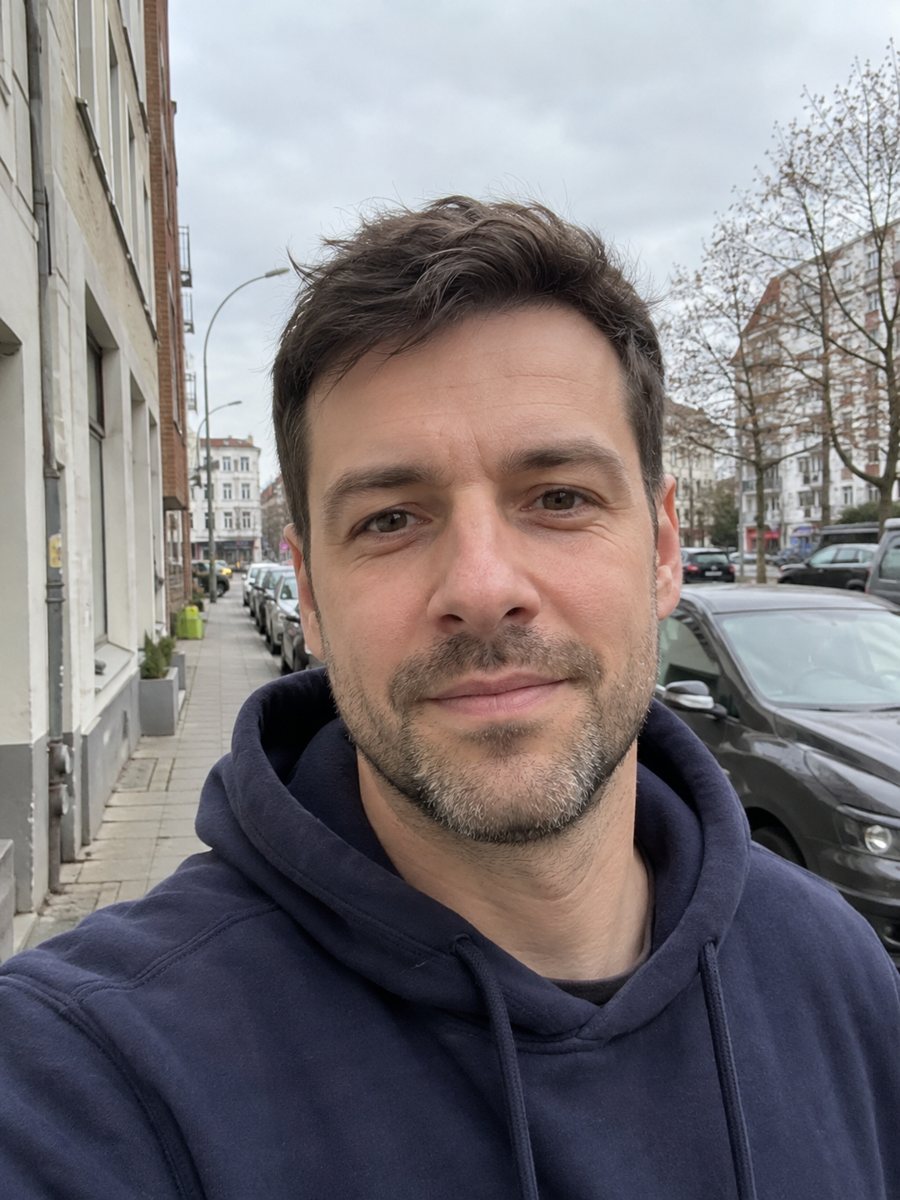
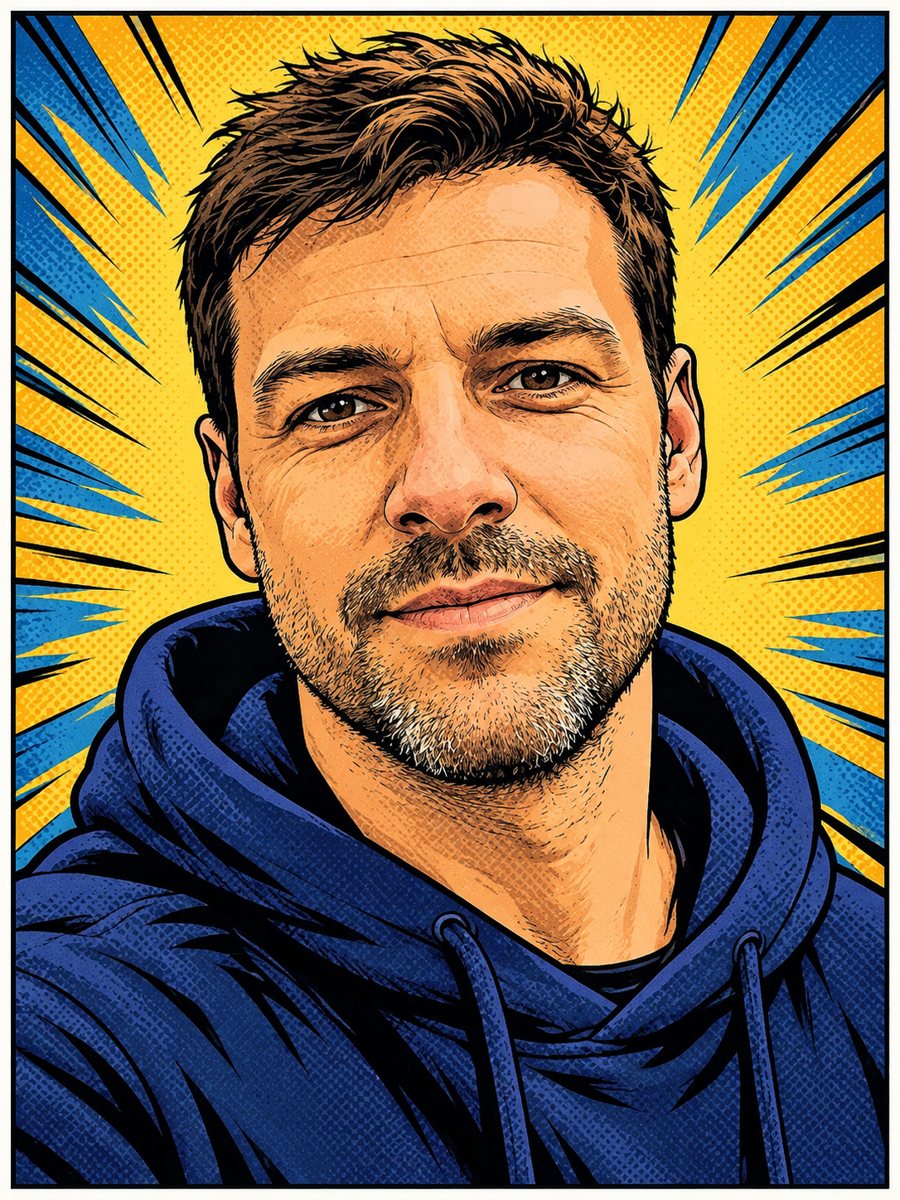 BeforeAfter
In short: Redraw your photo as an American comic book panel with bold ink outlines and halftone shading. Copy the prompt or use the bot: 7 images free.
- Where: the VisuMate bot in Telegram, no app or sign-up.
- Cost: 2 credits per image, 7 images free, then packs from 49 Telegram Stars.
- Time: 1 to 2 minutes per image, rerun with a new instruction at the same price.
When you need this
- You want a dramatic profile picture that looks drawn for a graphic novel.
- A creator needs a comic-style thumbnail without hiring an illustrator.
- You are making a gift for a comics fan and want a panel with their face.
- A team page needs a playful look for staff photos.
How to do it
- 1
Open the bot with the button on this page and press Start. Your 15 free credits appear on first launch, and the style is already chosen.
- 2
Send your photo as a file. You can leave the caption empty or give a short wish, like: yellow burst background, serious look.
- 3
Wait 1-2 minutes. One image costs 2 credits. Check the outline of the face, color flatness and the background effect. If it drifted, run again for another 2 credits.
Try it on your own photo: 7 images are free, no sign-up.
Make it in TelegramThe prompt behind this style
Redraw this photo as a panel from an American comic book. Keep the face and expression recognizable. Bold ink outlines, flat colors with halftone shading, dynamic lighting, a simple graphic background with speed lines or a color burst. No speech bubbles, no text. Vertical 3:4.
The American comic look
Think bold black outlines, color blocks that stay flat, small dots simulating print screens and a dynamic light source. The prompt asks for all of this and for a simple graphic background, either speed lines or a color burst. It is not a manga look: anatomy stays closer to a realistic face, and shadows are inked in solid shapes.
Photo tips
A strong, front-lit photo with a visible jawline gives the best linework. Busy backgrounds distract, so pick a simple wall. Glasses and beards turn into bold shapes. If you want an action pose, say it in the caption, but the head-and-shoulders crop limits how far the AI can go.
Uses and limits
Comic portraits work for avatars, newsletter headers, thumbnails and posters. Colors may be more saturated than your original. The AI might simplify hands and clothing patterns. A rerun gives a different ink style and background layout, so try twice if the first one lacks energy.
Tips
- High contrast lighting makes the ink shading more convincing.
- Write the background color in the caption, such as red burst or blue city.
- Looking slightly off camera gives a more dynamic panel.
- Strong expressions read better in comics than neutral faces.
- If the face looks cartoonish beyond recognition, rerun and add: semi-realistic proportions.
Questions and answers
Will there be speech bubbles?
No. The prompt asks for no bubbles and no text.
Is this a Marvel or DC look?
No. It is a general American comic look, not a specific publisher style.
Can I turn the whole photo into a multi-panel page?
The prompt gives one panel. Run it a few times with different captions and combine them yourself.
Do I need to know English?
Short English captions work well. The bot replies in English, and the link from this page opens the right mode.
What does it cost?
2 credits per image, with 7 images free.
More in "Photo styles"
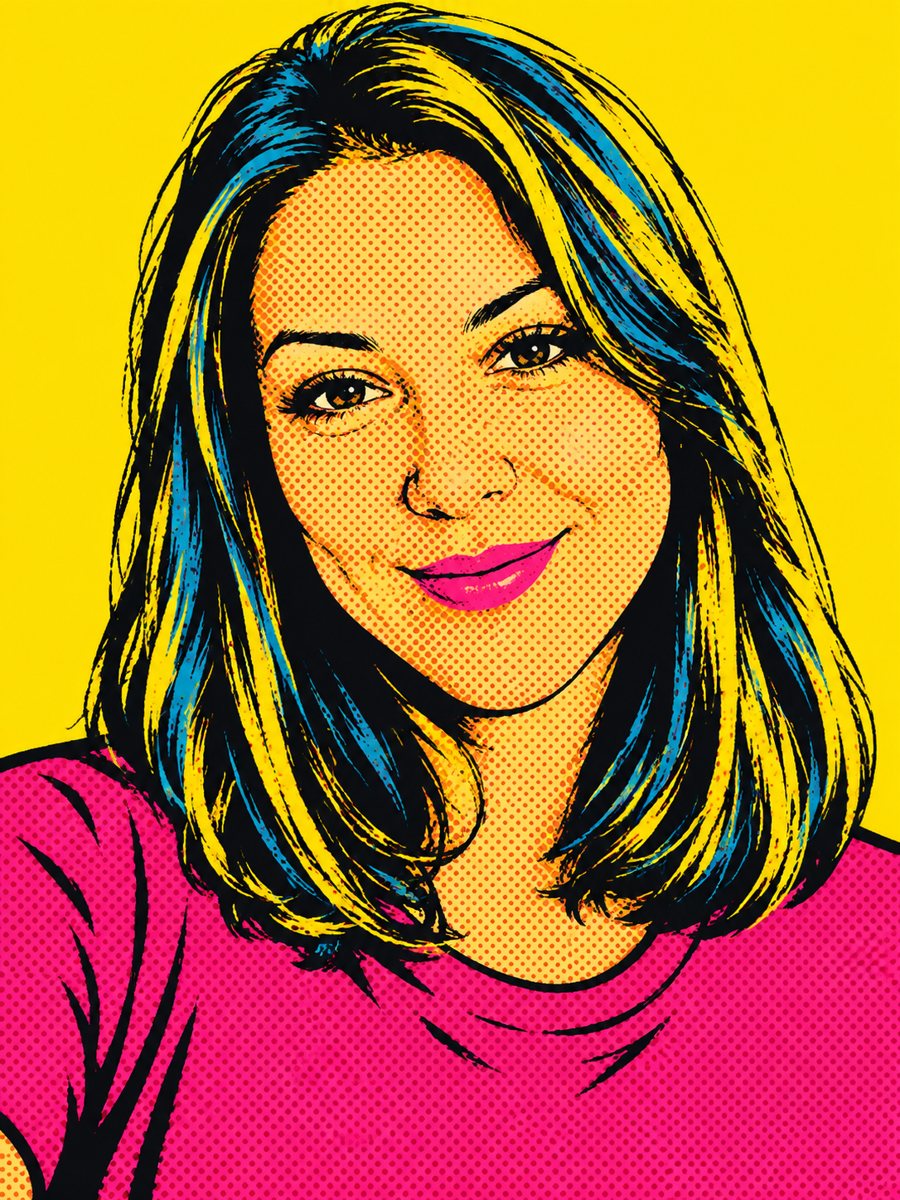 Create a pop art portrait from your photoMake a 1960s silkscreen pop art portrait from your photo with bold flat colors and halftone dots. Ready...
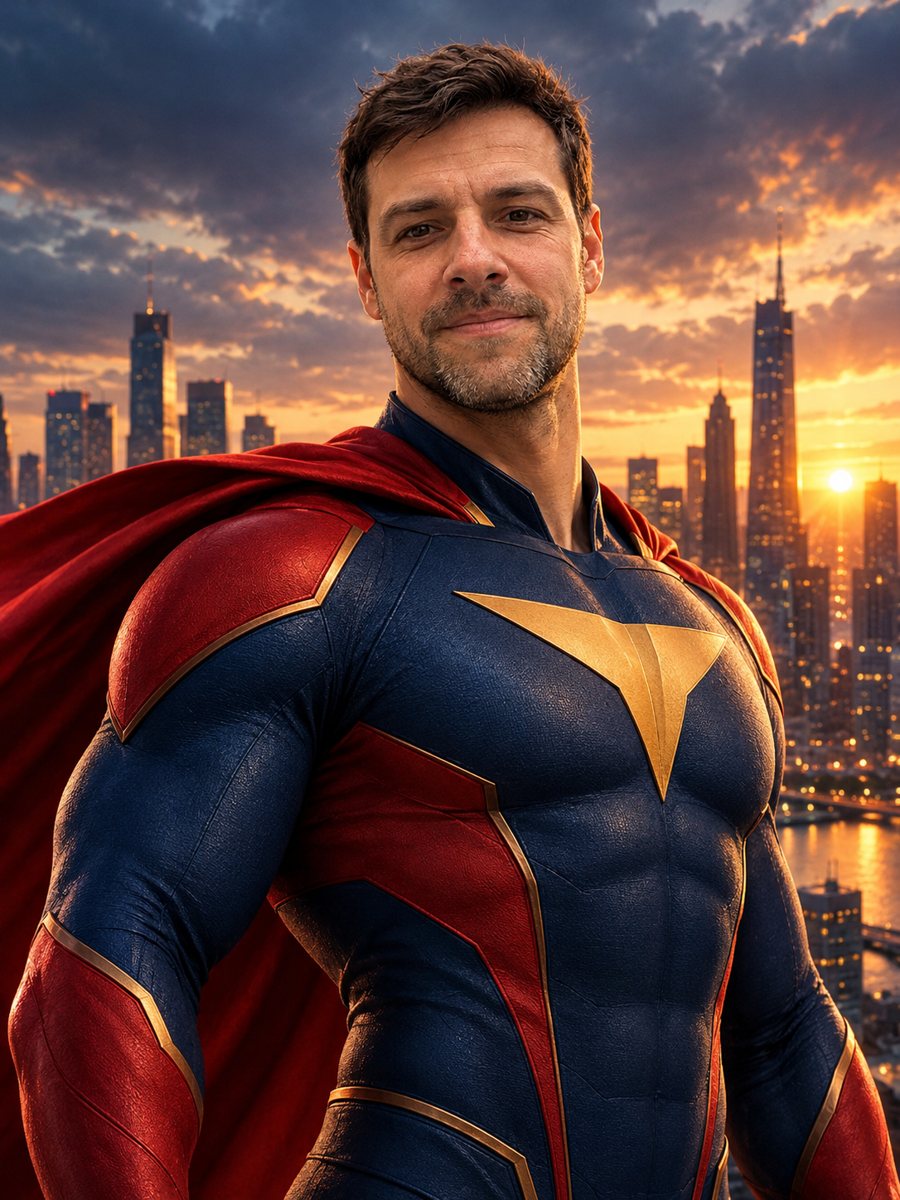 Turn yourself into a superheroTurn yourself into an original superhero with a two-color suit, emblem and cape against a city skyline....
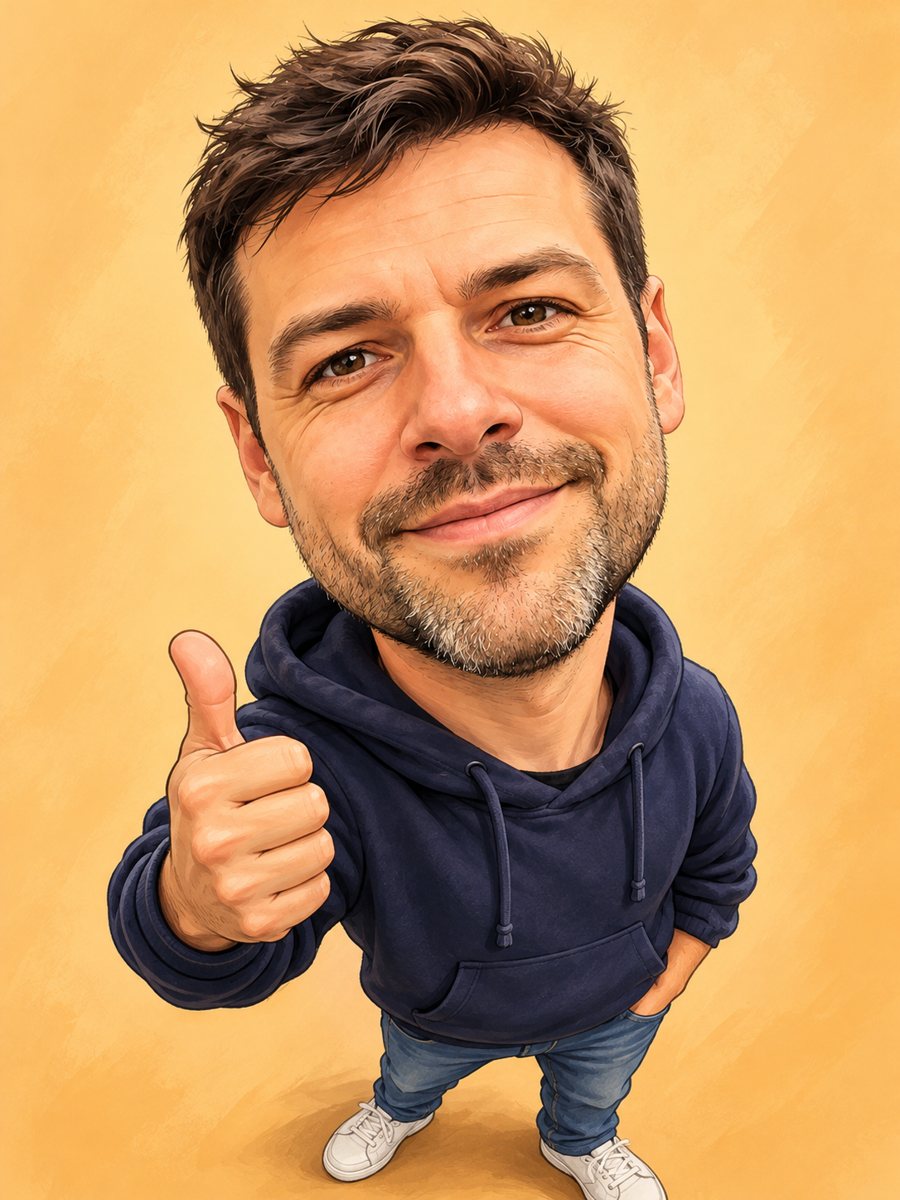 Turn your photo into a friendly caricatureDraw a friendly caricature of yourself or a friend with a big head, a big smile and a small body. Copy the...
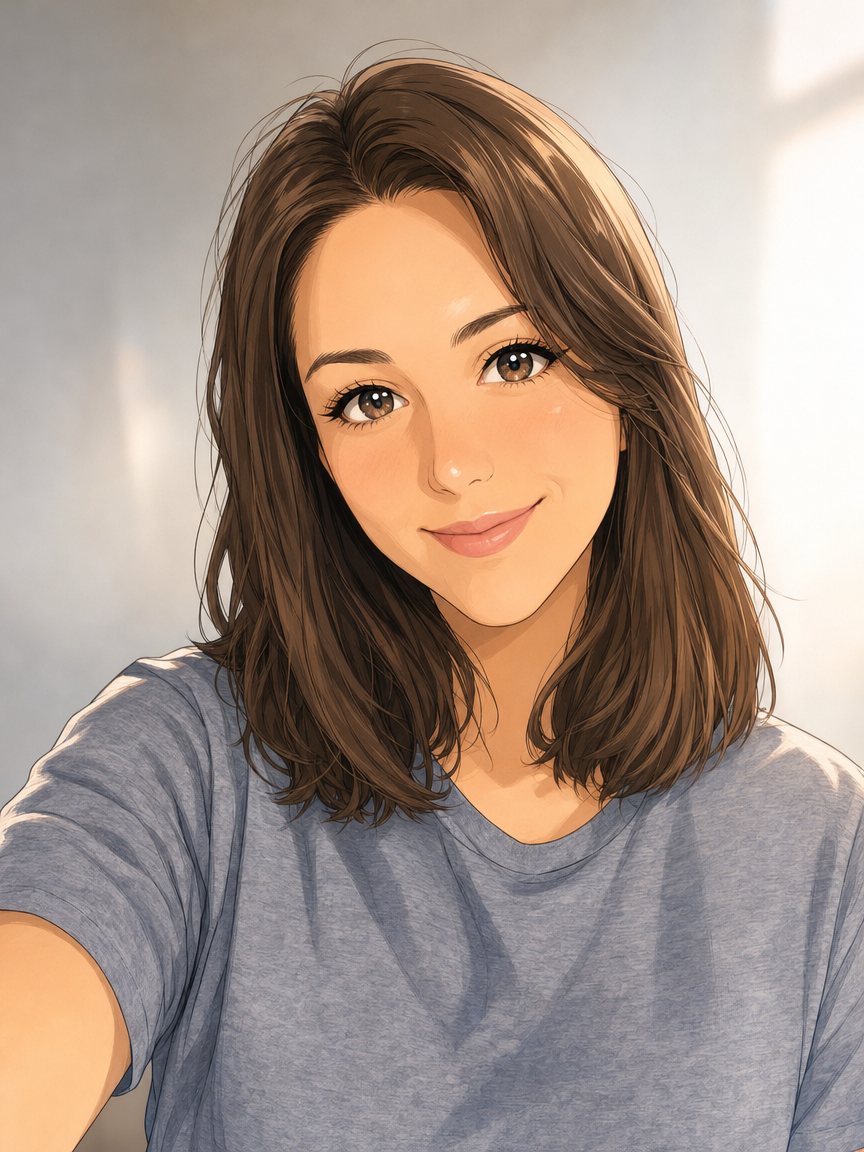 Make an anime portrait from your photoRedraw a photo as a polished anime illustration with clean line art and cel shading. Ready prompt, 2...
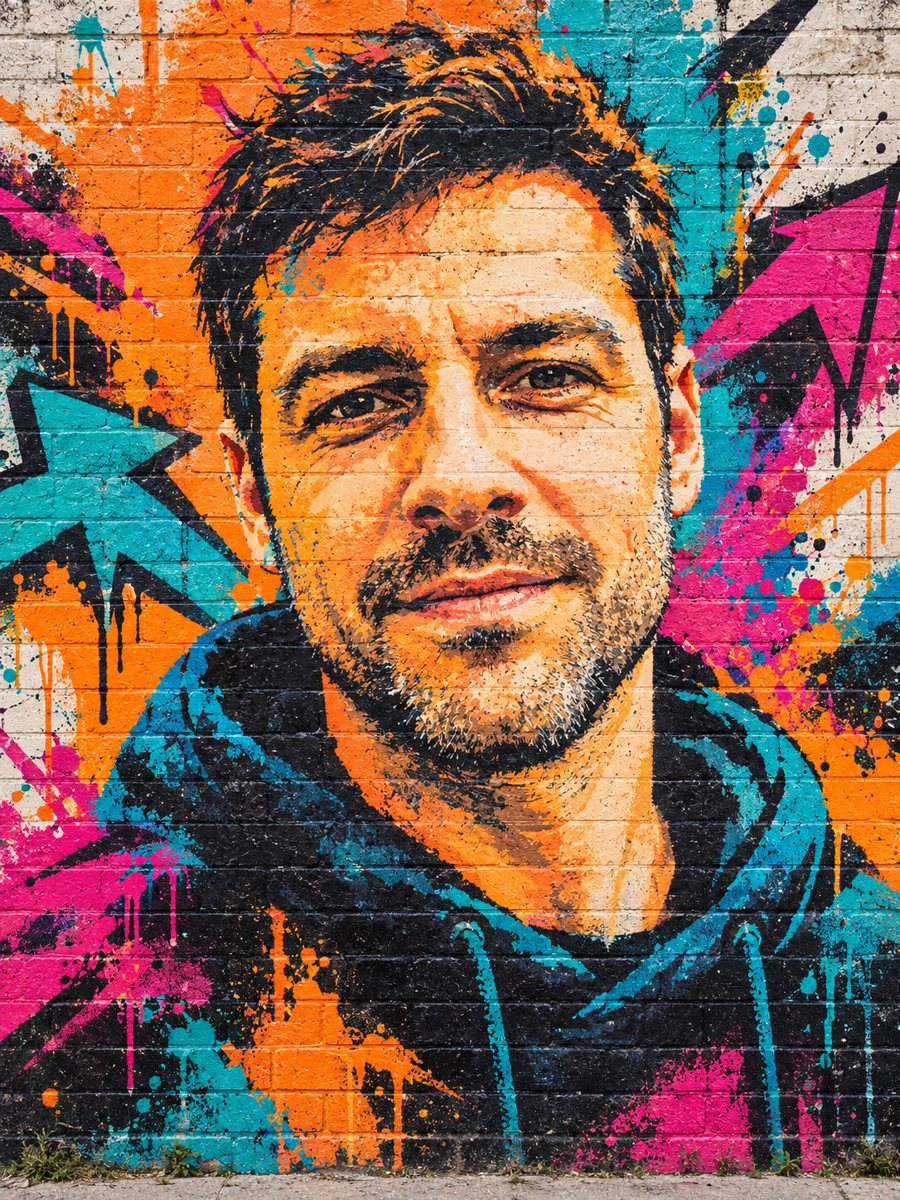 Turn your photo into a graffiti street art muralPaint your photo as a big graffiti mural on a brick wall with spray texture and vivid colors. Copy the...