Turn a photo into a coloring book page
Your photo becomes a coloring page: black outlines only on pure white, no shading, no gray fill and simple details that are easy to color with pencils. Press the button, send one photo and print the result when it is ready.
- 2 credits per image
- Result in 1–2 minutes
- No sign-up
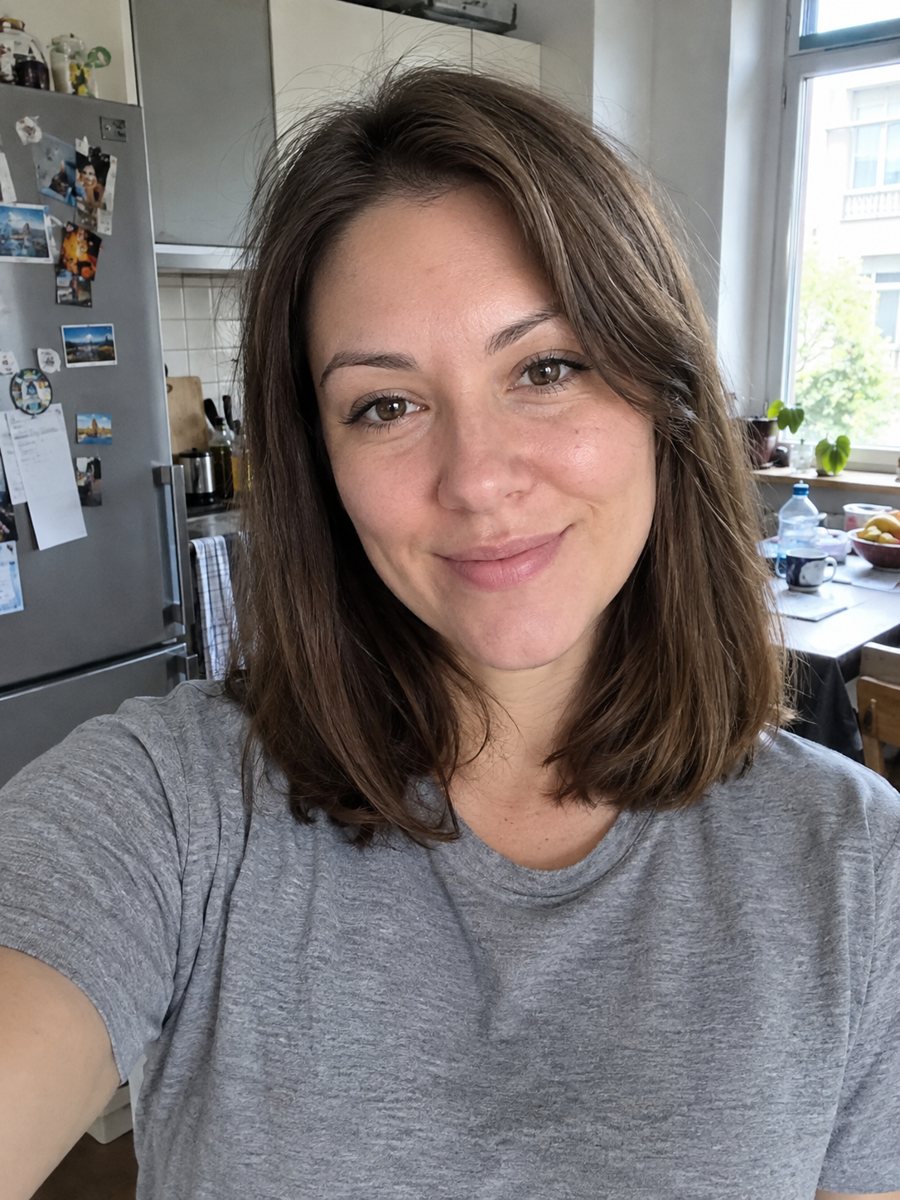
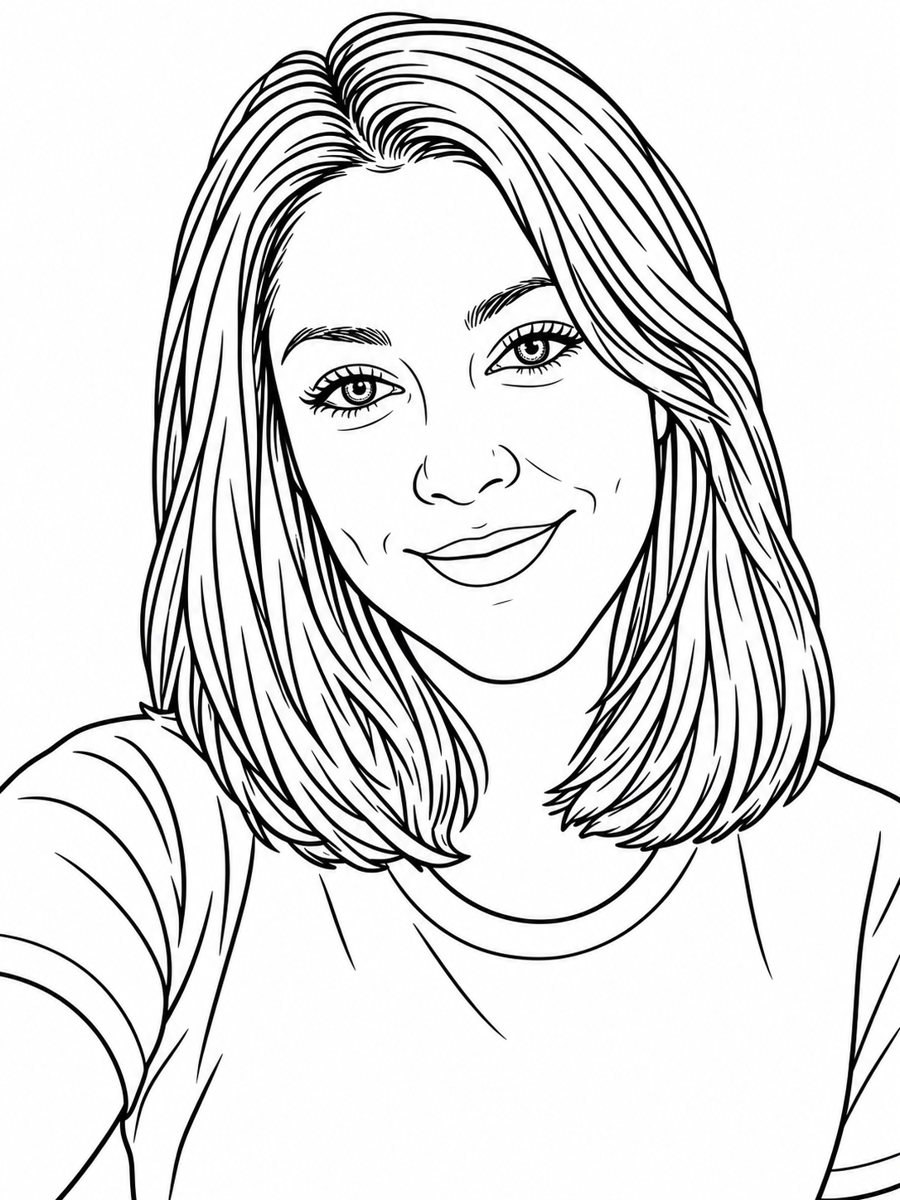 BeforeAfter
In short: Turn a photo into a clean coloring book page with black outlines on white. Copy the free prompt or use the Telegram bot, 7 images free.
- Where: the VisuMate bot in Telegram, no app or sign-up.
- Cost: 2 credits per image, 7 images free, then packs from 49 Telegram Stars.
- Time: 1 to 2 minutes per image, rerun with a new instruction at the same price.
When you need this
- A child wants to color a picture of a pet, a sibling or a grandparent.
- A birthday party or classroom needs printable pages based on real faces.
- You want a quiet activity based on a family photo.
How to do it
- 1
Tap the button above. The bot opens in Telegram with the coloring book page from photo style chosen for you, press Start if needed.
- 2
Send your photo as a file. A short caption works, for example: simple background, thick lines.
- 3
In 1 to 2 minutes you get the image and 2 credits are used. Check the outlines, and rerun if something drifted.
Try it on your own photo: 7 images are free, no sign-up.
Make it in TelegramThe prompt behind this style
Turn this photo into a clean coloring book page. Keep the face recognizable. Black outlines only on pure white, no shading, no gray fill, medium line thickness, simplified details suitable for coloring with pencils. Vertical 3:4, no text.
What a coloring page needs
A good coloring page uses clear outlines on white with enough open space to fill. The prompt asks for black lines only, no shading and no gray, with simplified details. The AI turns hair, clothing and background into shapes that can be colored with pencils or markers. Faces get fewer details than in the photo. People use the pages for kids, birthday activities, classrooms and relaxation.
Better pages
Fewer details mean easier coloring. Ask for a simple background or none at all. If the lines are too thin, request thicker lines. If the face is too simplified, send a sharper, brighter photo. Pets and children work well, since their features are simple and the shapes are big. Large patterns on shirts can turn into many tiny areas, so choose plain clothes.
Limits
Likeness is reduced to outlines, so the page may look like a cartoon of the person. Some lines may be uneven or closed incorrectly, leaving gaps. The prompt asks for no text. The page is a flat image, so print quality depends on the file size. Rerun for 2 credits if the lines are too busy or too faint. When the image arrives, look at the outlines first, since that is where drift shows up most.
Tips
- A sharp photo with a clear face gives clean lines.
- Plain backgrounds avoid tiny details that are hard to color.
- Ask for thicker lines for small children.
- Remove busy patterns from clothes in the source if you can.
- Print on regular white paper at actual size, then check the lines with a pencil.
Questions and answers
Can I use a pet photo?
Yes. Animals work well, though the prompt is written for faces. Mention the pet in the caption.
Will it have shading?
No. The prompt asks for outlines only.
Can I print on A4 or Letter?
Yes. Check the image size and scale it to fit.
Can kids color digitally?
Yes, in any drawing app with a fill tool.
Are the lines thick enough for small kids?
Ask for thick lines in the caption if you need them.
Does the bot work in English?
Yes. It picks up your Telegram language on first launch and replies in English. You can switch the language any time with /lang.
More in "Photo styles"
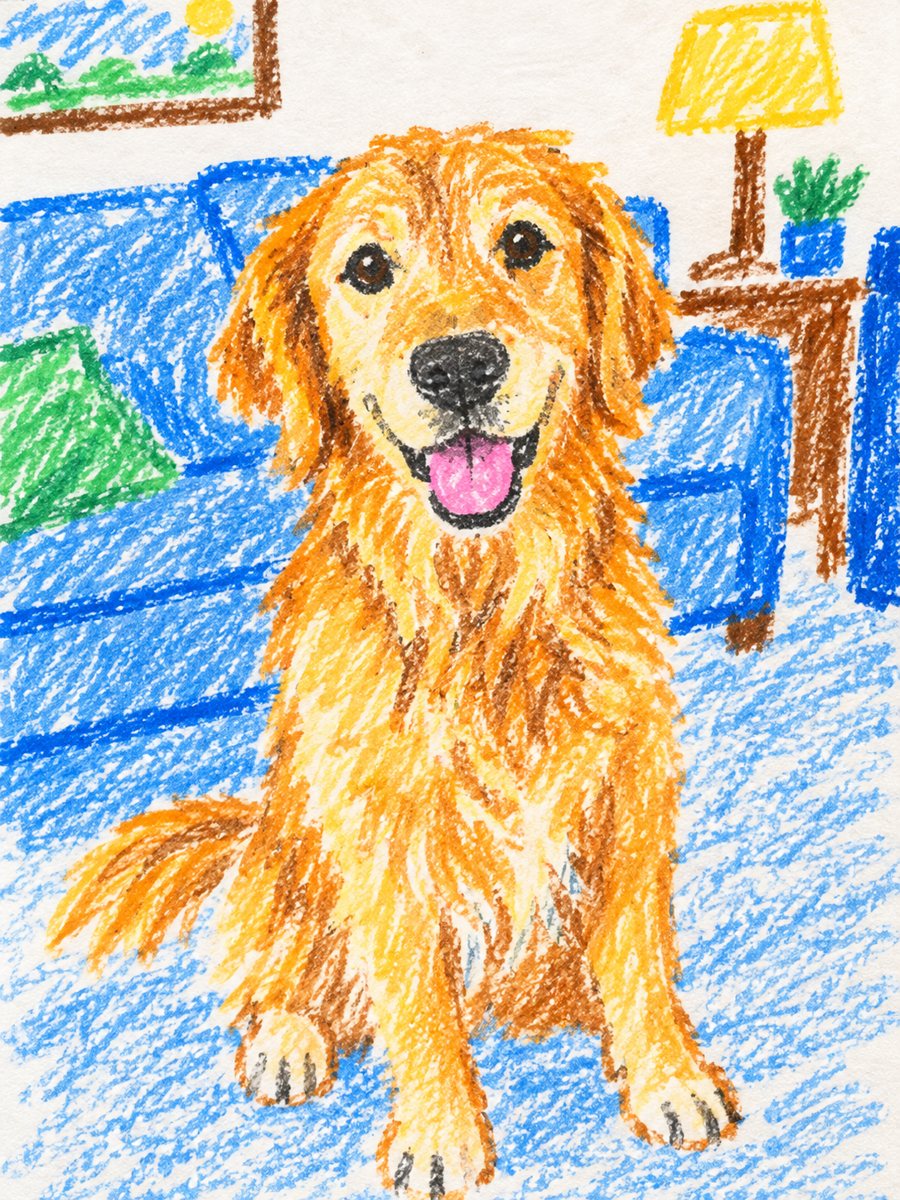 Turn a photo into a child's crayon drawingTurn a photo of a person or a pet into a child's crayon drawing with waxy strokes and bright colors. Copy...
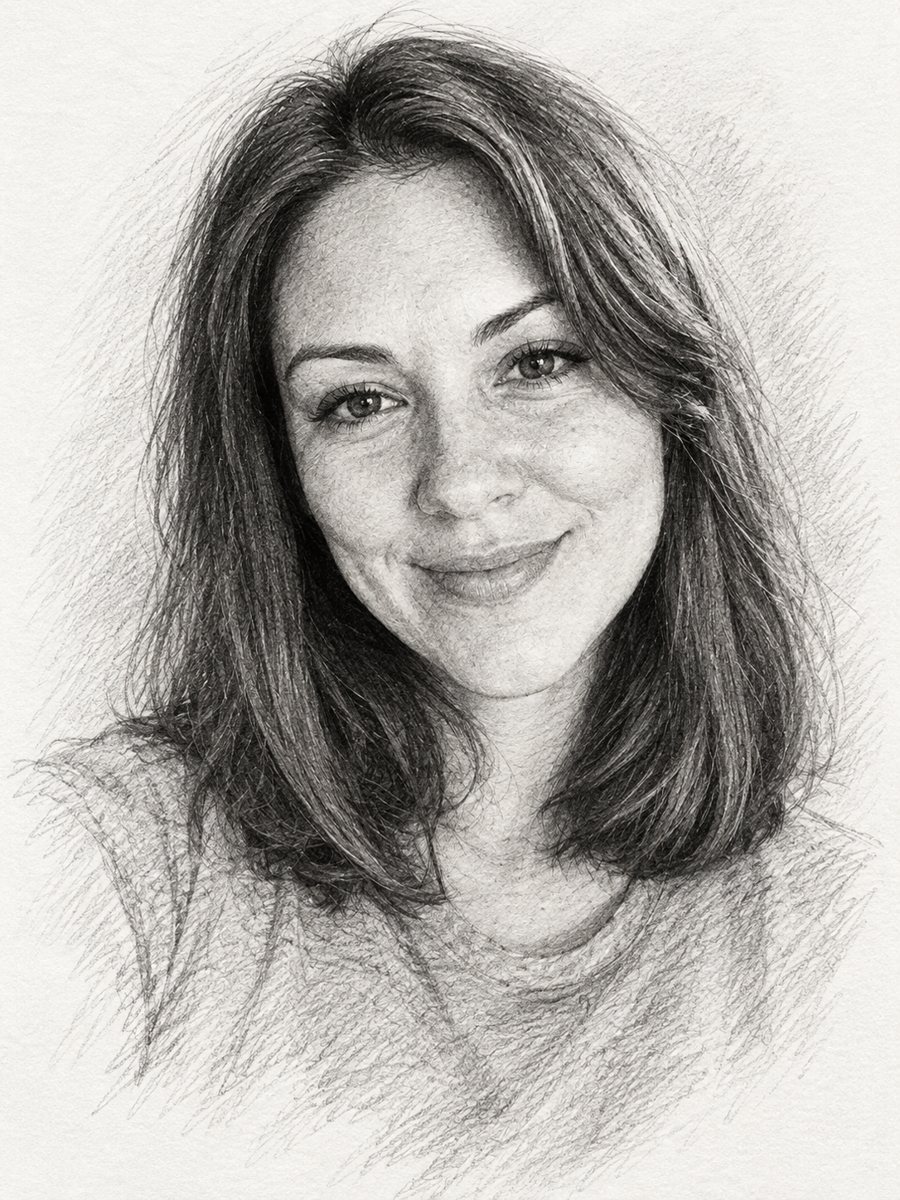 Turn a photo into a pencil sketch portraitConvert a photo into a realistic graphite pencil sketch with hatching and soft shading. Copy the prompt or...
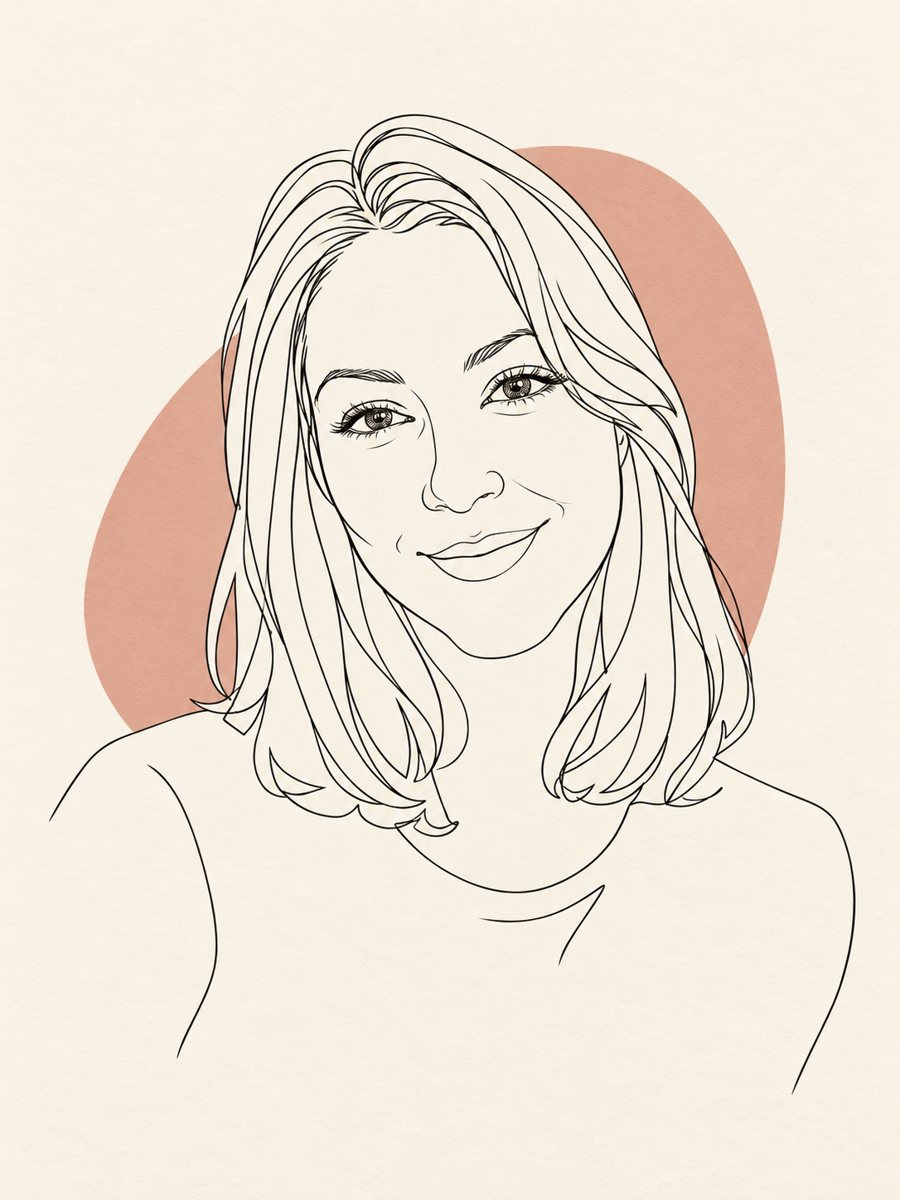 Turn your photo into a minimal line art avatarConvert a photo into a minimal one-line portrait with a single thin black line and a soft accent shape....
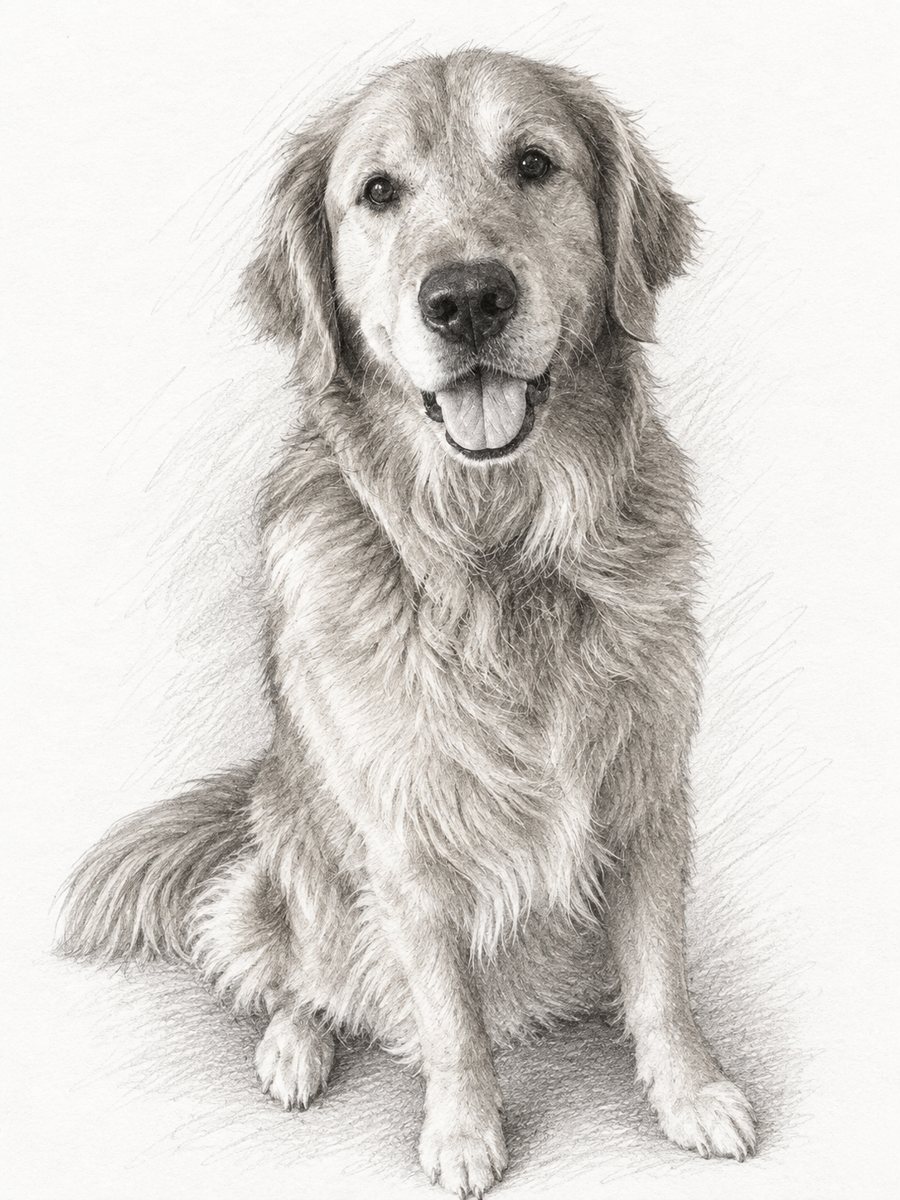 Turn your pet photo into a graphite pencil sketchTurn a pet photo into a realistic graphite pencil sketch with fine fur hatching. Copy the ready prompt or...
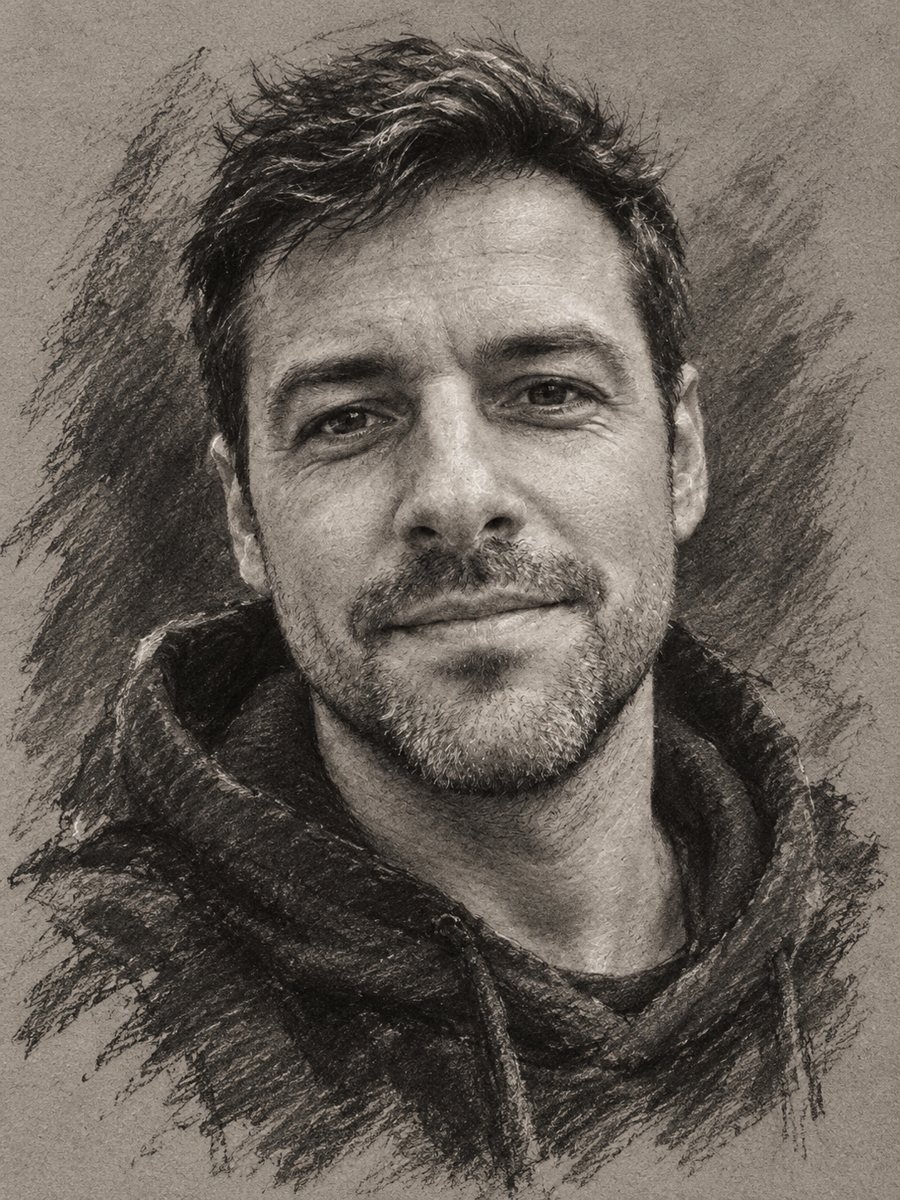 Turn your photo into a charcoal drawingConvert a portrait into an expressive charcoal sketch on gray paper with chalk highlights. Copy the ready...