Change the background of a photo
People change photo backgrounds for different reasons: an application asks for white, a profile wants a studio feel, or the original has a messy room behind you. Tell the bot the backdrop and it redraws the edges around hair and shoulders.
- 2 credits per image
- Result in 1–2 minutes
- No sign-up
In short: Replace the background of a portrait with plain blue, white, grey or a studio backdrop. Telegram bot, 7 images free for new users, no sign-up needed.
- Where: the VisuMate bot in Telegram, no app or sign-up.
- Cost: 2 credits per image, 7 images free, then packs from 49 Telegram Stars.
- Time: 1 to 2 minutes per image, rerun with a new instruction at the same price.
- Credits never expire, there is no subscription and no auto-renew. You pay once for a pack inside Telegram with Stars.
When you need this
- Cutout tools leave jagged edges around hair.
- Your room, laundry or street is visible behind you.
- Different forms ask for different background colors.
How to do it
- 1
Press the button to open @visumate_ai_bot in Telegram. No sign-up, and new users get 15 free credits, which is 7 images.
- 2
Send the photo as a file. In the caption name the backdrop: 'plain light blue', 'pure white', 'soft grey gradient', 'office with bokeh'.
- 3
In 1-2 minutes you get the new background for 2 credits. Zoom into the hair edge and rerun if fringes look cut.
Try it on your own photo: 7 images are free, no sign-up.
Make it in TelegramThe prompt behind this style
Replace the background of the attached photo with a clean plain light-blue studio backdrop with a soft gradient. Keep the person, pose, clothes and face exactly as they are. Natural hair edges, no halo, even lighting on the subject. Same framing, no text.
Plain colors
White, blue, grey and red are the usual picks for documents and applications. The bot paints an even color with soft light fall-off, which looks more natural next to the subject than a flat fill. Always check the form's own rules for the exact shade. Soft transitions between hair and backdrop look better than razor-sharp cutouts. Plain walls behind you in the source give the cleanest result.
Official ID photos
Government passport and visa photos usually follow strict rules and many authorities want unaltered images. Use this tool for applications, profiles, CVs and social media, and ask the issuing office before using any edited image on an official document. If you need the same backdrop for a whole team, send every photo with an identical caption so the colors match across the whole set of portraits. Check the shoulders and the area around glasses after each run, because those are the places where a changed backdrop is most likely to leave a visible seam.
Tips
- Shoot against a contrasting wall to help edge detection.
- Name the exact color you need, such as sky blue.
- Loose curly hair is the hardest, so use a sharp photo.
- Keep clothes different from the backdrop color.
Questions and answers
Does it blur the old background?
It replaces it. Ask for 'blurred background' if you prefer that look.
Can I keep the same pose?
Yes, pose and clothes are preserved.
Will it work for a full-body photo?
Yes, though edges are cleaner on portraits.
What does it cost?
2 credits per image. New users get 15 free credits, so 7 images cost nothing. After that packs start at 49 Telegram Stars and credits do not expire.
Does the bot work in English?
Yes. It picks up your Telegram language on first launch. You can switch it any time with /lang.
What the bot does not do
- Works from one photo. Likeness depends on the photo you send, and some styles change features more than others.
- Does not make video or animation.
- Does not output a transparent PNG.
- Does not retouch passport or ID photos.
More in "Photo styles"
 Upgrade your profile photo without changing youImprove a social media profile picture: fix exposure and white balance, blur a messy background to a warm...
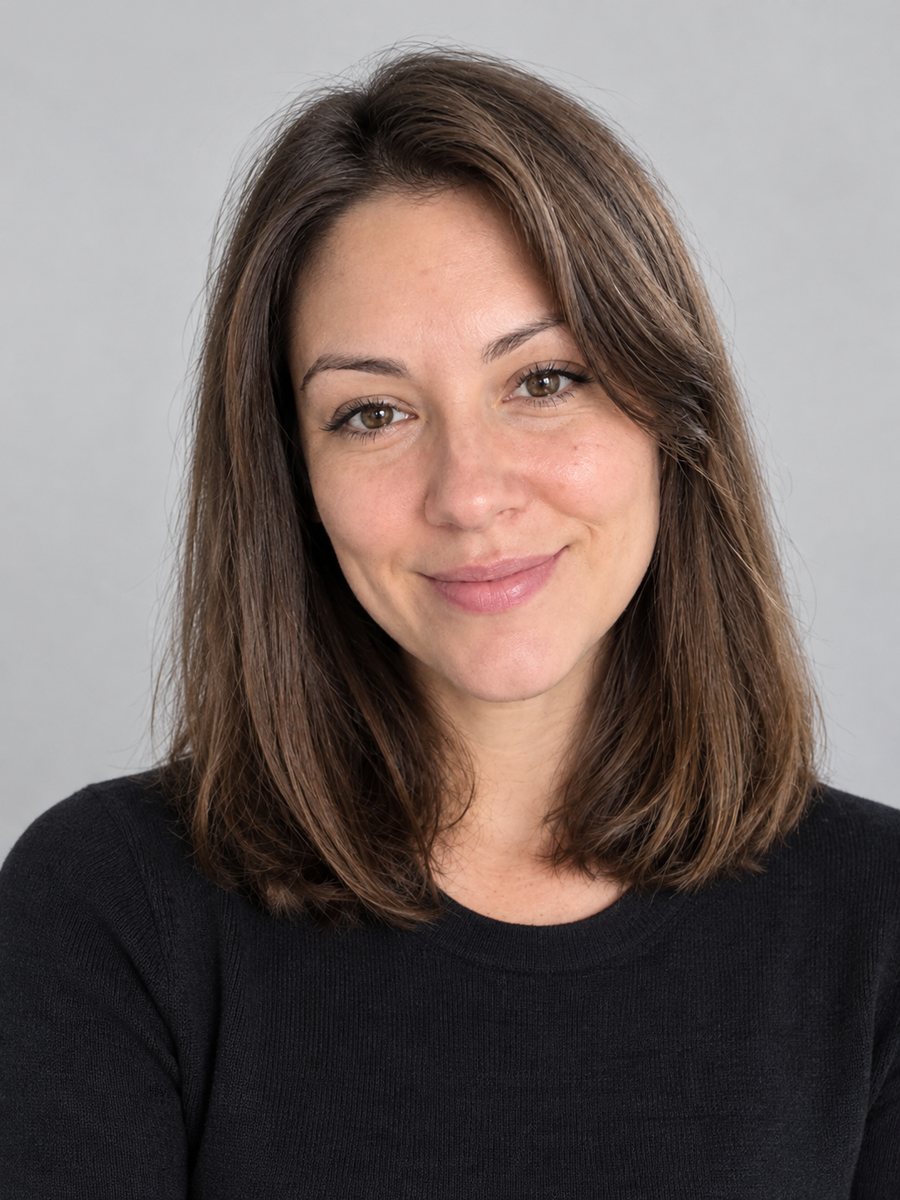 Create a CV photo from a selfieTurn a selfie into a neutral CV photo with a light gray background, smart casual top and even light. Copy...
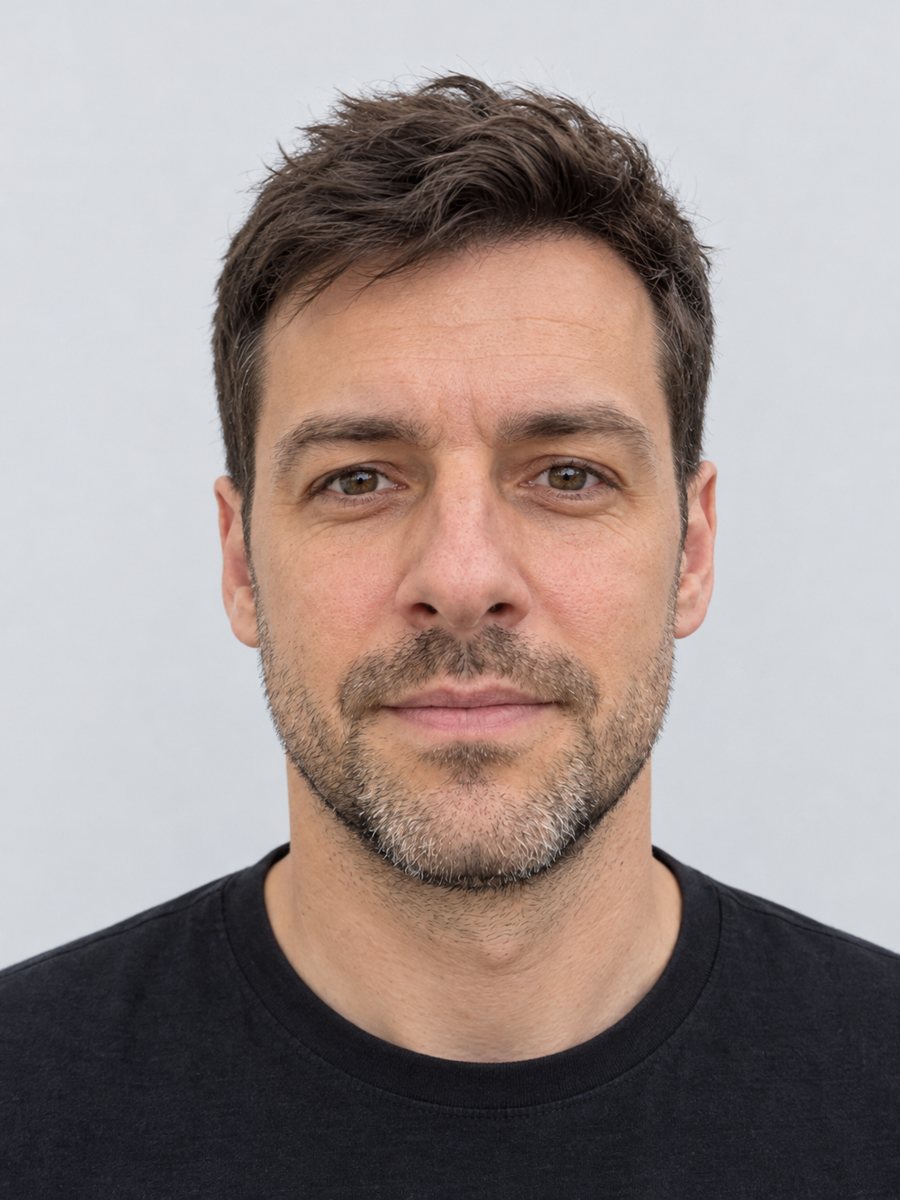 Make a clean ID-style portrait preview from a selfieMake a clean ID-style portrait preview from a selfie: gray backdrop, even light, neutral face. A style...
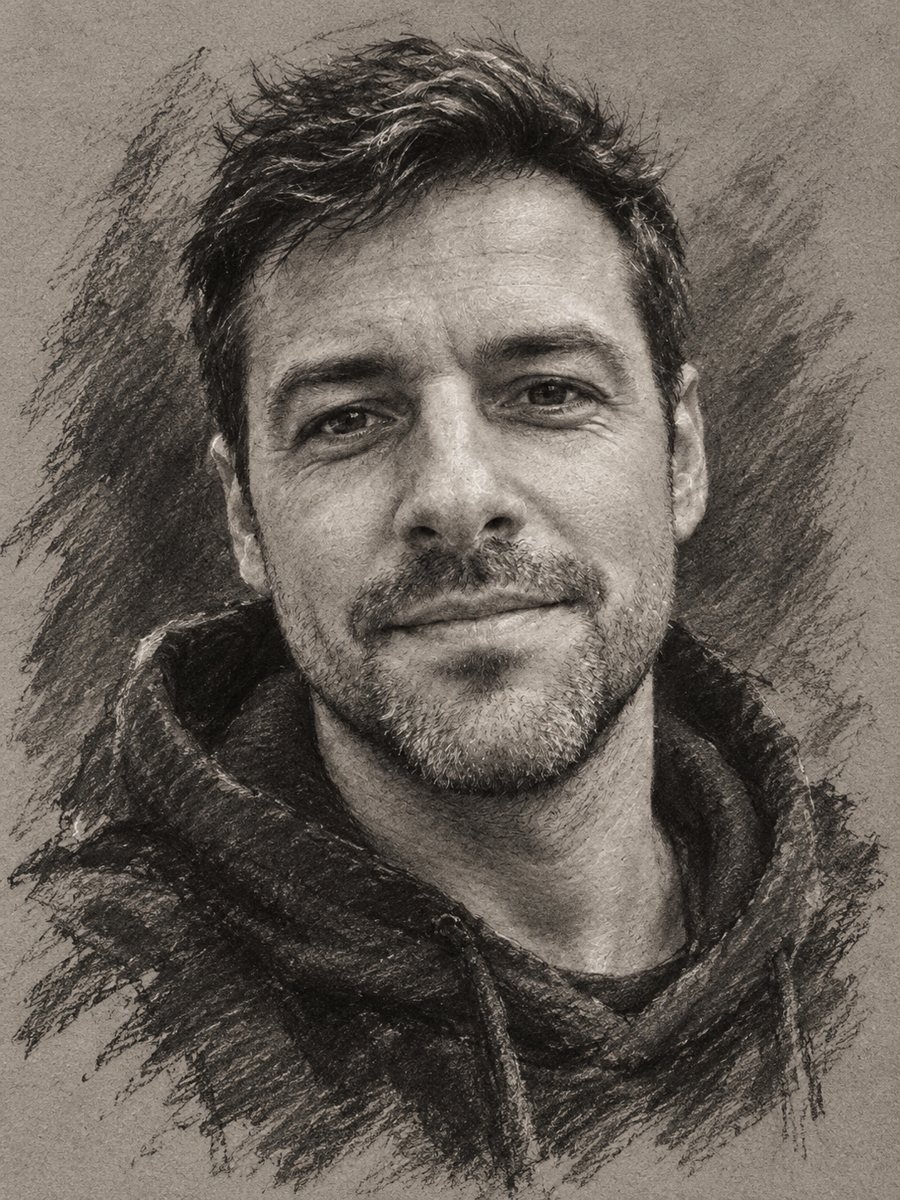 Turn your photo into a charcoal drawingConvert a portrait into an expressive charcoal sketch on gray paper with chalk highlights. Copy the ready...
- A photo to sketch prompt you can pasteA tested prompt for turning a photo into a pencil or ink sketch in ChatGPT or Gemini, and a Telegram bot...
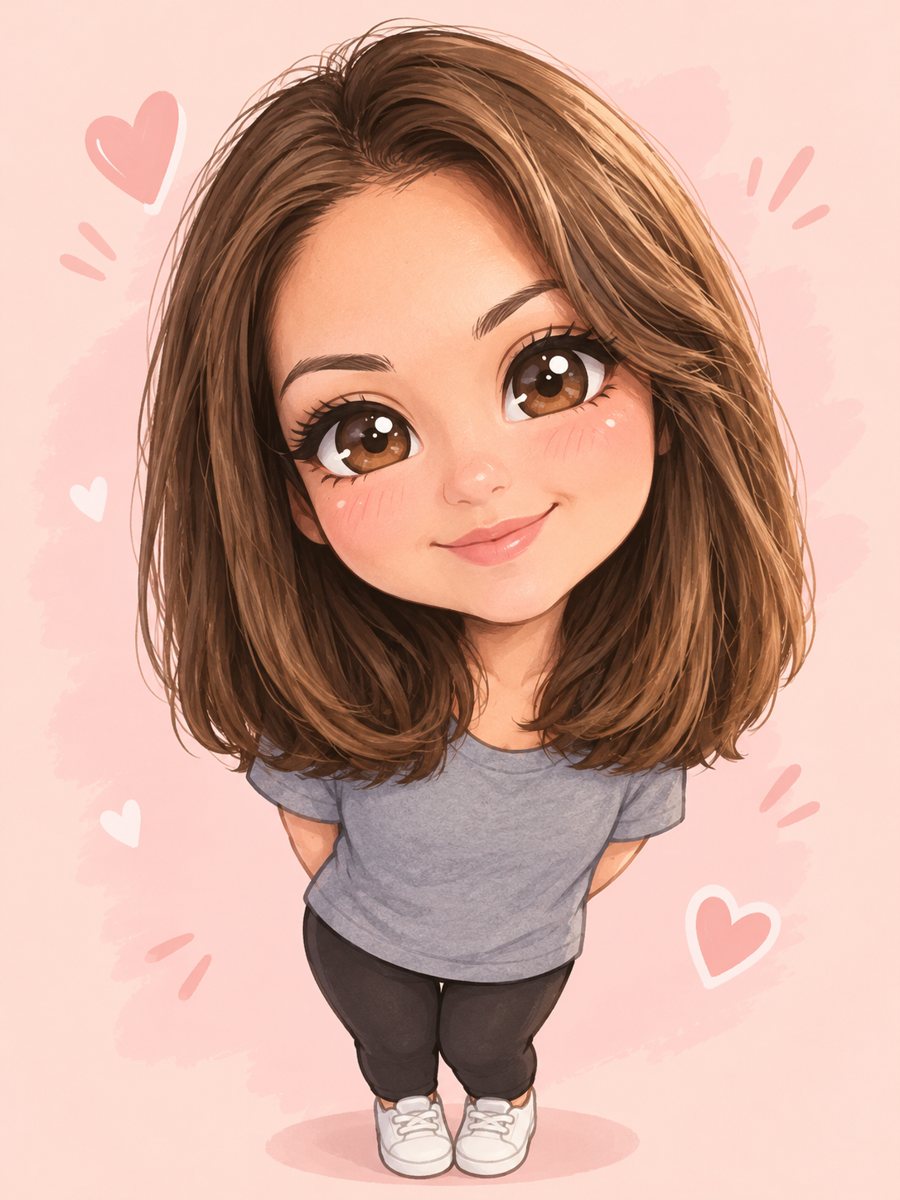 Turn yourself into a cute chibi characterTurn a photo into a cute chibi figure with an oversized head, tiny body and sparkling eyes. Copy the ready...