Turn your photo into a 3D emoji avatar
You get a glossy 3D avatar in the style of animated phone emoji: simplified big eyes, smooth shapes, soft studio light and a pastel single-color background. Hair, skin tone, glasses and expression stay recognizable.
- 2 credits per image
- Result in 1–2 minutes
- No sign-up
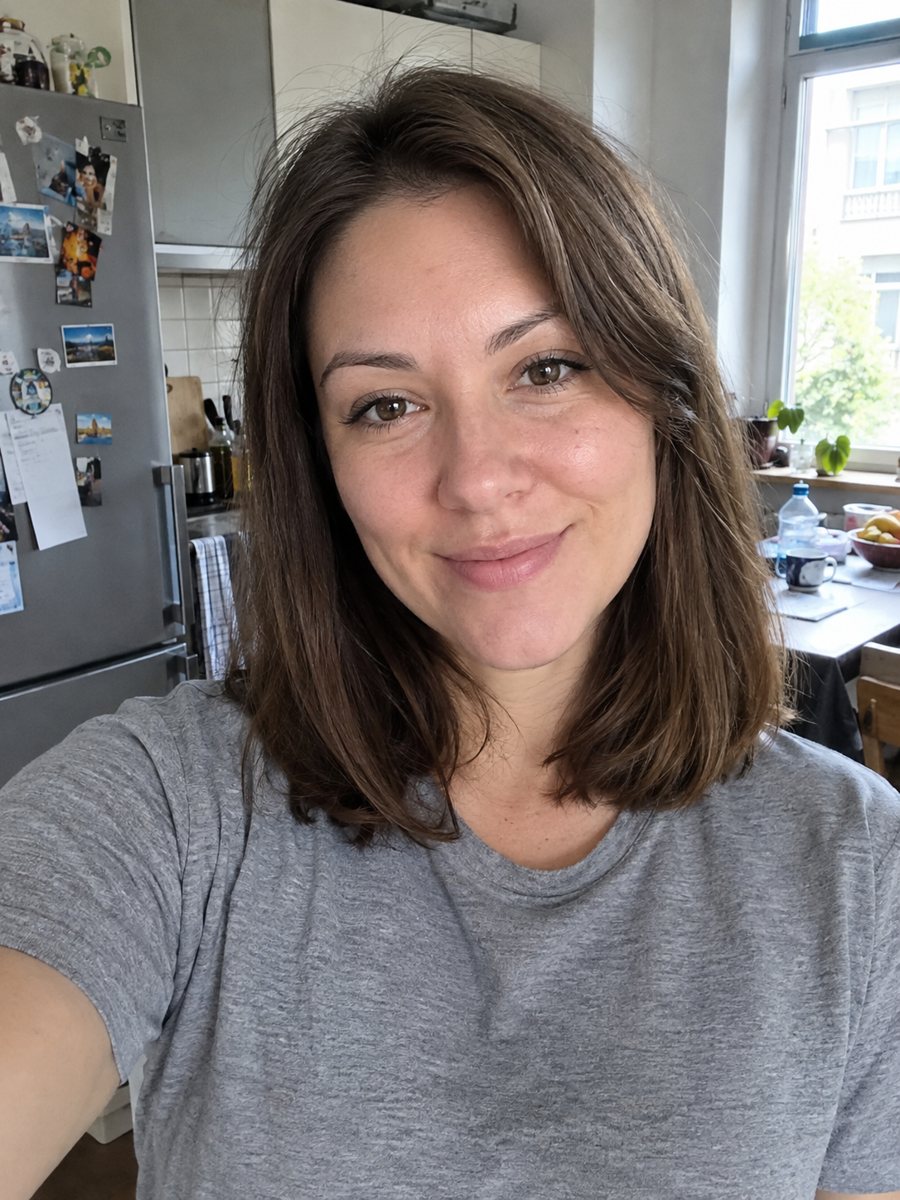
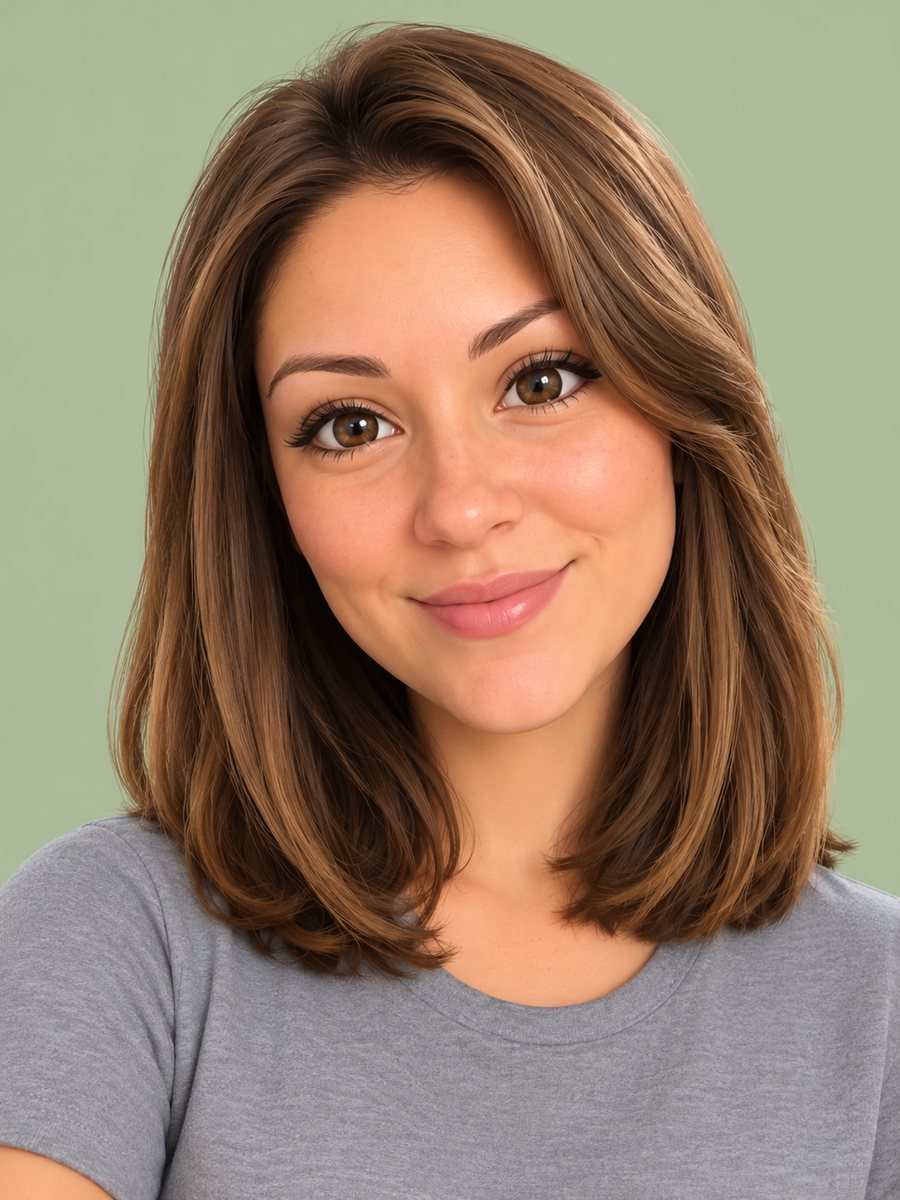 BeforeAfter
In short: Turn your photo into a glossy 3D emoji avatar like a smartphone memoji, with big eyes and pastel background. Ready prompt, 7 images free.
- Where: the VisuMate bot in Telegram, no app or sign-up.
- Cost: 2 credits per image, 7 images free, then packs from 49 Telegram Stars.
- Time: 1 to 2 minutes per image, rerun with a new instruction at the same price.
When you need this
- You want a cute avatar that looks like you for chats and groups.
- A messenger icon needs something friendlier than a photo.
- A brand mascot style is needed for each team member.
- You like memoji but want to start from a real photo.
How to do it
- 1
Press the button to launch the bot. It opens with this style applied, you only need to add a photo.
- 2
Send one photo as a file (document) so Telegram does not compress it. Caption is optional, for example: lavender background, curly red hair, round glasses.
- 3
The result arrives in the chat in 1-2 minutes for 2 credits. Look at the hair color, glasses and the smile. A second run costs the same 2 credits if you want another take.
Try it on your own photo: 7 images are free, no sign-up.
Make it in TelegramThe prompt behind this style
Turn this photo into a 3D emoji-style avatar like the animated memoji on a smartphone. Keep the hairstyle, hair color, skin tone, glasses and expression recognizable. Smooth glossy 3D rendering, big simplified eyes, soft studio lighting, pastel single-color background. Vertical 3:4, head and shoulders, no text.
The emoji look
This style produces a rounded 3D head with glossy surfaces, simplified features and large friendly eyes. The head and shoulders are centered on a plain pastel backdrop. It resembles the animated avatars on phones, but made from your photo rather than from sliders. Skin is smooth, and details such as pores disappear.
What carries the likeness
Because everything is simplified, recognition comes from hair color and style, skin tone, glasses and the shape of your smile. A well-lit portrait lets the AI read those. If you have a beard or a hat, state it. Group photos are not suitable; crop to one face. Color of your eyes can be mentioned in the caption.
Uses
The result works as a chat avatar, a sticker base, a newsletter icon or a small illustration for a team page. It is an AI render, not a licensed set of emoji. If you plan to use it widely, make a couple of versions and choose the one that feels most like you.
Tips
- Clear glasses and hair shape help the AI copy your look.
- Pick a pastel background color to match your channel.
- Simple smiles translate better than complex expressions.
- Mention piercings or freckles if you want them kept.
- If the eyes look odd, rerun and add: keep eye color and shape close to the photo.
Questions and answers
Is this the same as my phone's memoji?
No. It is an AI image inspired by that look, made from your photo.
Can I make stickers?
You can use the result as a base, or see the photo to sticker style.
Can it add a body?
The prompt targets head and shoulders.
Will it keep my glasses?
Usually yes when they are clearly visible.
What does it cost?
2 credits per image, with 7 images free.
More in "Photo styles"
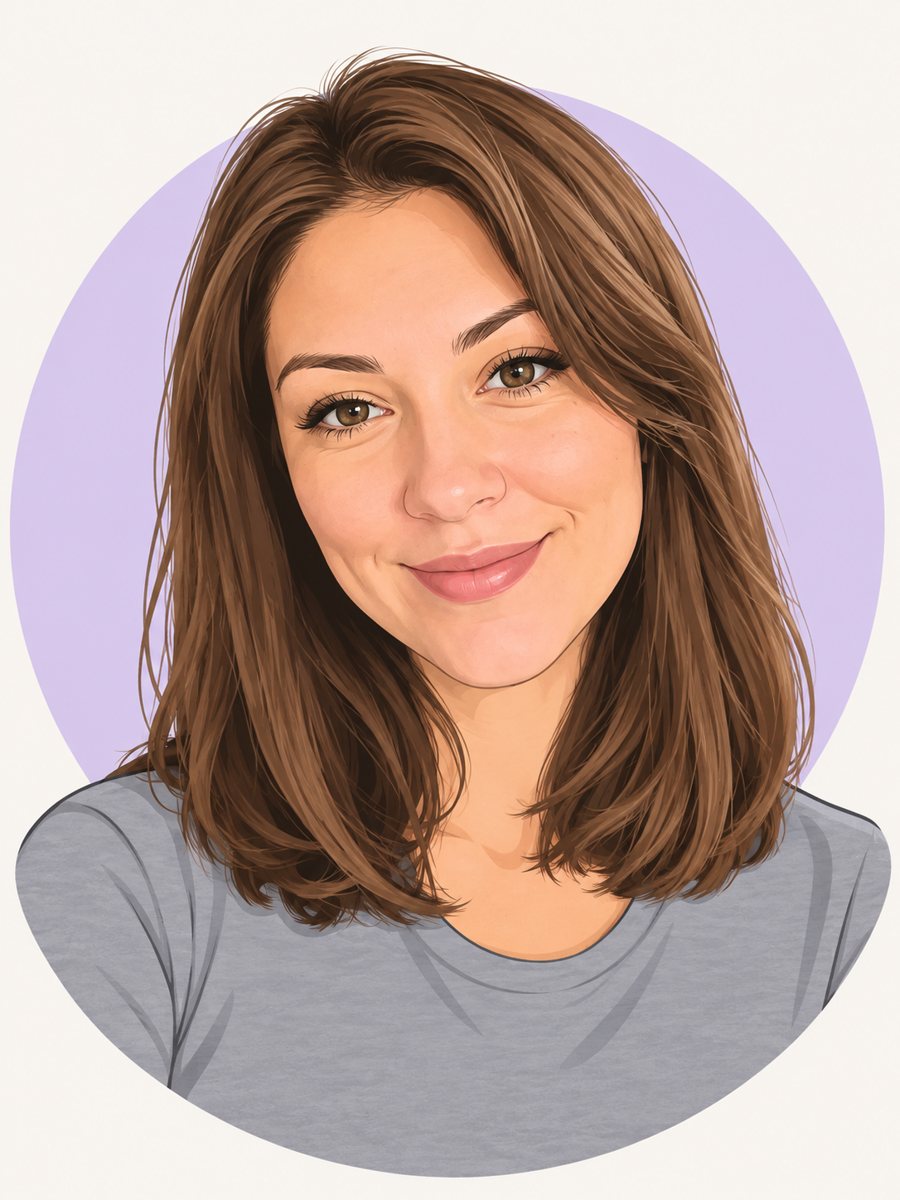 Make a cartoon avatar from your photoDraw a friendly cartoon avatar from your photo in clean vector style with a pastel circle background....
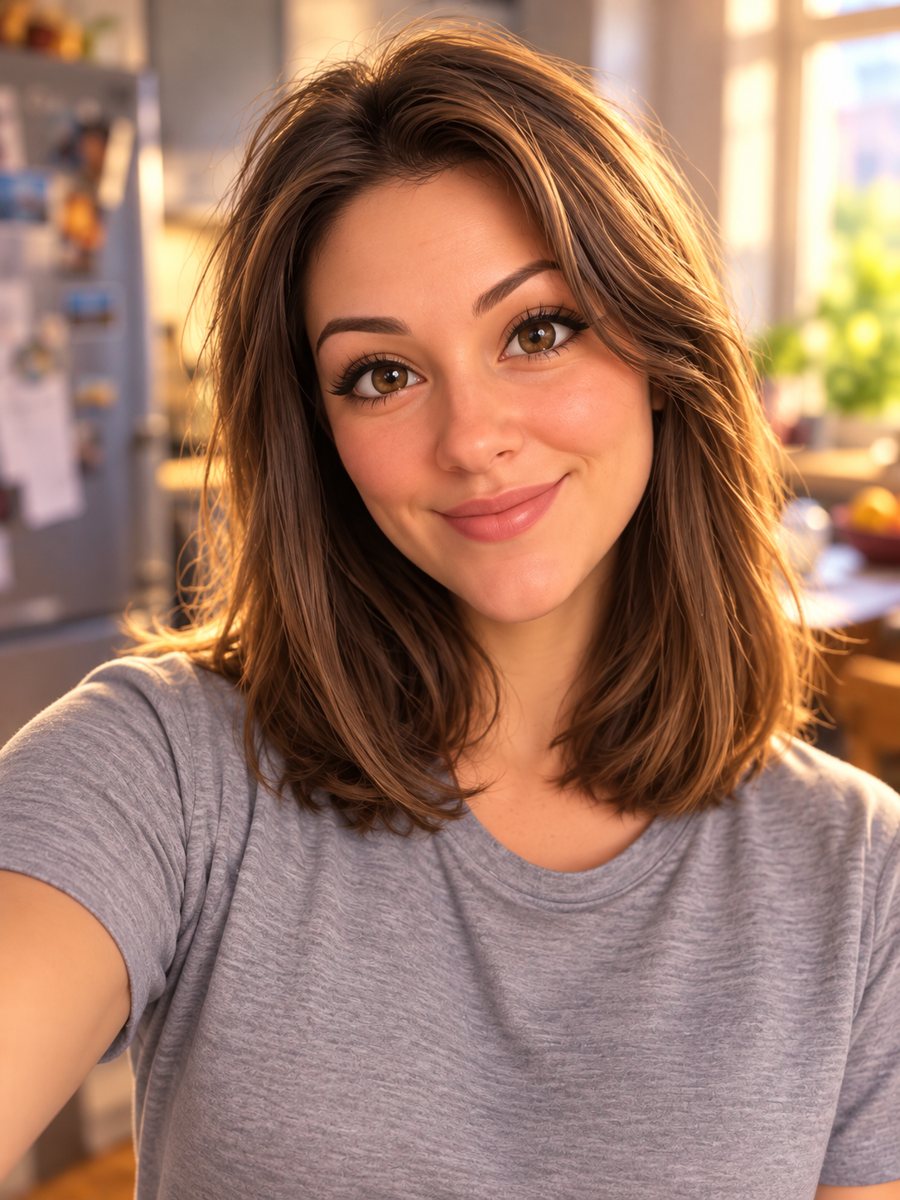 Turn your photo into a Pixar-style 3D characterTurn a selfie into a 3D animated movie character. Copy the ready prompt or open it in Telegram: 2 credits...
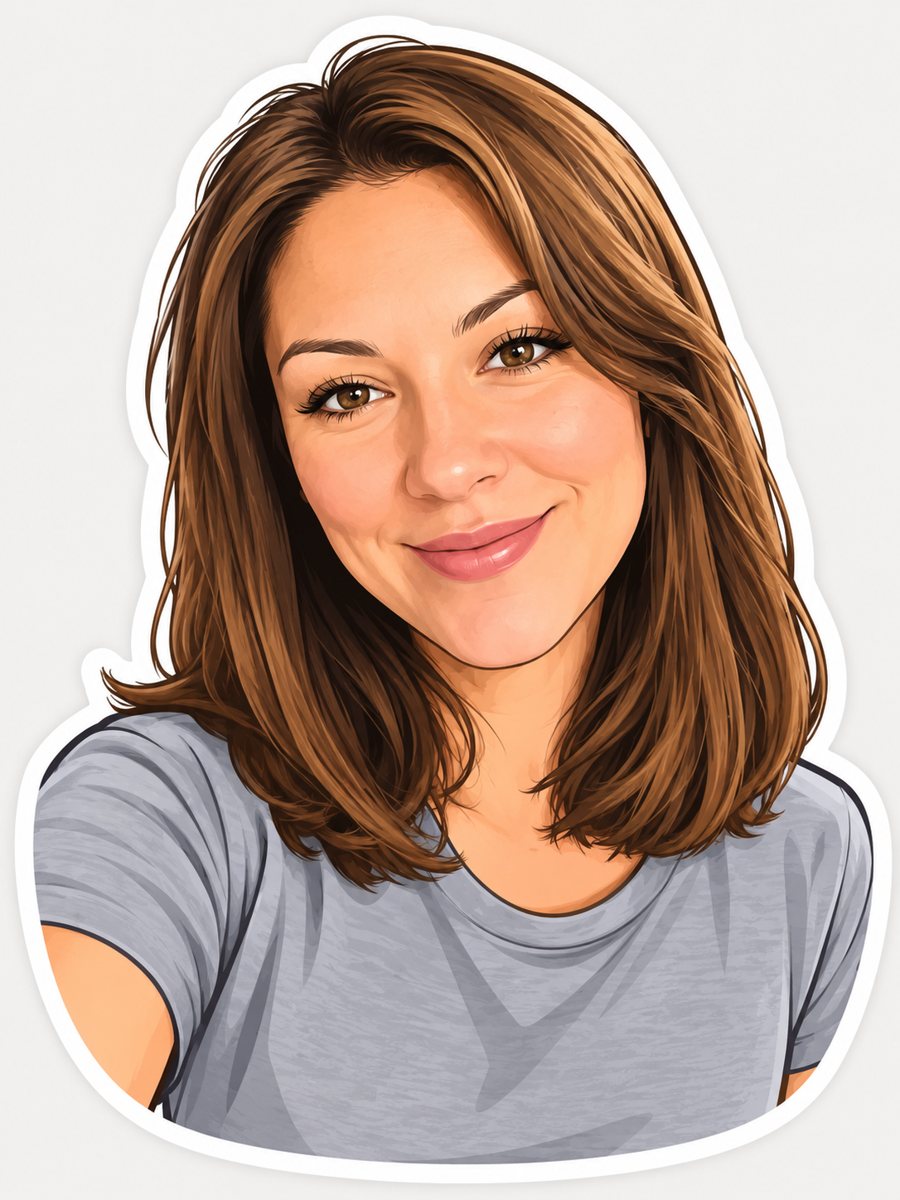 Turn your photo into a cartoon stickerTurn a photo into a cartoon sticker with a thick white outline and a cheerful expression. Copy the ready...
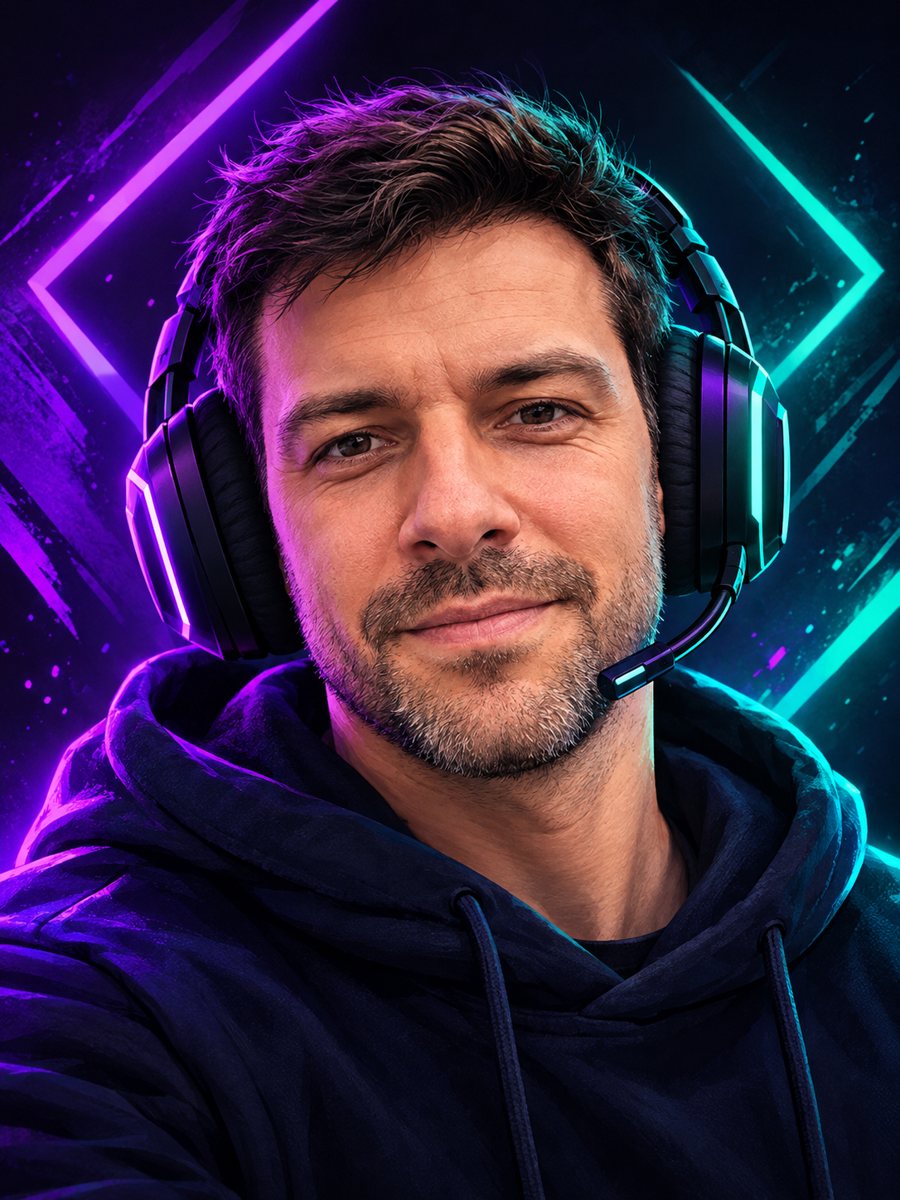 Make a gaming avatar from your photoTurn your photo into a bold gaming avatar with a headset, neon lighting and a dark background. Ready...
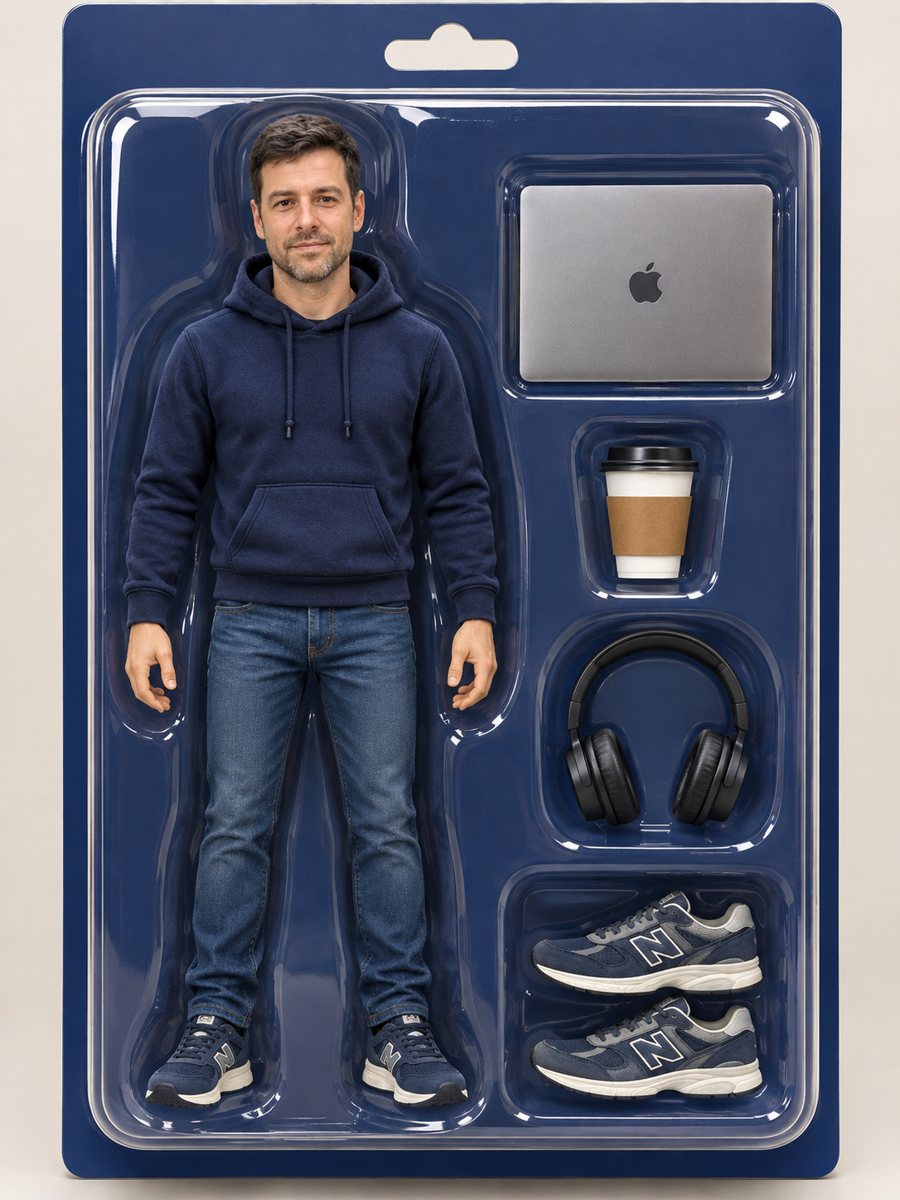 Turn yourself into an action figure in a boxTurn a photo into a collectible action figure in a blister box with accessories. Copy the ready prompt or...