Turn your photo into a ballpoint pen drawing
Your photo becomes a blue ballpoint pen drawing: dense cross hatching for the shadows, fine lines, white notebook paper with faint ruled lines and no color except blue ink. Press the button, send one photo and wait a minute or two.
- 2 credits per image
- Result in 1–2 minutes
- No sign-up
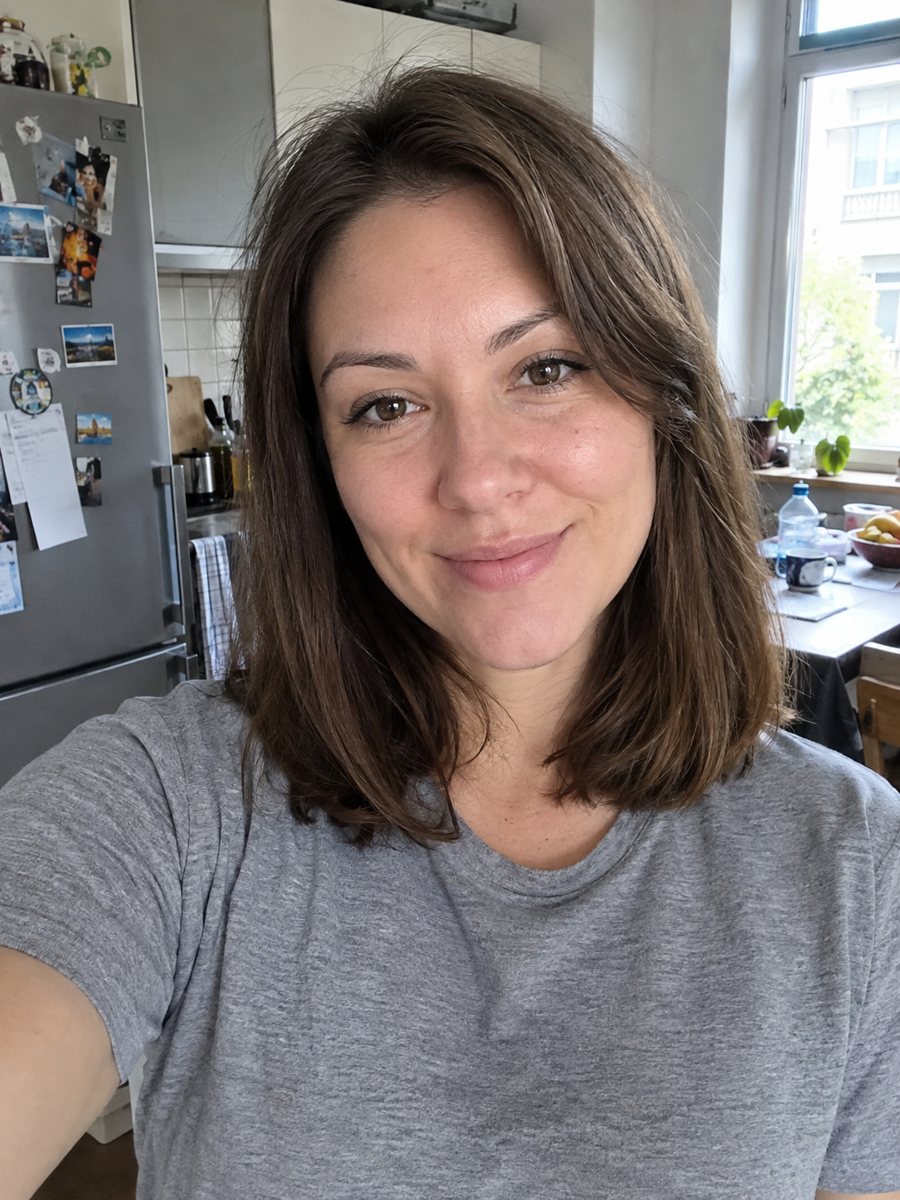
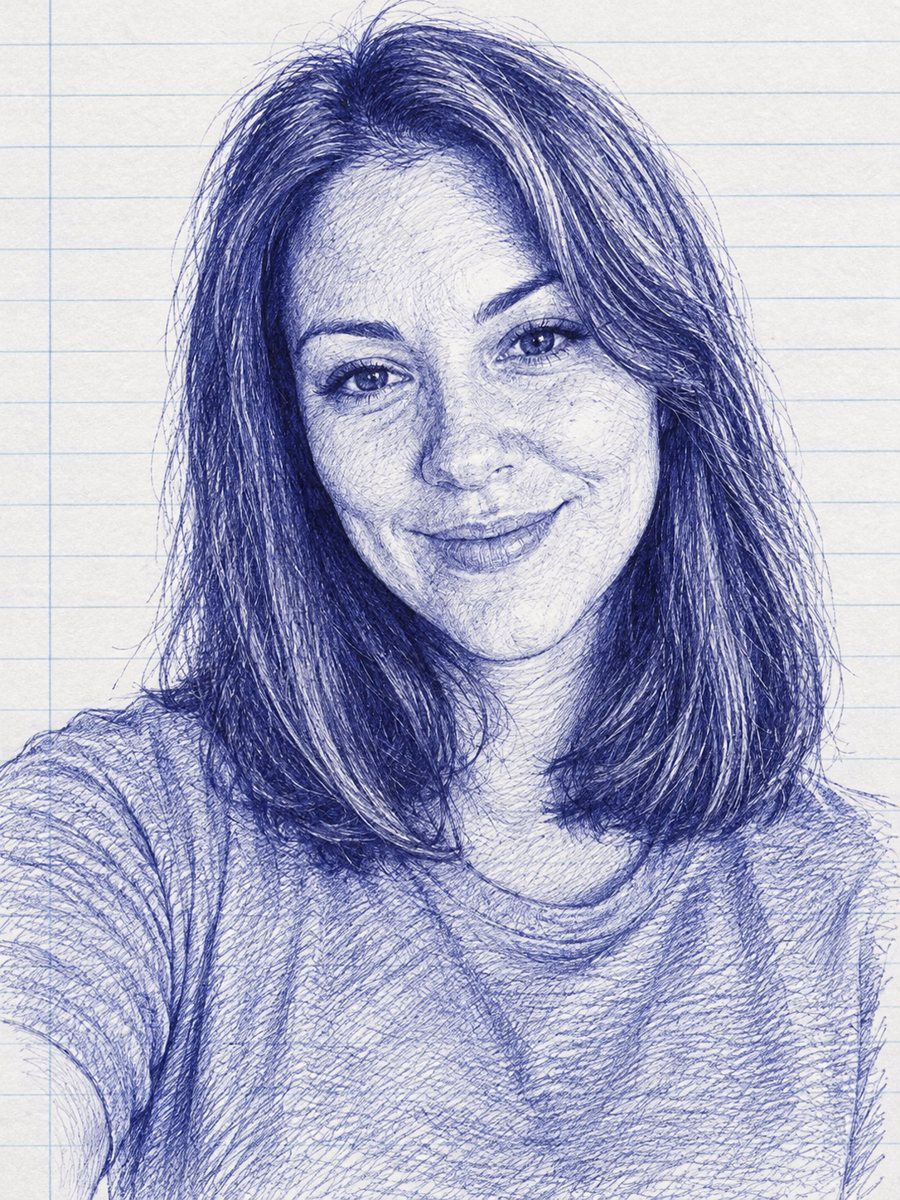 BeforeAfter
In short: Turn a photo into a blue ballpoint pen drawing with cross hatching on notebook paper. Copy the free prompt or use the Telegram bot, 7 images free.
- Where: the VisuMate bot in Telegram, no app or sign-up.
- Cost: 2 credits per image, 7 images free, then packs from 49 Telegram Stars.
- Time: 1 to 2 minutes per image, rerun with a new instruction at the same price.
When you need this
- You want a sketch look that feels like a notebook doodle done with patience.
- A cover, flyer or school project needs a one color pen style.
- Pencil filters look too common and you want the blue ink variation.
How to do it
- 1
Use the button on this page to open the bot. The ballpoint pen portrait style is preselected, so there is nothing to pick.
- 2
Send one photo as a file, so Telegram does not compress it. You can add a caption, for example: no ruled lines, heavy shadows.
- 3
Wait 1 to 2 minutes. The result costs 2 credits. Look closely at the hatching, then rerun if needed for another 2 credits.
Try it on your own photo: 7 images are free, no sign-up.
Make it in TelegramThe prompt behind this style
Turn this photo into a blue ballpoint pen drawing. Keep the face recognizable. Dense cross hatching for shadows, fine lines, white notebook paper with faint ruled lines, no color except blue ink. Vertical 3:4, no text.
The ballpoint look
Artists draw with ballpoint pens by building tone through many thin lines. Crossing lines make shadows dark, and sparse lines make highlights. The prompt asks for dense cross hatching, fine strokes, notebook paper with faint ruled lines and only blue ink. The result looks like a very patient doodle. People use it for covers, school projects, tattoo drafts and playful profile images.
Improving the drawing
The AI builds shadows from the lighting of your photo, so side light makes a more dramatic drawing. If the face looks muddy, ask for fewer lines and more white. If it looks pale, ask for denser shadows. The ruled paper adds charm but can disturb the face, so remove it in the caption if you like. A sharp photo gives crisp eyes.
Honest expectations
This is a digital imitation, so the lines may look more even than a real pen drawing. Fine details such as lashes or freckles may be simplified. The ink is blue only, which is the point. The likeness is mostly in the shadows and outline. If the face drifts, rerun for 2 credits. When the image arrives, look at the hatching first, since that is where drift shows up most.
Tips
- A face with strong light and shadow gives the cross hatching something to follow.
- Ask for plain white paper if you do not want ruled lines.
- Request lighter or denser hatching in the caption.
- Dark hair becomes dense ink, so choose a photo with visible hair texture.
- Avoid very busy backgrounds, which will fill the page with scribbles.
Questions and answers
Can I get black ink instead?
Ask for a black pen in the caption. The default is blue.
Will the paper have lines?
Yes by default. Ask for plain paper if you do not want them.
Can I use it for a tattoo design?
It can serve as a starting idea. Talk to your artist before using it.
Is it a real hand drawing?
No. It is an AI image in that style.
Does it work for pets?
The prompt is written for faces. Pet styles have their own pages.
More in "Photo styles"
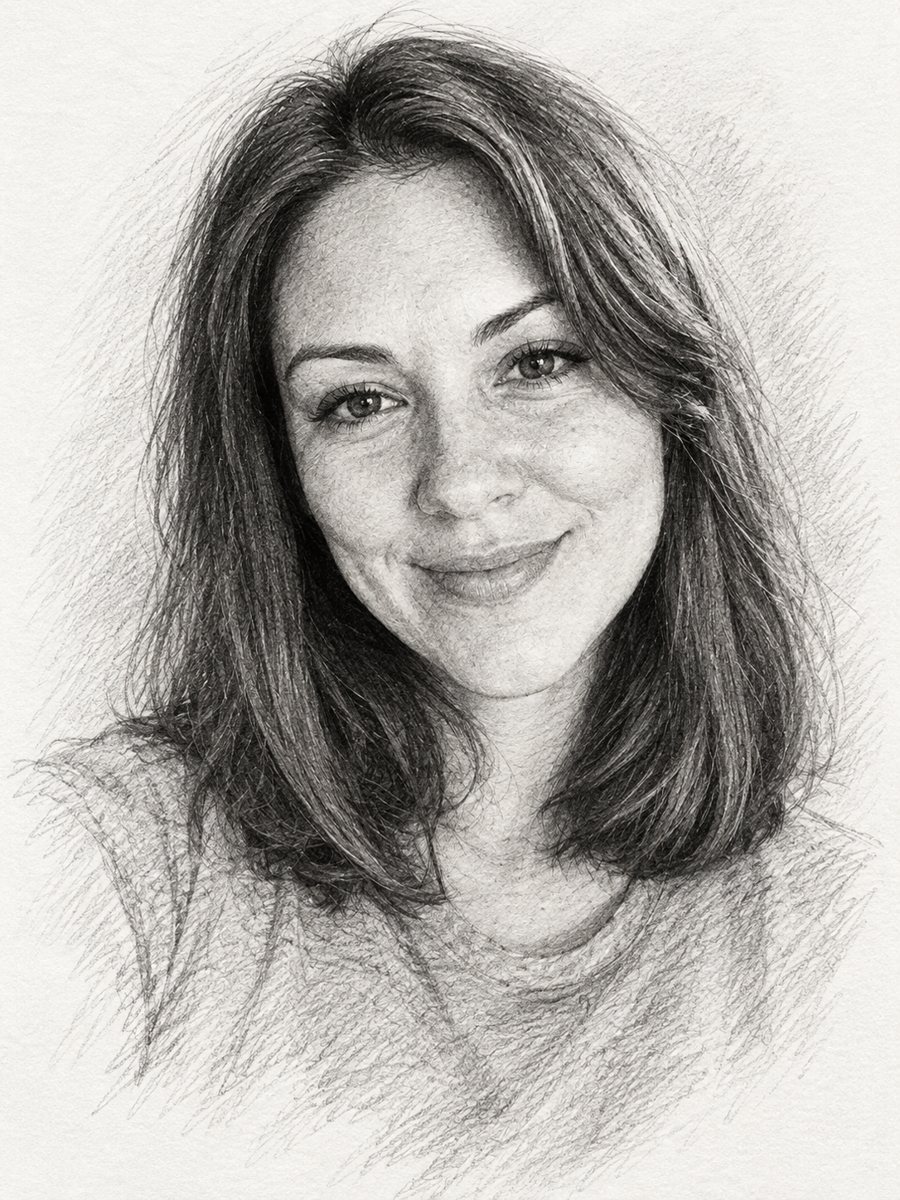 Turn a photo into a pencil sketch portraitConvert a photo into a realistic graphite pencil sketch with hatching and soft shading. Copy the prompt or...
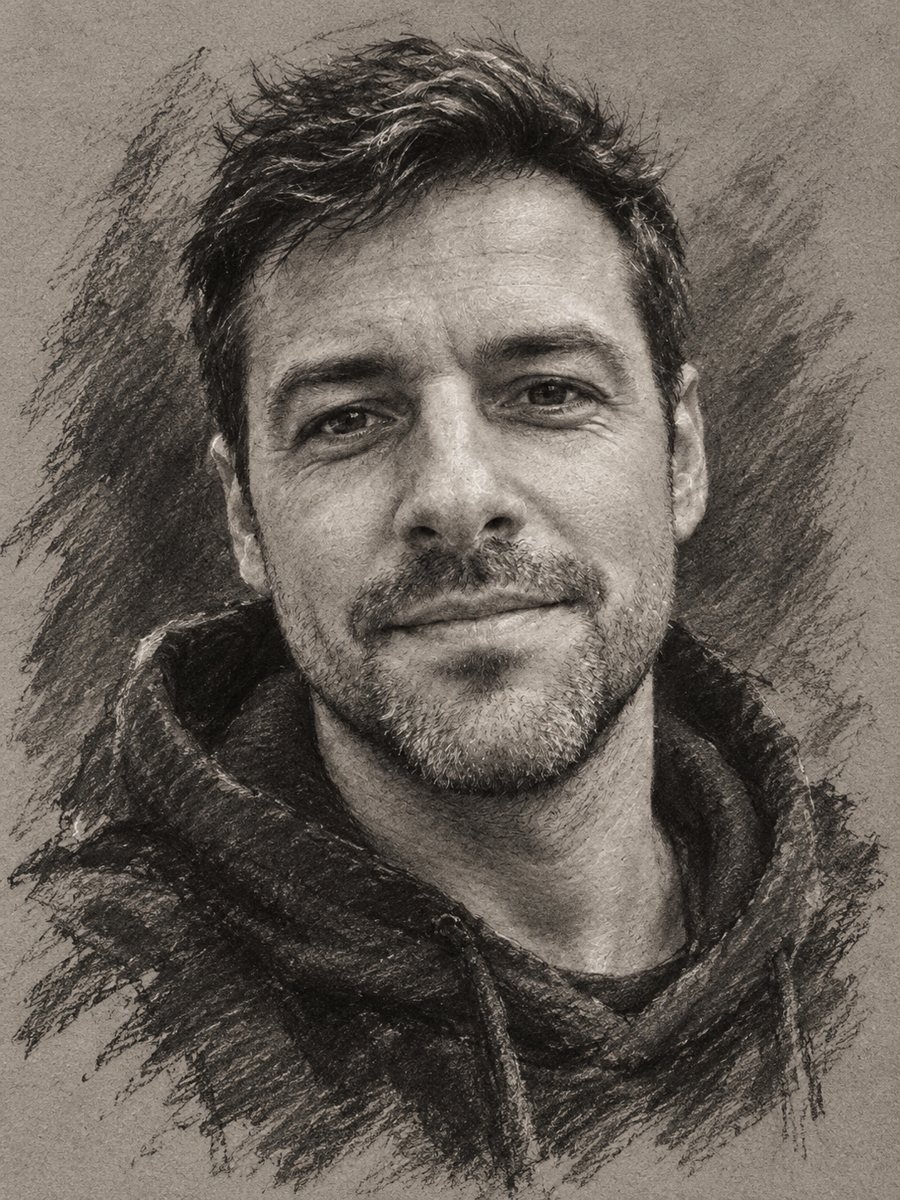 Turn your photo into a charcoal drawingConvert a portrait into an expressive charcoal sketch on gray paper with chalk highlights. Copy the ready...
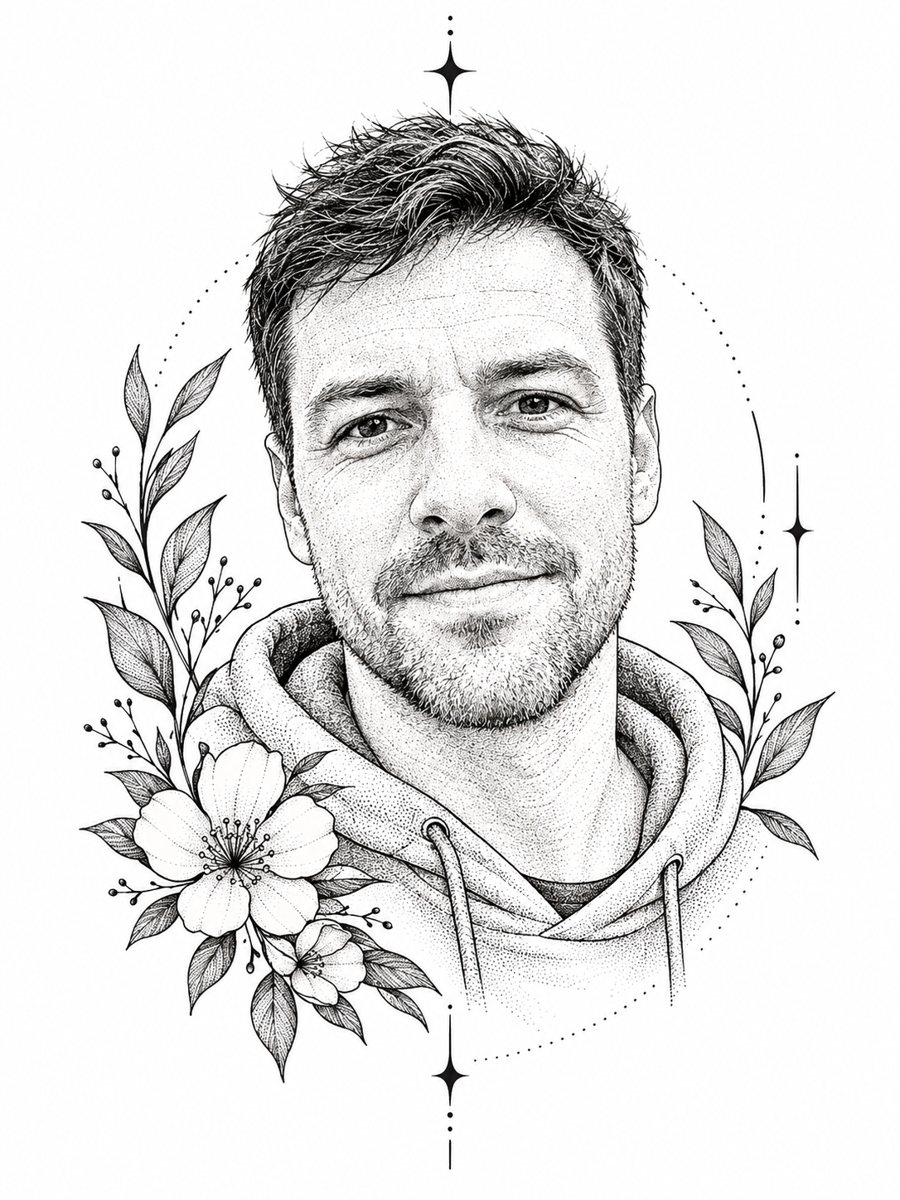 Turn a photo into a fine line tattoo sketchConvert a photo into a fine line tattoo design with dotwork shading and floral accents. Copy the ready...
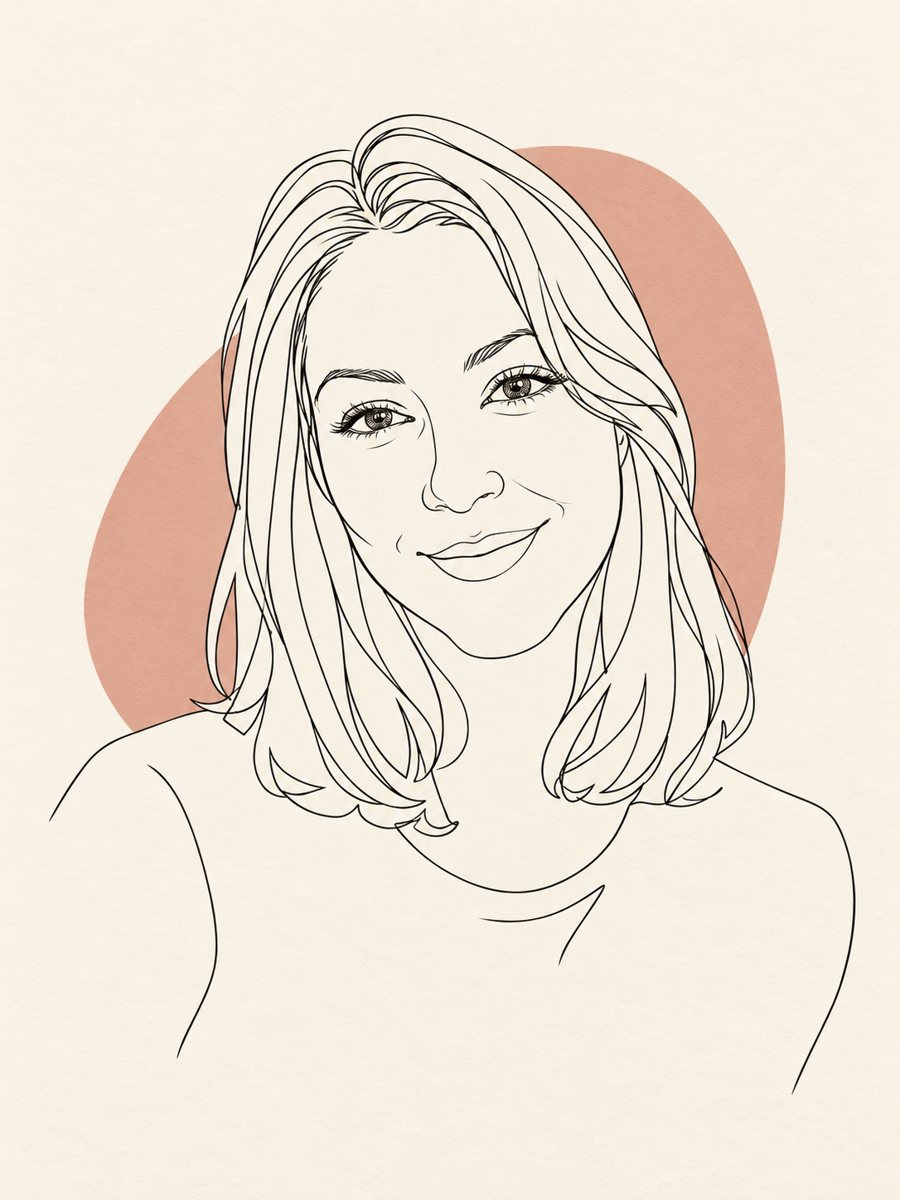 Turn your photo into a minimal line art avatarConvert a photo into a minimal one-line portrait with a single thin black line and a soft accent shape....
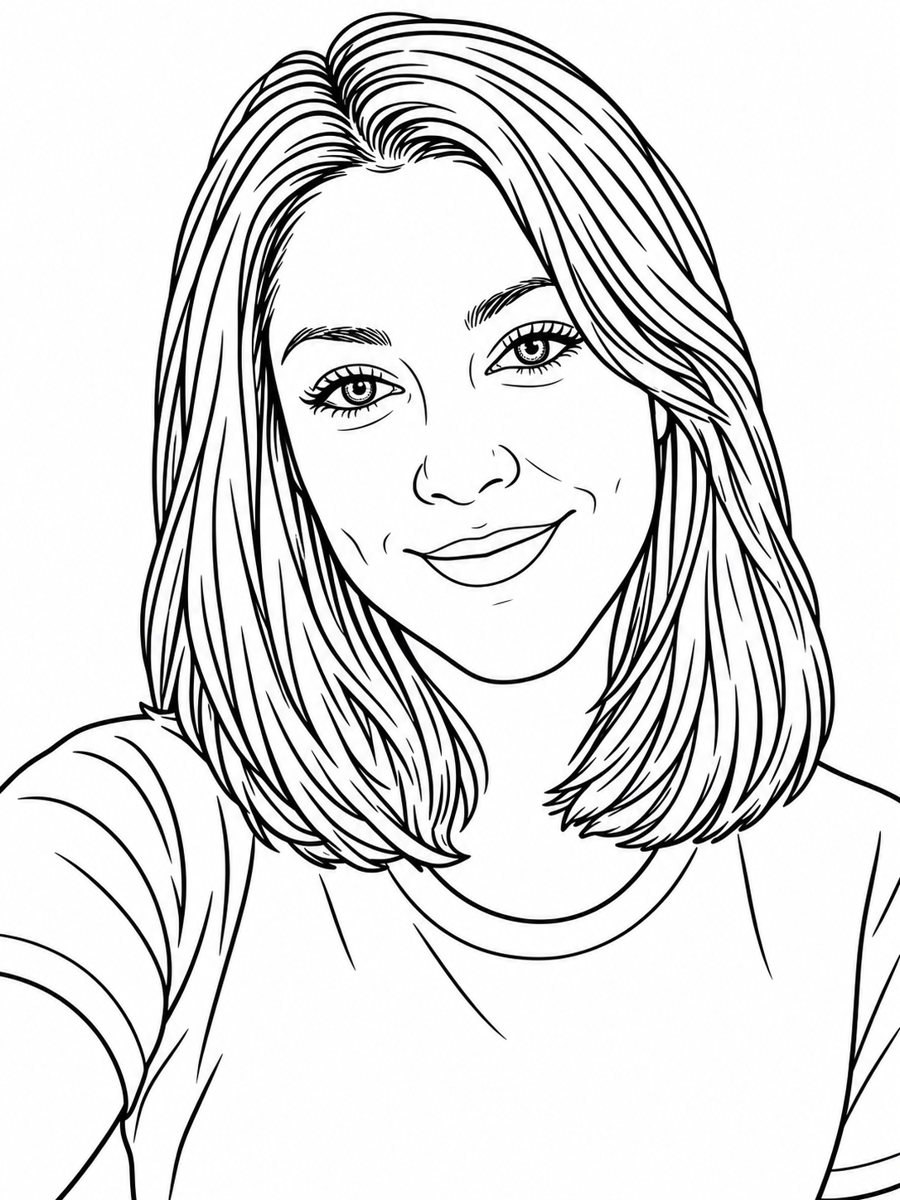 Turn a photo into a coloring book pageTurn a photo into a clean coloring book page with black outlines on white. Copy the free prompt or use the...