Turn a photo into a fine line tattoo sketch
The bot redraws your photo as a black ink tattoo concept on white paper: clean single-weight lines, dotwork shading and a few flowers or geometric shapes around the face. Open it with the button and send a portrait.
- 2 credits per image
- Result in 1–2 minutes
- No sign-up
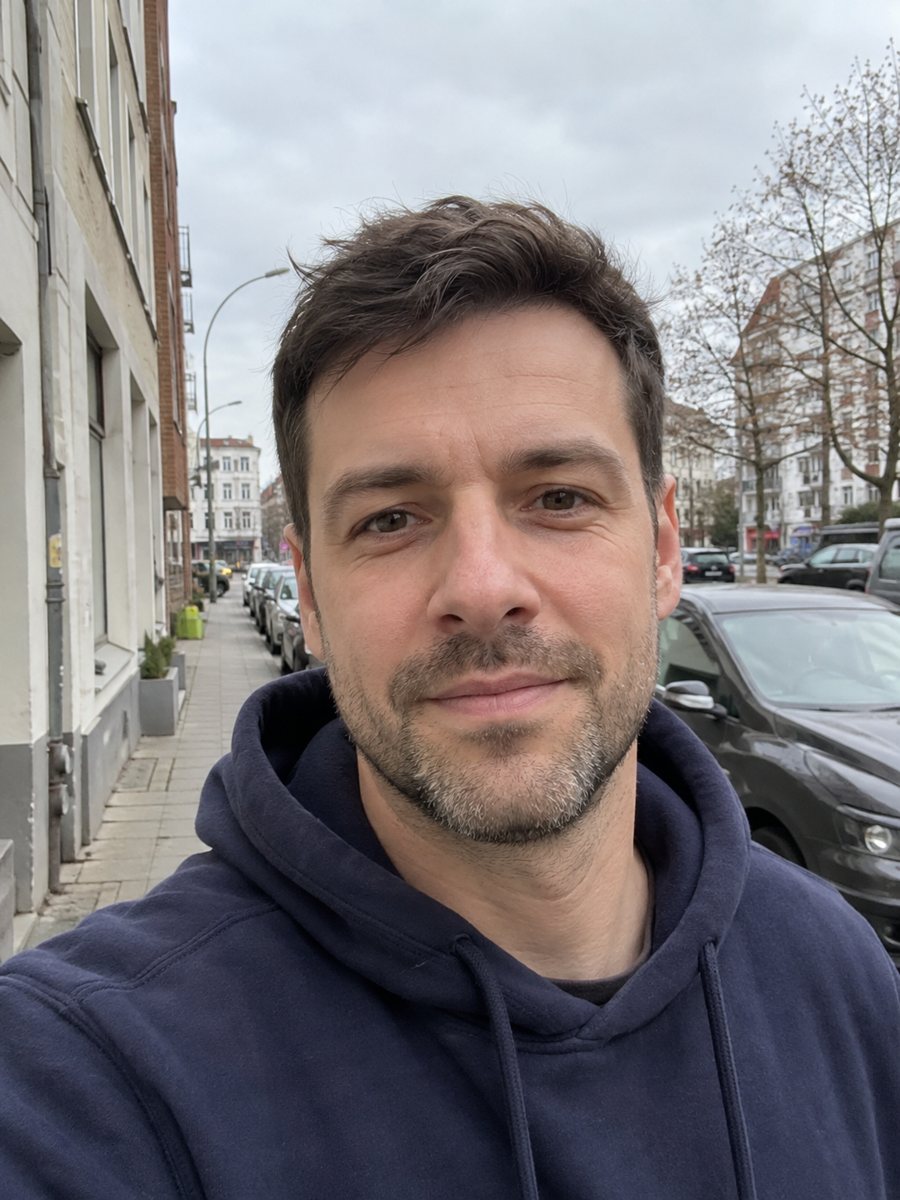
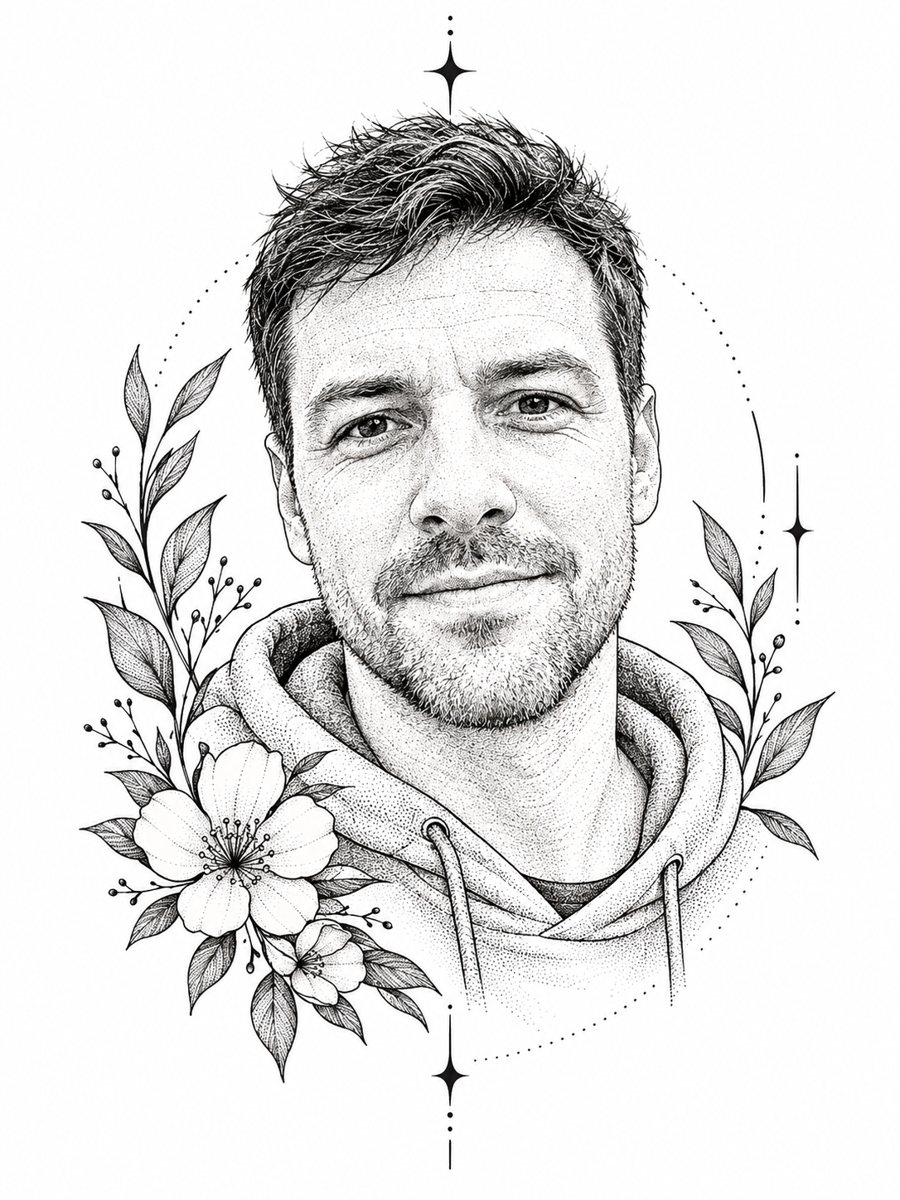 BeforeAfter
In short: Convert a photo into a fine line tattoo design with dotwork shading and floral accents. Copy the ready prompt or use the Telegram bot, 7 images free.
- Where: the VisuMate bot in Telegram, no app or sign-up.
- Cost: 2 credits per image, 7 images free, then packs from 49 Telegram Stars.
- Time: 1 to 2 minutes per image, rerun with a new instruction at the same price.
When you need this
- You are thinking about a portrait tattoo and want to see a concept before talking to an artist.
- You need a sketch for a memorial piece based on a family photo.
- You want a line-art picture for a gift or a poster without drawing skills.
How to do it
- 1
Press the button. The bot opens with the tattoo sketch style selected.
- 2
Send a photo with a clearly lit face. In the caption you can ask for elements, such as: peonies, small moon, no geometric shapes.
- 3
After 1-2 minutes you get the sketch for 2 credits. Rerun with new wishes if the decoration feels crowded.
Try it on your own photo: 7 images are free, no sign-up.
Make it in TelegramThe prompt behind this style
Turn this photo into a fine line tattoo design sketch. Keep the face recognizable. Black ink on white paper, clean single-weight lines, dotwork shading, a few decorative floral or geometric elements around the portrait. Vertical 3:4, no text.
What you get
The picture looks like a design sheet: black ink on white paper, lines of the same thickness and soft shading made from small dots. The face sits in the center, with a few decorative elements around it. There is no color and no text. The look is close to what tattoo artists draw when they prepare a concept for a client, and it also works as a printed art piece for a wall or a card.
Using it with an artist
The sketch is an AI concept, so a tattoo artist will redraw lines for skin, size and placement, and will decide what survives at a small scale. Bring the image as a reference for style, composition and mood. Face likeness matters most in portrait tattoos, so check the result against the source photo and say what needs to change. The bot cannot judge anatomy or healing, which stay with the professional. The output is vertical 3:4, with no text and no frame.
Tips
- Ask for a flower or symbol that matches the person, such as lavender or a compass.
- Photos with a clean outline of the face give crisp lines.
- Ask for fewer elements if you want a small tattoo size.
- Share the image with your tattoo artist as an idea, since it is no final stencil.
- Check shading near the eyes, since fine dots can shift expression.
Questions and answers
Can I take this to a tattoo artist as is?
Use it as a reference. The artist will adapt the lines to size, placement and skin.
Can I choose the decoration?
Yes. Name flowers, symbols or shapes in the caption, or ask to skip them.
Is the sketch in color?
No. The style is black ink on white paper.
Will the face match the photo?
The prompt asks to keep it recognizable. Check eyes and mouth, and rerun if needed.
What does it cost?
2 credits per image, with 15 free credits for new users.
Does the bot work in English?
Yes. It picks up your Telegram language on first launch and replies in English. You can switch the language any time with /lang.
More in "Photo styles"
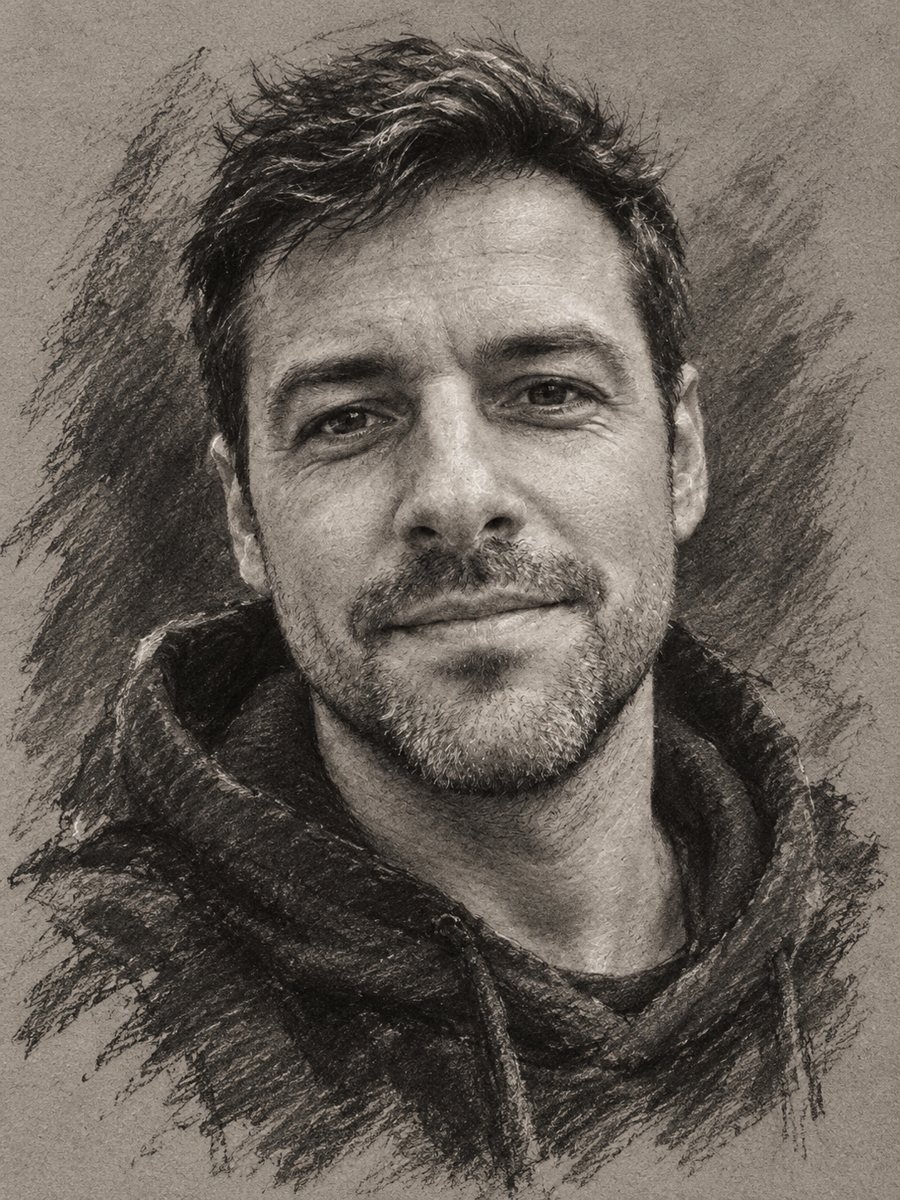 Turn your photo into a charcoal drawingConvert a portrait into an expressive charcoal sketch on gray paper with chalk highlights. Copy the ready...
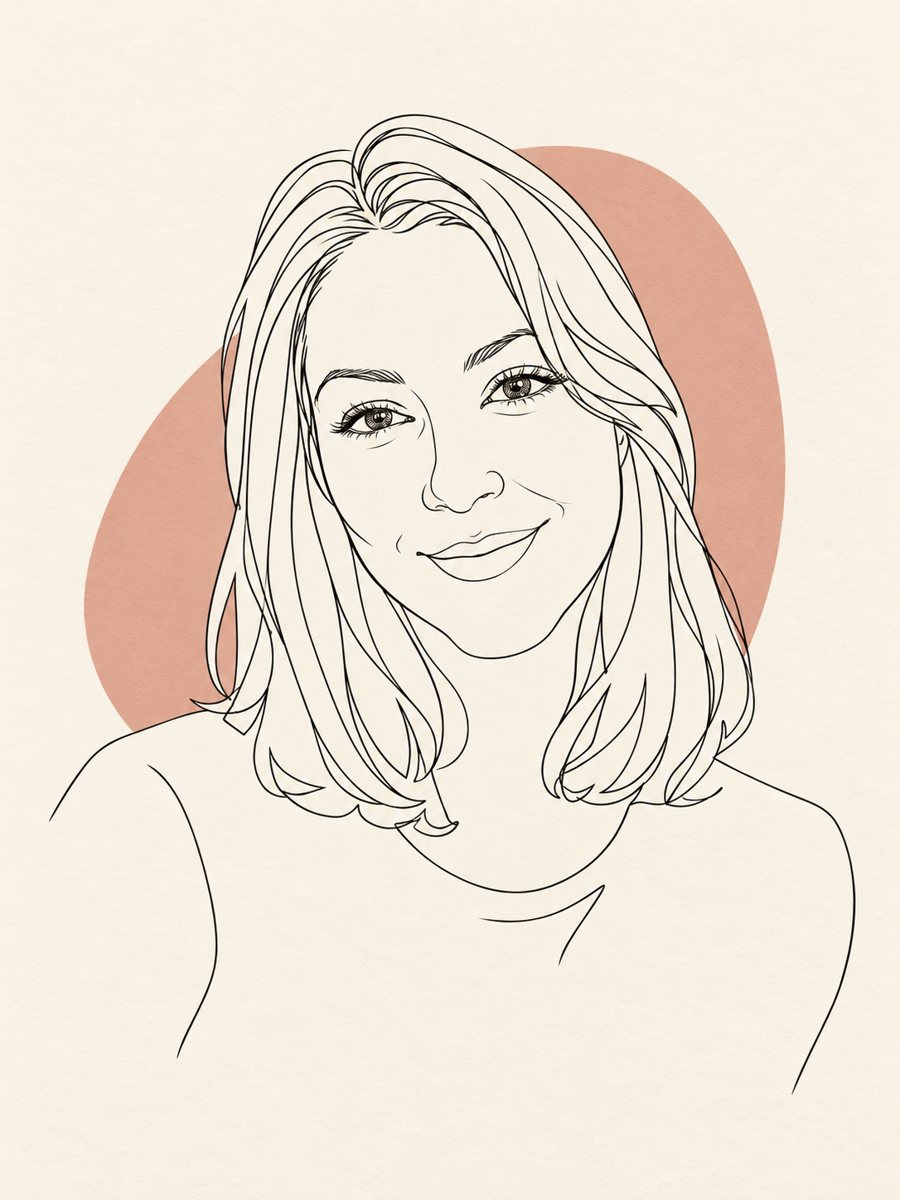 Turn your photo into a minimal line art avatarConvert a photo into a minimal one-line portrait with a single thin black line and a soft accent shape....
 Turn your photo into a Japanese woodblock printRedraw a photo as an ukiyo-e woodblock print with indigo, ochre and cream colors. Copy the ready prompt or...
 Turn a photo into a pencil sketch portraitConvert a photo into a realistic graphite pencil sketch with hatching and soft shading. Copy the prompt or...