Star in your own 1940s film noir still
The bot turns your photo into a film noir still: high contrast black and white, hard light cutting stripes through venetian blinds, a light smoke haze, a trench coat or fedora and deep dramatic shadows. Your face stays recognizable.
- 2 credits per image
- Result in 1–2 minutes
- No sign-up
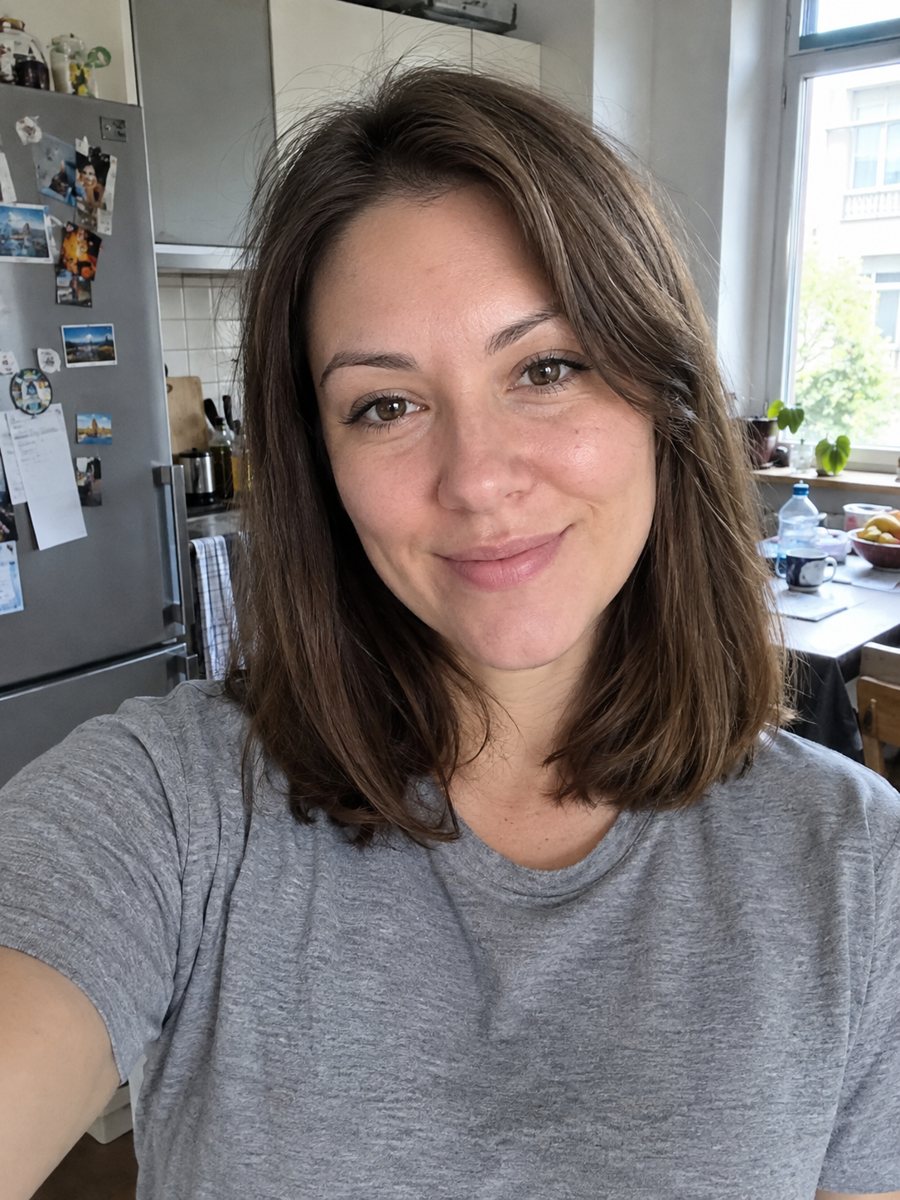
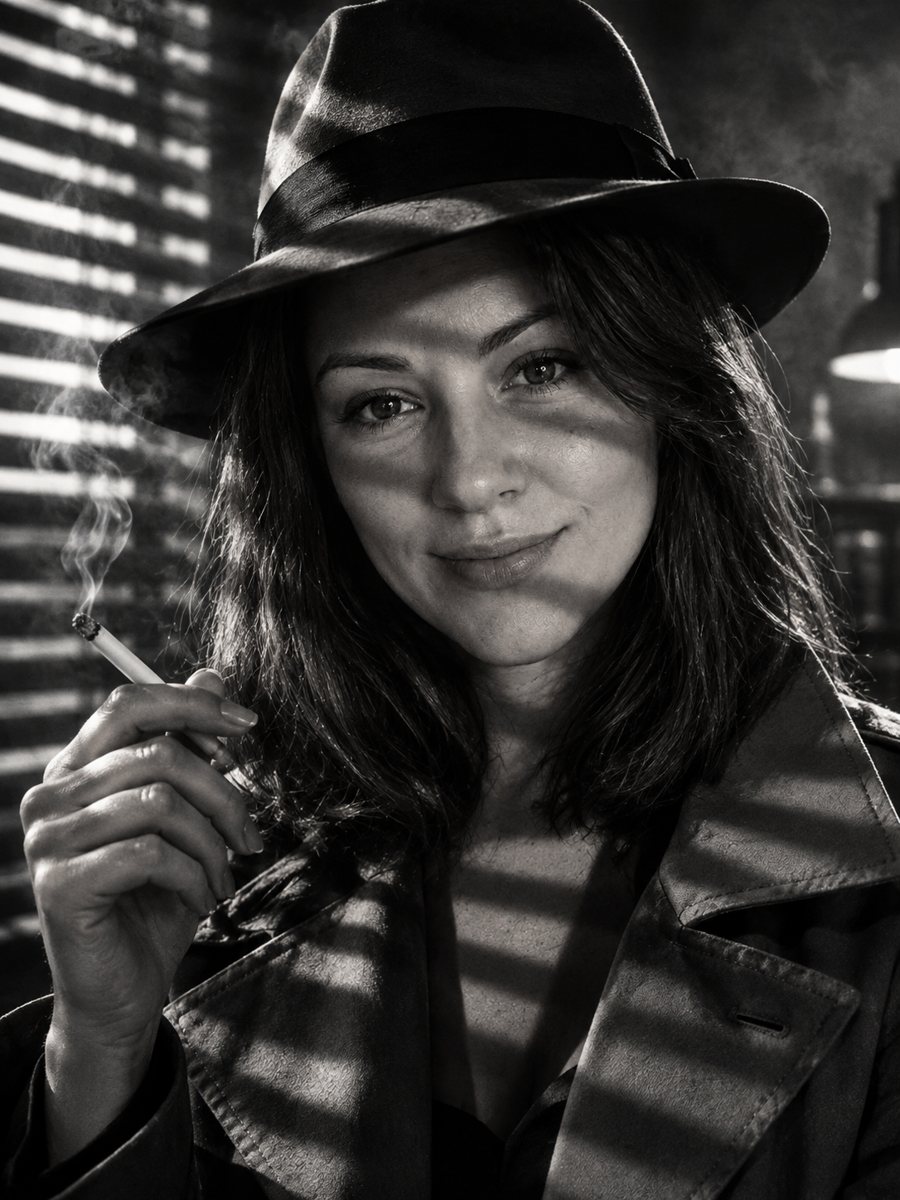 BeforeAfter
In short: Make a 1940s film noir still of yourself with venetian blind shadows, smoke haze and a fedora. Copy the noir prompt or open the Telegram bot, 7 free.
- Where: the VisuMate bot in Telegram, no app or sign-up.
- Cost: 2 credits per image, 7 images free, then packs from 49 Telegram Stars.
- Time: 1 to 2 minutes per image, rerun with a new instruction at the same price.
When you need this
- You want a moody profile picture for a writer, podcast or mystery project.
- A detective themed party needs invite portraits with a vintage cinema feel.
- Contrast filters make your photo dark, but they do not create the striped light that defines noir.
How to do it
- 1
Tap the button on this page. Telegram opens the bot with the noir style chosen, press Start if it asks.
- 2
Send one photo as a file. In the caption you can add: fedora, looking over the shoulder, rainy street.
- 3
Wait 1-2 minutes, 2 credits are used. Check that the stripes of light fall across the face without hiding your eyes, and rerun if they do.
Try it on your own photo: 7 images are free, no sign-up.
Make it in TelegramThe prompt behind this style
Transform this photo into a 1940s film noir still. Keep the face recognizable. High contrast black and white, hard light through venetian blinds casting stripes, light smoke haze, trench coat or fedora, dramatic shadows. Vertical 3:4, no text.
The look of noir
Film noir cinematographers used hard, directional light and deep black shadows. A common trick was sunlight through window blinds, which paints bars of light on faces and walls. The prompt asks for that, together with high contrast black and white, a thin haze that catches the light, and 1940s clothing such as a trench coat or a fedora. The AI decides where shadows fall, so the mood changes with each run. Eyes sometimes sit in shadow, which suits the style.
Controlling the drama
Noir is built from shadow, so some of your face will be dark. If too much disappears, ask in the caption for lighter shadows across the eyes. If the image feels flat, ask for stronger stripes and a darker background. The frame is vertical 3:4, which suits a poster-like crop. Add a title yourself in a design app, since the prompt asks for no lettering. For a softer black and white portrait, the Hollywood glamour or black and white studio styles are gentler options.
Tips
- A photo looking slightly off camera gives the pose a story, as in a movie frame.
- Ask for or against a hat in the caption. The prompt allows a trench coat or fedora.
- Keep the source photo evenly lit so the AI can place its own stripes of light.
- The prompt asks for a light haze in the air only, so props like cigarettes are not needed.
- Add the setting you imagine, such as a rainy street or an office door.
Questions and answers
Will the picture be in color?
No, the prompt asks for black and white.
Does it add smoke?
It asks for a light smoke haze in the air, nothing more.
Can I choose a woman's look from the era?
Yes, describe it in the caption, for example a hat with a veil.
Why are my eyes in shadow?
Deep shadow is typical for noir. Ask for lighter shadows near the eyes and rerun.
How much does one image cost?
2 credits, with 15 free credits for new users.
Is the Telegram bot available in English?
The bot replies in English. You can switch the language any time with /lang. English captions work, and the button here opens the right mode.
More in "Photo styles"
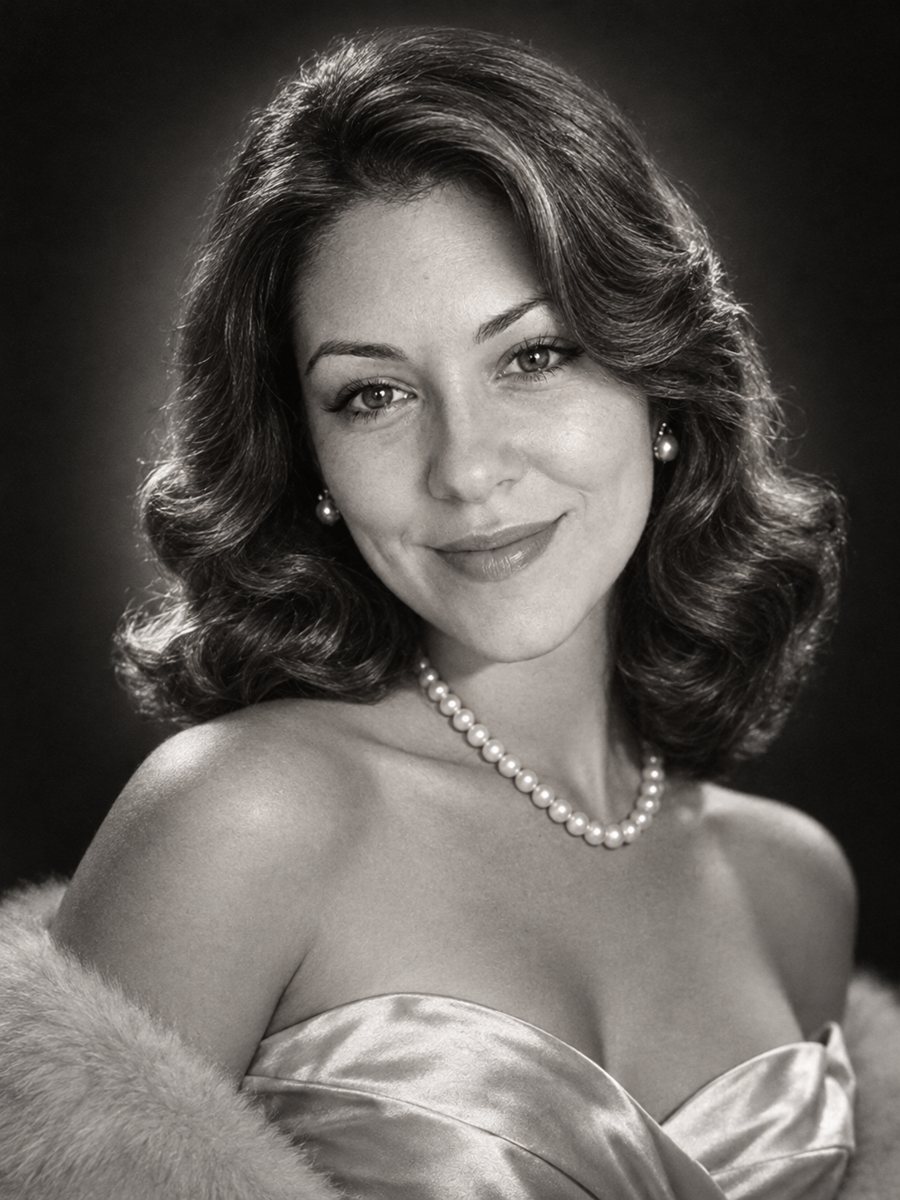 Get a 1950s Hollywood studio glamour portrait of yourselfGet a classic black and white studio portrait with butterfly lighting, styled waves and pearls. Copy the...
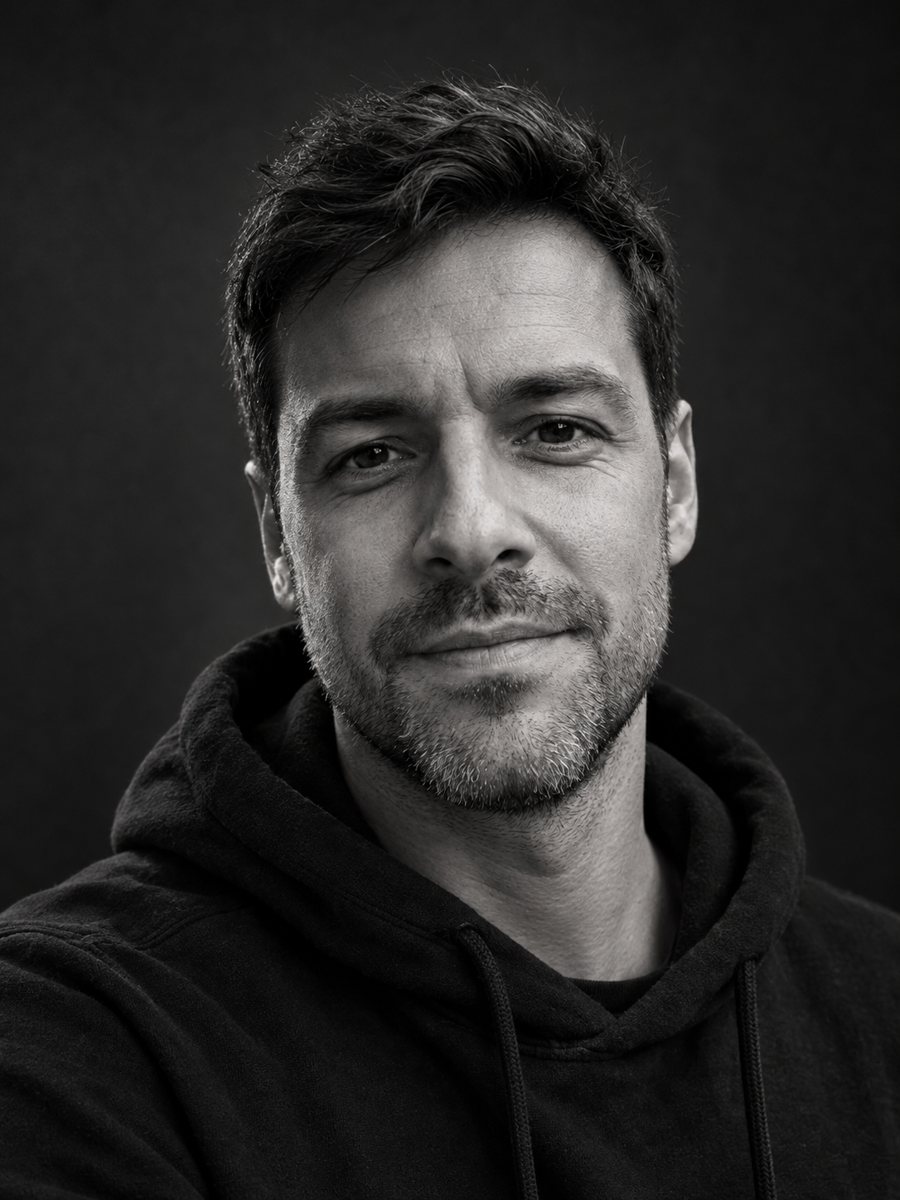 Make a black and white studio portrait from a photoTurn a casual photo into a dramatic black and white studio portrait with a dark backdrop and side light....
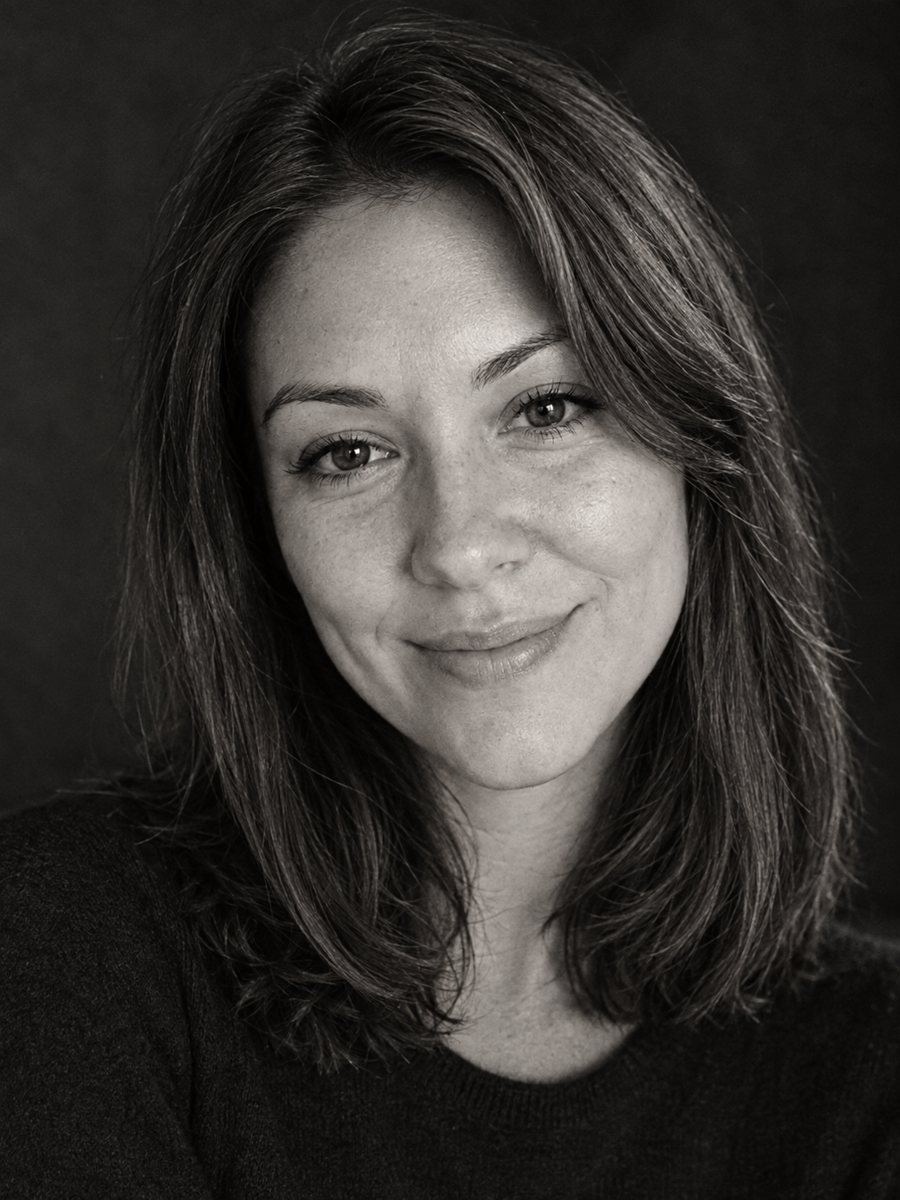 Make a timeless black and white profile portraitConvert a photo into a timeless black and white profile portrait with rich tones and fine grain. Copy the...
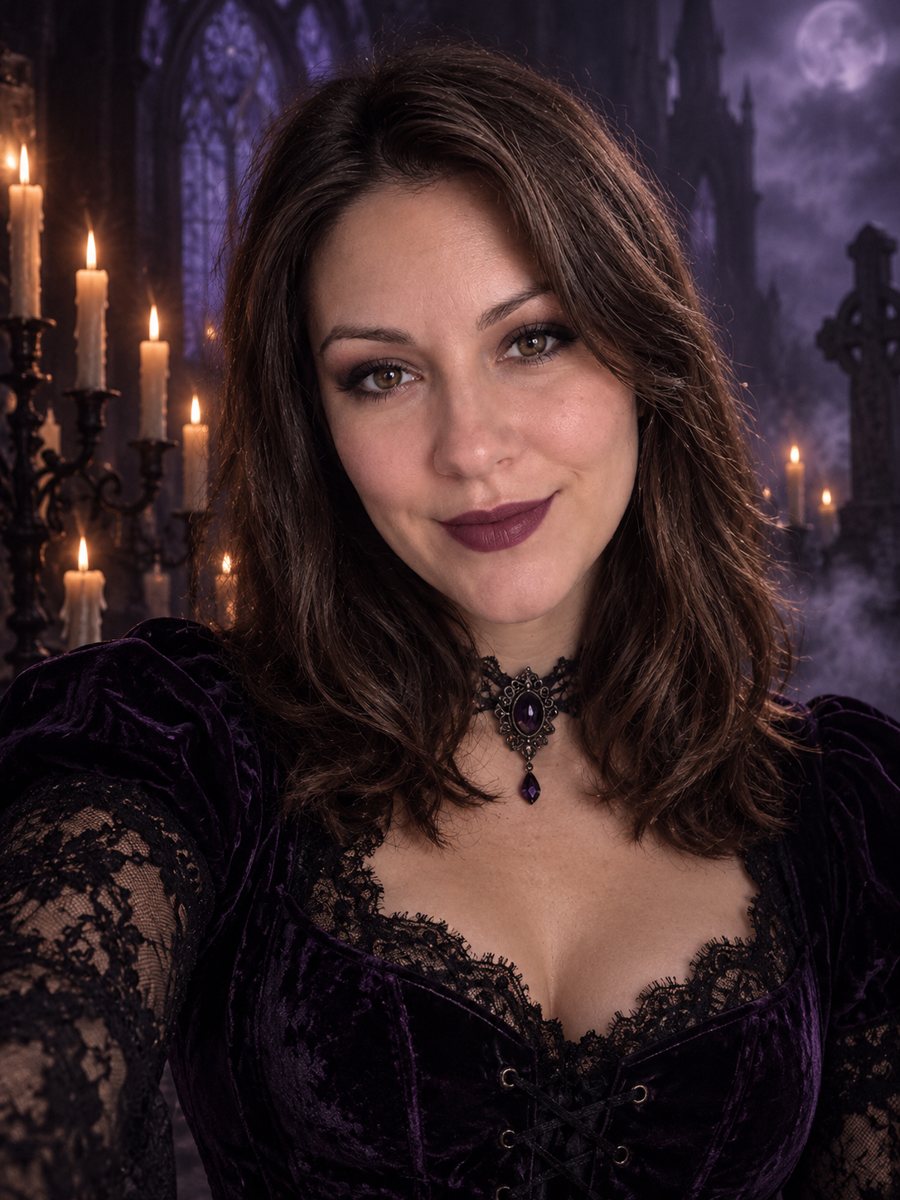 Turn your photo into a dark gothic portraitRestyle your photo as a gothic portrait with black lace, velvet, candlelight and a foggy graveyard. Copy...