Walmart product image requirements
Walmart's marketplace has detailed image rules, and the exact pixel numbers are in the seller documentation. This page explains the general picture: a clean main image, a large file, and how a 3:4 picture from the bot fits.
- 2 credits per image
- Result in 1–2 minutes
- No sign-up
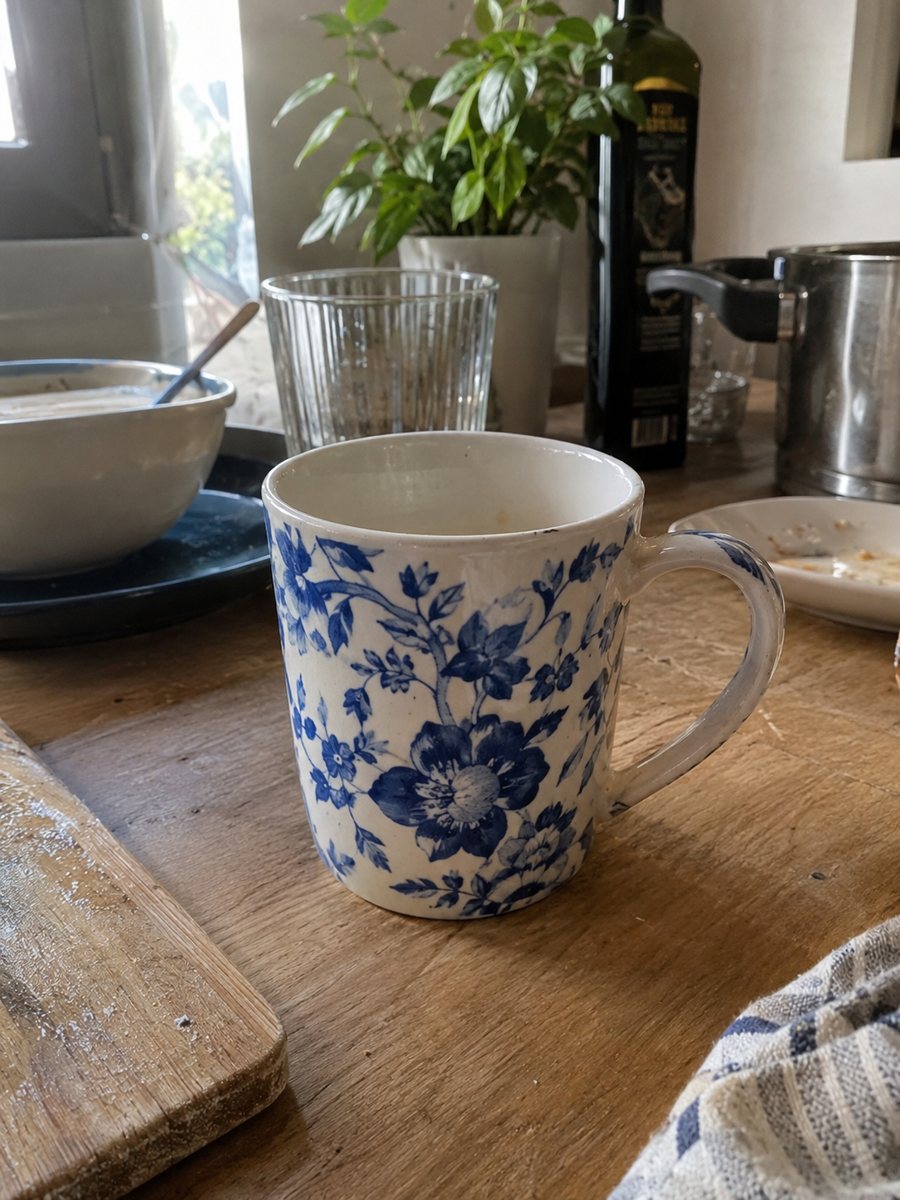
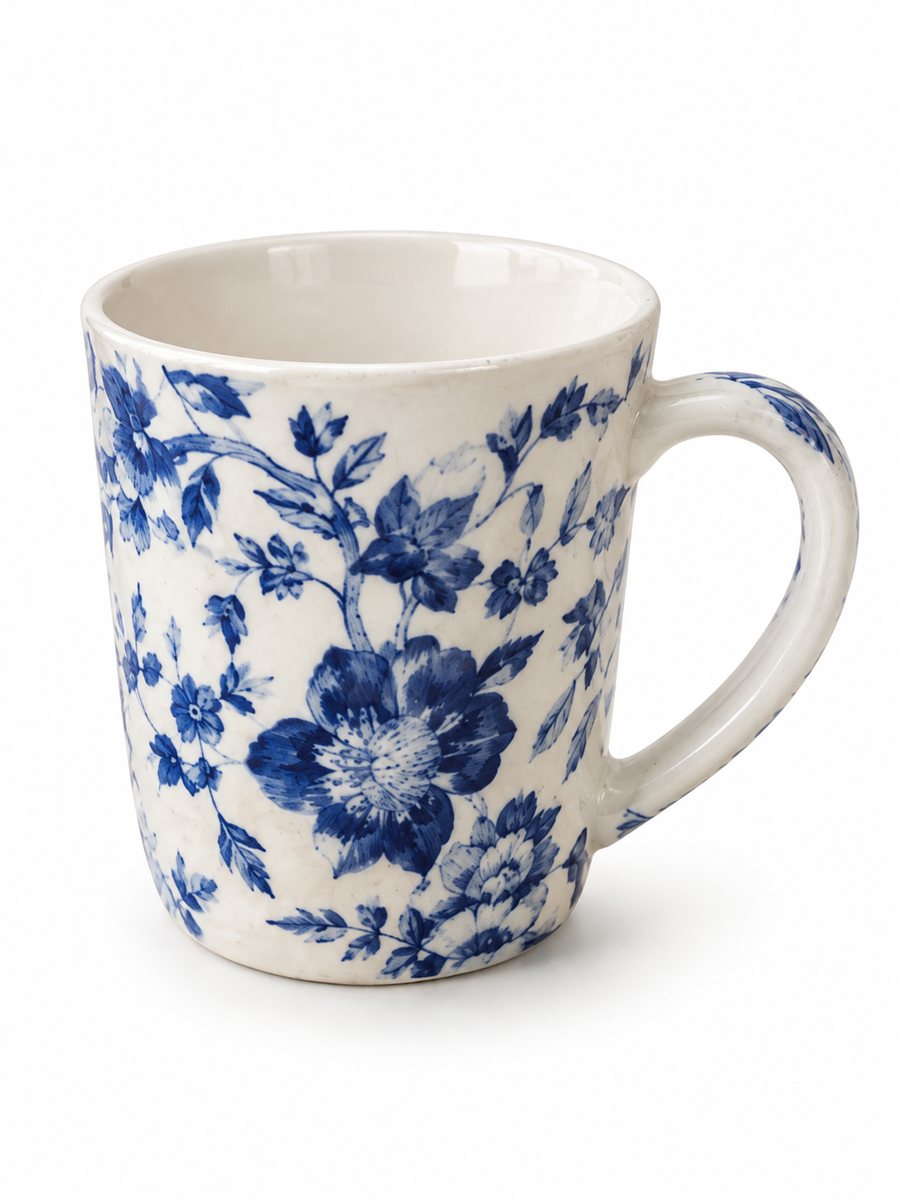 BeforeAfter
In short: Walmart product image requirements in plain words: main image rules, large files, plain background. Make a clean 3:4 shot from a phone photo, 7 images free.
- Where: the VisuMate bot in Telegram, no app or sign-up.
- Cost: 2 credits per image, 7 images free, then packs from 49 Telegram Stars.
- Time: 1 to 2 minutes per image, rerun with a new instruction at the same price.
- Credits never expire, there is no subscription and no auto-renew. You pay once for a pack inside Telegram with Stars.
When you need this
- Your product image is rejected during setup.
- You have only a phone photo with a cluttered background.
- You do not know what to keep off the main image.
How to do it
- 1
Open @visumate_ai_bot with the button on this page and press Start. The link opens the product photo menu.
- 2
Send the photo of the item as a file (document). In the caption write what you need, for example: "pure white background, soft shadow, product fills the frame".
- 3
In 1–2 minutes the vertical 3:4 picture is in the chat. Download it and crop or resize in an editor to match the Walmart seller guide.
Try it on your own photo: 7 images are free, no sign-up.
Make it in TelegramSize and format
Marketplaces usually ask for large images so shoppers can zoom. For Walmart, sellers often quote a minimum around 1500 pixels on the longest side, with larger recommended, but check the current guide in Seller Center because the numbers can change by item type. The bot returns a vertical 3:4 picture. If your form wants a square, crop it in an editor and keep the product away from the edges.
The main image
The main image is the one that appears in search results. The common rules are a plain white background, the product only, and no added text, badges or watermarks. The bot's white-background preset removes the clutter around your product and adds a soft shadow, and the product itself stays the same. Take the original in daylight with the whole item visible.
Additional images
Extra images can show other angles, packaging, scale and use. Infographic images with short benefit text can be useful as additional pictures if the rules allow them. The bot can draw short badges, but the AI may misspell longer phrases, so keep text short and proofread it before upload. Product details on the back of the package are best photographed with your phone.
Tips
- Open Walmart's current image guidelines in Seller Center before you export.
- Use a pure white background for the main image.
- Keep text, badges, logos and watermarks off the main image.
- Fill the frame with the product and leave a thin margin.
- Give each angle its own picture.
Questions and answers
What size should Walmart images be?
Large files are expected, often quoted at about 1500 pixels or more on the longest side. Confirm in Seller Center.
Can I use a lifestyle photo as the main image?
Marketplaces generally want a plain background on the main image. Use scenes for later pictures.
Does the bot output exact marketplace dimensions?
No. It outputs 3:4 vertical images. Resize in an editor.
Does the bot upload to Walmart?
No. Download the file and upload it in Seller Center.
How many pictures are free?
15 free credits at the start and 2 credits per image, so 7 images.
What the bot does not do
- Does not output a transparent PNG. The result is a finished 3:4 image with a background.
- Does not write listing copy, set prices or upload anything to your seller account.
- Does not guarantee exact marketplace pixel sizes: crop or resize the 3:4 image in any editor.
- Text on infographics is drawn by AI and can have letter errors in long phrases. Keep badges short and proofread.
More in "Product photos"
- Amazon main image requirementsAmazon main image requirements in plain words: white background, product fill, size for zoom, no text....
- Amazon product image size in pixelsAmazon product image size in pixels explained: what makes zoom work, why bigger files help, and how to get...
- Marketplace photo requirementsMarketplace photo requirements for Amazon, Etsy and eBay in plain terms: background, size and text. Check...
- Bulk product photos on a white backgroundBulk product photos on white: a simple workflow for processing dozens of items in Telegram, one phone...