Bulk product photos on a white background
The bot handles one photo per run. For a large catalog, set a routine: shoot all items under the same light, send them one after another with the same caption, and collect the results. This page shows how to organize it.
- 2 credits per image
- Result in 1–2 minutes
- No sign-up
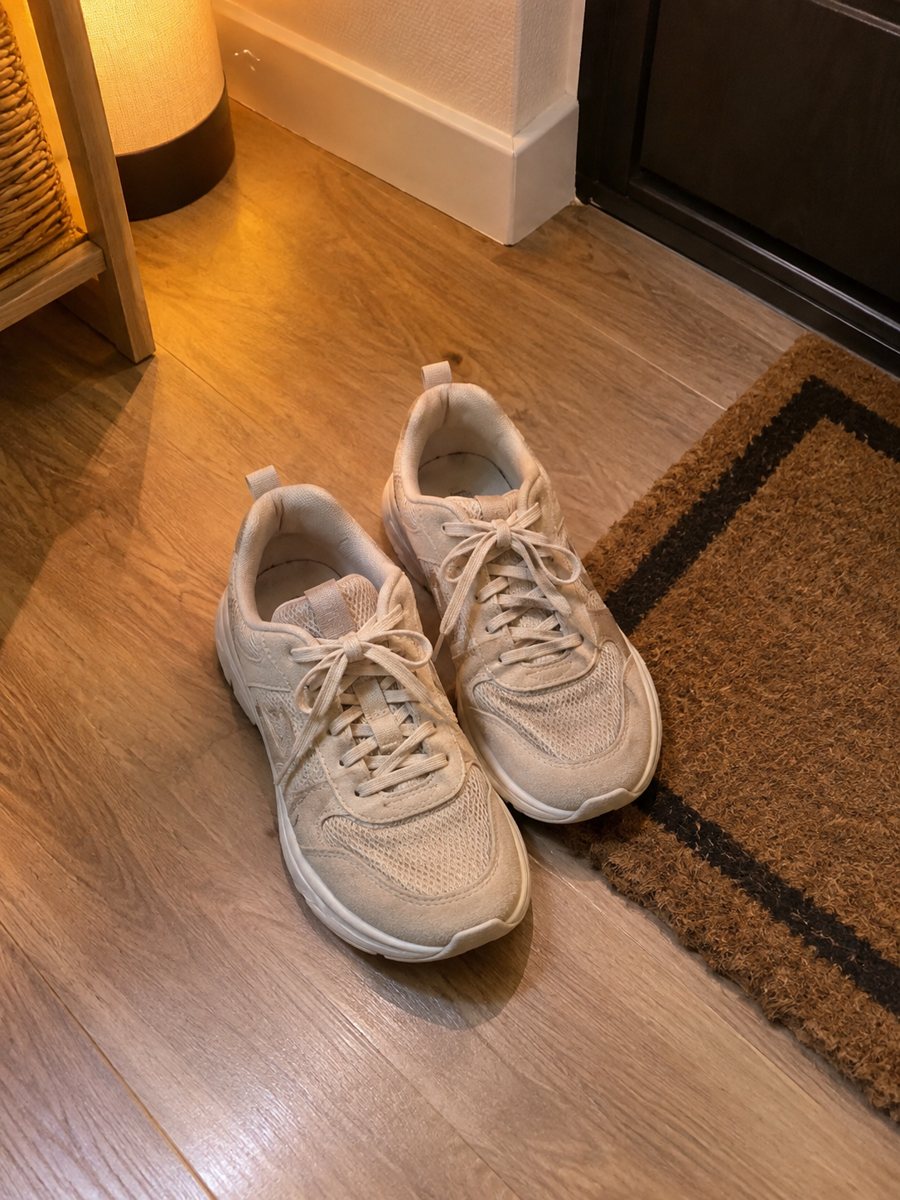
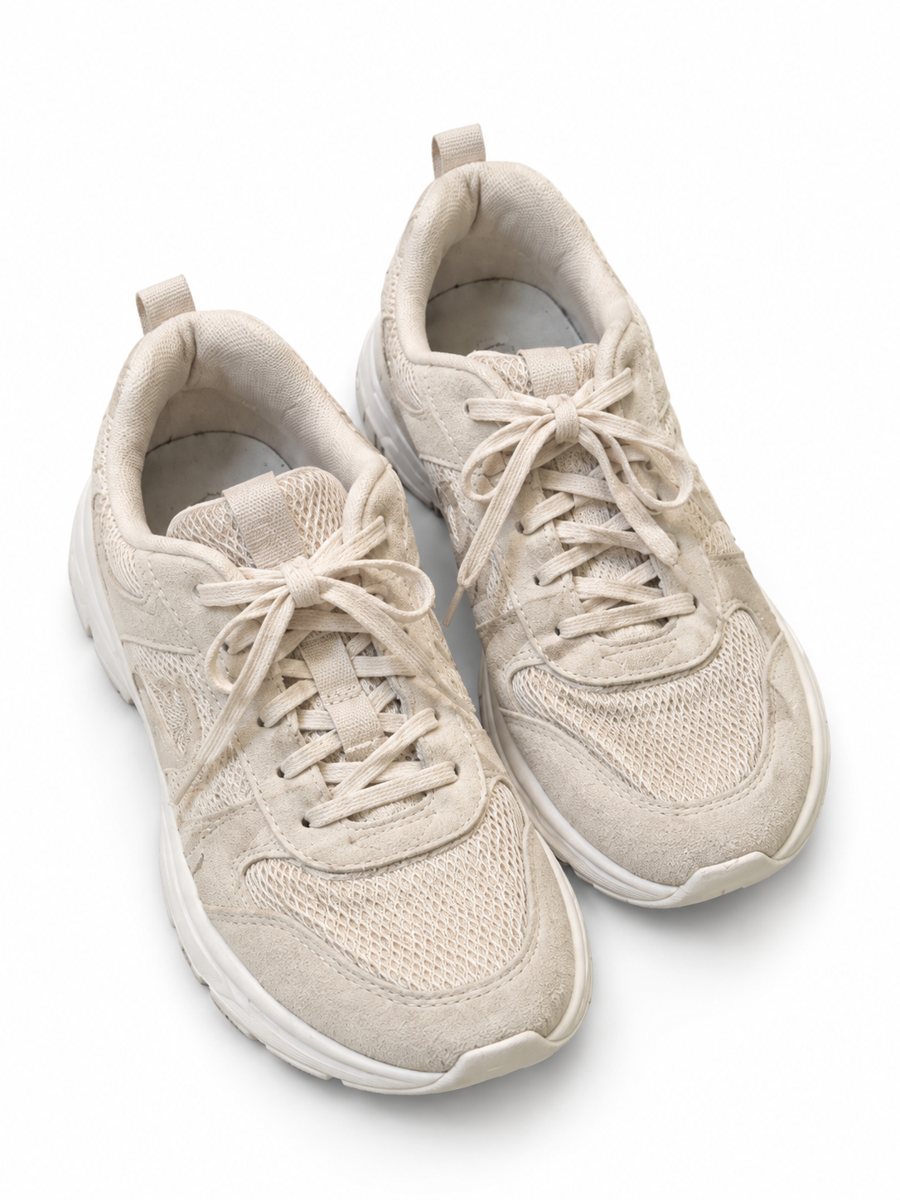 BeforeAfter
In short: Bulk product photos on white: a simple workflow for processing dozens of items in Telegram, one phone picture at a time. 3:4 images. 7 images free.
- Where: the VisuMate bot in Telegram, no app or sign-up.
- Cost: 2 credits per image, 7 images free, then packs from 49 Telegram Stars.
- Time: 1 to 2 minutes per image, rerun with a new instruction at the same price.
When you need this
- You have 80 SKUs and no budget for a studio day.
- Every product is photographed on a different day and the pictures do not match.
- You need new pictures for a seasonal reshuffle of your store.
How to do it
- 1
Open @visumate_ai_bot with the button on this page and press Start. The link opens the product-on-white mode.
- 2
Send the photo of the item as a file (document) so Telegram does not compress it. In the caption write: "pure white background, soft shadow, same style for all items".
- 3
In 1–2 minutes the vertical 3:4 image arrives in the chat. Zoom in on the edges and the shadow of the item, then download it or run again.
Try it on your own photo: 7 images are free, no sign-up.
Make it in TelegramA routine that scales
Prepare a surface, a window and a stack of products. Shoot each item with the same angle, rename files by SKU, and send them as files. Keep the caption identical, which makes results match. Each image takes about 1–2 minutes, so you can send the next while the previous one is processing. Each run takes 1 to 2 minutes, so you can send the next product while you wait.
Budget and credits
Each image costs 2 credits. A Starter pack of 30 credits for 199 Stars gives 15 images, Pro gives 50 and Business gives 150. Credits never expire, so you can buy a larger pack and use it over weeks. Plan a few reruns in your count, since some images need a second pass. If the result is close but not right, rerun with a clearer caption, which costs another 2 credits.
Tips
- Shoot every item in one session with the same distance and light.
- Name your source files with the SKU before sending.
- Use one caption template and change only the color or material.
- Send a test of three items first and adjust the caption before the rest.
Questions and answers
Can I send many photos in one message?
Up to 5 photos as an album are merged into one image. For separate items, send each photo on its own.
How many credits do I need for 100 items?
One image is 2 credits, so 100 images need 200 credits, plus a few for reruns. Compare that with the packs on the pricing page.
Does the bot write the listing text?
No. It makes the image only. It does not write listing copy, calculate prices or upload to your seller account.
Is the bot menu in English?
The bot replies in English, and the link from this page opens the right mode.
More in "Product photos"
- Facebook Marketplace photos with a clean backgroundFacebook Marketplace listing photos with a clean white background: send a phone picture of your item and...
- Amazon main image on a white backgroundTurn a phone photo into an Amazon main image on a pure white background with a soft shadow. No text or...
- Add a shadow to a product photoAdd a realistic soft shadow to a product photo so the item stops floating. Send a picture, get the product...
- Size chart infographic style imageSize chart infographic style image: put 3 or 4 short size facts on badges around a product close-up....