Shopify product image size and aspect ratio
Shopify accepts large images and resizes them for your theme. What matters in practice is one consistent ratio across the store. Here are the limits from Shopify's help page and a quick way to make matching product images.
- 2 credits per image
- Result in 1–2 minutes
- No sign-up
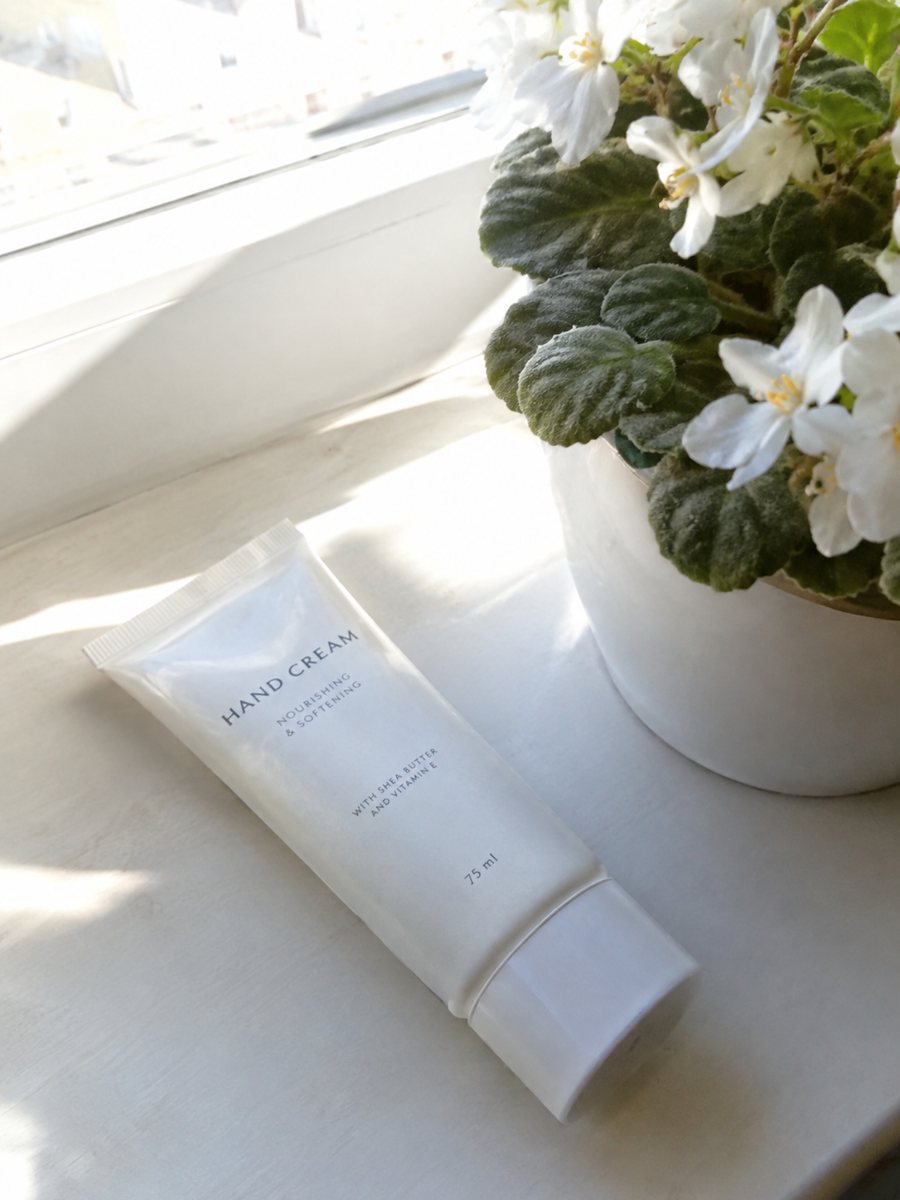
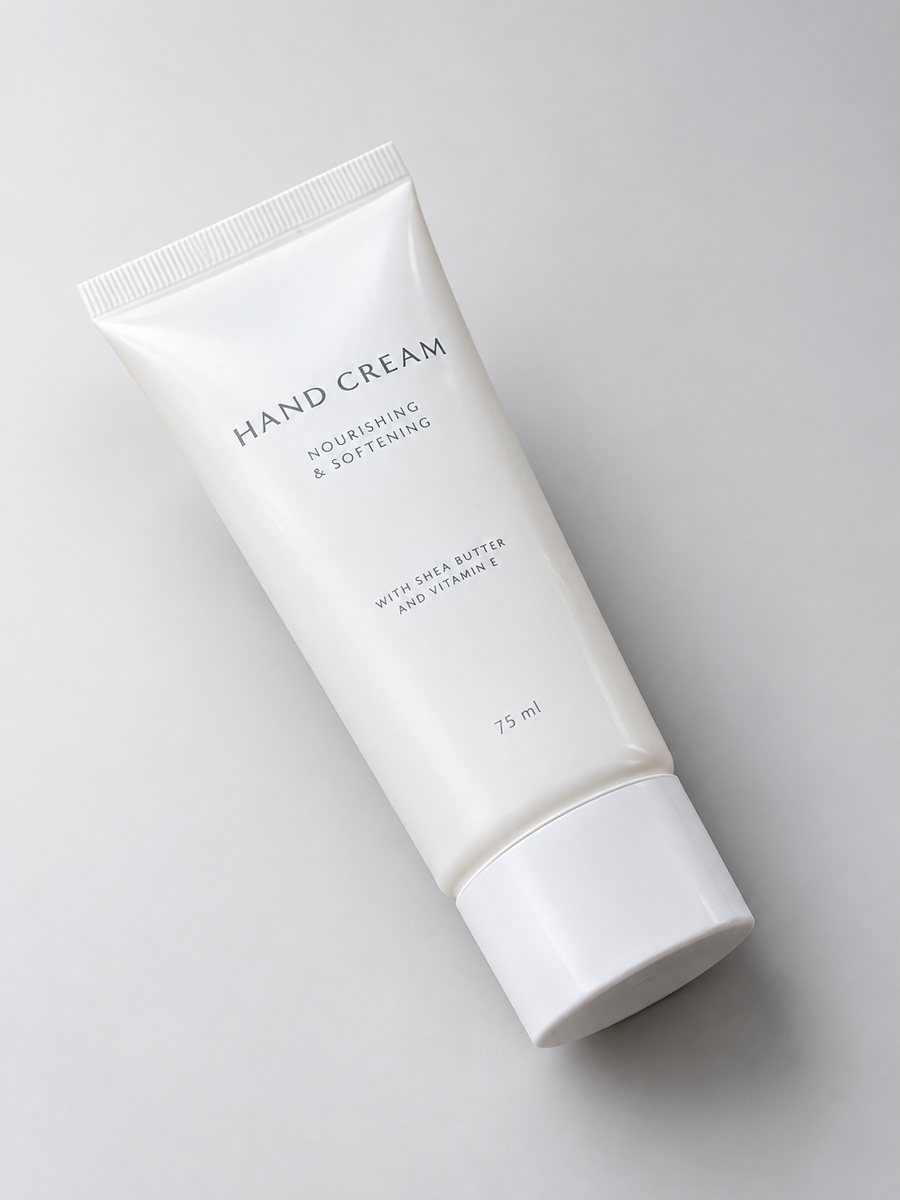 BeforeAfter
In short: Shopify product image size and aspect ratio: maximum dimensions, file size, formats, one ratio across the store. 3:4 white-background shots, 7 free.
- Where: the VisuMate bot in Telegram, no app or sign-up.
- Cost: 2 credits per image, 7 images free, then packs from 49 Telegram Stars.
- Time: 1 to 2 minutes per image, rerun with a new instruction at the same price.
When you need this
- Product cards look uneven because images have different shapes.
- Uploads fail or load slowly because the files are huge.
- You are not sure whether to use PNG or JPEG.
How to do it
- 1
Open @visumate_ai_bot with the button on this page and press Start. The link opens the white background mode.
- 2
Send each product photo as a file (document). Use the same caption for every product, for example: "white background, soft shadow, product centered".
- 3
In 1–2 minutes each vertical 3:4 image arrives in the chat. Download the set and upload it to your store.
Try it on your own photo: 7 images are free, no sign-up.
Make it in TelegramLimits from Shopify's help page
According to Shopify's product media help page, images can be up to 5000 x 5000 px or 25 megapixels, and files should stay under 20 MB. A square of 2048 x 2048 px usually displays well. PNG is the preferred format, followed by JPEG. Shopify also accepts TIFF, BMP, GIF, SVG, HEIC and WebP. Shopify creates several sizes of each image for different parts of the theme.
Aspect ratio across the store
Shopify advises one height-to-width ratio for featured and main images, so they line up on collection pages. Some themes also let you set the shape. The bot makes vertical 3:4 images. If your theme uses square cards, crop each image to a square in an editor and keep the product centered. If your theme supports portrait, 3:4 can be used as it is.
A consistent set
Run every product through the same mode with the same caption. The background, shadow and light then match from one product page to the next. Check each result against the real item before you publish, since AI may shift small details.
Tips
- Pick one ratio for the whole catalog and keep to it.
- Use the same caption for every product so lighting and shadow match.
- Check how your theme crops images on collection pages.
- Compress very large exports before upload if loading feels slow.
Questions and answers
What is the best Shopify image size?
Shopify's help page says 2048 x 2048 px usually displays best. Check the page for current numbers.
Can the bot give me a square image?
No. Product images come as 3:4. Crop to a square in an editor if your theme needs it.
PNG or JPEG?
Shopify lists PNG as preferred, then JPEG.
Does the bot work in English?
Yes. It picks up your Telegram language on first launch and replies in English. You can switch the language any time with /lang.
How many images can I try for free?
New users get 15 free credits. One image costs 2 credits, so 7 images are free.
More in "Product photos"
- Shopify product images on a white backgroundMake Shopify product images on a pure white background so the whole catalog looks the same. Send phone...
- Shopify hero product imageShopify hero product image from a phone photo: a gradient backdrop, highlights and a clean shadow in a...
- Shopify product page infographicShopify product page infographic: a close-up with 3 or 4 benefit badges for your gallery or product...
- Marketplace photo requirementsMarketplace photo requirements for Amazon, Etsy and eBay in plain terms: background, size and text. Check...