Shopify hero product image
The hero image sets the tone of your store. Send a phone picture of your featured product and get a studio shot with a gradient backdrop, highlights and a shadow, in a vertical 3:4 frame.
- 2 credits per image
- Result in 1–2 minutes
- No sign-up
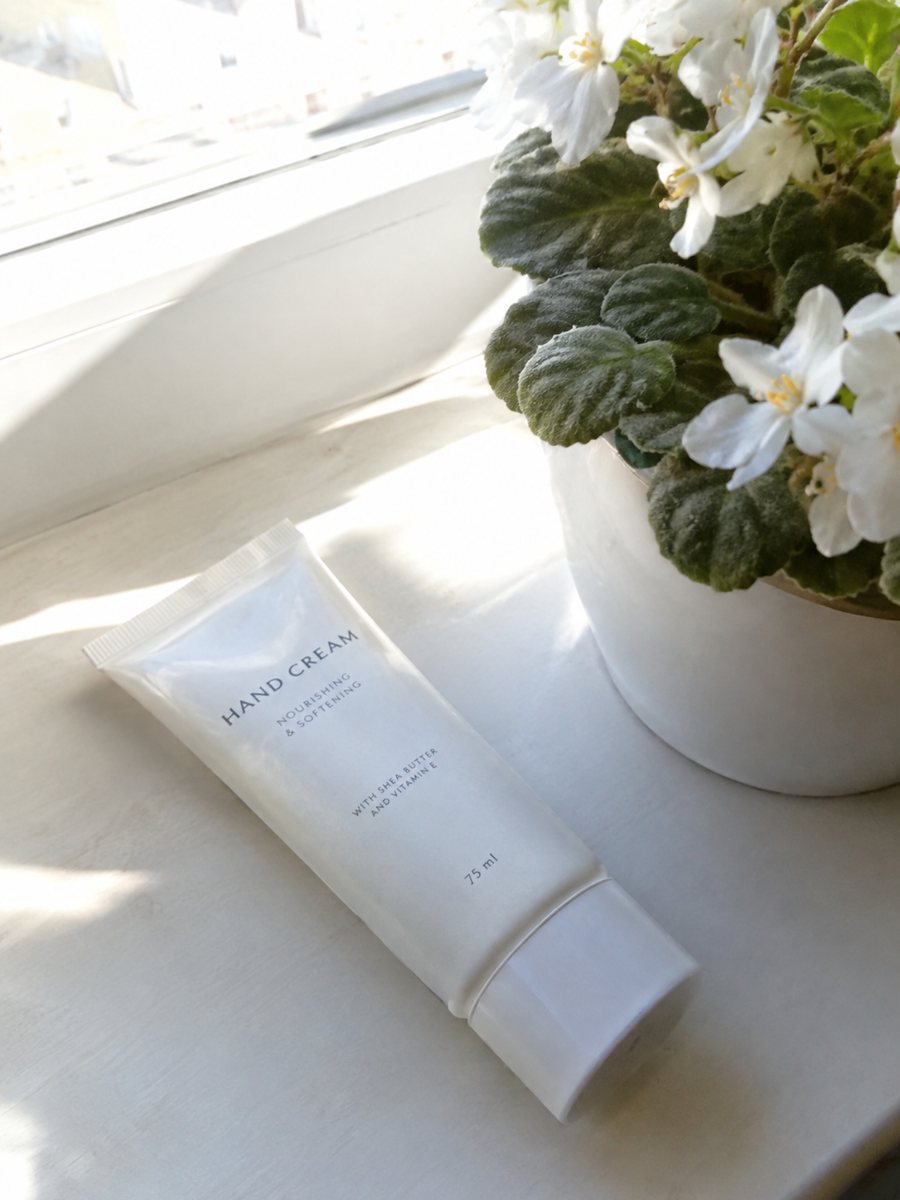
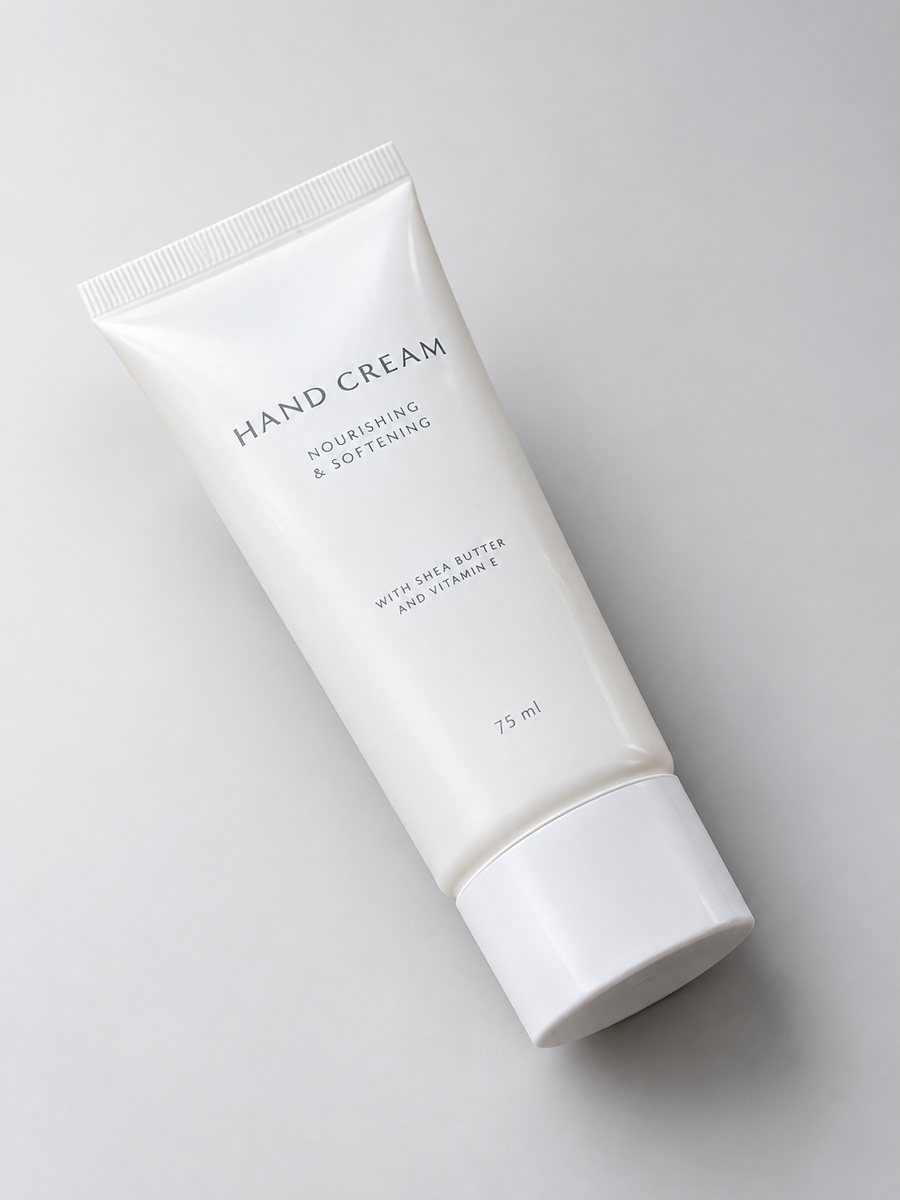 BeforeAfter
In short: Shopify hero product image from a phone photo: a gradient backdrop, highlights and a clean shadow in a vertical 3:4 frame. 7 images free.
- Where: the VisuMate bot in Telegram, no app or sign-up.
- Cost: 2 credits per image, 7 images free, then packs from 49 Telegram Stars.
- Time: 1 to 2 minutes per image, rerun with a new instruction at the same price.
When you need this
- Your homepage banner shows a product photo that looks like a catalog snapshot.
- Brand colors and photo backdrops do not match.
- You want a premium feel without a premium shoot.
How to do it
- 1
Open @visumate_ai_bot with the button on this page and press Start. The link opens the studio shot mode.
- 2
Send the photo of the featured product as a file (document). In the caption describe the look: "soft sand gradient background, studio highlights, space around the product".
- 3
In 1–2 minutes the vertical 3:4 image arrives in the chat. Check highlights and the shadow under the featured product, then download it or run again.
Try it on your own photo: 7 images are free, no sign-up.
Make it in TelegramA hero image has one job
Show the featured product clearly and set the mood. A soft gradient backdrop in a brand tone does this better than white. Keep the product large in the frame and leave room for your theme's text overlay if your theme puts text on the image, which you can arrange in the caption. Send the photo as a file so Telegram keeps the full detail of your product.
Cropping and sizes
The result is vertical 3:4. Many hero sections are wide, so you may need to crop or place the picture beside text. Preview on phone and desktop. If you need a wide banner with text, use the banner tool of the bot instead, which draws wide 16:9 images from a prompt. If the result is close but not right, change one word in the caption and run again for another 2 credits.
Tips
- Choose a backdrop color from your brand palette.
- Check how your theme crops images on mobile.
- Use a product that has a clean outline for the hero.
- Pair the hero with a lifestyle shot from the same product.
Questions and answers
Can I make a wide hero banner from this?
This mode gives a vertical 3:4 image. The banner mode of the bot creates 16:9 images from a text description.
Will it match my brand colors?
Name the color in the caption. The match is approximate, so check on screen.
Do I need to register anywhere?
No sign-up. Open Telegram, press Start and send a photo. It works on a phone and on a desktop.
How long does one image take?
Usually 1–2 minutes. The result arrives in the chat, and you can download it or run the photo again.
More in "Product photos"
- Handmade soap product photosHandmade soap product photos with a studio look: send a phone picture of bars or a wrapped soap and get a...
- Perfume bottle studio photoPerfume bottle studio photo from a phone picture: gradient backdrop, glass highlights and a clean shadow...
- AI product photography for sellersAI product photography explained for sellers: what the studio mode builds from a phone picture, where it...
- Pet product infographic imagesPet product infographic images: a close-up of a toy, bed or bowl with 3 or 4 badges from your caption,...