Remove the background from a product photo
The bot does more than cut the product out. It replaces the old background with pure white, adds a soft shadow under the item and evens out the light. You send one phone picture and receive a ready listing image.
- 2 credits per image
- Result in 1–2 minutes
- No sign-up
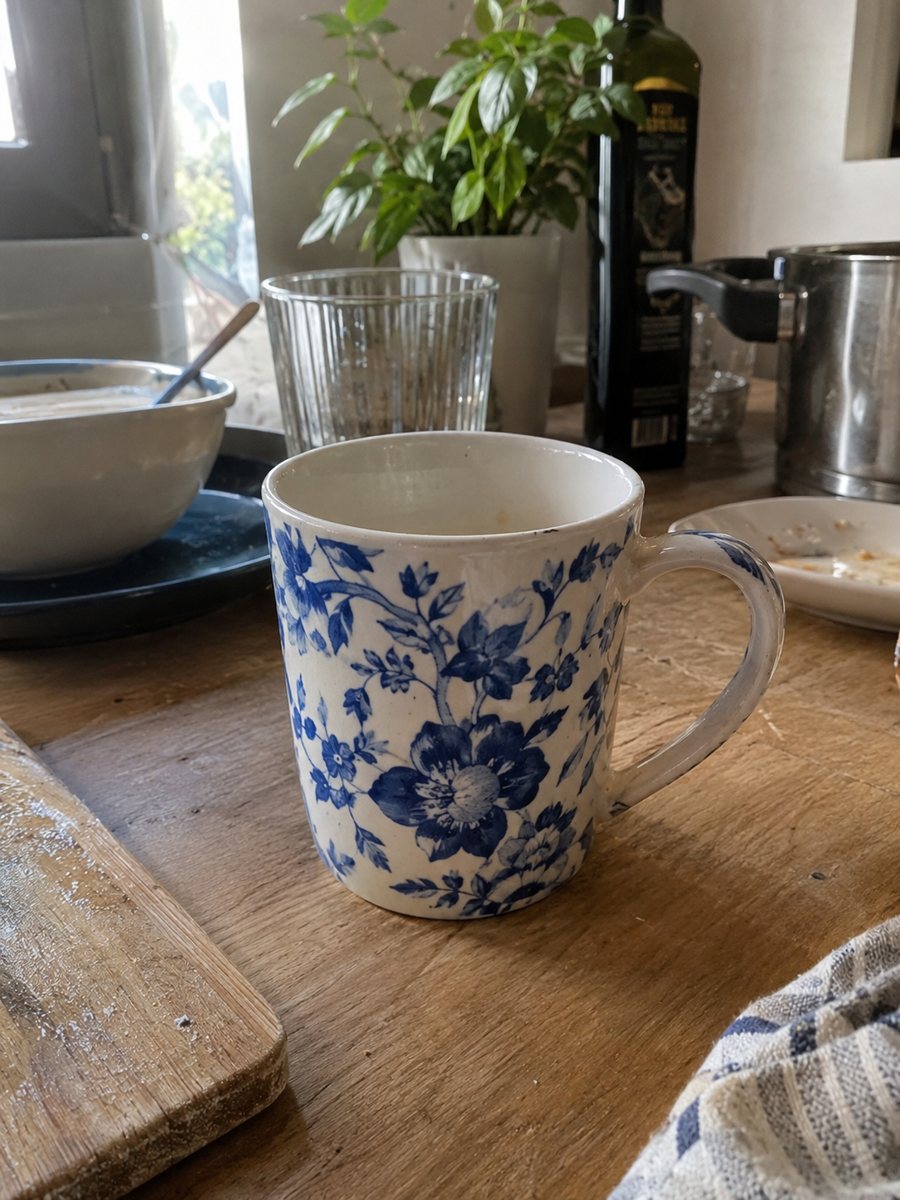
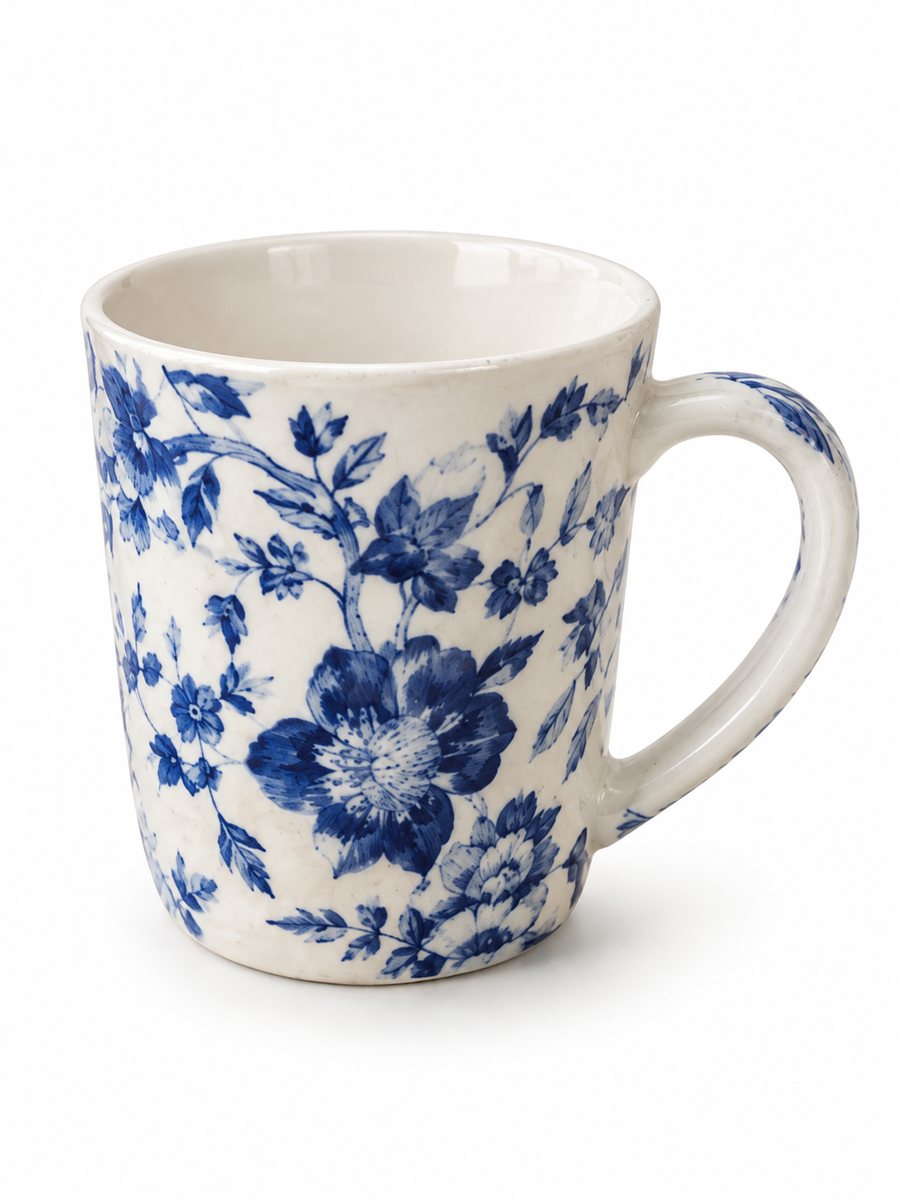 BeforeAfter
In short: Remove the background from a product photo and place the item on pure white with a soft shadow. Send a phone picture, get a 3:4 result. 7 images free.
- Where: the VisuMate bot in Telegram, no app or sign-up.
- Cost: 2 credits per image, 7 images free, then packs from 49 Telegram Stars.
- Time: 1 to 2 minutes per image, rerun with a new instruction at the same price.
When you need this
- A cut-out leaves a flat sticker look with no shadow, and the product seems to float.
- The background in your photo is a patterned bed sheet and the edge is hard to select by hand.
- You have fifty photos and no time for pen-tool work.
How to do it
- 1
Open @visumate_ai_bot with the button on this page and press Start. The link opens the product-on-white mode.
- 2
Send the photo of the product as a file (document) so Telegram does not compress it. In the caption write: "remove the background, pure white, soft shadow".
- 3
In 1–2 minutes the vertical 3:4 image arrives in the chat. Zoom in on the edges and the shadow of the product, then download it or run again.
Try it on your own photo: 7 images are free, no sign-up.
Make it in TelegramCutting out versus rebuilding the picture
A plain remover gives you the product with a transparent hole around it. A listing image needs more: a light background, a shadow that grounds the item, and even brightness. The bot produces the full picture in one run, so you get a file you can upload right away instead of a cut-out you still have to finish. Check the pixel size of the downloaded file against the rule for your marketplace and category.
Where the edges usually go wrong
Hair-thin parts, fringes, mesh, glass and shiny rims are the common weak spots for any background removal. Check them at full size. If one part looks wrong, rerun with a caption that names it, for example: keep the metal chain fully visible. A second run costs the same 2 credits. Zoom in on the edges after the run, because that is where a cutout shows its weak spots.
Tips
- Keep a little distance between the product and the background so the outline stays clear.
- Avoid a white product on a white sheet: use a darker surface for shooting.
- Transparent glass and thin wire are hard cases, so inspect those parts after the run.
- Name the color you want to keep in the caption if the product has a tricky shade.
Questions and answers
Can I get a transparent PNG?
The bot returns an image on a pure white background, not a transparent file.
Does it work on shiny or glass items?
It can, but reflections and glass edges are the hardest cases, so check them after the run and rerun if needed.
Is the bot menu in English?
The bot replies in English, and the link from this page opens the right mode.
How do I pay after the free images?
Inside Telegram with Stars, by card, Apple Pay or Google Pay. Packs start from 199 Stars and credits never expire.
More in "Product photos"
- eBay listing photos on a white backgroundClean eBay listing photos on a white background with a soft shadow. Send a phone picture of the item, get...
- Shopify product images on a white backgroundMake Shopify product images on a pure white background so the whole catalog looks the same. Send phone...
- White background product photo, free to tryMake a white background product photo free for the first 7 images. Send a phone picture, get a clean 3:4...
- Art print product photosArt print product photos: send a picture of a print or a poster and get a studio look with a gradient...