Art print product photos
Prints curl, glare and bend when you photograph them. Send a phone picture and the bot builds a clean studio look around the print, with a backdrop and a soft shadow.
- 2 credits per image
- Result in 1–2 minutes
- No sign-up
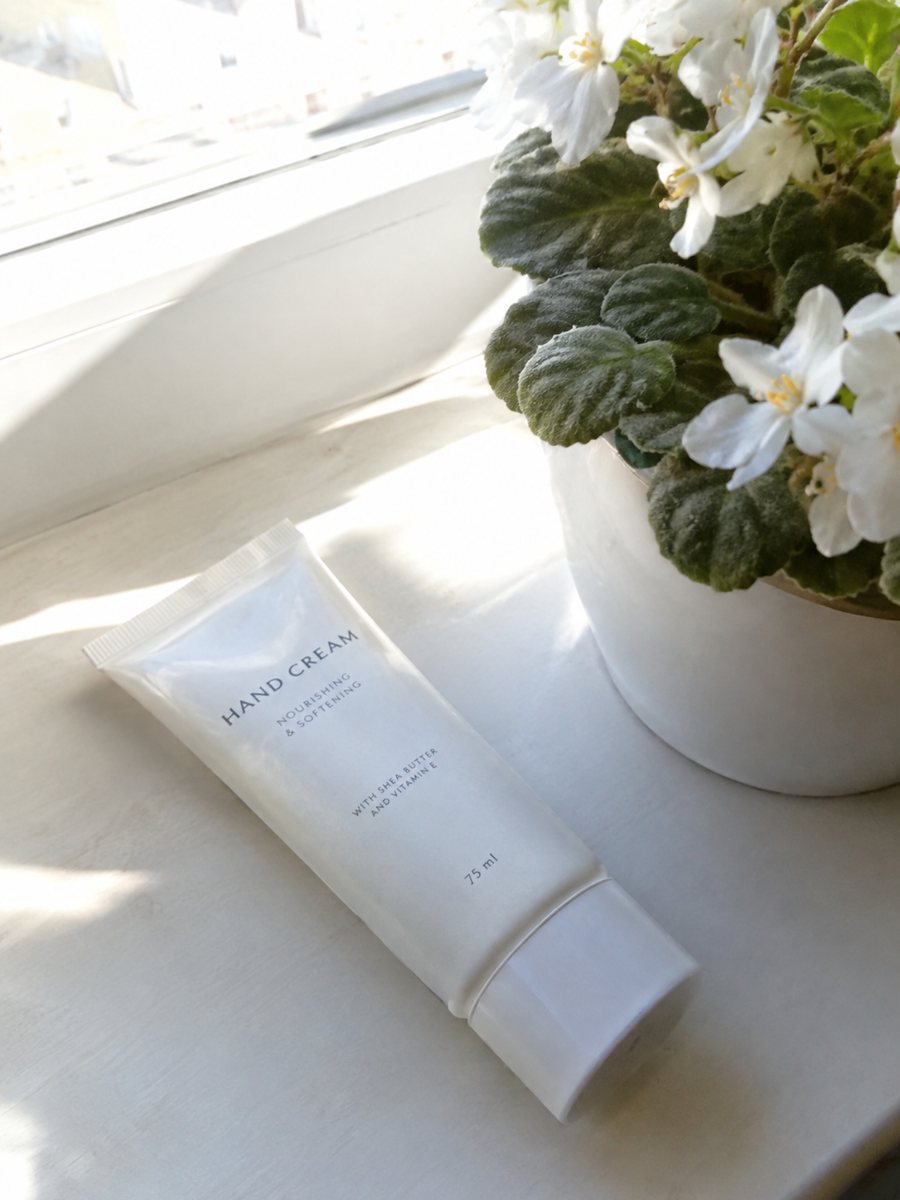
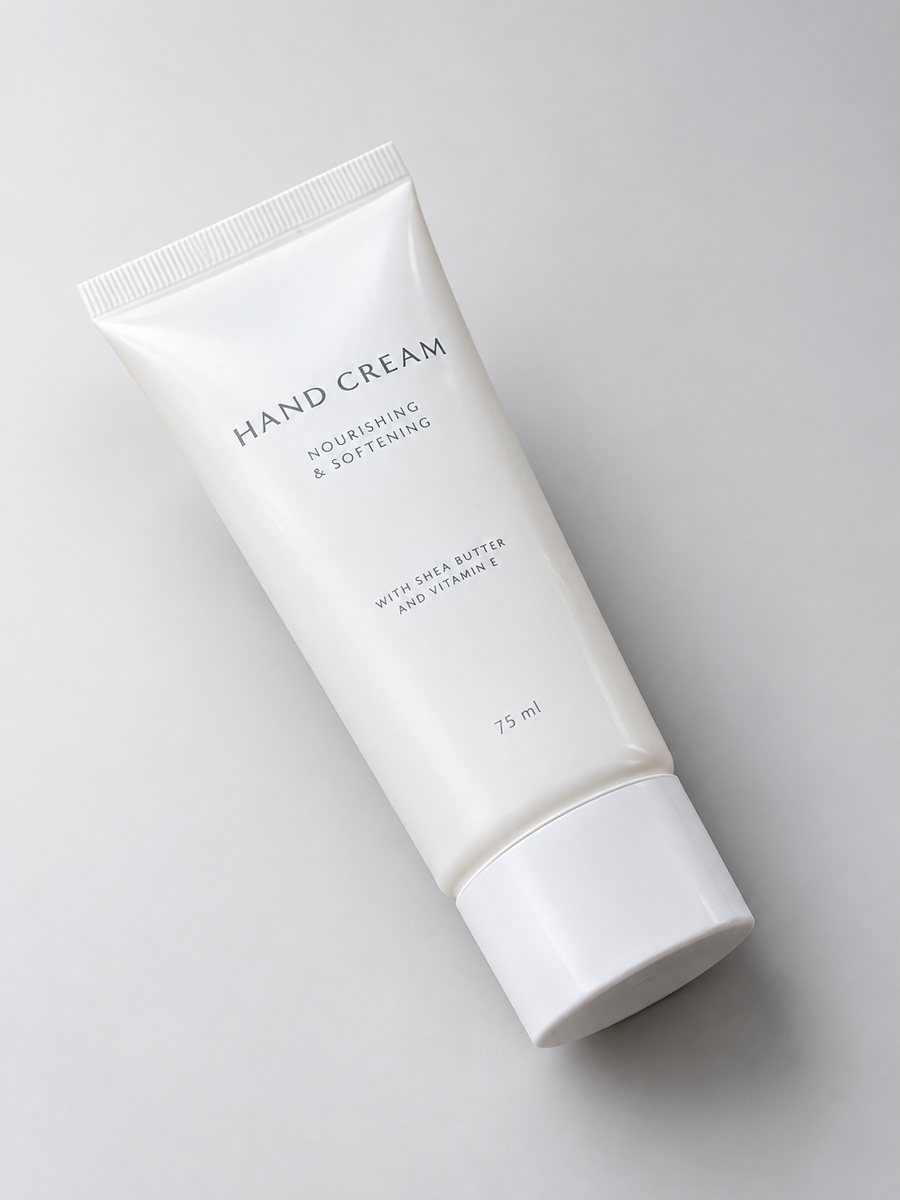 BeforeAfter
In short: Art print product photos: send a picture of a print or a poster and get a studio look with a gradient backdrop and a gentle shadow, in 3:4. 7 images free.
- Where: the VisuMate bot in Telegram, no app or sign-up.
- Cost: 2 credits per image, 7 images free, then packs from 49 Telegram Stars.
- Time: 1 to 2 minutes per image, rerun with a new instruction at the same price.
When you need this
- The paper curls and the edges are not straight.
- Glossy paper reflects the window.
- The image on the print loses color in the photo.
How to do it
- 1
Open @visumate_ai_bot with the button on this page and press Start. The link opens the studio shot mode.
- 2
Send the photo of the art print as a file (document). In the caption describe the look: "light warm gray gradient background, gentle shadow, print stays exactly as is".
- 3
In 1–2 minutes the vertical 3:4 image arrives in the chat. Check highlights and the shadow under the art print, then download it or run again.
Try it on your own photo: 7 images are free, no sign-up.
Make it in TelegramFlat, straight and sharp
A print should be flat and square in the picture. Tape it to a wall at eye level, stand centered and keep the phone parallel. Any tilt shows as a trapezoid. The AI cannot know the real artwork if the source is warped, so a clean source is the best investment. Keep the same studio style across a collection so the shop looks planned.
Artwork accuracy
Artists need the artwork to look as it does on paper. After the run, check colors, fine lines and any signature. If detail is lost, send the original scan and show the studio shot as an extra image. For wall scenes with a frame, use the lifestyle mode or the art print wall mockup page. Check the highlights and the shadow under the product, since a soft shadow makes it feel grounded.
Tips
- Weigh the corners with something flat or tape the print to a wall.
- Shoot straight on, with the phone parallel to the paper.
- Avoid glare by shooting on an overcast day.
- Compare print colors with the result on screen.
Questions and answers
Will it keep my artwork exactly?
It aims to keep the print as is, but fine lines and text can drift. Compare at full size.
Can I put the print in a frame on a wall?
Yes, in the lifestyle mode. See the art print wall mockup page.
Does the bot write the listing text?
No. It makes the image only. It does not write listing copy, calculate prices or upload to your seller account.
Is the bot menu in English?
The bot replies in English, and the link from this page opens the right mode.
More in "Product photos"
- Studio product photography with your phoneStudio product photography with just a phone: send a picture and get a gradient backdrop, highlights and...
- Product photo with a gradient backgroundProduct photo with a gradient background: pick the color in the caption and get highlights and a realistic...
- Sports gear product photosSports gear product photos: gloves, bottles, bands and balls on a clean gradient backdrop with highlights...
- T-shirt on model photoT-shirt on model photo: send a flat lay and describe the model to get the tee worn in a studio. Print and...