Product photo with a grey background
Grey is the safest colored backdrop. It keeps attention on the product and suits almost any palette. Send a phone photo, name the tone, and the bot returns a vertical 3:4 studio shot with soft light and a shadow.
- 2 credits per image
- Result in 1–2 minutes
- No sign-up
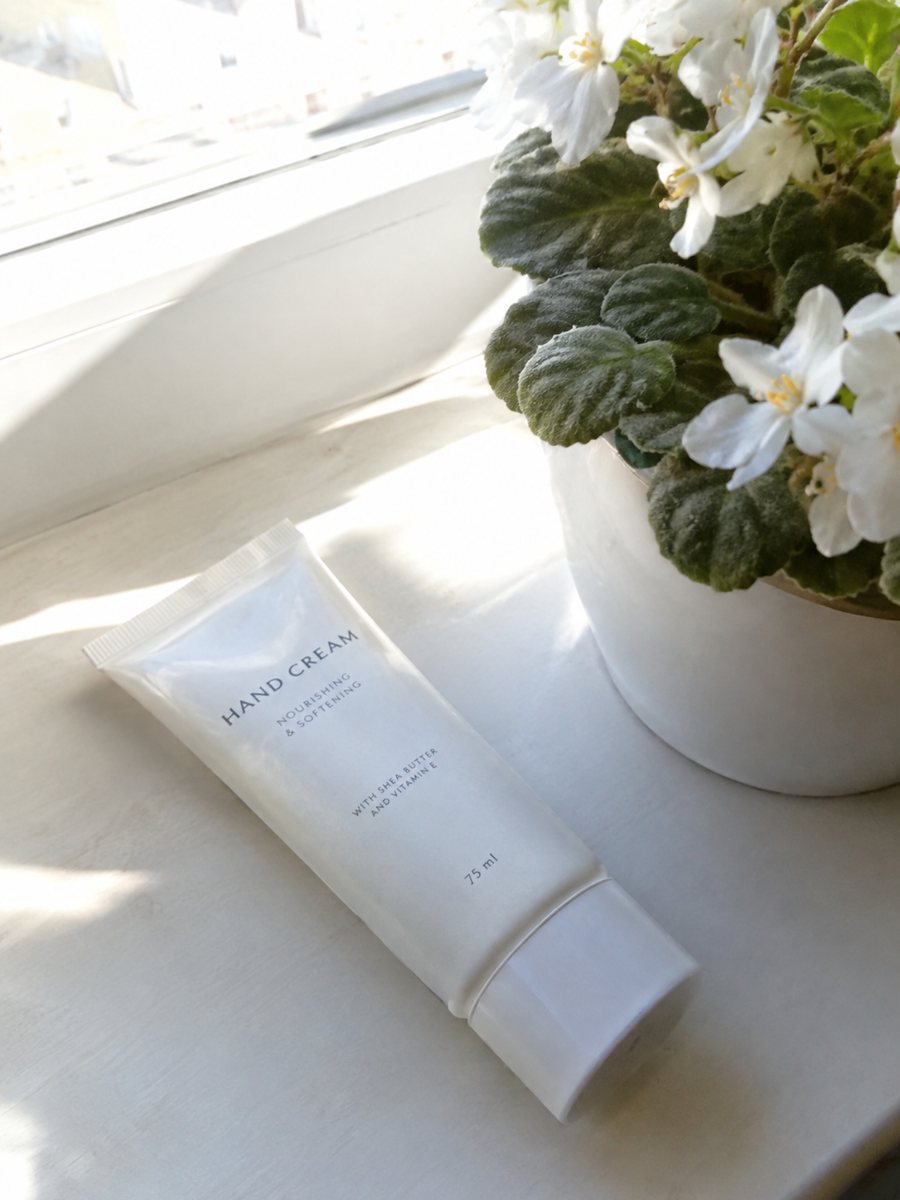
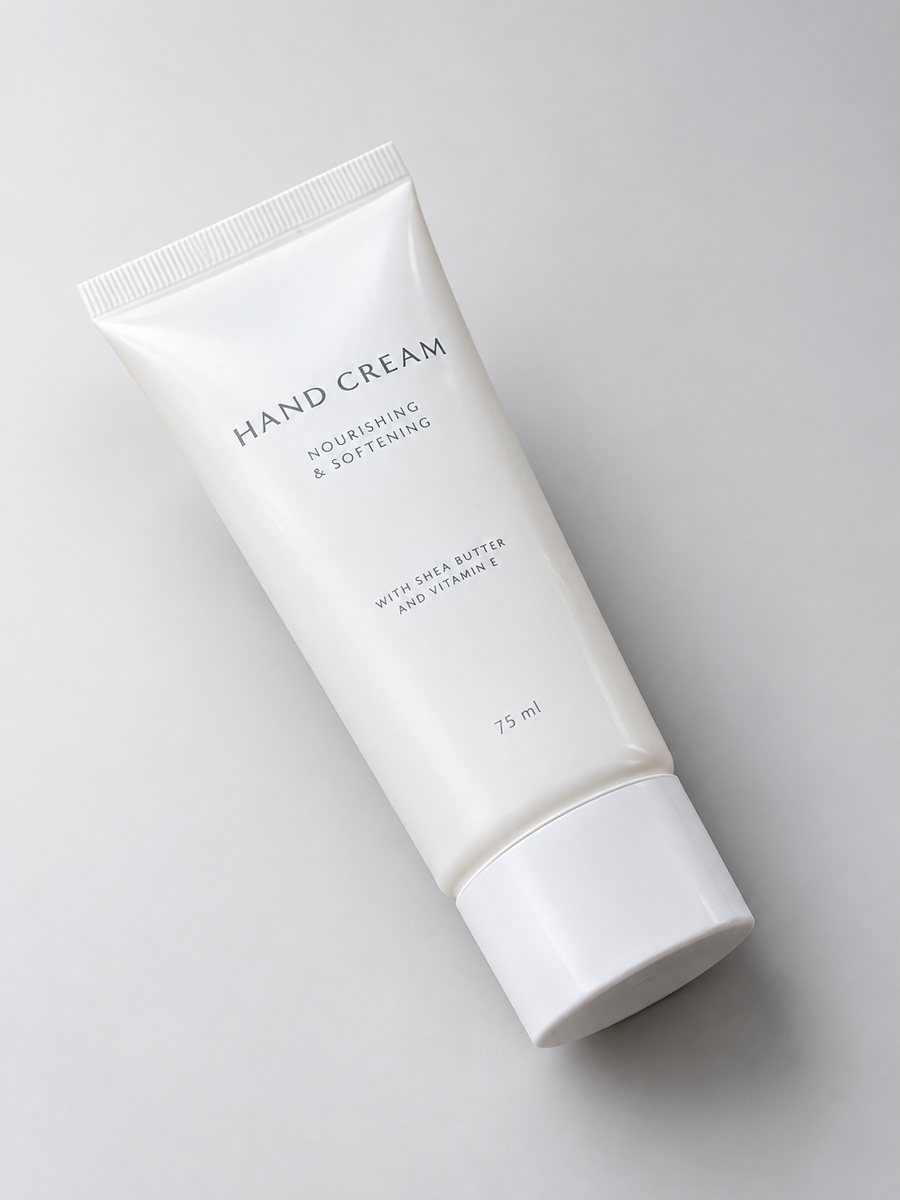 BeforeAfter
In short: Product photo with a grey background from a phone picture: light, mid and charcoal tones, the caption to send and when grey makes things dull. 7 images free.
- Where: the VisuMate bot in Telegram, no app or sign-up.
- Cost: 2 credits per image, 7 images free, then packs from 49 Telegram Stars.
- Time: 1 to 2 minutes per image, rerun with a new instruction at the same price.
- Credits never expire, there is no subscription and no auto-renew. You pay once for a pack inside Telegram with Stars.
When you need this
- White washes out your light-colored product.
- Colored backgrounds fight with your packaging.
- You want a catalog look that does not date quickly.
How to do it
- 1
Press the button on this page to open the bot, then Start.
- 2
Send the item as a file. Caption: "light grey background, soft studio light".
- 3
In 1 to 2 minutes the image arrives. Try "mid grey" or "charcoal" in another run.
Try it on your own photo: 7 images are free, no sign-up.
Make it in TelegramProducts that suit grey
Electronics, tools, kitchen gear, bottles, cosmetics, bags and shoes look tidy on grey. Colored packaging stands out against it, and white products show their form. The bot keeps the object and swaps the surround. Small printed text can shift, so zoom in and compare with your original photo before publishing. Grey also suits bundles of several items, since no color competes with the group.
When grey hurts
A grey product on a grey background looks muddy, and a very flat grey can feel clinical for a cozy brand. Choose a warmer or a gradient background for such items. Marketplace main images usually require pure white, so use grey shots as secondary images, in ads and in your own store. Check the current help page of the marketplace before changing a main photo.
Tips
- Light grey suits most items, charcoal suits light packaging.
- Pick one tone for the whole catalog.
- Add "soft shadow" for depth.
- Gray and white items need a mid tone to show their edges.
Questions and answers
What grey should I pick?
Light grey for a fresh look, mid grey for contrast with white items, charcoal for a dramatic one.
Can I get a gradient?
Yes, see the gradient background page. Write "grey gradient" in the caption.
Is it good for clothing?
Flat clothing works. For clothing on a person use the model option.
How many images are free?
7 from 15 free credits.
What the bot does not do
- Does not output a transparent PNG. The result is a finished 3:4 image with a background.
- Does not write listing copy, set prices or upload anything to your seller account.
- Does not guarantee exact marketplace pixel sizes: crop or resize the 3:4 image in any editor.
- Text on infographics is drawn by AI and can have letter errors in long phrases. Keep badges short and proofread.
More in "Product photos"
- Product photo with a gradient backgroundProduct photo with a gradient background: pick the color in the caption and get highlights and a realistic...
- Product photo with a black backgroundMake a product photo with a black background from a phone shot: the exact caption, products that suit it...
- Product photo with a blue backgroundProduct photo with a blue background from a phone picture: which blues work, the caption to send and when...
- Shopify hero product imageShopify hero product image from a phone photo: a gradient backdrop, highlights and a clean shadow in a...