Product photo with a gradient background
A gradient backdrop adds depth without distracting from the item. Send a phone picture, name the color in the caption and the bot builds a light gradient with highlights and a shadow.
- 2 credits per image
- Result in 1–2 minutes
- No sign-up
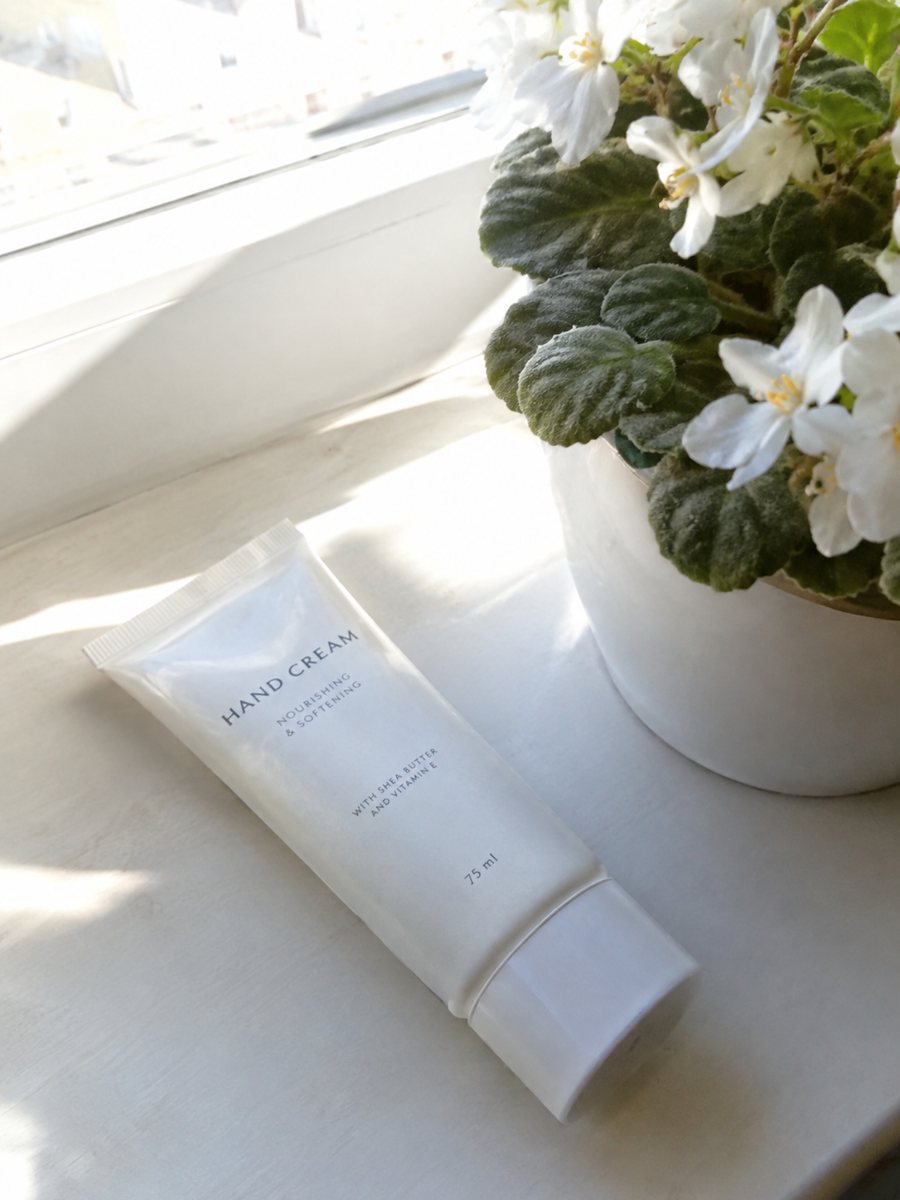
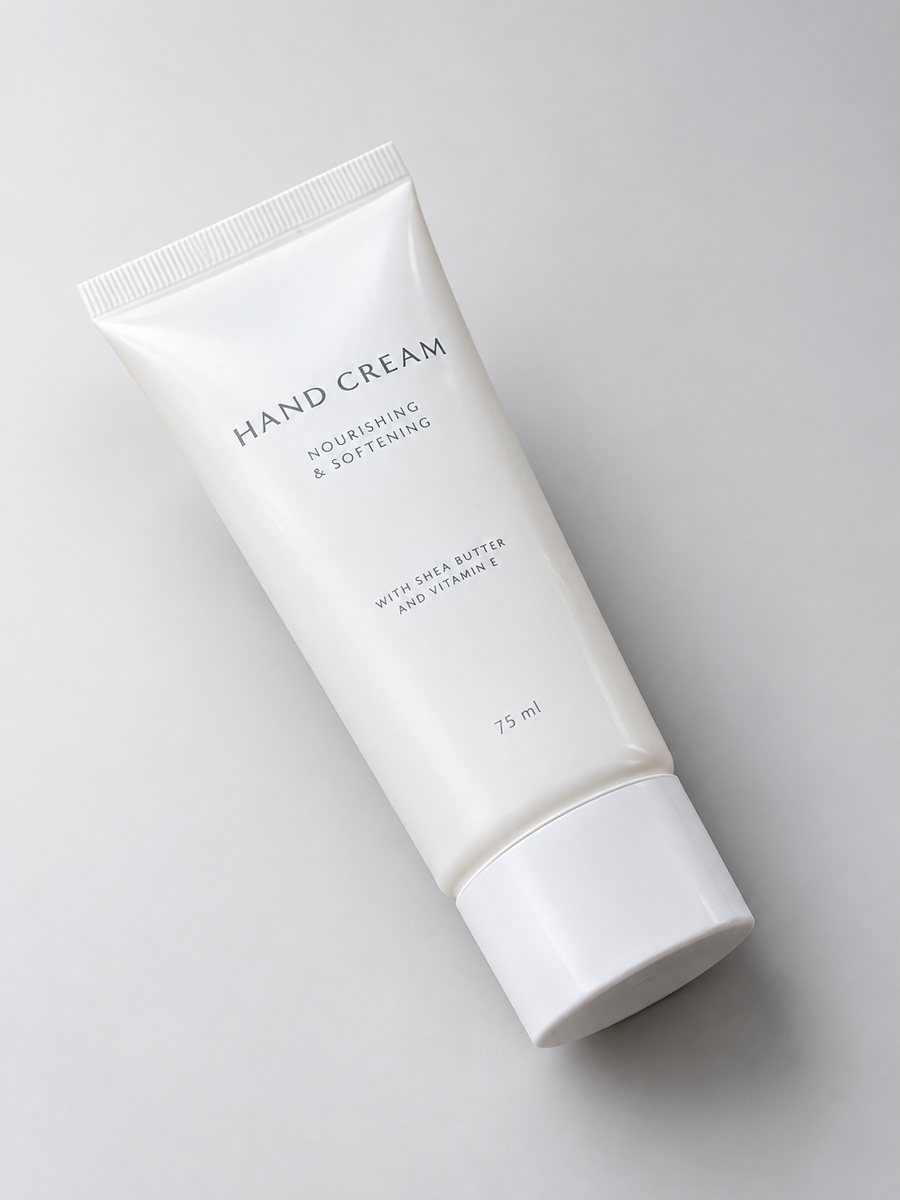 BeforeAfter
In short: Product photo with a gradient background: pick the color in the caption and get highlights and a realistic shadow in a vertical 3:4 image. 7 images free.
- Where: the VisuMate bot in Telegram, no app or sign-up.
- Cost: 2 credits per image, 7 images free, then packs from 49 Telegram Stars.
- Time: 1 to 2 minutes per image, rerun with a new instruction at the same price.
When you need this
- White backgrounds look cold next to your brand colors.
- Pictures from different suppliers have clashing backgrounds.
- Your hero banner needs a product image that matches the page color.
How to do it
- 1
Open @visumate_ai_bot with the button on this page and press Start. The link opens the studio shot mode.
- 2
Send the photo of the product as a file (document). In the caption describe the look: "pale sage green gradient background, soft highlights, gentle shadow".
- 3
In 1–2 minutes the vertical 3:4 image arrives in the chat. Check highlights and the shadow under the product, then download it or run again.
Try it on your own photo: 7 images are free, no sign-up.
Make it in TelegramChoosing the color
Pick a tone that makes the product stand out. Dark products read well on pale warm tones, bright products on soft neutrals. Write the color in plain words, such as pale sage or light sand. Very saturated backgrounds can overpower the item and tint reflections on glossy surfaces. Pair the studio image with a plain white version for marketplaces that ask for one.
Matching a whole shop
If every product sits on a different tint, the shop looks random. Choose one or two backdrop colors for the whole collection and reuse the same wording in each caption. The gradient will vary a little from run to run, so rerun the images that stand out. A sharp, evenly lit source photo gives the most believable studio result. Compare color and shape with your original before you publish, because AI can shift small details.
Tips
- Pick a background color close to the brand color but lighter than the product.
- Avoid a backdrop that matches the product color.
- Use two colors from your palette for a subtle gradient.
- Check the contrast on a phone screen, where most shoppers browse.
Questions and answers
Which colors work best?
Soft neutrals and pastels are the safest. Strong saturated colors can reduce product contrast.
Is the gradient the same each time?
Not exactly. AI builds each image separately, so small differences appear. Keep wording identical and rerun outliers.
Is the bot menu in English?
The bot replies in English, and the link from this page opens the right mode.
How do I pay after the free images?
Inside Telegram with Stars, by card, Apple Pay or Google Pay. Packs start from 199 Stars and credits never expire.
More in "Product photos"
- Fix the lighting of a product photoFix product photo lighting: a dim, yellow indoor shot becomes an evenly lit studio image with highlights...
- Product photography without a photographerProduct photography without a photographer: shoot with your phone near a window and let the bot build the...
- Studio product photography with your phoneStudio product photography with just a phone: send a picture and get a gradient backdrop, highlights and...
- Skincare infographic imagesSkincare infographic images: a close-up of your bottle with 3 or 4 factual badges from your caption, such...