Product photo with a blue background
Blue reads clean and trustworthy, and it contrasts well with warm products. Send a phone photo, name the shade, and the bot returns a vertical 3:4 studio shot on blue with soft light.
- 2 credits per image
- Result in 1–2 minutes
- No sign-up
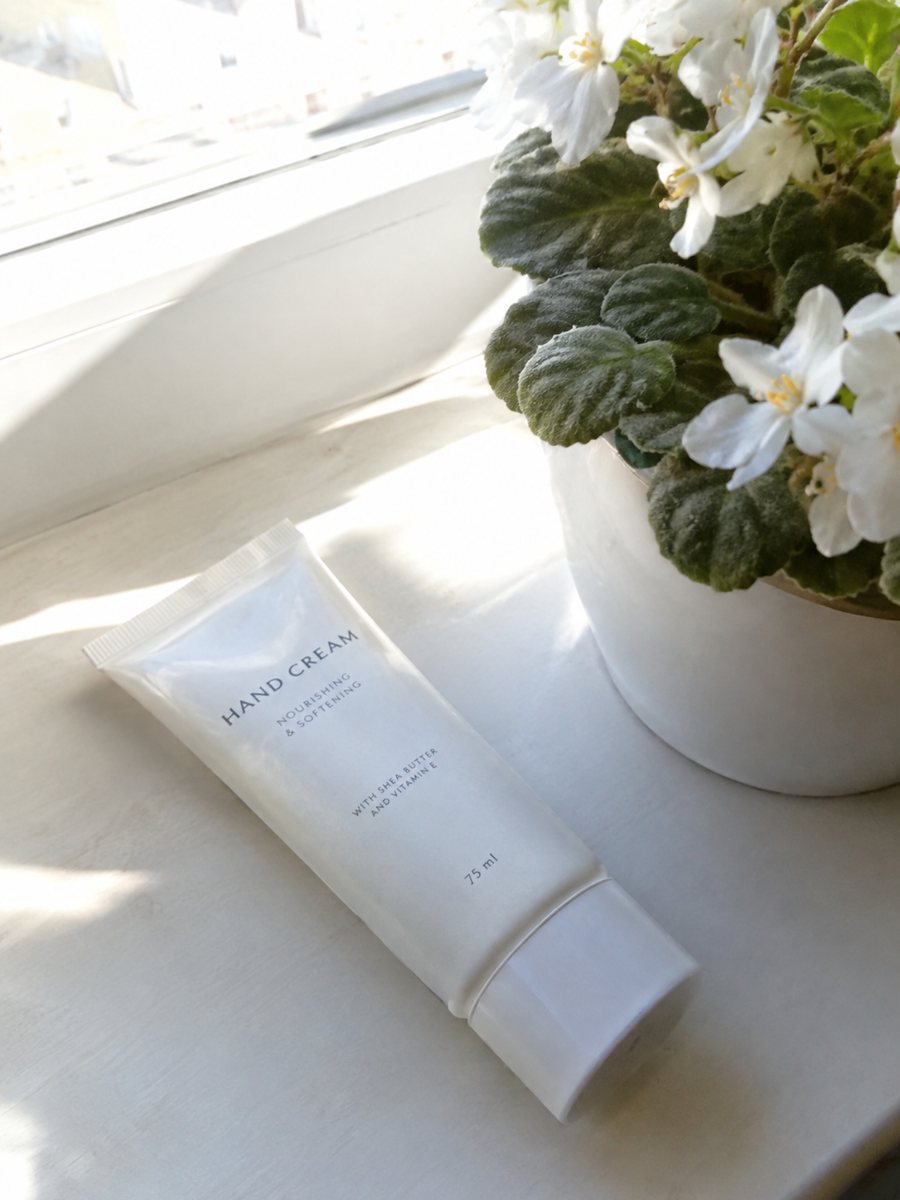
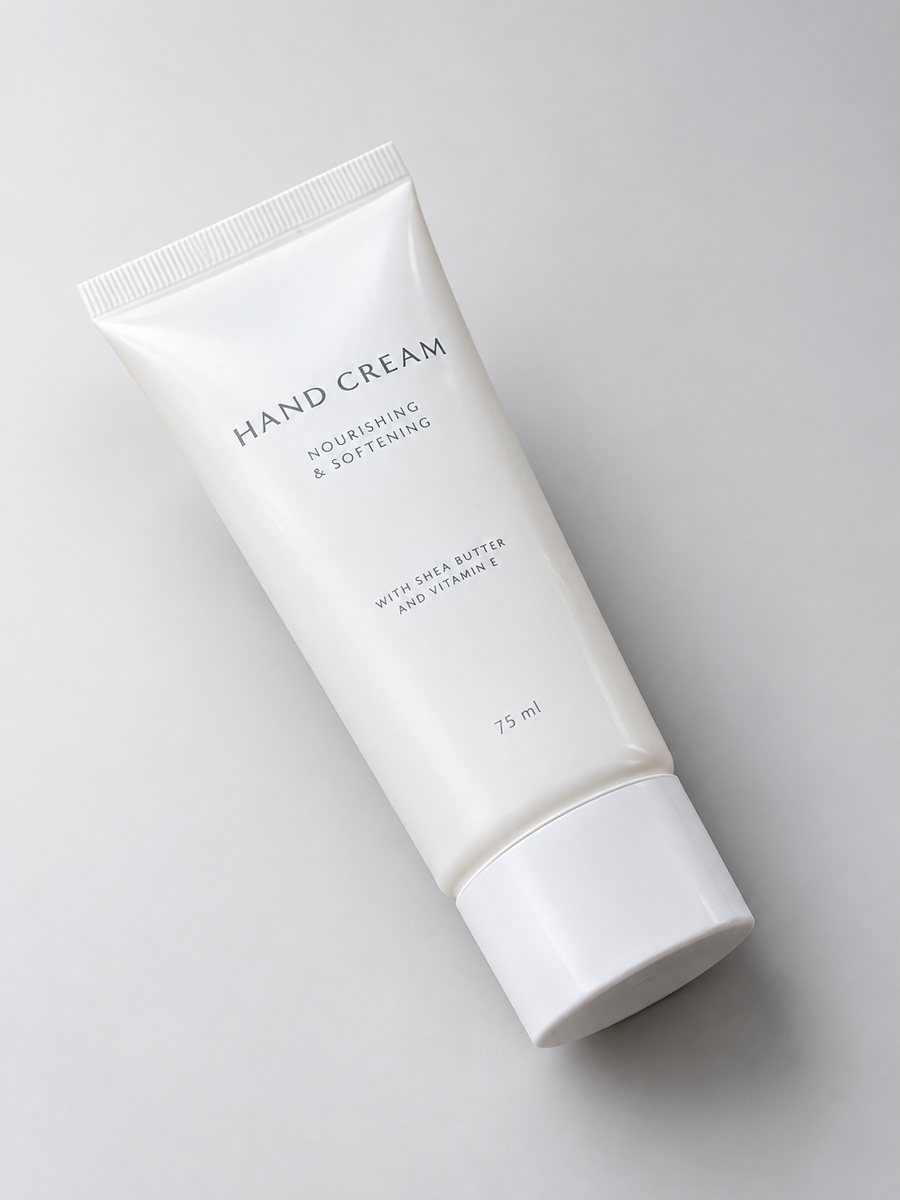 BeforeAfter
In short: Product photo with a blue background from a phone picture: which blues work, the caption to send and when blue clashes. 7 images free, from 49 Stars.
- Where: the VisuMate bot in Telegram, no app or sign-up.
- Cost: 2 credits per image, 7 images free, then packs from 49 Telegram Stars.
- Time: 1 to 2 minutes per image, rerun with a new instruction at the same price.
- Credits never expire, there is no subscription and no auto-renew. You pay once for a pack inside Telegram with Stars.
When you need this
- Your orange or yellow product looks flat on white.
- A tech or water-related item needs a cool feel.
- You want a campaign color without repainting a wall.
How to do it
- 1
Open the bot with the button on this page and press Start.
- 2
Send the product as a file. Caption: "light blue background, studio light".
- 3
Wait 1 to 2 minutes and save the image. Use "navy" or "powder blue" in another run.
Try it on your own photo: 7 images are free, no sign-up.
Make it in TelegramProducts that suit blue
Orange juice, honey, gold jewelry, wooden toys, yellow packaging, cosmetics with warm tones and kitchen items look sharp on blue. Light blue suits summer goods and baby items, navy suits watches and office goods. The bot keeps the product, so shapes and labels should stay. Zoom into printed text on the result, since AI can change small letters. Blue also helps cleaning products and bottles look fresh.
When blue hurts
Blue items on blue vanish, and cool-toned packaging can look gray. Blue light can also change how a silver product reads. In those cases choose a neutral or a warm background. Marketplace main images usually require pure white, so use blue shots as secondary images, in social posts and on your own site. Check the current help page of the marketplace for the exact rule.
Tips
- Powder blue is soft, navy is formal, cobalt is bold.
- Warm products such as oranges, wood and gold pop against blue.
- Avoid blue for blue products.
- Keep a white copy for the marketplace main slot.
Questions and answers
Can I get a gradient from light to dark blue?
Ask for "blue gradient background" in the caption. See also the gradient background page.
Does the item color change?
The bot aims to keep it, but blue light can shift tones a bit. Compare with the original.
Is it fine for food?
Blue can look cold with food. Test one image before making a set.
What does a trial cost?
Nothing for the first 7 images, then packs from 49 Stars.
What the bot does not do
- Does not output a transparent PNG. The result is a finished 3:4 image with a background.
- Does not write listing copy, set prices or upload anything to your seller account.
- Does not guarantee exact marketplace pixel sizes: crop or resize the 3:4 image in any editor.
- Text on infographics is drawn by AI and can have letter errors in long phrases. Keep badges short and proofread.
More in "Product photos"
- Product photo with a gradient backgroundProduct photo with a gradient background: pick the color in the caption and get highlights and a realistic...
- Product photo with a grey backgroundProduct photo with a grey background from a phone picture: light, mid and charcoal tones, the caption to...
- Pastel background product photosPastel background product photos from one phone picture: peach, lilac, mint and baby blue captions, best...
- Electronics product photos on a white backgroundElectronics product photos on white: headphones, chargers, speakers and gadgets from a phone picture to a...