Product photo with a black background
A black background makes light and shiny products stand out. Send a phone photo, write the caption below, and the bot returns a vertical 3:4 image with a clean black backdrop and controlled highlights.
- 2 credits per image
- Result in 1–2 minutes
- No sign-up
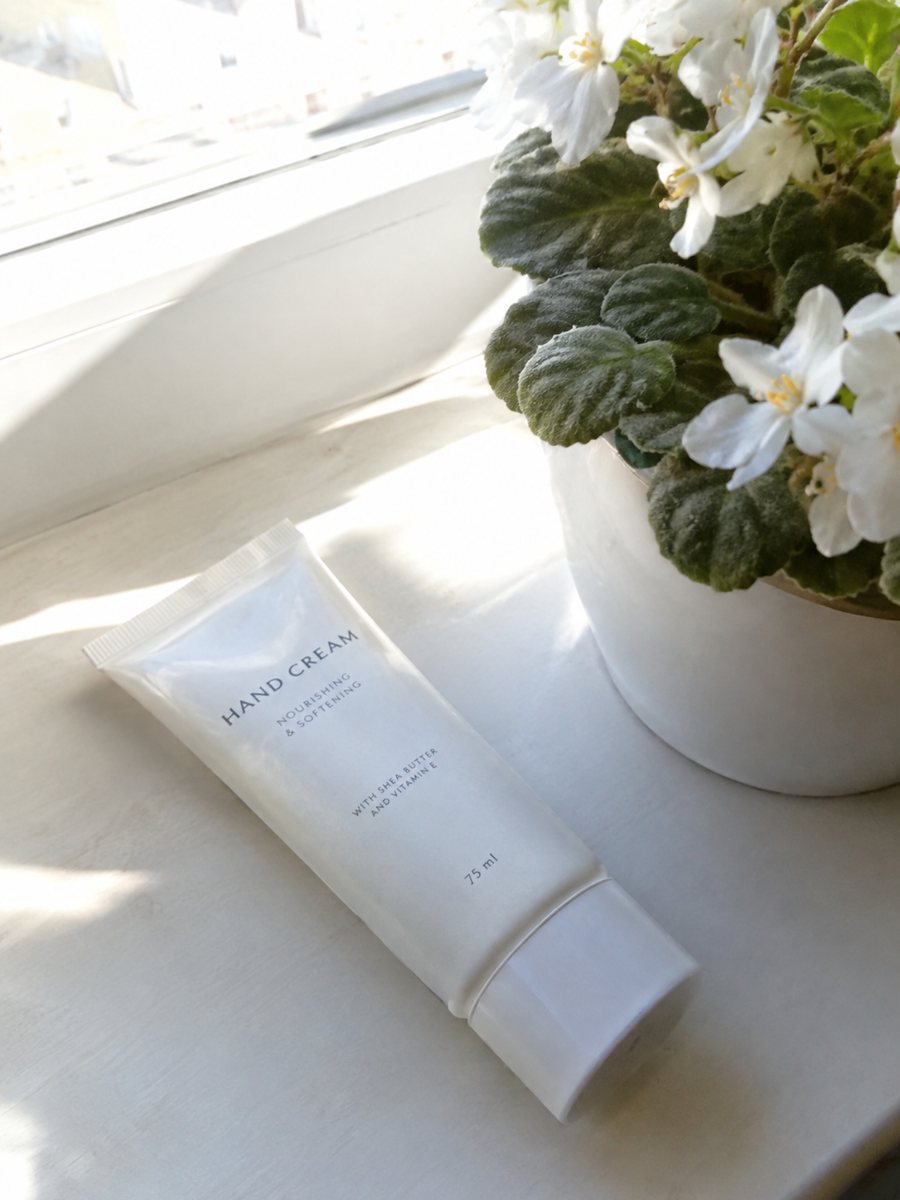
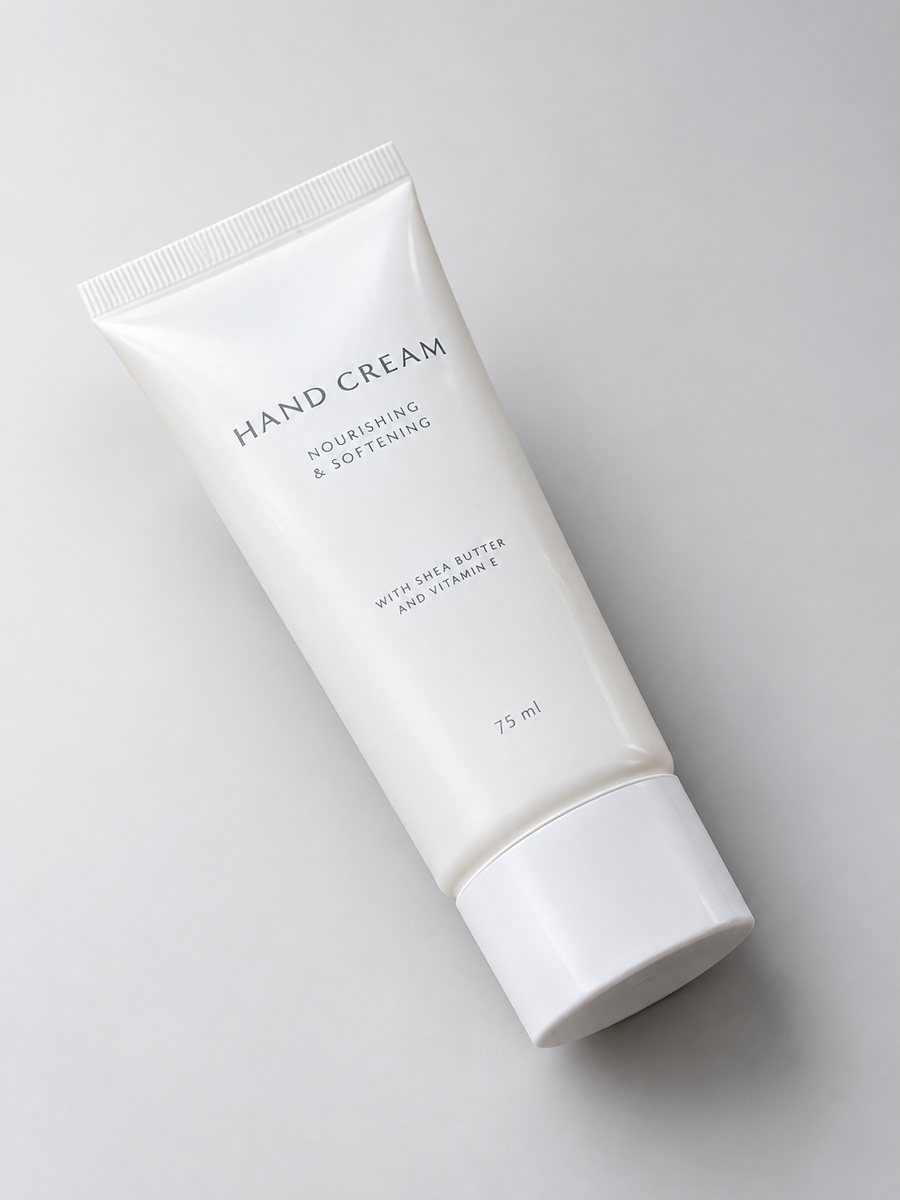 BeforeAfter
In short: Make a product photo with a black background from a phone shot: the exact caption, products that suit it and when black hides the item. 7 images free.
- Where: the VisuMate bot in Telegram, no app or sign-up.
- Cost: 2 credits per image, 7 images free, then packs from 49 Telegram Stars.
- Time: 1 to 2 minutes per image, rerun with a new instruction at the same price.
- Credits never expire, there is no subscription and no auto-renew. You pay once for a pack inside Telegram with Stars.
When you need this
- Your product is silver or white and blends into a gray table.
- You want a premium look without a lightbox and black cloth.
- Reflections of the room show on a glossy item.
How to do it
- 1
Open the bot with the button here and press Start.
- 2
Send the photo as a document. Caption: "black background, studio light, soft reflection".
- 3
Download the picture after 1 to 2 minutes. Rerun with "matte black" if the surface looks too shiny.
Try it on your own photo: 7 images are free, no sign-up.
Make it in TelegramProducts that suit black
Watches, perfume bottles, headphones, jewelry, cosmetics in light packaging, supplements with white labels and kitchen knives all read well on black. The highlights on edges give shape. The bot keeps the object and relights it, so check logos and engraving on the result because small details can shift. Glass and polished metal gain depth, because the dark surround makes every highlight on the edge visible. Matte items look calm and serious as well. Cosmetics with pale packaging are a frequent choice for this look.
When black hurts
A black item on black disappears. Dark leather, black electronics and navy packaging lose their outline, so choose charcoal, deep gray or a dark gradient instead. Black also darkens the mood of kids and food items. Marketplace main images usually require pure white, so use black shots as secondary images, in ads and on your own site. Read the current rules of the marketplace first.
Tips
- Light products, metal and glass gain most from black.
- Ask for a soft reflection under the item if you want a glossy floor look.
- Dark products need a charcoal tone instead of pure black.
- Keep a plain white version for marketplace main images.
Questions and answers
Is the black background pure black?
It is close, but AI gives a soft falloff. Ask for "deep black" or "charcoal" in the caption to steer it.
Can it handle glass?
Often yes, but transparent items can look odd. Rerun if the edges are unclear.
Does it output a transparent file?
The result is a normal image, not a transparent PNG.
What is the free allowance?
Seven images at the start.
What the bot does not do
- Does not output a transparent PNG. The result is a finished 3:4 image with a background.
- Does not write listing copy, set prices or upload anything to your seller account.
- Does not guarantee exact marketplace pixel sizes: crop or resize the 3:4 image in any editor.
- Text on infographics is drawn by AI and can have letter errors in long phrases. Keep badges short and proofread.
More in "Product photos"
- Dark moody product photo styleDark moody product photo style from one phone picture: dim directional light, deep tones, the caption to...
- Product photo with a grey backgroundProduct photo with a grey background from a phone picture: light, mid and charcoal tones, the caption to...
- Perfume bottle studio photoPerfume bottle studio photo from a phone picture: gradient backdrop, glass highlights and a clean shadow...
- Product photo with a gradient backgroundProduct photo with a gradient background: pick the color in the caption and get highlights and a realistic...