Fix the lighting of a product photo
Indoor light makes products yellow, dark and patchy. Send the photo and the bot rebuilds it as a studio shot: even light, clean highlights and a believable shadow on a light backdrop.
- 2 credits per image
- Result in 1–2 minutes
- No sign-up
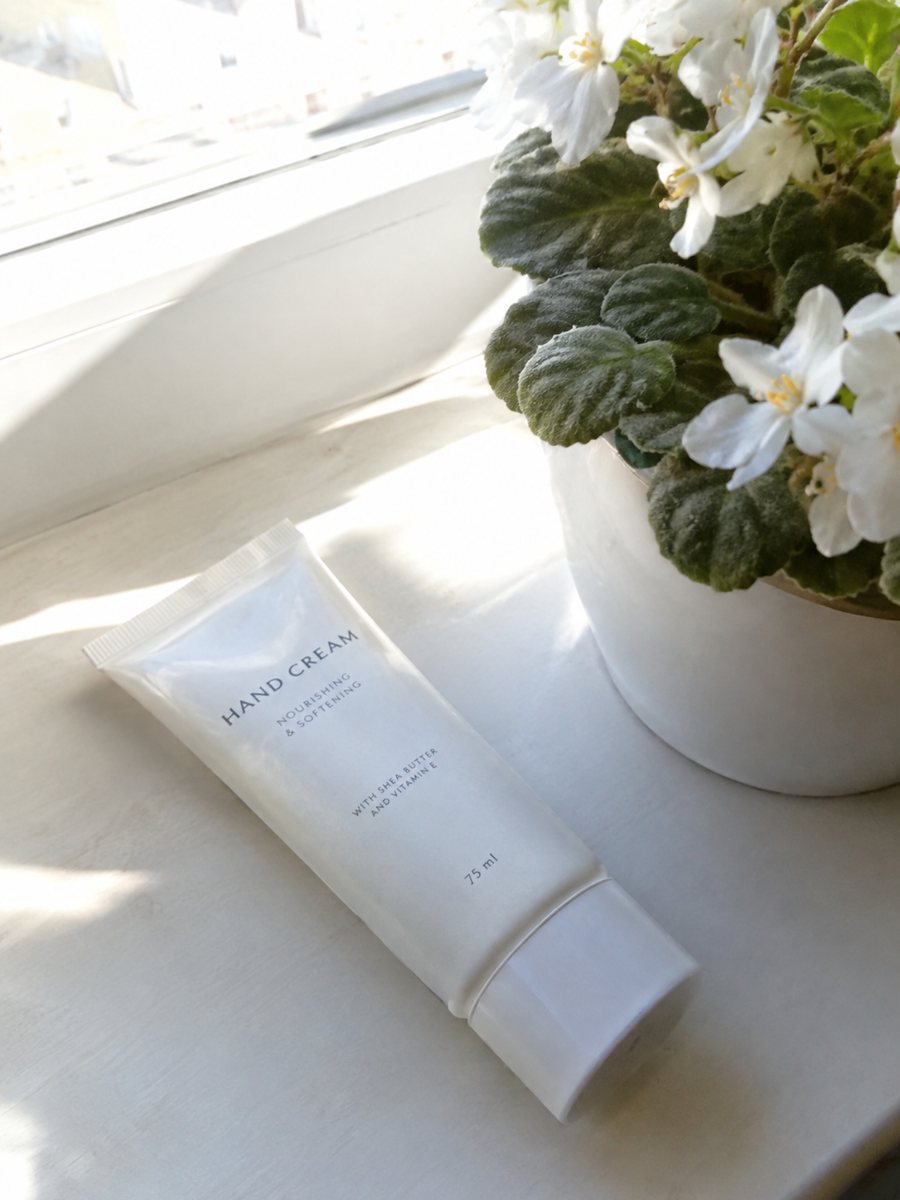
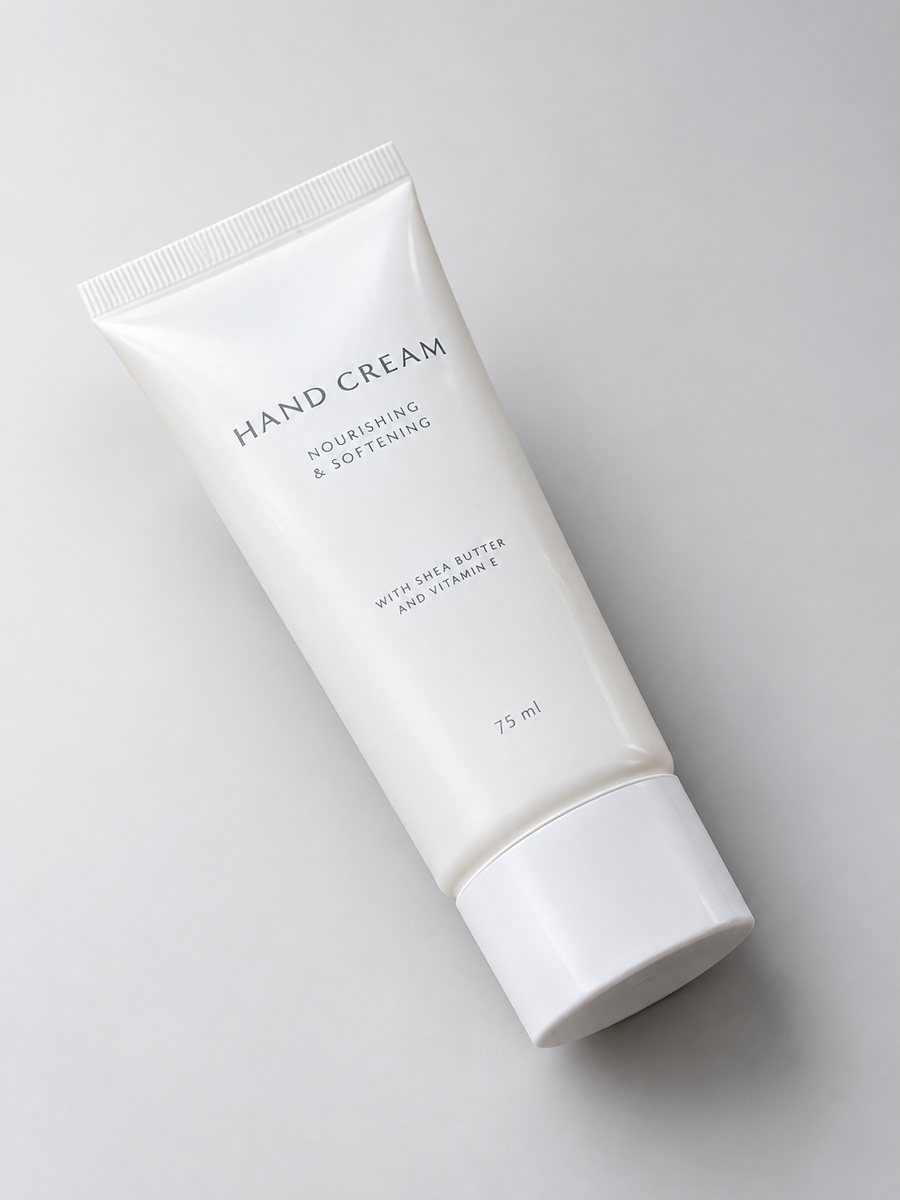 BeforeAfter
In short: Fix product photo lighting: a dim, yellow indoor shot becomes an evenly lit studio image with highlights and a clean shadow. 3:4 result. 7 images free.
- Where: the VisuMate bot in Telegram, no app or sign-up.
- Cost: 2 credits per image, 7 images free, then packs from 49 Telegram Stars.
- Time: 1 to 2 minutes per image, rerun with a new instruction at the same price.
When you need this
- Your evening shots look orange and muddy.
- One side of the product is dark and the other is blown out.
- Your overhead light leaves a harsh shadow.
How to do it
- 1
Open @visumate_ai_bot with the button on this page and press Start. The link opens the studio shot mode.
- 2
Send the photo of the product as a file (document). In the caption describe the look: "even soft studio light, keep original colors, light gradient background".
- 3
In 1–2 minutes the vertical 3:4 image arrives in the chat. Check highlights and the shadow under the product, then download it or run again.
Try it on your own photo: 7 images are free, no sign-up.
Make it in TelegramWhat the AI can fix and what it cannot
The bot can even out brightness, remove color cast and rebuild highlights around the object. It cannot recover detail that is not in the picture. A very dark or blurry source gives weak results. A moderately dim picture with a sharp product usually works well. Say in the caption what kind of look you want, for example soft light, a pale gradient or a warm backdrop.
Color accuracy
Fixing light can shift colors. Check the real product against the result, especially for fabrics, cosmetics and anything where buyers care about shade. Add keep original colors to the caption and rerun if the tone looks off. Returns from color mismatch cost more than a second run. The image comes back as a vertical 3:4 picture, so check how your store crops it.
Tips
- Move closer to a window even if the picture is still dim.
- Do not use the phone flash, it flattens and adds hot spots.
- Write true colors or keep original colors in the caption.
- Compare the product color with the real item after the run.
Questions and answers
Does it fix a blurry photo?
Sharpness is limited by the source. A slightly soft picture can improve, a very blurry one will not become sharp.
Will colors change?
They can. Add keep original colors to the caption and compare with the real product.
Should I send the photo as a file?
Yes, send it as a document so Telegram does not compress it. A regular photo also works, but a file keeps more detail.
Do I need to register anywhere?
No sign-up. Open Telegram, press Start and send a photo. It works on a phone and on a desktop.
More in "Product photos"
- Product photography without a photographerProduct photography without a photographer: shoot with your phone near a window and let the bot build the...
- AI product photography for sellersAI product photography explained for sellers: what the studio mode builds from a phone picture, where it...
- Product photo with a gradient backgroundProduct photo with a gradient background: pick the color in the caption and get highlights and a realistic...
- Etsy infographic listing photoEtsy infographic listing photo: show materials, size and care facts on badges around a close-up of your...