Skincare infographic images
Skincare shoppers compare volume, texture and ingredients. Send a photo, write 3 or 4 factual lines in the caption and the bot draws them on badges around a close-up.
- 2 credits per image
- Result in 1–2 minutes
- No sign-up
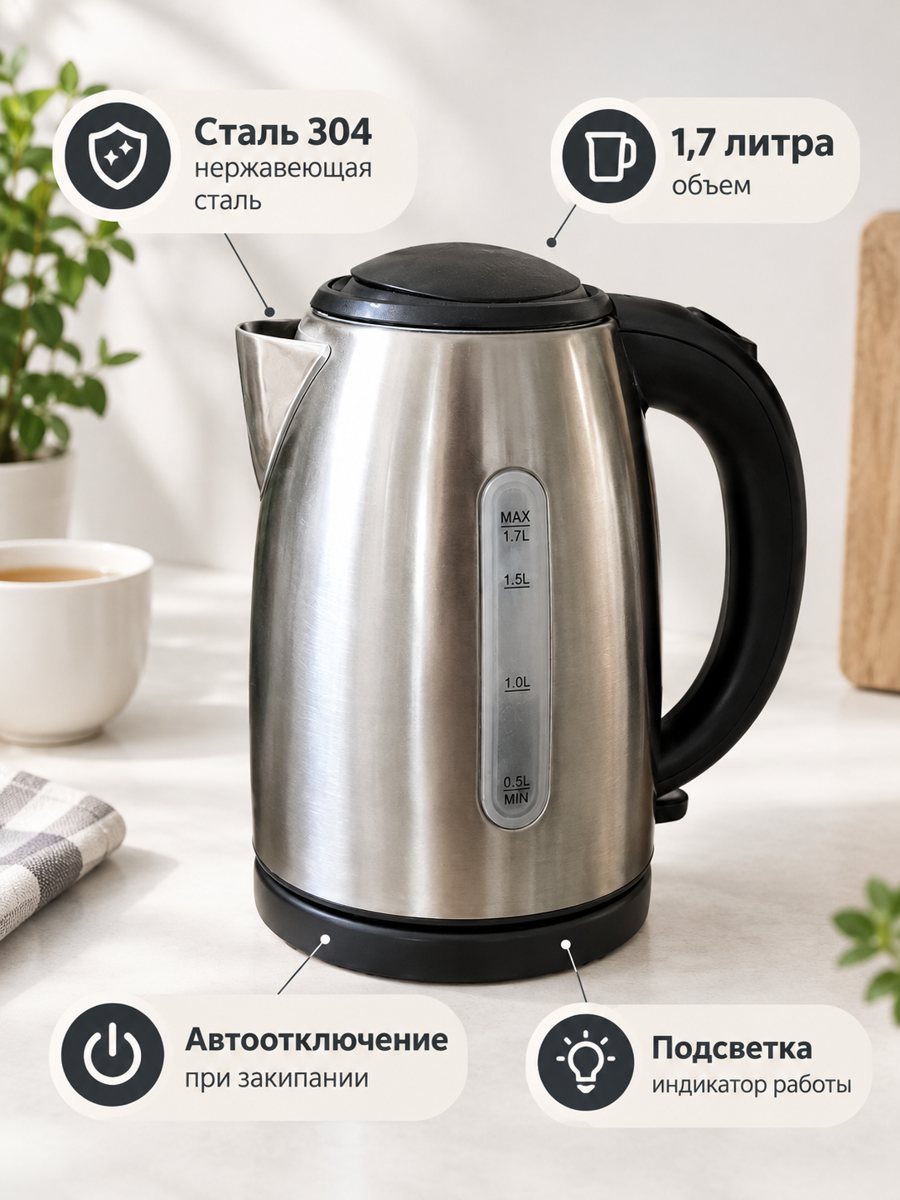 BeforeAfter
In short: Skincare infographic images: a close-up of your bottle with 3 or 4 factual badges from your caption, such as volume or texture. Vertical 3:4. 7 images free.
- Where: the VisuMate bot in Telegram, no app or sign-up.
- Cost: 2 credits per image, 7 images free, then packs from 49 Telegram Stars.
- Time: 1 to 2 minutes per image, rerun with a new instruction at the same price.
When you need this
- Your bottle looks like everyone else's and nothing sets it apart.
- Ingredient lists are tiny and unread.
- You need an image for the second slot.
How to do it
- 1
Open @visumate_ai_bot with the button on this page and press Start. The link opens the infographic mode.
- 2
Send a close photo of the skincare bottle as a file (document). In the caption list the benefits, separated by commas: "Fragrance free, 50 ml, Lightweight gel".
- 3
In 1–2 minutes the vertical 3:4 image arrives in the chat. Read every badge letter by letter, then download it or run again.
Try it on your own photo: 7 images are free, no sign-up.
Make it in TelegramPicking safe, useful lines
Good badge lines are Fragrance free, 50 ml, Lightweight gel. They state facts that the shopper can check. Words such as heals or removes wrinkles are claims and need support. If you are unsure, leave them out. Short text also helps the AI draw cleaner letters. Each run takes 1 to 2 minutes, so you can prepare a whole set in one sitting.
Combine with other modes
Use the white background for the main image, the studio mode for a brand look, the infographic for facts and the lifestyle mode for mood. Together they make a complete gallery from the same phone photo. Keep the same bottle photo as the source so that all images match. Only list facts you can confirm, since marketplaces can remove misleading listings.
Tips
- Use facts: volume, skin type, texture, fragrance-free if true.
- Avoid medical claims.
- Keep each badge to two or three words.
- Proofread all badge text.
Questions and answers
Can I put ingredients on the picture?
Short ingredient names only, and proofread them. Full lists are better in the listing text.
Will the badges cover the label?
The bot places badges around the product. Check that the label is still visible.
Does the bot write the listing text?
No. It makes the image only. It does not write listing copy, calculate prices or upload to your seller account.
Is the bot menu in English?
The bot replies in English, and the link from this page opens the right mode.
More in "Product photos"
- Etsy infographic listing photoEtsy infographic listing photo: show materials, size and care facts on badges around a close-up of your...
- Electronics feature infographicElectronics feature infographic: a gadget close-up with 3 or 4 spec badges from your caption, like battery...
- Supplement infographic imagesSupplement infographic images: a bottle close-up with 3 or 4 short factual badges from your caption. Check...
- Amazon main image on a white backgroundTurn a phone photo into an Amazon main image on a pure white background with a soft shadow. No text or...