Pet product photography
Pet products get photographed next to the dog, which hides the product. Send a phone picture of the toy, bowl or collar and the bot gives you a studio look with a clean backdrop and a soft shadow.
- 2 credits per image
- Result in 1–2 minutes
- No sign-up
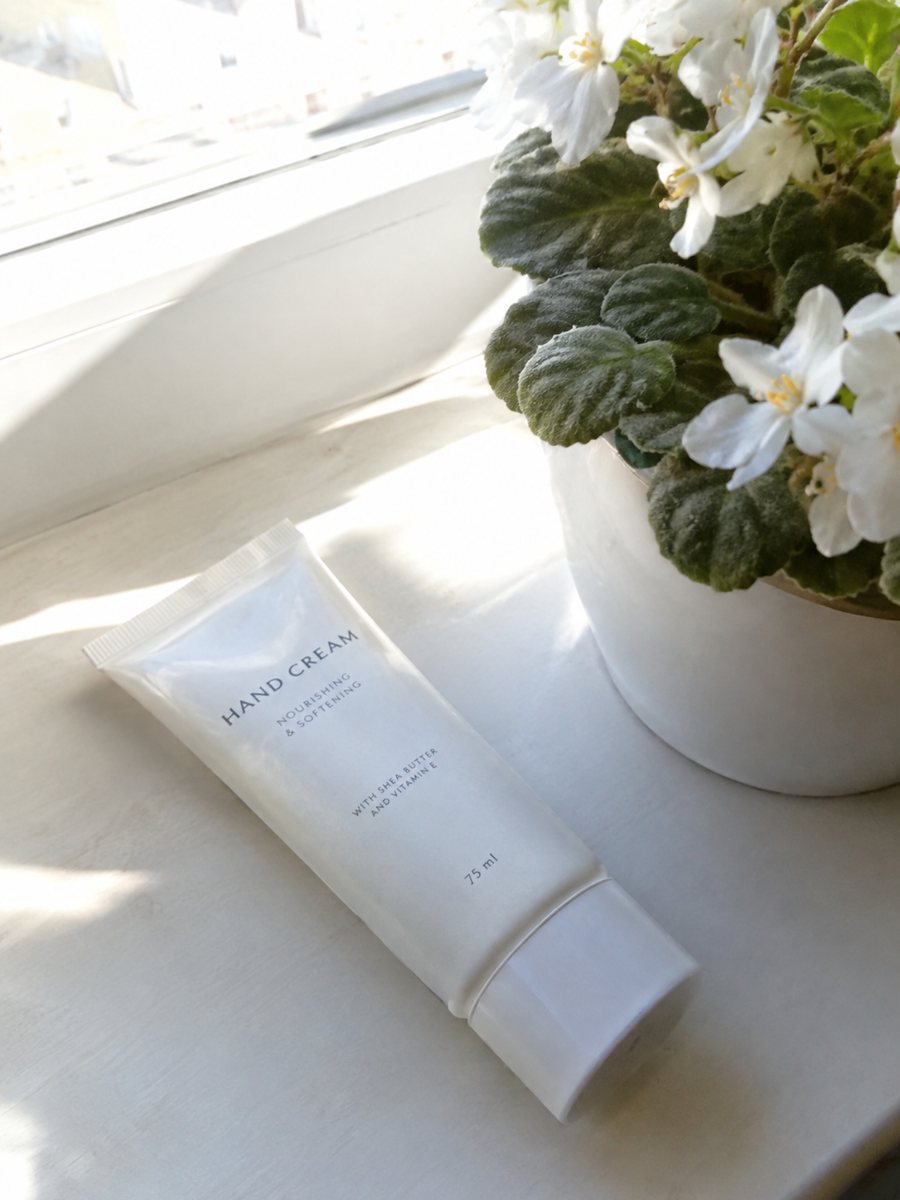
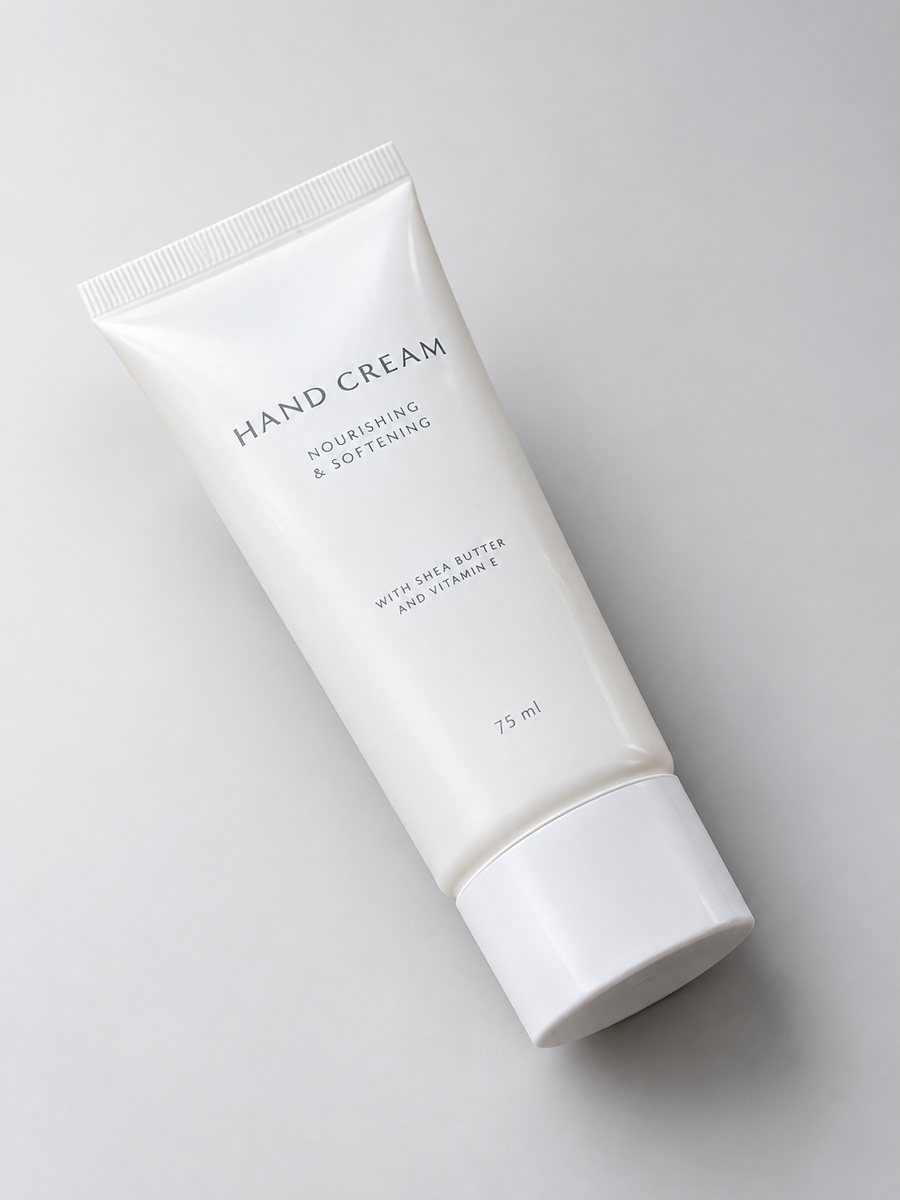 BeforeAfter
In short: Pet product photography from a phone picture: toys, bowls, collars and beds on a clean gradient backdrop with soft shadows, 3:4. 7 images free.
- Where: the VisuMate bot in Telegram, no app or sign-up.
- Cost: 2 credits per image, 7 images free, then packs from 49 Telegram Stars.
- Time: 1 to 2 minutes per image, rerun with a new instruction at the same price.
When you need this
- The pet moves and the product is out of focus.
- A collar lies tangled and looks short.
- A black dog bed vanishes on a dark floor.
How to do it
- 1
Open @visumate_ai_bot with the button on this page and press Start. The link opens the studio shot mode.
- 2
Send the photo of the pet product as a file (document). In the caption describe the look: "soft warm gray gradient background, gentle highlights, clean shadow".
- 3
In 1–2 minutes the vertical 3:4 image arrives in the chat. Check highlights and the shadow under the pet product, then download it or run again.
Try it on your own photo: 7 images are free, no sign-up.
Make it in TelegramProducts first, pets after
Buyers need to see the item clearly. Make the studio shot of the product alone, then add lifestyle pictures with the animal. Straps and collars look better in a neat loop with the buckle visible. Chew toys look best when the texture and stitching are clear. Say in the caption what kind of look you want, for example soft light, a pale gradient or a warm backdrop.
Sizes and materials
Pet owners care about size and material. The bot does not add dimensions. Write them in the listing and mention them in a separate image if you want, using the infographic mode with short text. Keep wording simple and proofread each line for letter errors. The image comes back as a vertical 3:4 picture, so check how your store crops it.
Tips
- Photograph the product without the pet first, then add pet photos as extras.
- Lay collars in a circle and straighten the buckle.
- Show the scale with a plain photo next to a hand.
- Write the material and color in the caption.
Questions and answers
Can it show a pet using the product?
The lifestyle mode can describe a scene. Check that the animal looks natural and the product is unchanged.
Will bowls and metal items look right?
Check the reflections and the rim. Matte surfaces are easier than shiny steel.
How do I pay after the free images?
Inside Telegram with Stars, by card, Apple Pay or Google Pay. Packs start from 199 Stars and credits never expire.
How many images can I try for free?
New users get 15 free credits on first launch. One image costs 2 credits, so 7 images are free.
More in "Product photos"
- Sports gear product photosSports gear product photos: gloves, bottles, bands and balls on a clean gradient backdrop with highlights...
- Art print product photosArt print product photos: send a picture of a print or a poster and get a studio look with a gradient...
- Baby product photographyBaby product photography: bottles, toys and accessories on a soft pastel backdrop with highlights and a...
- AI model for a clothing storeAI model for a clothing store: turn flat lay photos into worn catalog images with a realistic studio...