Baby product photography
Parents scan for clean, calm pictures. Send a phone photo of a bottle, a teether, a blanket or a bib and the bot puts it on a soft pastel gradient with gentle shadows.
- 2 credits per image
- Result in 1–2 minutes
- No sign-up
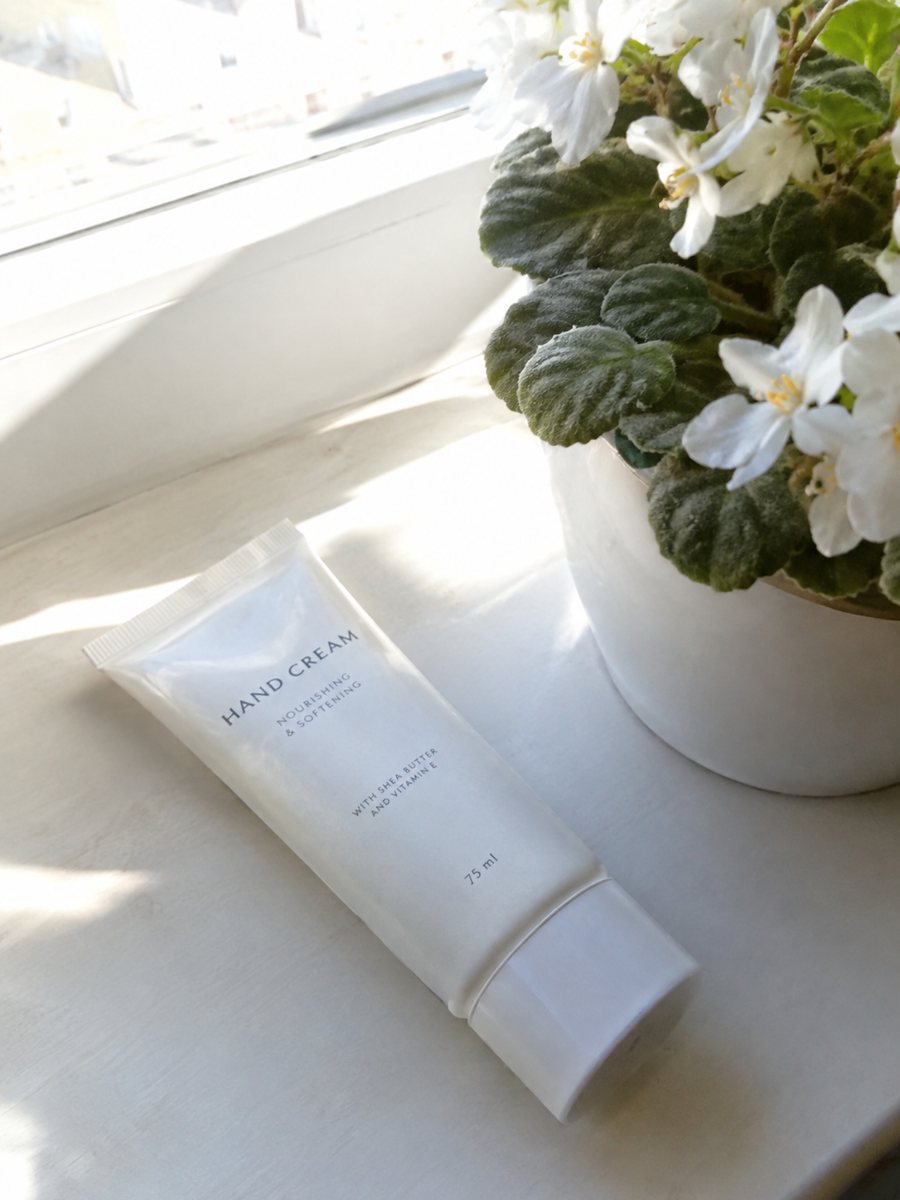
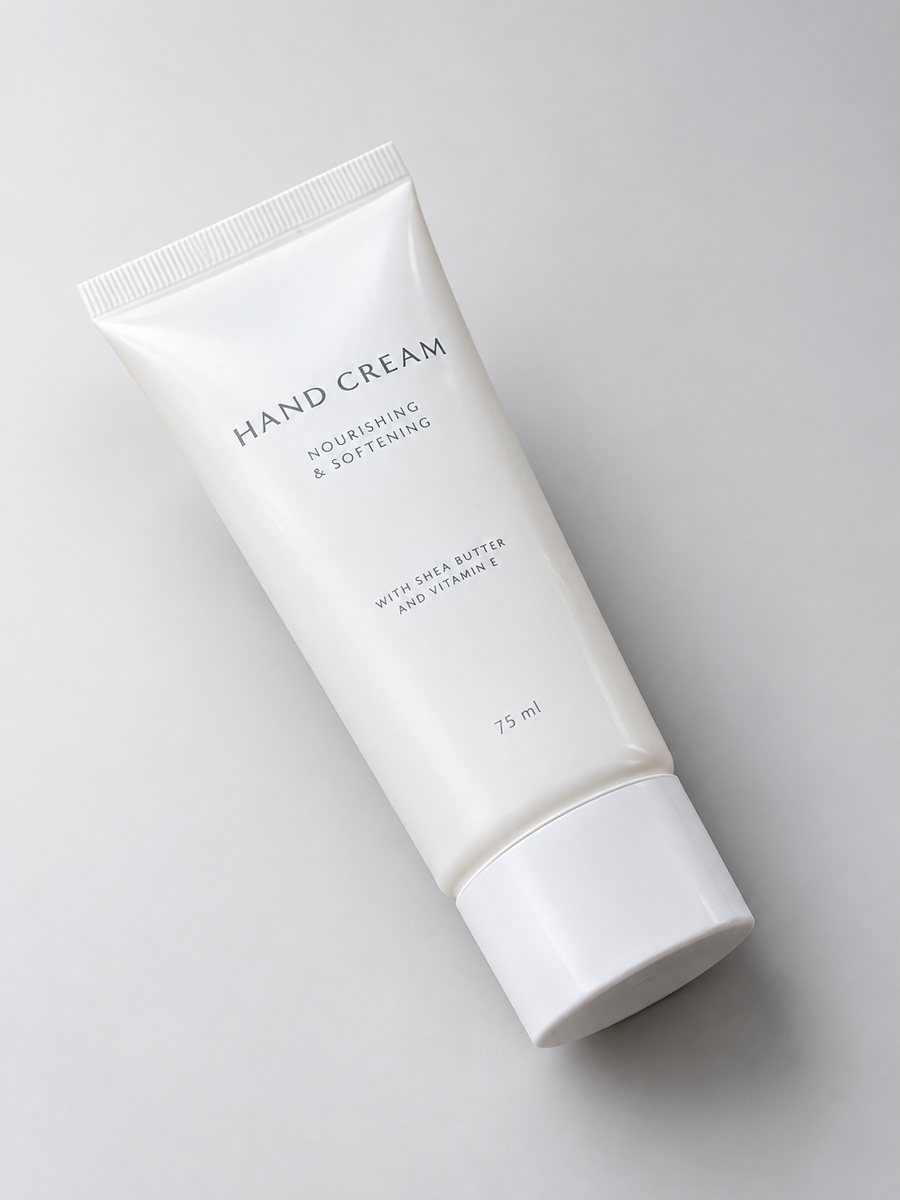 BeforeAfter
In short: Baby product photography: bottles, toys and accessories on a soft pastel backdrop with highlights and a gentle shadow, from a phone picture. 7 images free.
- Where: the VisuMate bot in Telegram, no app or sign-up.
- Cost: 2 credits per image, 7 images free, then packs from 49 Telegram Stars.
- Time: 1 to 2 minutes per image, rerun with a new instruction at the same price.
When you need this
- Your photos look busy, with toys and clutter around.
- Pastel fabrics lose color in indoor light.
- Safety-sensitive categories need honest, clear pictures.
How to do it
- 1
Open @visumate_ai_bot with the button on this page and press Start. The link opens the studio shot mode.
- 2
Send the photo of the baby product as a file (document). In the caption describe the look: "pale mint pastel gradient background, soft highlights, gentle shadow".
- 3
In 1–2 minutes the vertical 3:4 image arrives in the chat. Check highlights and the shadow under the baby product, then download it or run again.
Try it on your own photo: 7 images are free, no sign-up.
Make it in TelegramA calm look
Baby products sell on trust. A soft, uncluttered picture helps. Choose pale tones and a gentle shadow, and avoid dark or strong colors that feel harsh. Write the backdrop in the caption. Keep the object itself unchanged, so parents get what they see. Pair the studio image with a plain white version for marketplaces that ask for one. Each run takes 1 to 2 minutes, so several products can be queued one after another.
What the picture should not promise
Do not use images to suggest safety approvals, ages or certifications you cannot back up. The bot draws the product only. Age ranges, materials and safety information belong in the listing text, and follow the rules of your marketplace and country for baby goods. A sharp, evenly lit source photo gives the most believable studio result. Compare color and shape with your original before you publish, because AI can shift small details.
Tips
- Use a soft pastel backdrop in the caption: pale mint, cream, light blue.
- Photograph fabric flat and smooth.
- Keep other items out of the frame.
- Show any closures, tags and sizes in plain close-ups.
Questions and answers
Can the bot add age or safety text?
The infographic mode can draw short text from your caption. For safety claims, check the rules and proofread.
Does it work for soft fabrics?
Yes, but wrinkles in the source stay. Smooth the fabric before the photo.
What if the result is not right?
It is AI, so sometimes a rerun is needed. A second run costs the same 2 credits, and a clearer caption usually helps.
Does the bot write the listing text?
No. It makes the image only. It does not write listing copy, calculate prices or upload to your seller account.
More in "Product photos"
- Pet product photographyPet product photography from a phone picture: toys, bowls, collars and beds on a clean gradient backdrop...
- Sports gear product photosSports gear product photos: gloves, bottles, bands and balls on a clean gradient backdrop with highlights...
- Furniture product photosFurniture product photos with a studio look: a chair, table or shelf on a light gradient backdrop with a...
- Clothing on model AI photosClothing on model AI photos: send a flat lay or hanger photo, describe the model in the caption and get...