Sports gear product photos
Gear looks dull in a locker room photo. Send a phone picture of the glove, bottle, band or ball and the bot builds a studio shot with a gradient backdrop, highlights and a believable shadow.
- 2 credits per image
- Result in 1–2 minutes
- No sign-up
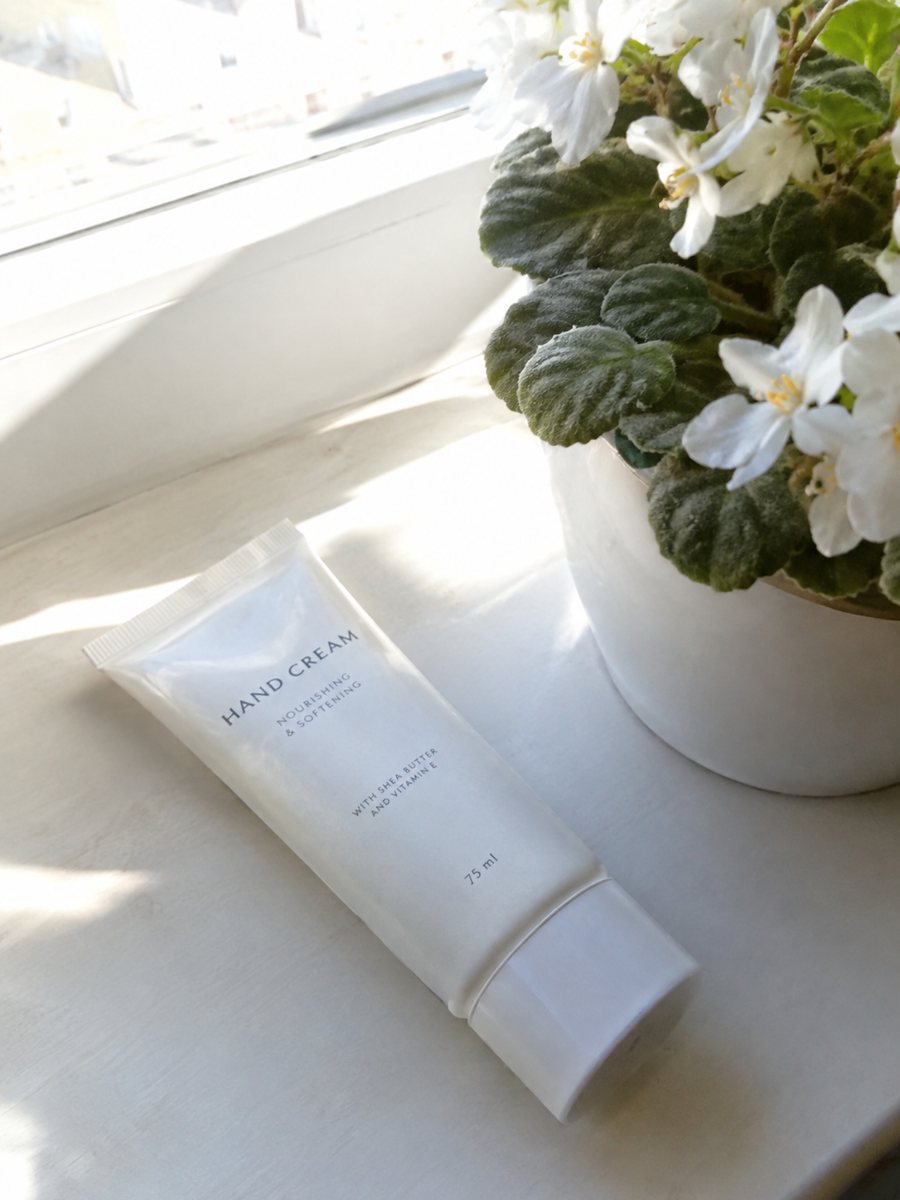
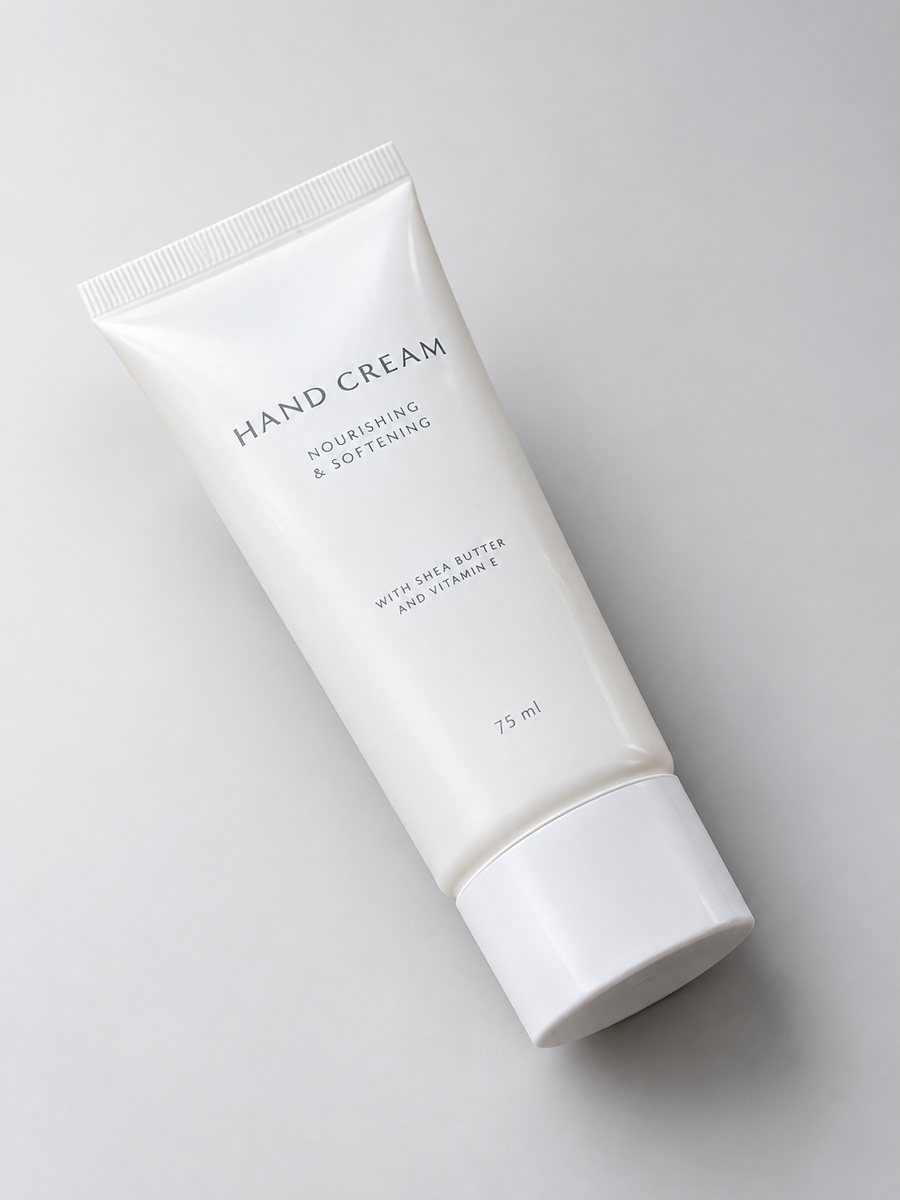 BeforeAfter
In short: Sports gear product photos: gloves, bottles, bands and balls on a clean gradient backdrop with highlights and shadows, in a vertical 3:4 frame. 7 images free.
- Where: the VisuMate bot in Telegram, no app or sign-up.
- Cost: 2 credits per image, 7 images free, then packs from 49 Telegram Stars.
- Time: 1 to 2 minutes per image, rerun with a new instruction at the same price.
When you need this
- The gear sits on a gym floor with other equipment behind.
- Worn items look tired in raw photos.
- Elastic bands and ropes tangle in a photo.
How to do it
- 1
Open @visumate_ai_bot with the button on this page and press Start. The link opens the studio shot mode.
- 2
Send the photo of the sports gear as a file (document). In the caption describe the look: "light gray gradient background, strong soft highlights, realistic shadow".
- 3
In 1–2 minutes the vertical 3:4 image arrives in the chat. Check highlights and the shadow under the sports gear, then download it or run again.
Try it on your own photo: 7 images are free, no sign-up.
Make it in TelegramColor and energy
Sports buyers like bold looks. A gradient backdrop in a calm neutral lets saturated gear stand out. Keep the item large in the frame and photograph it from a dynamic three-quarter angle. Avoid very dark backdrops for black gear. Compare color and shape with your original before you publish, because AI can shift small details. If the result is close but not right, change one word in the caption and run again for another 2 credits.
Used and new
If you resell equipment, show wear honestly. Use the studio image for the cover and add plain phone photos of scuffs, tears and tags. The AI cleans the background but should not erase wear from the item. Check logos and sizing labels at full size before you publish. Each run takes 1 to 2 minutes, so several products can be queued one after another.
Tips
- Lay bands and ropes in a neat loop.
- Photograph new and used items honestly.
- Name the color of the gear in the caption.
- Add a lifestyle shot for scale.
Questions and answers
Can it show gear in a gym?
Yes, with the lifestyle mode and a caption such as: on a gym bench near a window.
Does it handle ball textures?
It can, but check seams and logos in the result.
Do I need to register anywhere?
No sign-up. Open Telegram, press Start and send a photo. It works on a phone and on a desktop.
How long does one image take?
Usually 1–2 minutes. The result arrives in the chat, and you can download it or run the photo again.
More in "Product photos"
- Art print product photosArt print product photos: send a picture of a print or a poster and get a studio look with a gradient...
- Studio product photography with your phoneStudio product photography with just a phone: send a picture and get a gradient backdrop, highlights and...
- Pet product photographyPet product photography from a phone picture: toys, bowls, collars and beds on a clean gradient backdrop...
- Dress on model photoDress on model photo: send a dress on a hanger or laid flat and get it worn by a studio model. Describe...