Ghost mannequin AI
A ghost mannequin photo shows a garment as if worn, with no body and no mannequin visible. The bot has no dedicated ghost mannequin mode. The white background mode with the right caption can approximate the look, and results vary.
- 2 credits per image
- Result in 1–2 minutes
- No sign-up
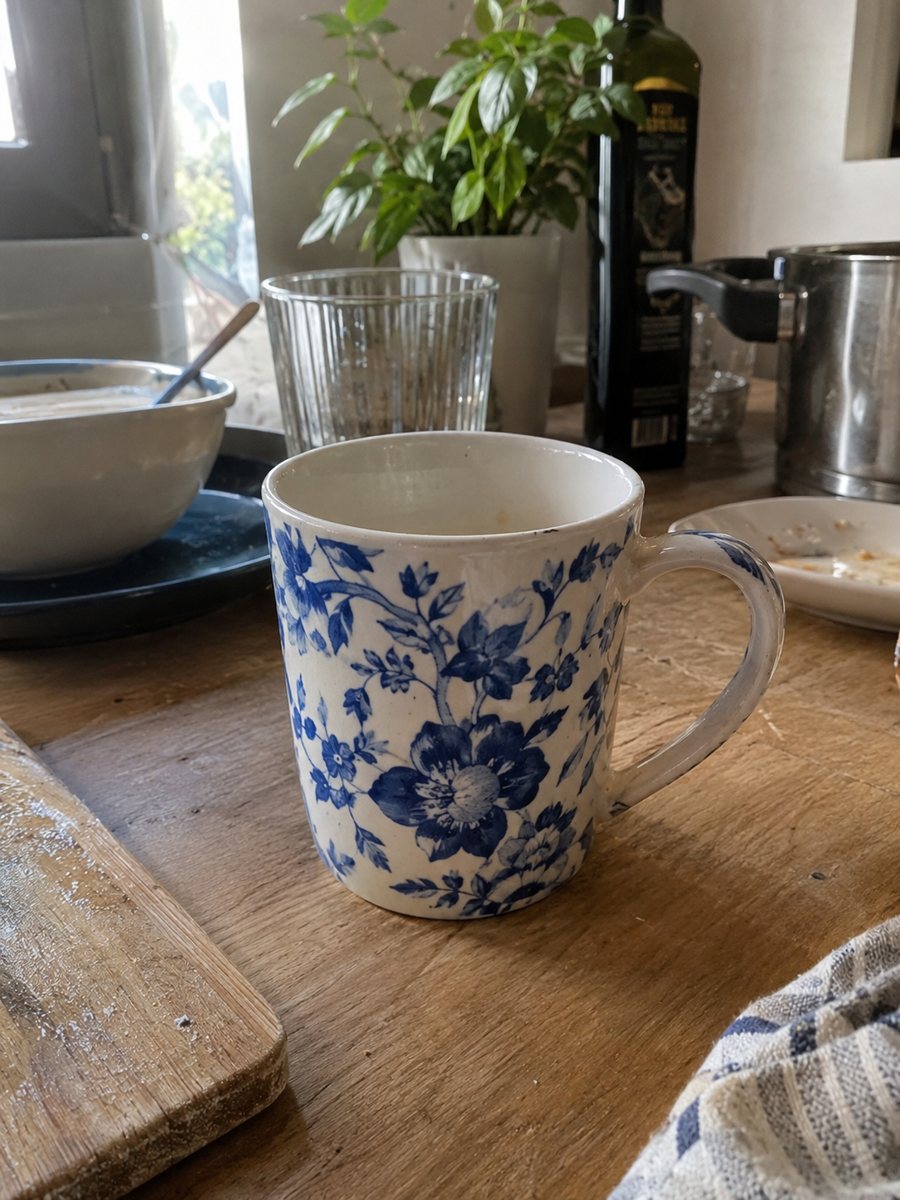
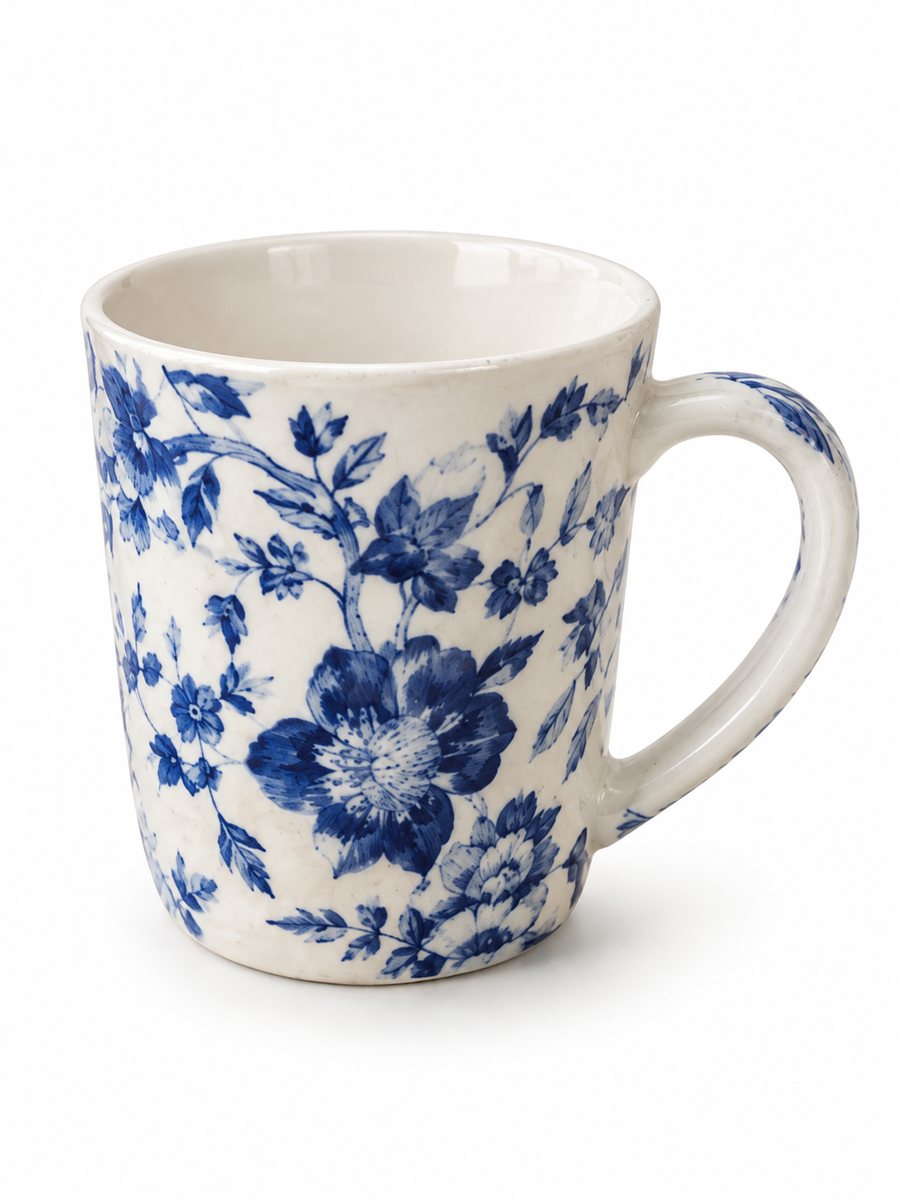 BeforeAfter
In short: Try a ghost mannequin look with AI: white background mode and a caption approximate the effect from a phone photo. Honest limits and an on-model option. 7 images free.
- Where: the VisuMate bot in Telegram, no app or sign-up.
- Cost: 2 credits per image, 7 images free, then packs from 49 Telegram Stars.
- Time: 1 to 2 minutes per image, rerun with a new instruction at the same price.
When you need this
- Professional ghost mannequin editing means shooting twice and compositing in an editor.
- Flat lay photos make a jacket or shirt look lifeless.
- You want a hollow look without a model or a studio.
How to do it
- 1
Open @visumate_ai_bot with the button on this page and press Start. The link opens the white background mode.
- 2
Put the garment on a mannequin or hanger and send the photo as a file (document). In the caption write: "hollow ghost mannequin effect, show the inside of the neckline, no mannequin visible, white background".
- 3
In 1–2 minutes the vertical 3:4 image arrives in the chat. Check the neckline, sleeves and hem, then download it or run again.
Try it on your own photo: 7 images are free, no sign-up.
Make it in TelegramWhat the bot does and does not do
There is no ghost mannequin preset. The white background mode removes the old background and keeps the garment. A caption that asks for a hollow look and a visible inner neckline pushes the AI toward the effect. It may leave a trace of the mannequin, flatten the shape or invent the inside of the collar. A perfect invisible mannequin cut is not promised. Treat the result as a draft and inspect it closely.
How to improve your odds
Give the AI an easy case. Plain garments without busy patterns work best. A garment on a mannequin shows the shape better than a flat lay. If the first run keeps the mannequin neck, rerun with the same caption or reword it, for example: neck of the mannequin removed, inner back label visible.
The on-model option
If the hollow look does not come out, use the model mode. It places the garment on a realistic model in a studio and keeps the cut, color and print of the item. For fashion shops that is often a clearer picture than an imperfect ghost mannequin.
Tips
- Shoot the garment filled out: stuffed with paper or on a mannequin, so the shape is clear.
- Smooth wrinkles and close zips before you photograph.
- Photograph the front straight on, with even daylight.
- Run it two or three times and pick the best result. A rerun costs 2 credits.
Questions and answers
Is there a real ghost mannequin mode?
No. The white background mode with a caption approximates the effect, and results vary.
Will the mannequin disappear fully?
Not always. Check the neckline and shoulders. A rerun may help.
Does the garment stay the same?
The bot is meant to keep it, but AI can change small details. Compare prints, buttons and labels with the real item.
Can I use English captions?
Yes. The bot replies in English. You can switch the language any time with /lang.
What are the alternatives?
The on-model mode, or a classic two-shot ghost mannequin edit in an editor.
More in "Product photos"
- Clothing on model AI photosClothing on model AI photos: send a flat lay or hanger photo, describe the model in the caption and get...
- White background product photo, free to tryMake a white background product photo free for the first 7 images. Send a phone picture, get a clean 3:4...
- T-shirt on model photoT-shirt on model photo: send a flat lay and describe the model to get the tee worn in a studio. Print and...
- Jacket on model ecommerce photoJacket on model ecommerce photo: send a flat lay or hanger shot and get the jacket worn in a studio. Cut,...
- AI model for a clothing storeAI model for a clothing store: turn flat lay photos into worn catalog images with a realistic studio...