T-shirt on model photo
A flat tee is easy to shoot but harder to sell. The bot shows your shirt on a model in a studio, so shoppers can see the fit and the print on a body.
- 2 credits per image
- Result in 1–2 minutes
- No sign-up
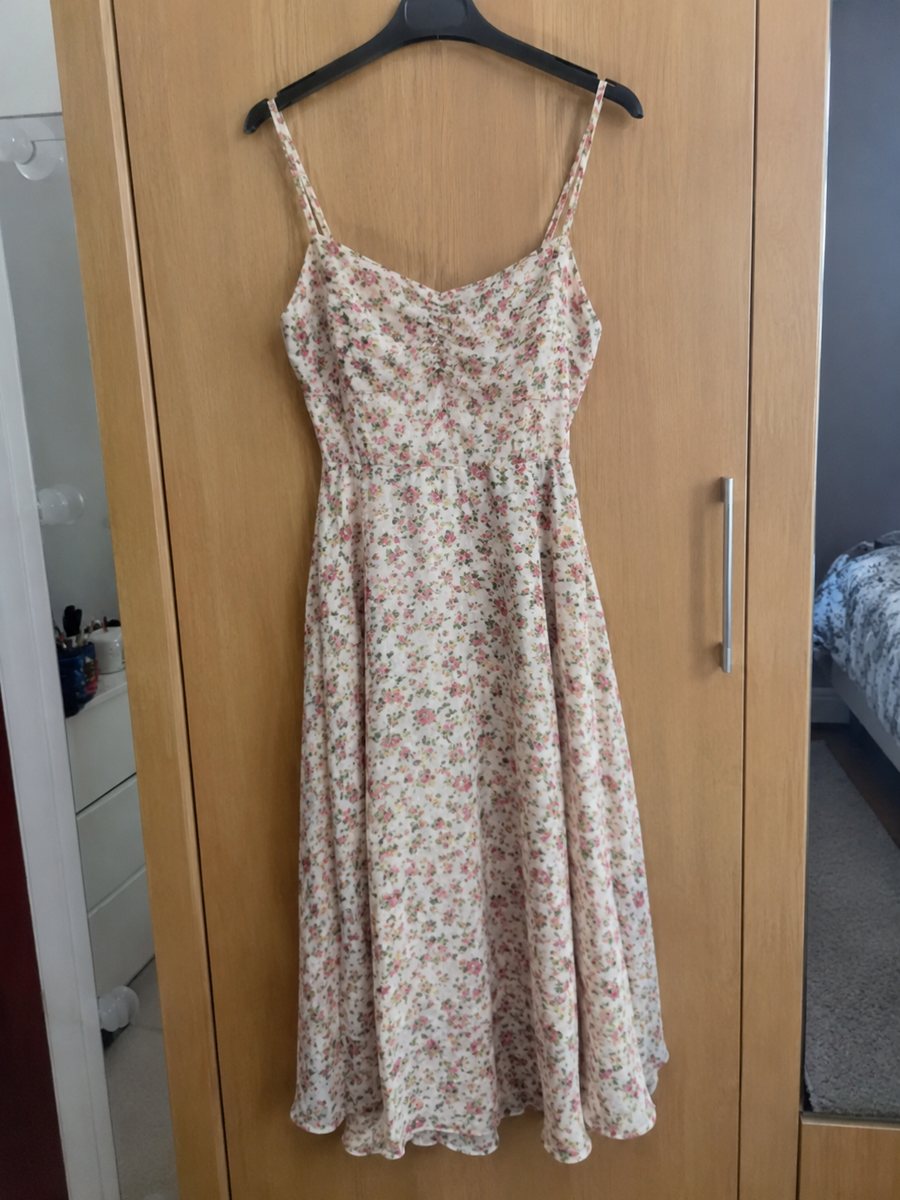
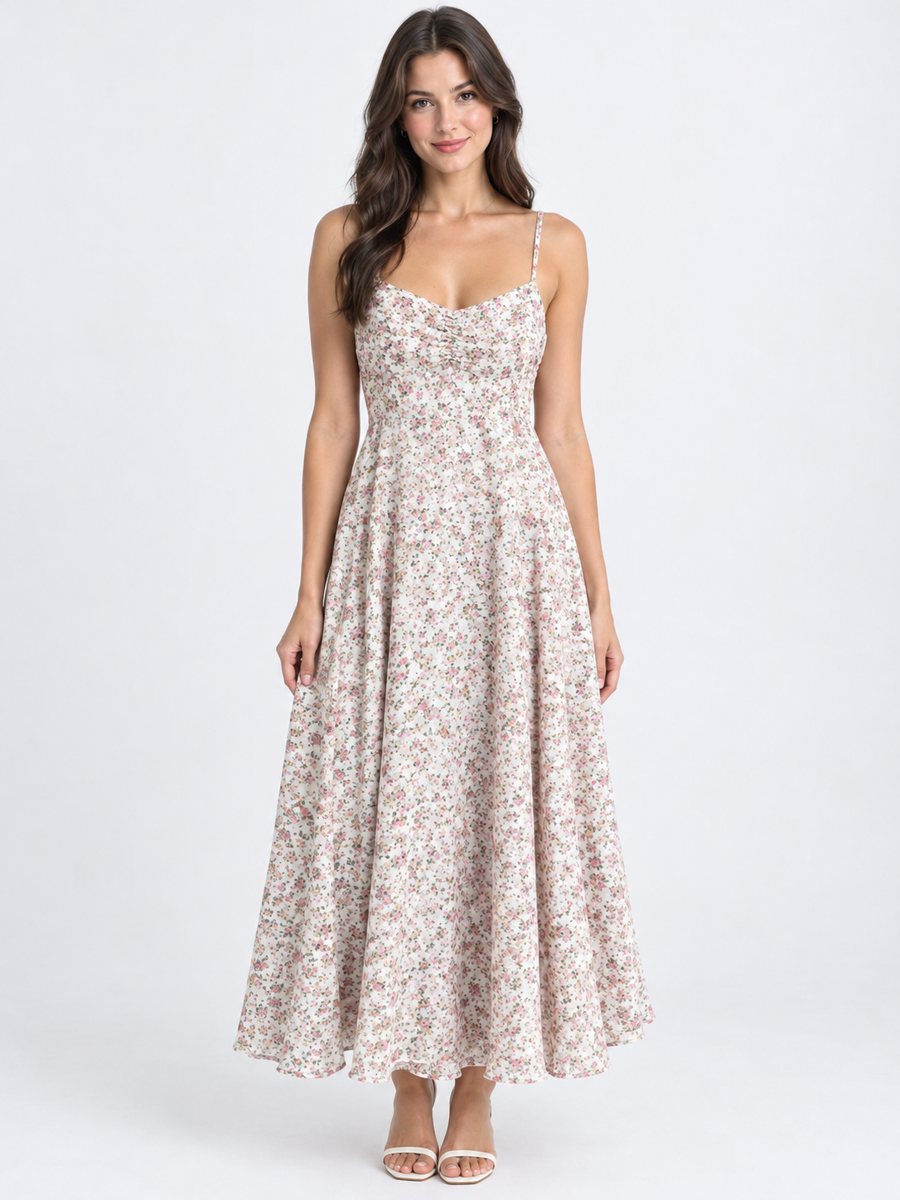 BeforeAfter
In short: T-shirt on model photo: send a flat lay and describe the model to get the tee worn in a studio. Print and color stay as in your photo. 7 images free.
- Where: the VisuMate bot in Telegram, no app or sign-up.
- Cost: 2 credits per image, 7 images free, then packs from 49 Telegram Stars.
- Time: 1 to 2 minutes per image, rerun with a new instruction at the same price.
When you need this
- Print on demand shops need many shirts shown on people.
- Flat lay tees all look the same in search results.
- Mockups look fake and buyers notice.
How to do it
- 1
Open @visumate_ai_bot with the button on this page and press Start. The link opens the clothing-on-model mode.
- 2
Send the photo of the t-shirt as a file (document), laid flat or on a hanger. In the caption describe the model: "man, 25, standing, arms relaxed".
- 3
In 1–2 minutes the vertical 3:4 image arrives in the chat. Compare cut, color and print of the t-shirt with the original, then download it or run again.
Try it on your own photo: 7 images are free, no sign-up.
Make it in TelegramPrint accuracy
The print is the product. Check its size, position and color in the result. If a logo is bent or lettering changes, rerun. A shirt with text on it is risky, since AI may redraw letters. Always compare the graphic letter by letter with your design. A real close-up of the fabric or the tag is still worth adding as a later picture.
Colors and fabric
Light shirts can pick up the studio tint. Compare the shade with your original photo in daylight. Send the source photo as a file, so Telegram does not compress it, and keep the same light for every item in a series. Zoom in on collars, hems, seams and prints, which are the first places where changes show. If the result is close but not right, change one word in the caption and run again for another 2 credits.
Tips
- Iron the shirt and lay it flat on a plain surface.
- Keep the print centered and sharp in the photo.
- Describe the pose: man, 25, standing, arms relaxed.
- Check the print size and position.
Questions and answers
Will my print be redrawn?
Prints are meant to stay as they are, but AI can alter fine graphics or text. Check carefully.
Can I do a whole series of shirts?
Yes. Use one caption style for the whole series.
What if the result is not right?
It is AI, so sometimes a rerun is needed. A second run costs the same 2 credits, and a clearer caption usually helps.
Does the bot write the listing text?
No. It makes the image only. It does not write listing copy, calculate prices or upload to your seller account.
More in "Product photos"
- Hoodie on model photosHoodie on model photos: send a flat lay or hanger shot, describe the model and get the hoodie worn in a...
- Jeans on model product photoJeans on model product photo: send a flat lay or hanger photo and get the pair worn in a studio. Describe...
- Dress on model photoDress on model photo: send a dress on a hanger or laid flat and get it worn by a studio model. Describe...
- Electronics product photos on a white backgroundElectronics product photos on white: headphones, chargers, speakers and gadgets from a phone picture to a...