Facebook Marketplace photo size
Marketplace listings appear as small tiles in a feed. A centered, well-lit item with a calm background stands out in that feed. Here is how to plan the shape and how to turn a phone photo into a clean 3:4 picture.
- 2 credits per image
- Result in 1–2 minutes
- No sign-up
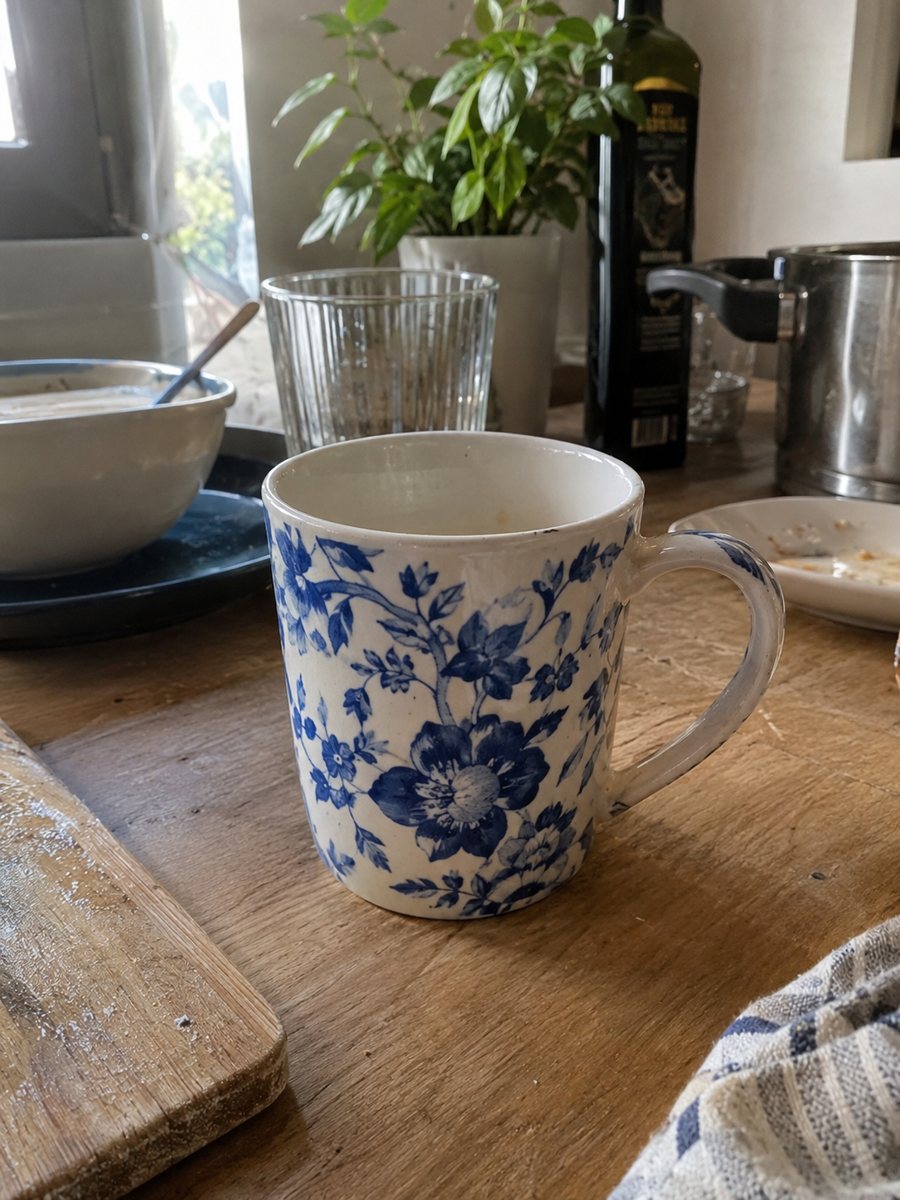
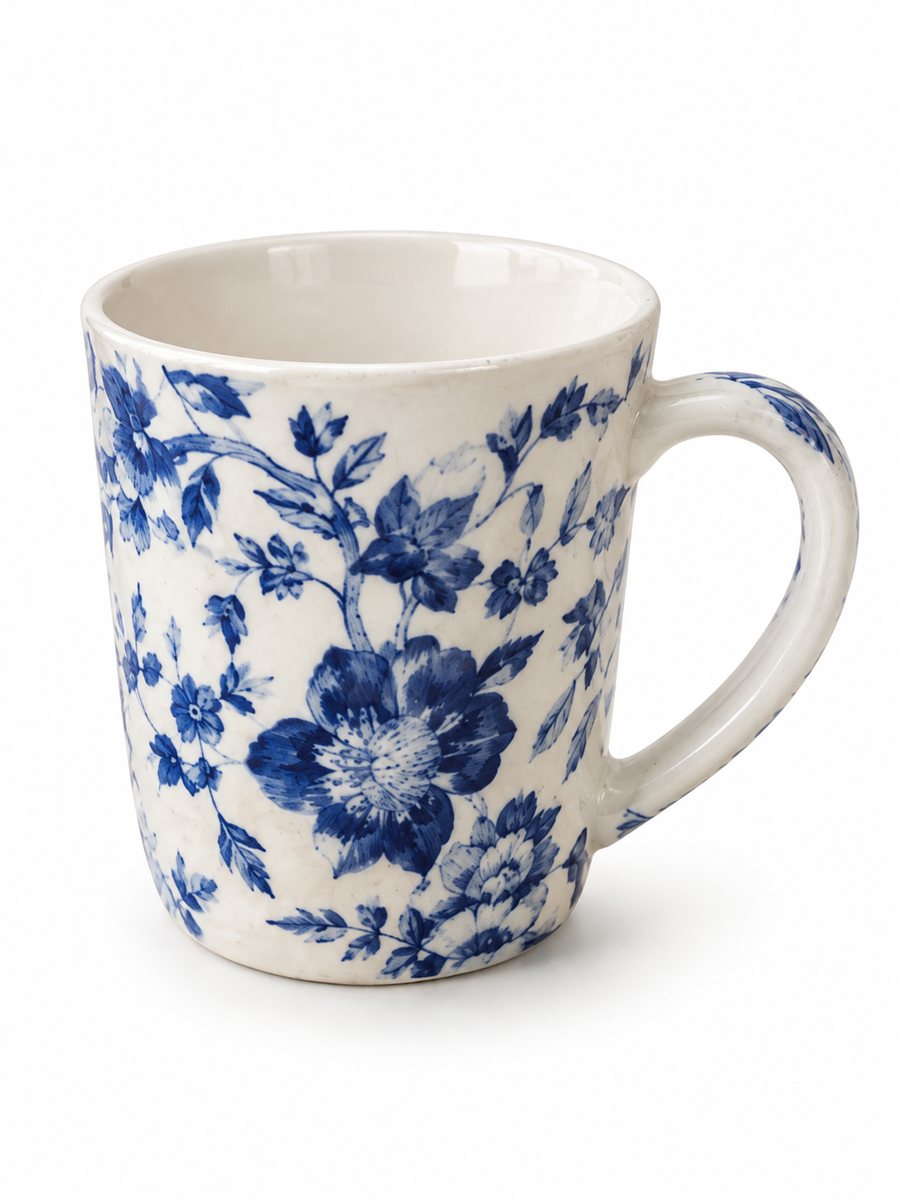 BeforeAfter
In short: Facebook Marketplace photo size in plain words: square-friendly cover, clean background, sharp files. Make a 3:4 image from a phone photo, 7 images free.
- Where: the VisuMate bot in Telegram, no app or sign-up.
- Cost: 2 credits per image, 7 images free, then packs from 49 Telegram Stars.
- Time: 1 to 2 minutes per image, rerun with a new instruction at the same price.
- Credits never expire, there is no subscription and no auto-renew. You pay once for a pack inside Telegram with Stars.
When you need this
- Your item is cropped in the feed tile.
- Your garage or kitchen shows behind the product.
- Dark pictures get fewer messages from buyers.
How to do it
- 1
Open @visumate_ai_bot with the button on this page and press Start. The link opens the product photo menu.
- 2
Send the photo of the item as a file (document). In the caption write what you need, for example: "plain light background, soft daylight, item centered".
- 3
In 1–2 minutes a vertical 3:4 image arrives. Download it, and crop it to a square in your editor if the tile needs it.
Try it on your own photo: 7 images are free, no sign-up.
Make it in TelegramHow the tile crops your picture
Marketplace shows a grid of tiles, and the first photo of each listing becomes the tile. Many sellers plan for a square crop and keep the item in the middle. Facebook changes the layout of Marketplace from time to time, so there is no safe single number to promise here. Read the current Facebook help page, and use large originals. The bot returns a vertical 3:4 picture, which you can crop to a square in any editor.
Clean pictures of used items
Used items are often photographed on a messy floor. The bot can move the item onto a clean background and fix the light, and the item itself stays unchanged, including scratches and wear. That matters here, since buyers meet you in person and the item must match the picture. Take the original in good light and fill the frame with the item so the bot has detail to work with.
Extra pictures
Add pictures that answer a buyer's first questions: the back, the label, the underside, a close-up of damage and something for scale. These extra shots can be plain phone photos. Messages like "what size is it" drop when the scale picture is there. Put the cleanest picture first, since it is the one in the feed. If you sell furniture or a bike, step back far enough to show the whole item and then take one close shot of each corner or joint. A buyer who sees all of it asks fewer questions.
Tips
- Frame the item with extra space around it, since the feed tile crops the picture.
- Shoot in daylight, close to a window.
- Show scale with a second photo that has a familiar object next to the item.
- Photograph damage honestly, in a separate picture.
- Use a large file and let Facebook shrink it.
Questions and answers
What photo size does Marketplace use?
Plan for a square-friendly frame and a large original. Check Facebook's current help page for exact numbers.
Does the bot give a square picture?
No, it outputs 3:4 vertical images. Crop in an editor.
Will the bot hide scratches?
It keeps the item as it is. Show real wear honestly in extra photos.
Can it work with furniture?
Yes, send a photo where the whole item is visible and ask for a plain background.
How many tries do I get before paying?
You start with 15 free credits, and one image costs 2, so 7 images.
What the bot does not do
- Does not output a transparent PNG. The result is a finished 3:4 image with a background.
- Does not write listing copy, set prices or upload anything to your seller account.
- Does not guarantee exact marketplace pixel sizes: crop or resize the 3:4 image in any editor.
- Text on infographics is drawn by AI and can have letter errors in long phrases. Keep badges short and proofread.
More in "Product photos"
- Facebook Marketplace photos with a clean backgroundFacebook Marketplace listing photos with a clean white background: send a phone picture of your item and...
- Marketplace photo requirementsMarketplace photo requirements for Amazon, Etsy and eBay in plain terms: background, size and text. Check...
- Marketplace listing photo checklistMarketplace listing photo checklist: the pictures a gallery needs and what to check on each result. Make...
- eBay listing photo size guideeBay listing photo size in plain words: minimum pixels, ratio, what the main picture should not have. Make...