eBay listing photo size guide
eBay wants a sharp main picture with nothing extra on it. Here is the size and ratio that sellers commonly use, what to keep off the first photo, and how to turn a phone shot into a clean image for your listing.
- 2 credits per image
- Result in 1–2 minutes
- No sign-up
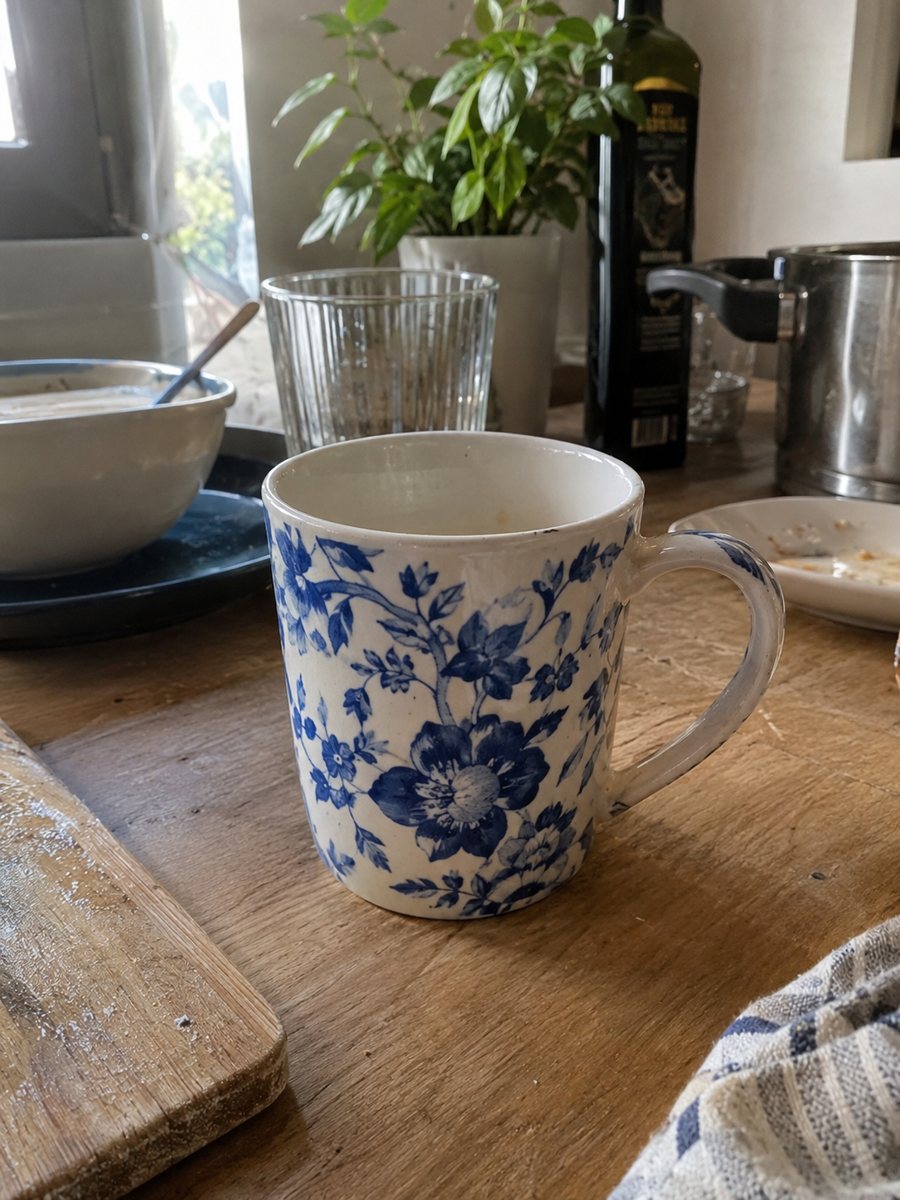
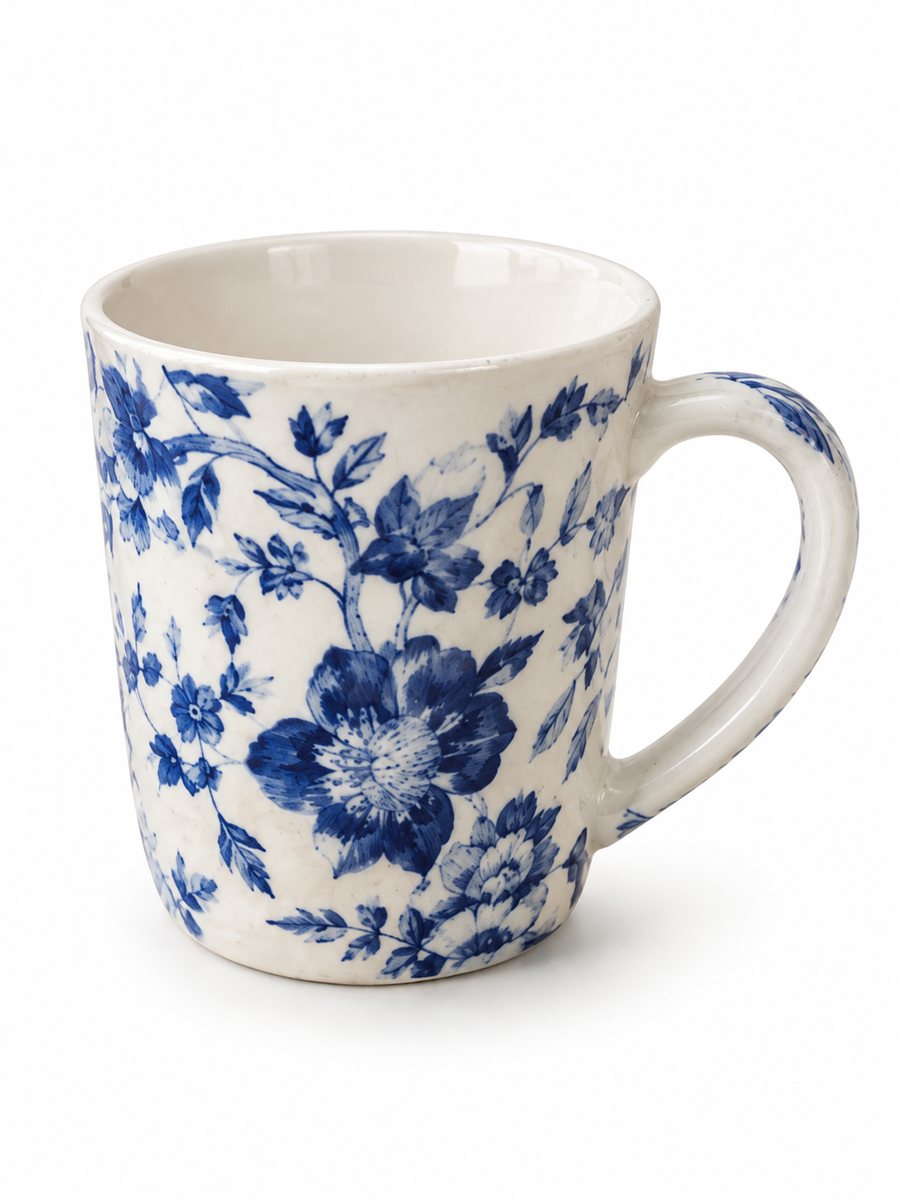 BeforeAfter
In short: eBay listing photo size in plain words: minimum pixels, ratio, what the main picture should not have. Make a clean 3:4 shot from a phone photo, 7 free.
- Where: the VisuMate bot in Telegram, no app or sign-up.
- Cost: 2 credits per image, 7 images free, then packs from 49 Telegram Stars.
- Time: 1 to 2 minutes per image, rerun with a new instruction at the same price.
- Credits never expire, there is no subscription and no auto-renew. You pay once for a pack inside Telegram with Stars.
When you need this
- Your listing photo looks soft in the gallery on a big screen.
- You are not sure if a border or a watermark will get the main picture rejected.
- The thumbnail in search cuts off a corner of the item.
How to do it
- 1
Open @visumate_ai_bot with the button on this page and press Start. The link opens the product photo menu.
- 2
Send the photo of the item as a file (document). In the caption write what you need, for example: "clean white background, soft light, item centered".
- 3
In 1–2 minutes the vertical 3:4 image arrives in the chat. Download it and crop or resize in any editor if your listing needs another shape.
Try it on your own photo: 7 images are free, no sign-up.
Make it in TelegramPixels and ratio
A figure often repeated for eBay is at least 500 pixels on the longest side, and larger is better because buyers can zoom. Sellers usually work with a square or a slightly wide frame. The bot returns a vertical 3:4 picture, so you may need to crop it to a square in a phone editor. Leave a margin around the item before you crop. eBay updates its photo rules from time to time, so read the current help page in your seller account before you export.
What the first photo should look like
eBay asks sellers to show the real item on a plain background. Skip borders, added text, logos and stamps on the main image. A white or light neutral background is the usual choice and it matches the other listings in search. The bot keeps your item as it is and changes the background and light, so the product you ship still matches the picture. Check the category rules too, since some categories have extra requirements.
Thumbnails in search
Search results show a small version of the first photo. A centered item with empty space on all sides survives that crop. A long thin item, such as a belt or a tool, may look tiny, so shoot it at a slight angle to fill more of the frame. Look at the preview before you publish and move the best picture to the front if the first one looks small.
Tips
- Shoot the original with the item filling most of the frame, so the picture stays sharp after a crop.
- Keep borders, frames, text and stamps off the first picture. Put extra information in later photos or in the description.
- Use one background for the whole set, so a buyer sees the same product in every angle.
- Open your listing in preview on a phone before you publish, since most buyers browse there.
Questions and answers
What size should an eBay listing photo be?
A minimum of 500 pixels on the longest side is commonly cited, and larger files zoom better. Confirm the number on eBay's current help page.
Does the bot output a square picture?
No. It outputs a vertical 3:4 image. Crop it to a square or any other shape in an editor.
Can I use a lifestyle scene as the main picture?
eBay prefers a plain background for the first photo. Use scene images as the second or third picture.
How many pictures can I make for free?
You get 15 free credits on the first launch. One image costs 2 credits, so you can make 7 images.
What if the result is not right?
AI sometimes needs another run. A second run costs the same as the first.
What the bot does not do
- Does not output a transparent PNG. The result is a finished 3:4 image with a background.
- Does not write listing copy, set prices or upload anything to your seller account.
- Does not guarantee exact marketplace pixel sizes: crop or resize the 3:4 image in any editor.
- Text on infographics is drawn by AI and can have letter errors in long phrases. Keep badges short and proofread.
More in "Product photos"
- eBay listing photos on a white backgroundClean eBay listing photos on a white background with a soft shadow. Send a phone picture of the item, get...
- eBay infographic listing imageeBay infographic listing image for extra photo slots: a close-up with 3 or 4 fact badges from your...
- Marketplace photo requirementsMarketplace photo requirements for Amazon, Etsy and eBay in plain terms: background, size and text. Check...
- Amazon product image size in pixelsAmazon product image size in pixels explained: what makes zoom work, why bigger files help, and how to get...