Marketplace listing photo checklist
A good gallery answers questions in a set order. Use this checklist to plan the pictures and check every result before you upload.
- 2 credits per image
- Result in 1–2 minutes
- No sign-up
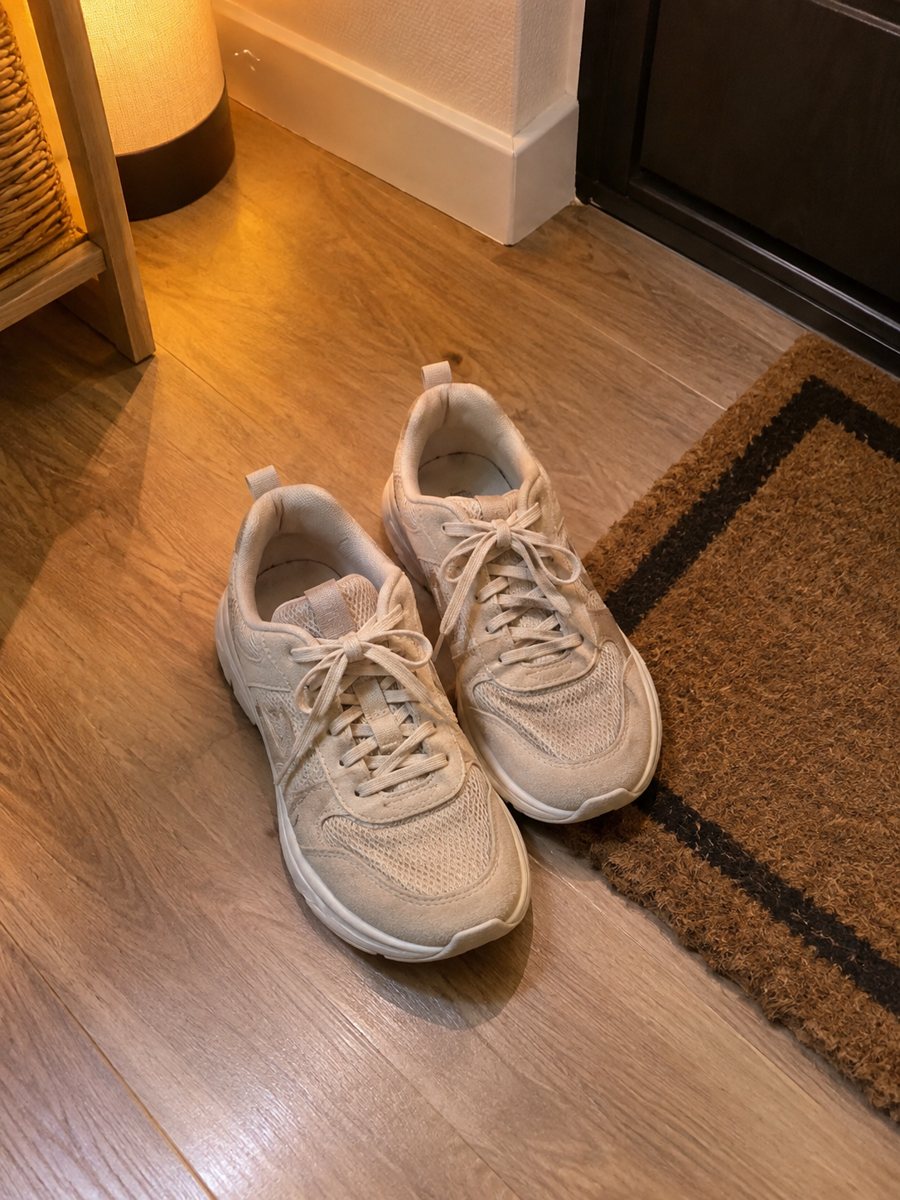
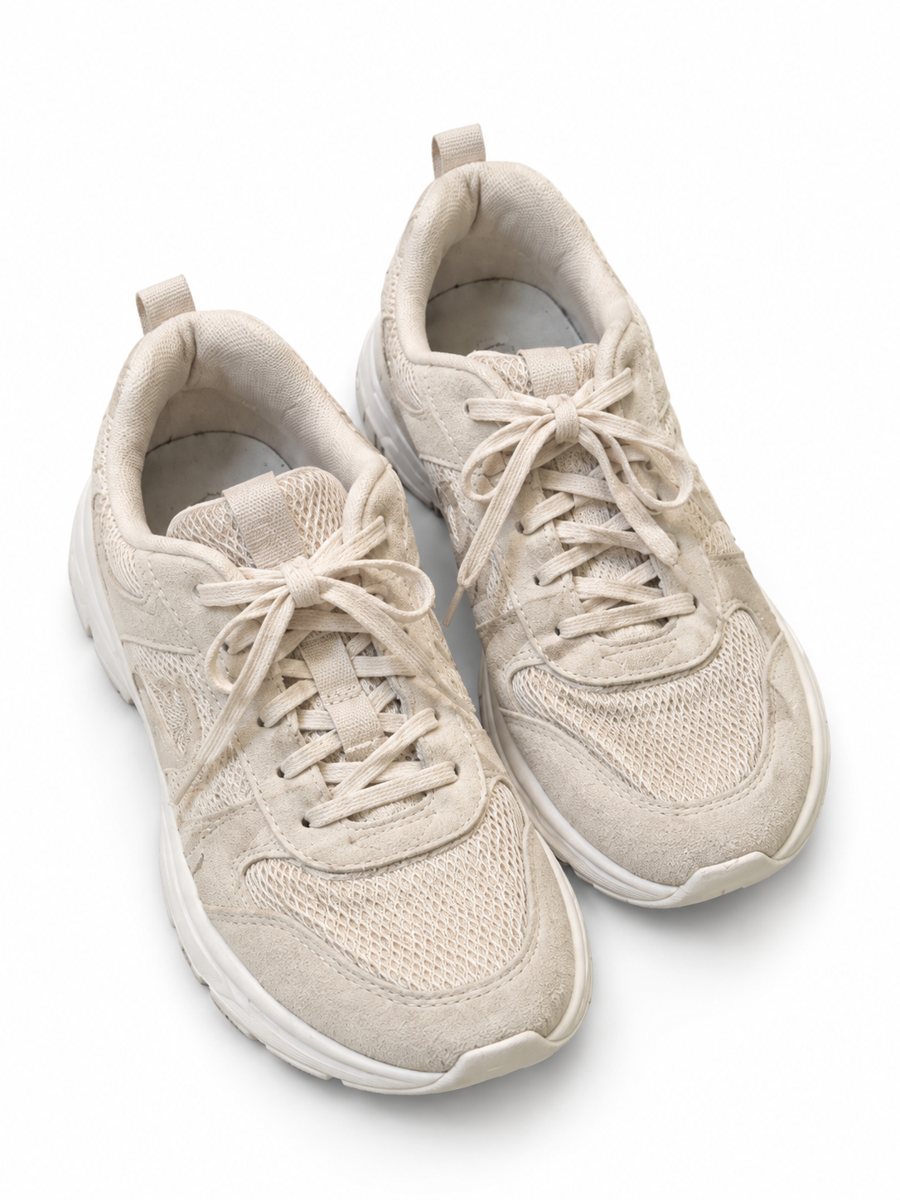 BeforeAfter
In short: Marketplace listing photo checklist: the pictures a gallery needs and what to check on each result. Make them with a phone and AI. 7 images free.
- Where: the VisuMate bot in Telegram, no app or sign-up.
- Cost: 2 credits per image, 7 images free, then packs from 49 Telegram Stars.
- Time: 1 to 2 minutes per image, rerun with a new instruction at the same price.
When you need this
- Galleries are random and miss the basics.
- You forget to check small details in the result.
- Buyers ask questions the pictures should answer.
How to do it
- 1
Open @visumate_ai_bot with the button on this page and press Start. The link opens the product photo menu.
- 2
Pick the mode that fits and send the photo of the product as a file (document). In the caption write: "product on a clean white background".
- 3
In 1–2 minutes the vertical 3:4 image arrives in the chat. Check the details of the product, then download it or run again.
Try it on your own photo: 7 images are free, no sign-up.
Make it in TelegramThe order of pictures
Start with a clean main image. Follow with a scene that shows use, then an infographic with facts and a real close-up. Clothing sellers add a worn picture. This order answers what it is, how it looks in use, what it can do and how well it is made. A real close-up of the material or the label is still worth adding as a later picture.
What to check on each result
Check edges, shadows, colors, logos, text and proportions against the real product. Zoom in on the details. If anything differs from the real item, rerun with a clearer caption or drop that picture. Do not publish images that change the product. The image comes back as a vertical 3:4 picture, so check how your marketplace crops it. The bot makes images only. It does not write listing text, calculate prices or upload to your account.
Tips
- Picture 1: clean main image on white.
- Picture 2: product in use or a scene.
- Picture 3: infographic with facts.
- Picture 4: real close-up of the details.
Questions and answers
How many pictures should a listing have?
As many as the marketplace allows and as are useful. Four to six useful ones beat ten random ones.
Should I mix AI and real photos?
Yes. A real close-up builds trust.
How many images can I try for free?
New users get 15 free credits on first launch. One image costs 2 credits, so 7 images are free.
Should I send the photo as a file?
Yes, send it as a document so Telegram does not compress it. A regular photo also works, but a file keeps more detail.
More in "Product photos"
- Product photos with a phoneProduct photos with a phone: how to shoot a clean source photo, send it as a file and get a marketplace...
- AI product photos vs a photoshootAI product photos vs a photoshoot: where AI saves time and money, where a real shoot still wins and how to...
- Product photo bot pricingProduct photo bot pricing explained: 15 free credits, 2 credits per image and three packs paid with Stars....
- Skincare product photoshoot at homeSkincare product photoshoot at home: send a phone picture of a jar or tube and get a soft gradient...