Car accessory product photos on a white background
Accessories are usually photographed on a car seat or a garage floor. Send the phone picture and the bot gives you the item on pure white with a soft shadow, with the shape and color kept.
- 2 credits per image
- Result in 1–2 minutes
- No sign-up
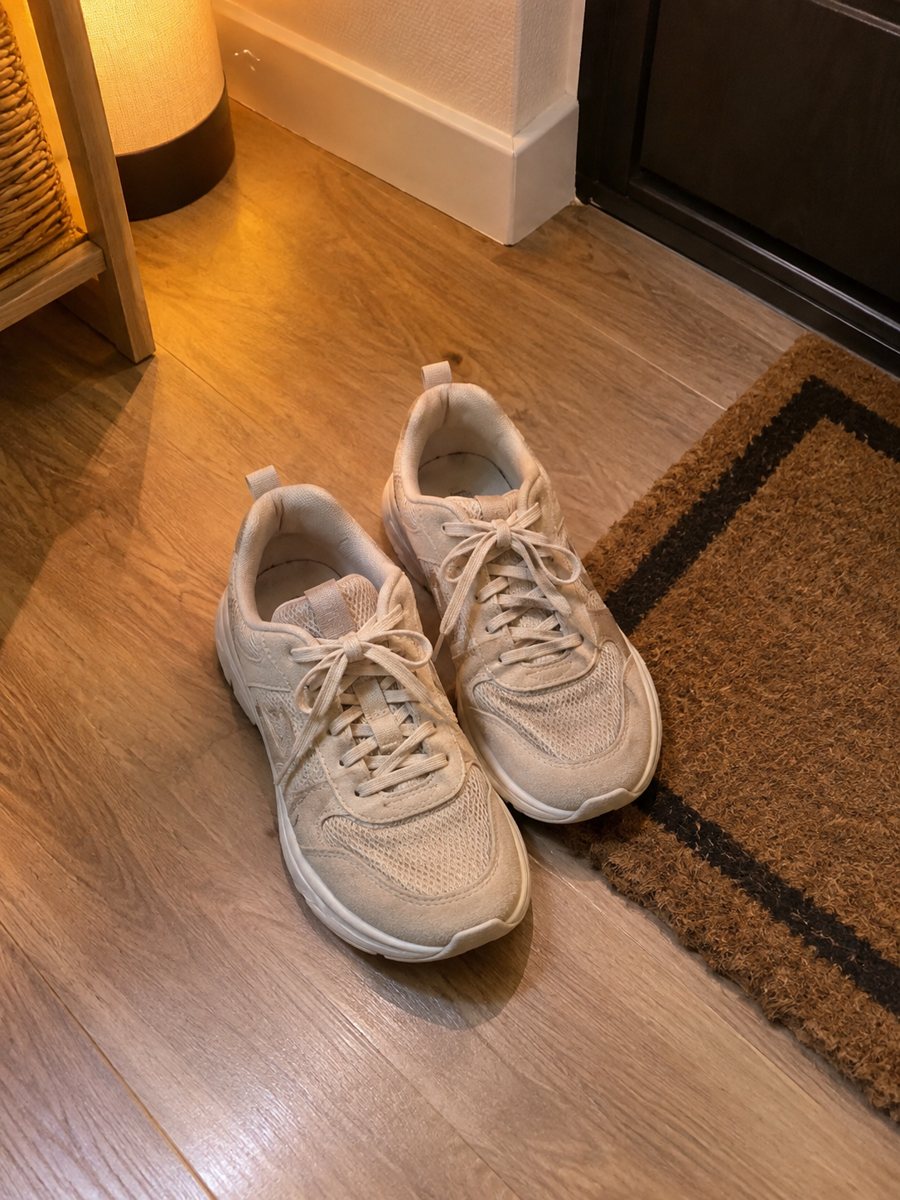
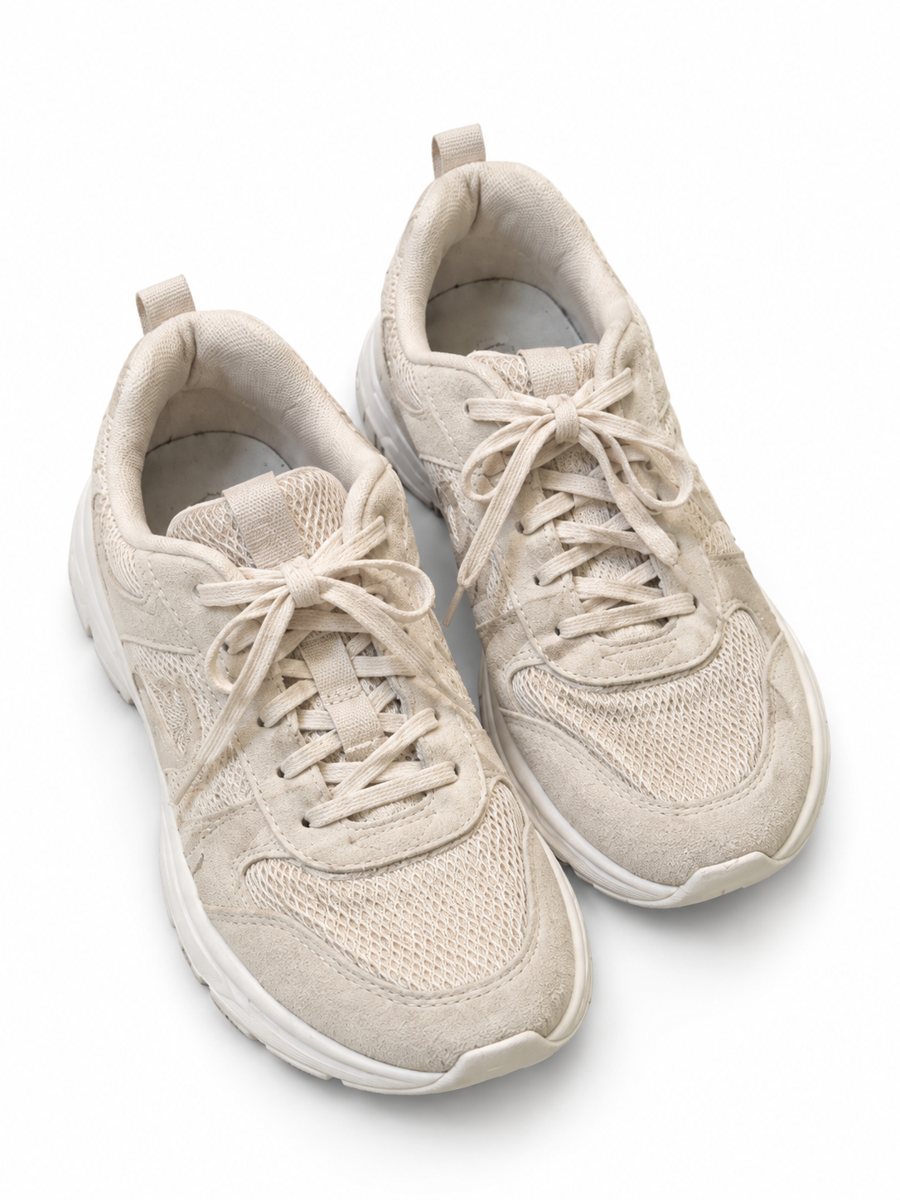 BeforeAfter
In short: Car accessory product photos on white: floor mats, phone holders, covers and gadgets from a phone picture to a clean 3:4 image. 7 images free.
- Where: the VisuMate bot in Telegram, no app or sign-up.
- Cost: 2 credits per image, 7 images free, then packs from 49 Telegram Stars.
- Time: 1 to 2 minutes per image, rerun with a new instruction at the same price.
When you need this
- Black floor mats vanish on a dark garage floor.
- A seat cover looks wrinkled and shapeless in a photo.
- The photo shows the car and plates behind the product.
How to do it
- 1
Open @visumate_ai_bot with the button on this page and press Start. The link opens the product-on-white mode.
- 2
Send the photo of the accessory as a file (document) so Telegram does not compress it. In the caption write: "pure white background, keep the shape, soft shadow".
- 3
In 1–2 minutes the vertical 3:4 image arrives in the chat. Zoom in on the edges and the shadow of the accessory, then download it or run again.
Try it on your own photo: 7 images are free, no sign-up.
Make it in TelegramLarge and flat items
Floor mats and seat covers are big, so the phone must be far enough to fit them, or the photo needs a high angle. Smooth wrinkles, lay the item on a clean floor and shoot straight down. A light floor helps the bot find black rubber edges and make a clean cut. Compare the result with your original on color, shape and any printed text before you publish.
Fit and compatibility
Buyers check whether an accessory fits their car. The bot only creates the product picture. Put the model fit, year and dimensions in your listing text, and check them. If you want an in-car scene, the lifestyle mode can show the item in a car interior based on your caption. A real close-up of the material or the label is still worth adding as a later picture.
Tips
- Lay large items flat and shoot from above.
- Use a light surface behind dark rubber or plastic.
- Take a photo of the mounting side or fastening and add it as an extra image.
- Keep license plates and personal data out of every picture.
Questions and answers
Can the image show which cars it fits?
Not reliably. Put compatibility in the listing text, written and checked by you.
Can I show it installed in a car?
Yes, with the lifestyle scene mode and a caption such as: on the dashboard of a clean sedan.
How do I pay after the free images?
Inside Telegram with Stars, by card, Apple Pay or Google Pay. Packs start from 199 Stars and credits never expire.
How many images can I try for free?
New users get 15 free credits on first launch. One image costs 2 credits, so 7 images are free.
More in "Product photos"
- Add a shadow to a product photoAdd a realistic soft shadow to a product photo so the item stops floating. Send a picture, get the product...
- Bulk product photos on a white backgroundBulk product photos on white: a simple workflow for processing dozens of items in Telegram, one phone...
- Tool product photos on a white backgroundTool product photos on white: drills, wrenches, hand tools and sets from a phone picture to a clean 3:4...
- Amazon infographic imagesAmazon infographic images for secondary slots: a product close-up with 3 or 4 benefit badges taken word...