Tool product photos on a white background
Tools live in garages and workshops, so the photo background is a mess. Send the phone picture and the bot puts the tool on pure white with a soft shadow, with its shape, markings and color kept.
- 2 credits per image
- Result in 1–2 minutes
- No sign-up
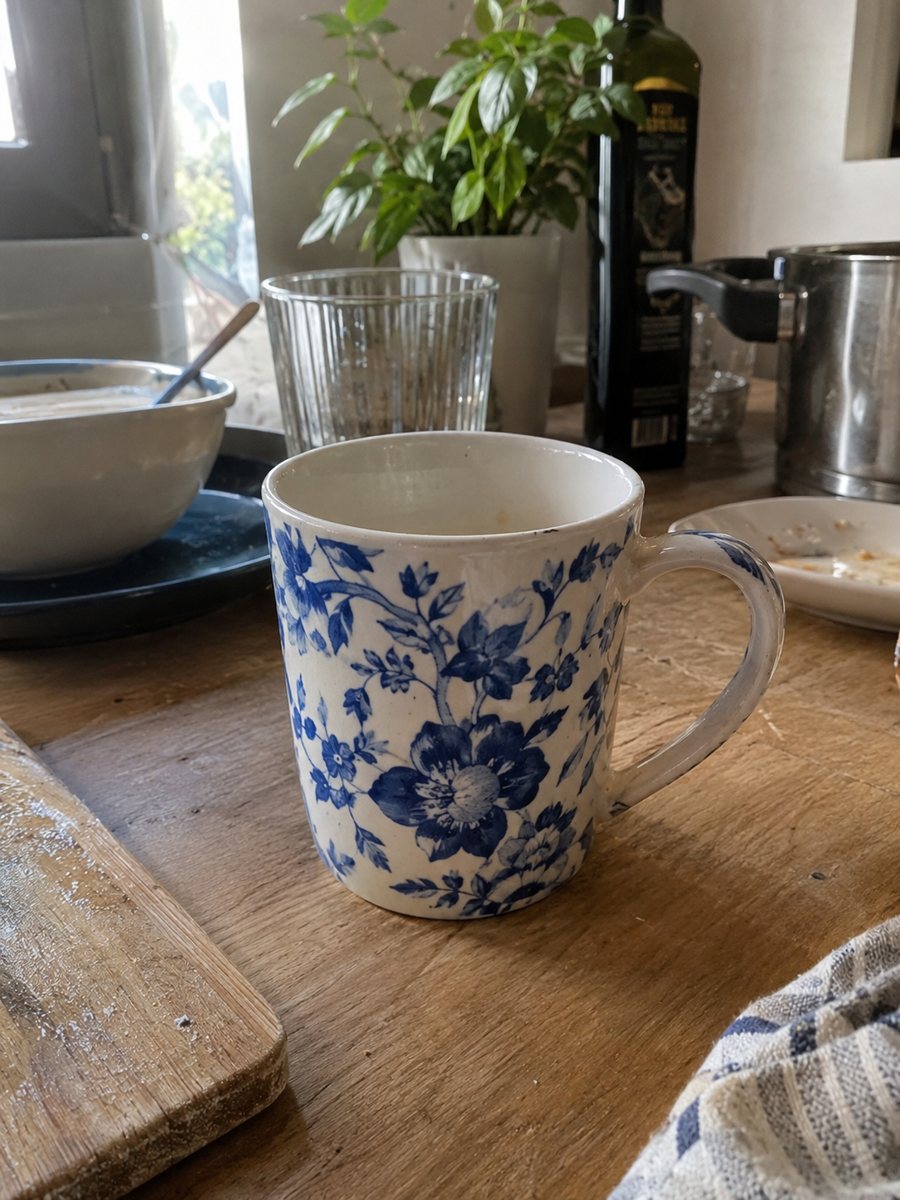
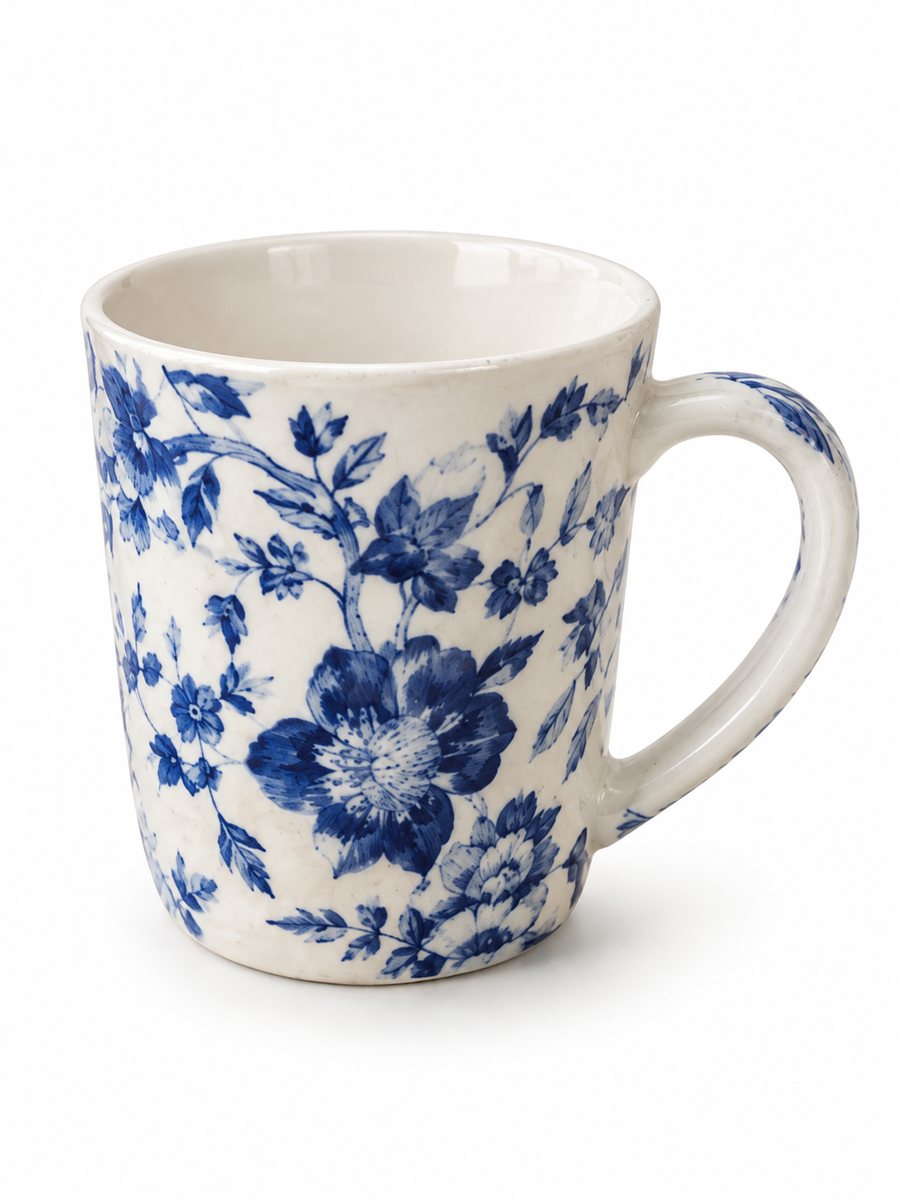 BeforeAfter
In short: Tool product photos on white: drills, wrenches, hand tools and sets from a phone picture to a clean 3:4 image with a soft shadow. 7 images free.
- Where: the VisuMate bot in Telegram, no app or sign-up.
- Cost: 2 credits per image, 7 images free, then packs from 49 Telegram Stars.
- Time: 1 to 2 minutes per image, rerun with a new instruction at the same price.
When you need this
- The tool lies on a stained workbench full of clutter.
- Metal tools reflect the garage lights.
- A socket set has many parts that never look neat.
How to do it
- 1
Open @visumate_ai_bot with the button on this page and press Start. The link opens the product-on-white mode.
- 2
Send the photo of the tool as a file (document) so Telegram does not compress it. In the caption write: "pure white background, diagonal position, soft shadow, keep markings".
- 3
In 1–2 minutes the vertical 3:4 image arrives in the chat. Zoom in on the edges and the shadow of the tool, then download it or run again.
Try it on your own photo: 7 images are free, no sign-up.
Make it in TelegramLong tools in a vertical frame
The result is vertical 3:4, so a long wrench or a saw fits best on a diagonal. Leave margins so the ends do not touch the edge of the picture. For a drill, show the three-quarter view with the chuck and the handle visible. The AI follows the shape in your photo, so shoot it clean. Send the photo as a file so Telegram keeps the full detail of your product.
Sets and parts
Buyers of sets want to see every piece. Lay them out in rows on a plain surface and shoot from above. The AI can add or drop small parts in big sets, so count each piece in the result and compare it with the real kit. For exact specs, use a separate image written by you. The image comes back as a vertical 3:4 picture, so check how your marketplace crops it in the gallery.
Tips
- Wipe oil and dust from the tool before the photo.
- Lay long tools diagonally to fill the vertical frame.
- For sets, send up to 5 photos as an album, and count the parts in the result.
- Check size markings and brand text at full size.
Questions and answers
Will size markings on tools stay exact?
Small engraved numbers can blur. Compare them with the real tool and show a plain close-up photo if the size matters.
Can it add a spec table?
The infographic mode takes short benefits from your caption. Keep it brief and proofread every letter.
What if the result is not right?
It is AI, so sometimes a rerun is needed. A second run costs the same 2 credits, and a clearer caption usually helps.
Does the bot write the listing text?
No. It makes the image only. It does not write listing copy, calculate prices or upload to your seller account.
More in "Product photos"
- Car accessory product photos on a white backgroundCar accessory product photos on white: floor mats, phone holders, covers and gadgets from a phone picture...
- Add a shadow to a product photoAdd a realistic soft shadow to a product photo so the item stops floating. Send a picture, get the product...
- Sunglasses product photos on a white backgroundSunglasses product photos on white: send a phone picture and get a clean 3:4 image with a soft shadow, the...
- Car accessories in a car interiorCar accessories in a car interior: place a phone holder, organizer or air freshener on a dashboard with a...