Add a shadow to a product photo
A product cut out and dropped onto white looks like it floats. Send your photo and the bot places the item on pure white with a soft shadow that matches the light, so it sits on the surface.
- 2 credits per image
- Result in 1–2 minutes
- No sign-up
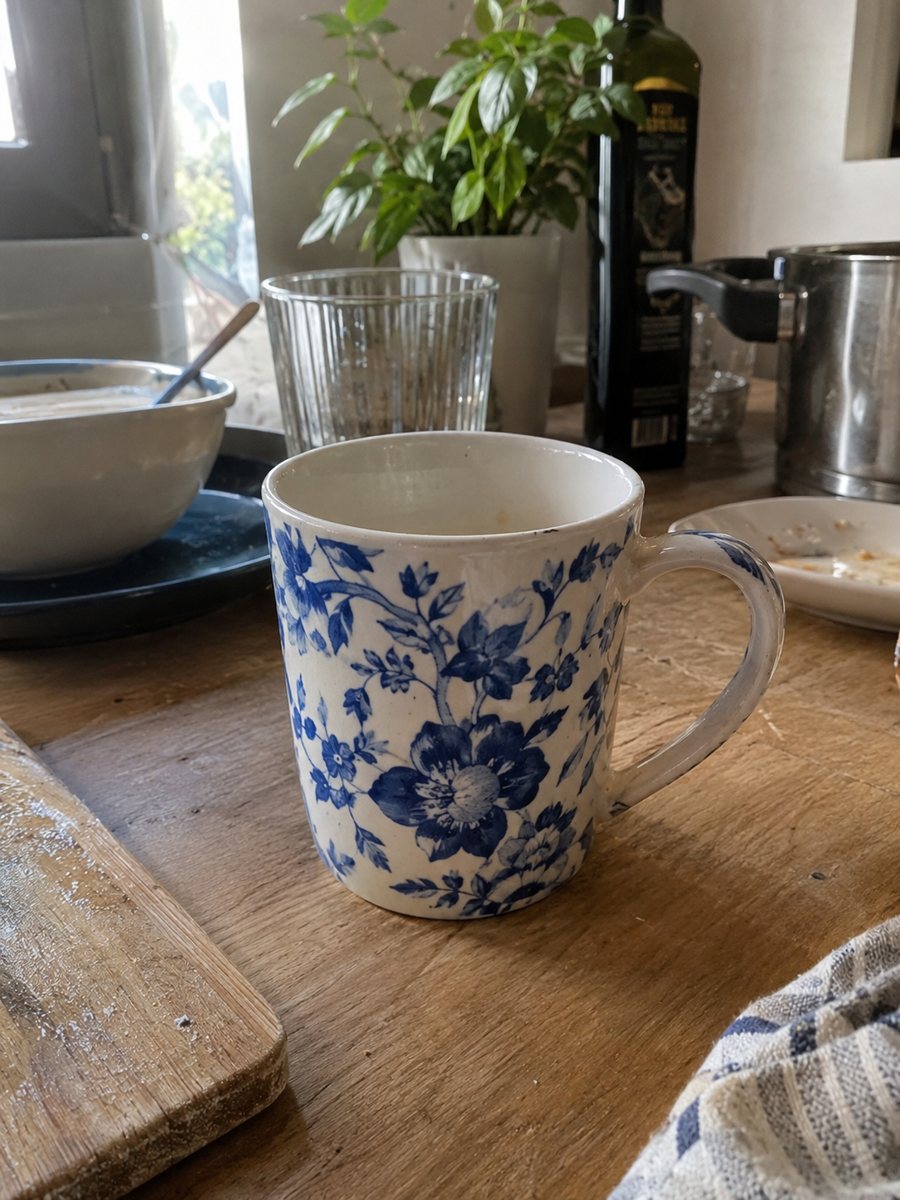
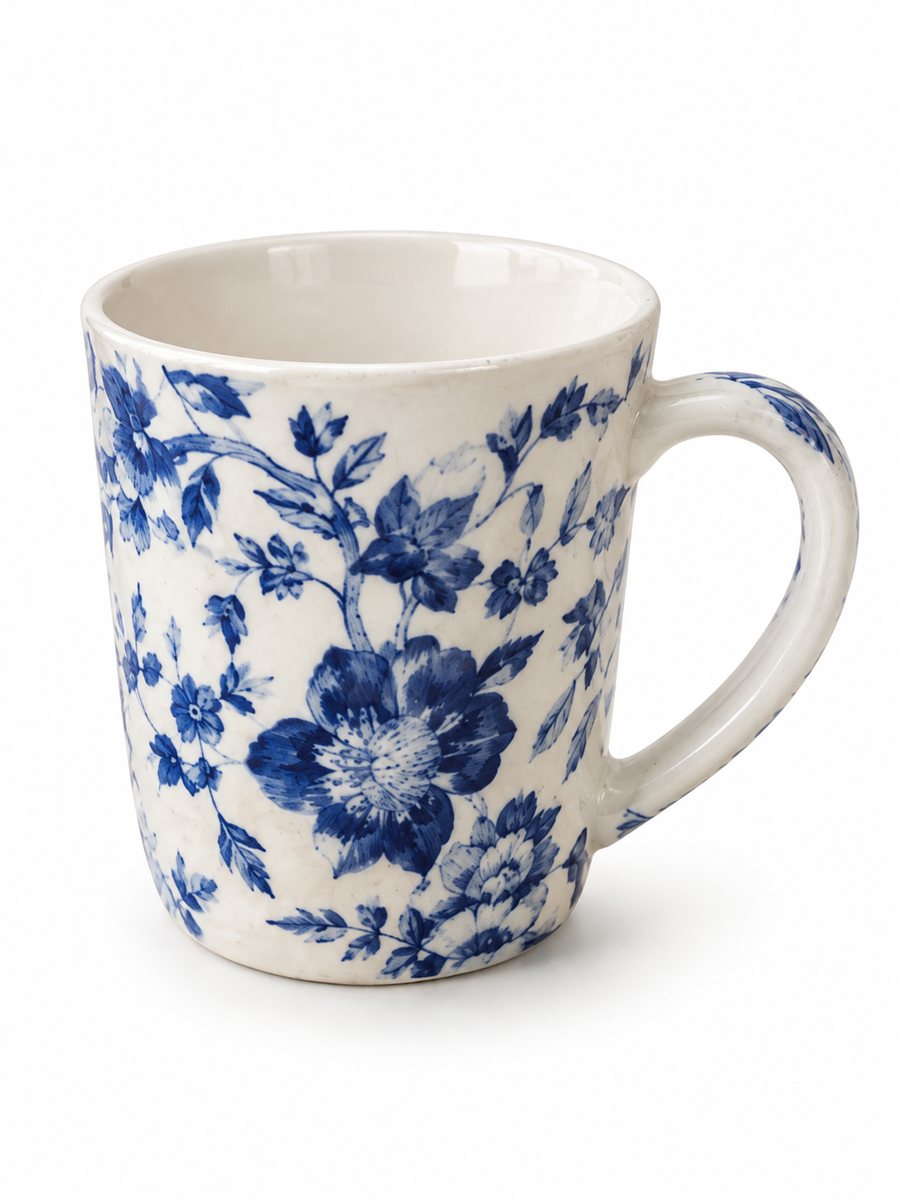 BeforeAfter
In short: Add a realistic soft shadow to a product photo so the item stops floating. Send a picture, get the product on white with a grounded shadow. 7 images free.
- Where: the VisuMate bot in Telegram, no app or sign-up.
- Cost: 2 credits per image, 7 images free, then packs from 49 Telegram Stars.
- Time: 1 to 2 minutes per image, rerun with a new instruction at the same price.
When you need this
- Your cut-out product looks like a sticker.
- A hard black drop shadow looks fake.
- Your catalog has mixed shadow styles from different editors.
How to do it
- 1
Open @visumate_ai_bot with the button on this page and press Start. The link opens the product-on-white mode.
- 2
Send the photo of the product as a file (document) so Telegram does not compress it. In the caption write: "pure white background, soft short shadow directly under the product".
- 3
In 1–2 minutes the vertical 3:4 image arrives in the chat. Zoom in on the edges and the shadow of the product, then download it or run again.
Try it on your own photo: 7 images are free, no sign-up.
Make it in TelegramWhat a believable shadow looks like
A natural shadow is soft at its edges, darker right under the object and lighter further away. It follows the object shape, so a round bottle gets an oval and a box gets a flat shape. The bot builds this on the white background in one run, so you do not need layers or a blur slider. Check the pixel size of the downloaded file against the rule for your marketplace and category.
Contact shadow versus long shadow
A contact shadow sits directly under the product and is the safest for marketplaces. A longer shadow gives drama, but on white it can look dirty. For listings, ask for soft and short. If a result shows a shadow on the wrong side, rerun with a caption that says where the light comes from. Zoom in on the edges after the run, because that is where a cutout shows its weak spots.
Tips
- Write soft shadow under the product in the caption.
- For tall products, ask for a short shadow directly beneath.
- Use the same wording for the whole catalog.
- If the shadow is too dark, rerun with a lighter shadow wording.
Questions and answers
Can I control how dark the shadow is?
You can describe it in the caption: soft, light, short. The AI interprets it, so a rerun may be needed.
Does it work if my product is already cut out?
Send the cut-out as a picture and ask for a white background with a soft shadow. The result is a full image, not a layer.
Do I need to register anywhere?
No sign-up. Open Telegram, press Start and send a photo. It works on a phone and on a desktop.
How long does one image take?
Usually 1–2 minutes. The result arrives in the chat, and you can download it or run the photo again.
More in "Product photos"
- Bulk product photos on a white backgroundBulk product photos on white: a simple workflow for processing dozens of items in Telegram, one phone...
- Facebook Marketplace photos with a clean backgroundFacebook Marketplace listing photos with a clean white background: send a phone picture of your item and...
- Car accessory product photos on a white backgroundCar accessory product photos on white: floor mats, phone holders, covers and gadgets from a phone picture...
- Product infographic makerProduct infographic maker in Telegram: send a photo, write 3 or 4 benefits in the caption and get a...