Size chart infographic style image
Shoppers need to know how big a product is. The bot does not build a full table, but it can put short size facts on badges around the product: height, width, capacity or weight.
- 2 credits per image
- Result in 1–2 minutes
- No sign-up
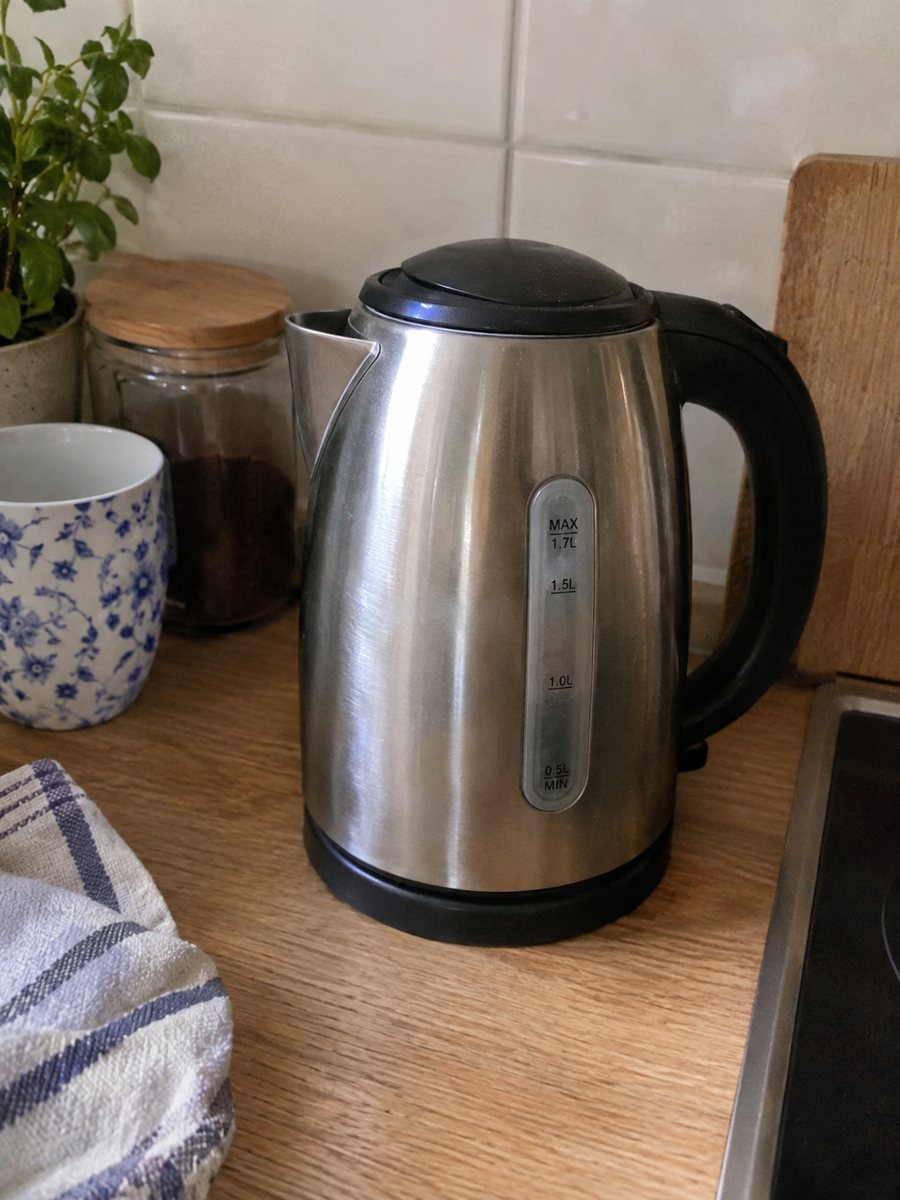
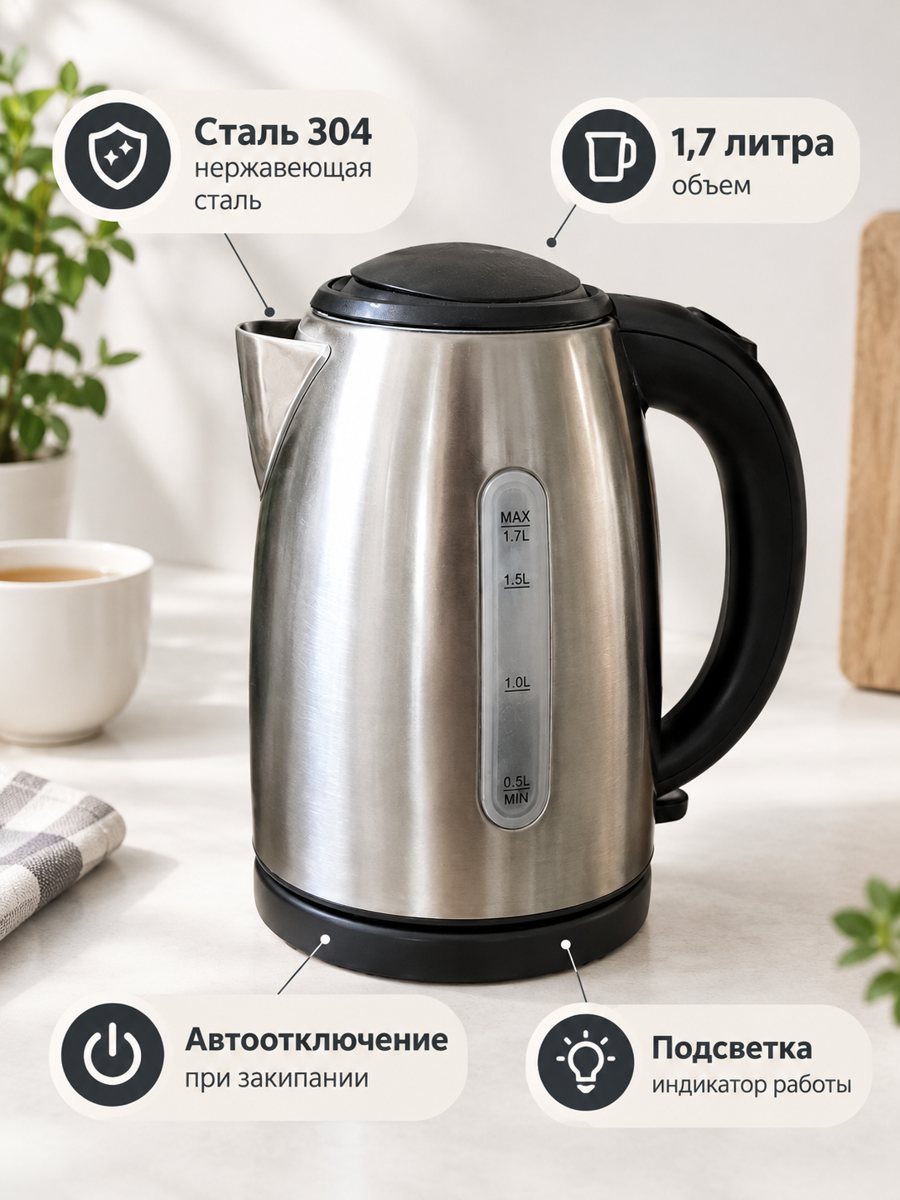 BeforeAfter
In short: Size chart infographic style image: put 3 or 4 short size facts on badges around a product close-up. Written in the caption, drawn in minutes. 7 images free.
- Where: the VisuMate bot in Telegram, no app or sign-up.
- Cost: 2 credits per image, 7 images free, then packs from 49 Telegram Stars.
- Time: 1 to 2 minutes per image, rerun with a new instruction at the same price.
When you need this
- Buyers ask about dimensions in every message.
- A table in the description is hard to read on a phone.
- Returns happen because the item was smaller than expected.
How to do it
- 1
Open @visumate_ai_bot with the button on this page and press Start. The link opens the infographic mode.
- 2
Send a close photo of the product as a file (document). In the caption list the benefits, separated by commas: "Height 8 in, Width 4 in, Holds 12 oz".
- 3
In 1–2 minutes the vertical 3:4 image arrives in the chat. Read every badge letter by letter, then download it or run again.
Try it on your own photo: 7 images are free, no sign-up.
Make it in TelegramWhat this mode can do
It draws short badges from your caption, such as Height 8 in, Width 4 in, Holds 12 oz. It is not a grid generator, and long sizing tables with many rows are better made in a design tool. For clothes, a table with measurements usually belongs in a separate picture you build yourself. Send a close, sharp photo as a file so Telegram keeps the full detail of your product.
Accuracy matters
AI draws digits and may swap or distort them. Check each number against your measurements before you publish. A wrong size causes returns. If a number is wrong, rerun and shorten the caption. Always keep the real dimensions in the listing text as well. The image comes back as a vertical 3:4 picture, so check how your listing crops it.
Tips
- Use three or four numbers you measured yourself.
- Write units clearly: in, cm, oz, ml.
- Do not put long tables in the caption.
- Check every digit in the result.
Questions and answers
Can it draw a table of sizes?
No. It draws a few short badges. Large tables are better made in a design tool.
Does it measure the product for me?
No. You provide the numbers.
What if the result is not right?
It is AI, so sometimes a rerun is needed. A second run costs the same 2 credits, and a clearer caption usually helps.
Does the bot write the listing text?
No. It makes the image only. It does not write listing copy, calculate prices or upload to your seller account.
More in "Product photos"
- Product image with benefit badgesProduct image with benefit badges: send a photo and the benefits in the caption, get a close-up with the...
- Supplement infographic imagesSupplement infographic images: a bottle close-up with 3 or 4 short factual badges from your caption. Check...
- Product infographic makerProduct infographic maker in Telegram: send a photo, write 3 or 4 benefits in the caption and get a...
- Product photos with a phoneProduct photos with a phone: how to shoot a clean source photo, send it as a file and get a marketplace...