Amazon image aspect ratio guide
Amazon cares more about the long side of the file than about one exact ratio, and many sellers use a square frame. This guide shows how to crop a vertical 3:4 picture and keep the zoom quality.
- 2 credits per image
- Result in 1–2 minutes
- No sign-up
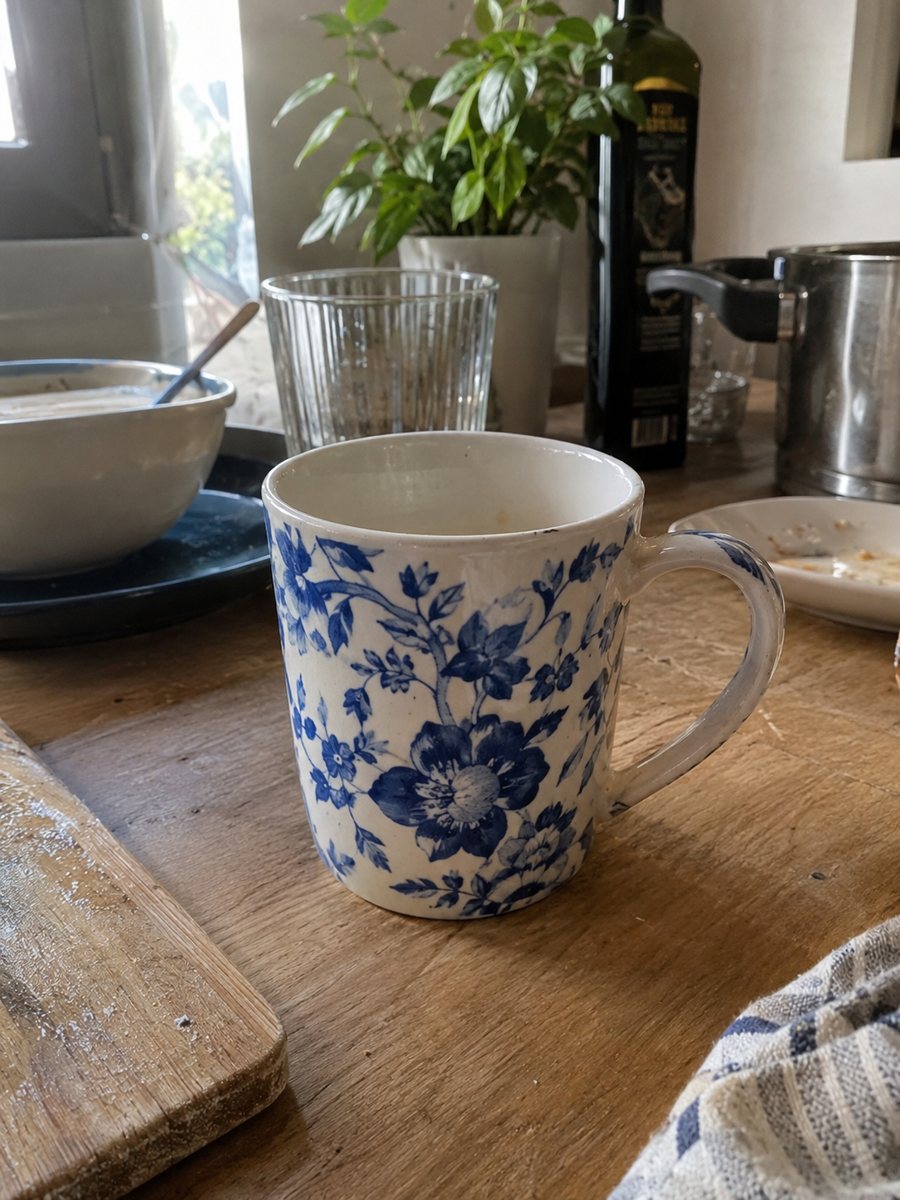
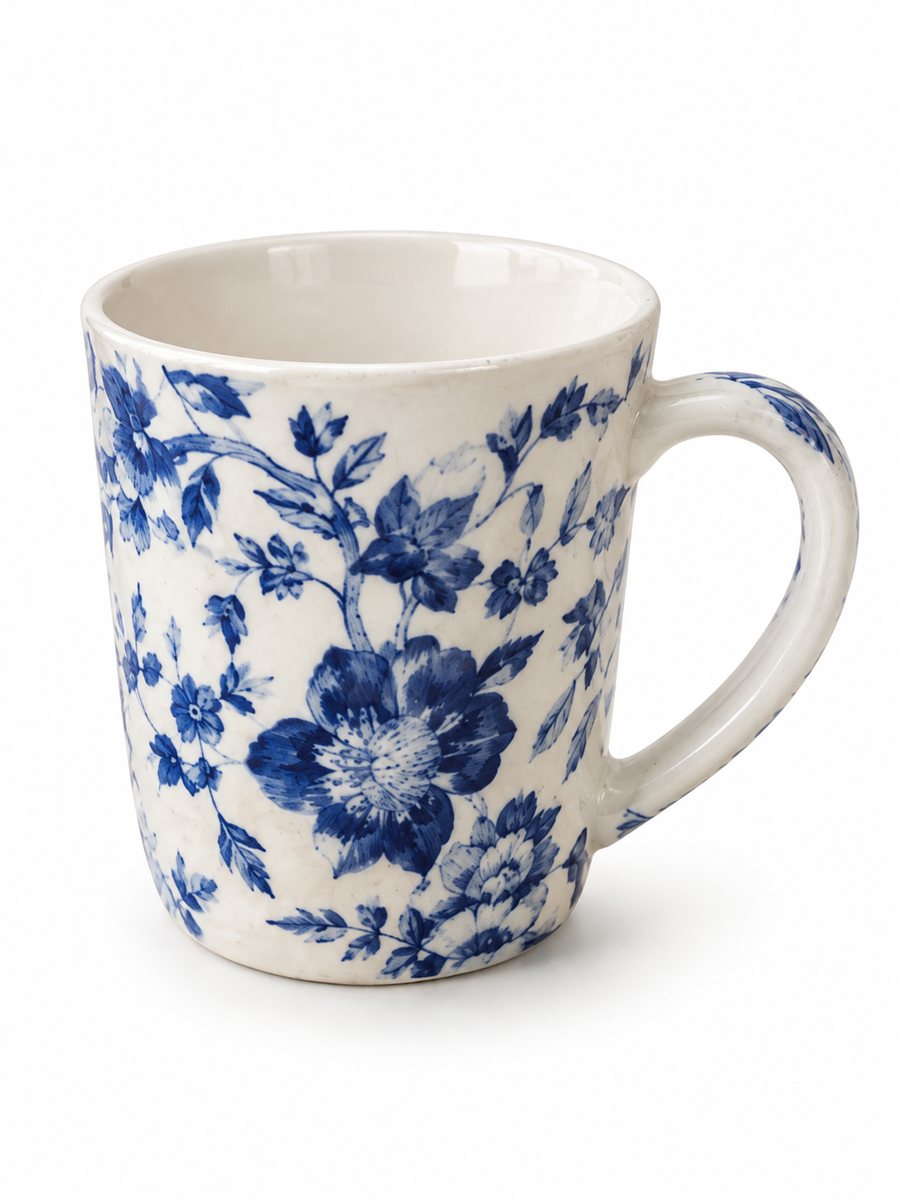 BeforeAfter
In short: Amazon image aspect ratio explained: why a square or near-square frame is common, how to crop a 3:4 photo and keep the zoom size. 7 images free to try.
- Where: the VisuMate bot in Telegram, no app or sign-up.
- Cost: 2 credits per image, 7 images free, then packs from 49 Telegram Stars.
- Time: 1 to 2 minutes per image, rerun with a new instruction at the same price.
- Credits never expire, there is no subscription and no auto-renew. You pay once for a pack inside Telegram with Stars.
When you need this
- You are not sure whether a vertical image is accepted.
- After cropping, the image falls below the zoom size.
- The product looks small inside a square frame.
How to do it
- 1
Open @visumate_ai_bot with the button on this page and press Start. The link opens the product photo menu.
- 2
Send the photo of the item as a file (document). In the caption write what you need, for example: "pure white background, soft shadow, product fills the frame".
- 3
The vertical 3:4 image arrives in 1–2 minutes. Download it and crop in an editor, then check the long side before upload.
Try it on your own photo: 7 images are free, no sign-up.
Make it in TelegramRatio versus size
Amazon's image guidance puts most weight on the long side of the file. A common figure is at least 1000 pixels on the longest side to enable zoom, and many sellers aim well above that. Ratios vary and the style guide is the authority, so read the current version for your category. A square frame is a popular way to keep the product large. The bot returns a vertical 3:4 picture, so you decide the crop.
How to crop a 3:4 picture
Open the download in any editor, choose a square crop and slide the frame so the product sits in the middle. The white margin above and below the product gives you room. After the crop, look at the pixel size: if the long side drops under the size you need, go back to the original and crop less. Save as a high quality JPEG or PNG. The bot's output has a flat white background, so it is not a transparent PNG.
Vertical frames
Some sellers keep a vertical frame and fill the sides with white. That can work, but the product may look small in the square tile of search results. If you try it, compare both versions side by side on a phone. Pick whichever one shows the product larger in the tile while the full image still passes the rules. Keep the original 3:4 file as well.
Tips
- Check the pixel count after you crop, since a crop shortens one side.
- Crop from the empty margin and stay out of the product.
- Keep the product filling most of the frame.
- Work from the full-size download, and skip screenshots.
- Compare the result with Amazon's current style guide before you upload.
Questions and answers
Is a vertical image accepted on Amazon?
Check the current Amazon style guide for your category. Many sellers crop to a square to be safe.
What pixel size keeps zoom?
Around 1000 pixels on the longest side is commonly cited. Larger is safer.
Does the bot output a transparent PNG?
No. The white-background preset gives a flat white background.
Does the bot crop to square?
No, the output is 3:4. Crop in your editor.
How can I test it for free?
New users get 15 credits, which is 7 images at 2 credits each.
What the bot does not do
- Does not output a transparent PNG. The result is a finished 3:4 image with a background.
- Does not write listing copy, set prices or upload anything to your seller account.
- Does not guarantee exact marketplace pixel sizes: crop or resize the 3:4 image in any editor.
- Text on infographics is drawn by AI and can have letter errors in long phrases. Keep badges short and proofread.
More in "Product photos"
- Amazon main image requirementsAmazon main image requirements in plain words: white background, product fill, size for zoom, no text....
- Amazon product image size in pixelsAmazon product image size in pixels explained: what makes zoom work, why bigger files help, and how to get...
- Amazon main image on a white backgroundTurn a phone photo into an Amazon main image on a pure white background with a soft shadow. No text or...
- Marketplace photo requirementsMarketplace photo requirements for Amazon, Etsy and eBay in plain terms: background, size and text. Check...