What AI photo restoration can and cannot do
AI restoration is good at cleaning and bad at knowing the truth. Knowing the difference helps you choose which photos to try.
- 2 credits per image
- Result in 1–2 minutes
- No sign-up
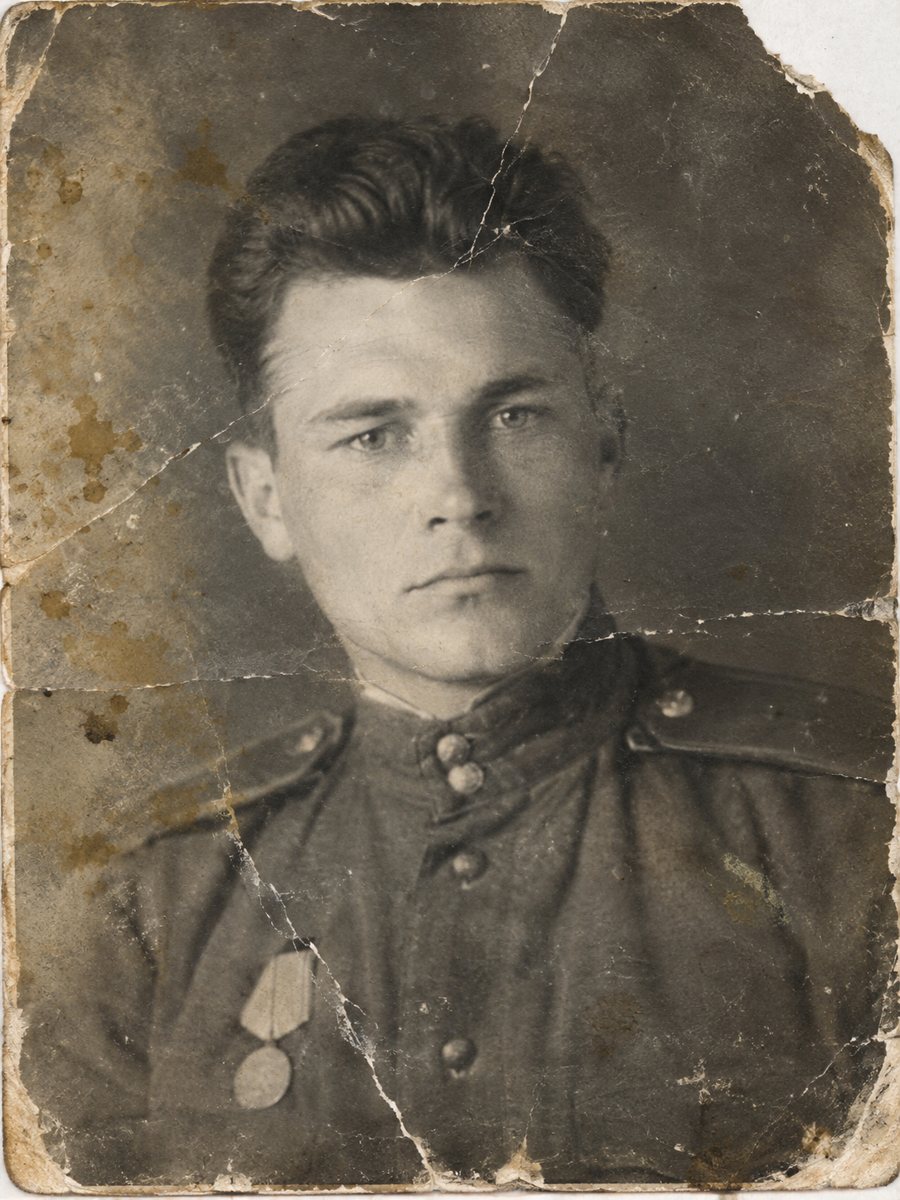
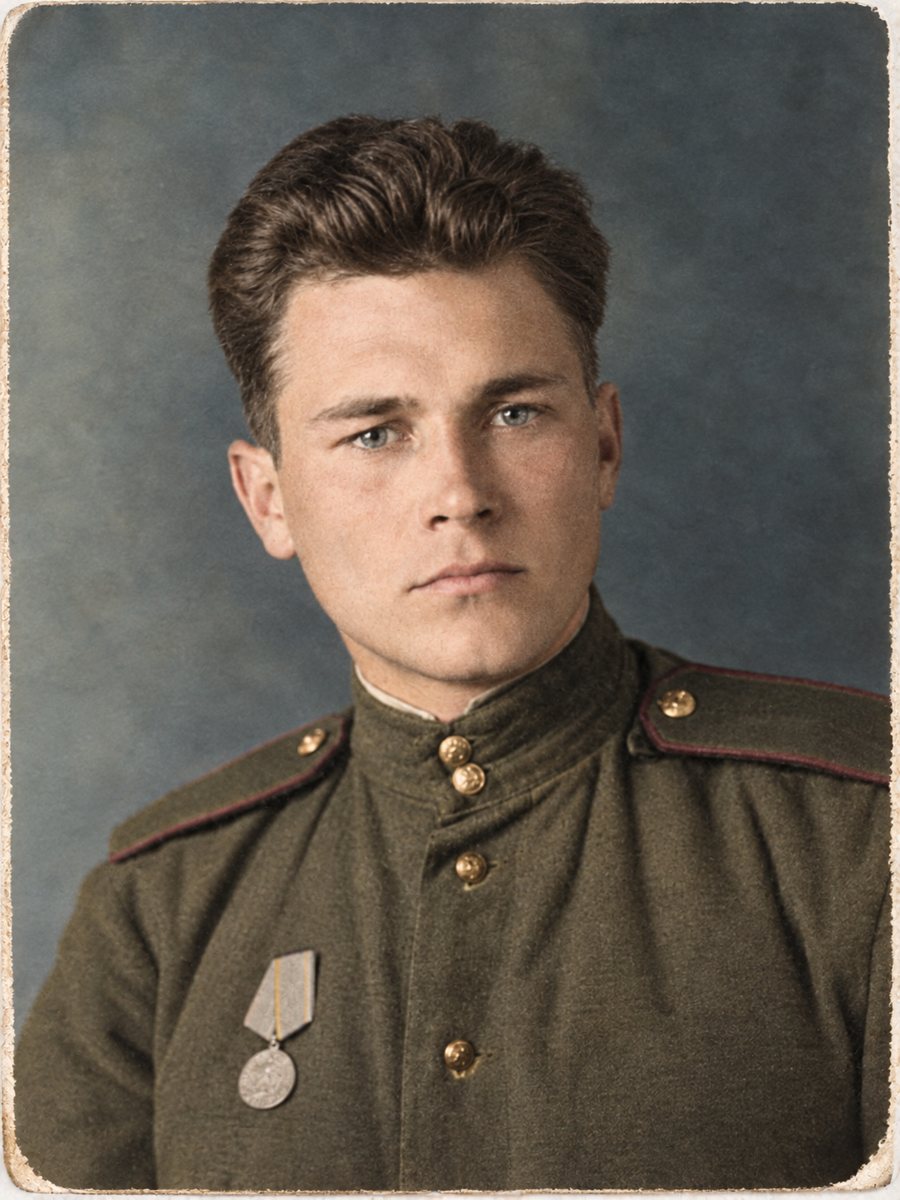 BeforeAfter
In short: A plain list of strengths and limits: scratches, stains and fading are fixable, while lost faces and fine detail may be rebuilt wrongly.
- Where: the VisuMate bot in Telegram, no app or sign-up.
- Cost: 2 credits per image, 7 images free, then packs from 49 Telegram Stars.
- Time: 1 to 2 minutes per image, rerun with a new instruction at the same price.
When you need this
- You wonder if it will work on your photo.
- You have heard that AI changes faces.
- You want to know where it fails.
How to do it
- 1
Tap the button on this page. Telegram opens the bot, press Start and the right mode is already selected.
- 2
Send the photo as a file (document) so Telegram does not compress it. In the caption write: restore this old photo, repair damage, keep faces unchanged.
- 3
Wait 1-2 minutes for the image, then save it or try again with a different caption.
Try it on your own photo: 7 images are free, no sign-up.
Make it in TelegramWhat it does well
Scratches, dust, stains, creases and fading are common damage, and the AI cleans them well in most cases. It can also add plausible color to black and white and sharpen soft images. Results arrive in 1-2 minutes and cost 2 credits. The first launch gives 15 free credits, which is enough for 7 images, so you can test the result on your own picture before buying anything.
Where it falls short
When a face is badly damaged or very small, the AI reconstructs it, and the result may not match the person. Lost detail is invented, so it cannot be recovered. The bot is not meant for printing work or for passport and ID photo retouching. Use judgment and compare with other photos. If the first result is close but not right, change the caption a little and send the picture again.
Tips
- Expect good results on scratches, stains and creases.
- Treat rebuilt faces as an interpretation.
- Do not use the bot for printing or for passport and ID photo retouching.
- Always keep the original.
Questions and answers
Can it change faces?
Reconstructed faces may not match.
Is it for ID photos?
No.
Is it for printing?
No.
How long does it take?
1-2 minutes.
More in "Photo restoration"
- Restore an old photo onlineSend an old photo to a Telegram bot and get a cleaner version back in 1-2 minutes. 15 free credits, no...
- How to restore old family photos at homeA plain guide to restoring family photos: scanning, choosing a mode, checking faces and storing the...
- Restore old photos and share them with familyA restored photo is easy to share. Collect scans, fix the best ones, label them and send results in a...
- Fix creases in an old photoBent corners and crease lines that cut across a portrait can be smoothed out from a scan or a phone...