How to restore old family photos at home
Restoring a family photo takes a scan, a short caption and a careful look at the result. This guide walks through each step in plain terms.
- 2 credits per image
- Result in 1–2 minutes
- No sign-up
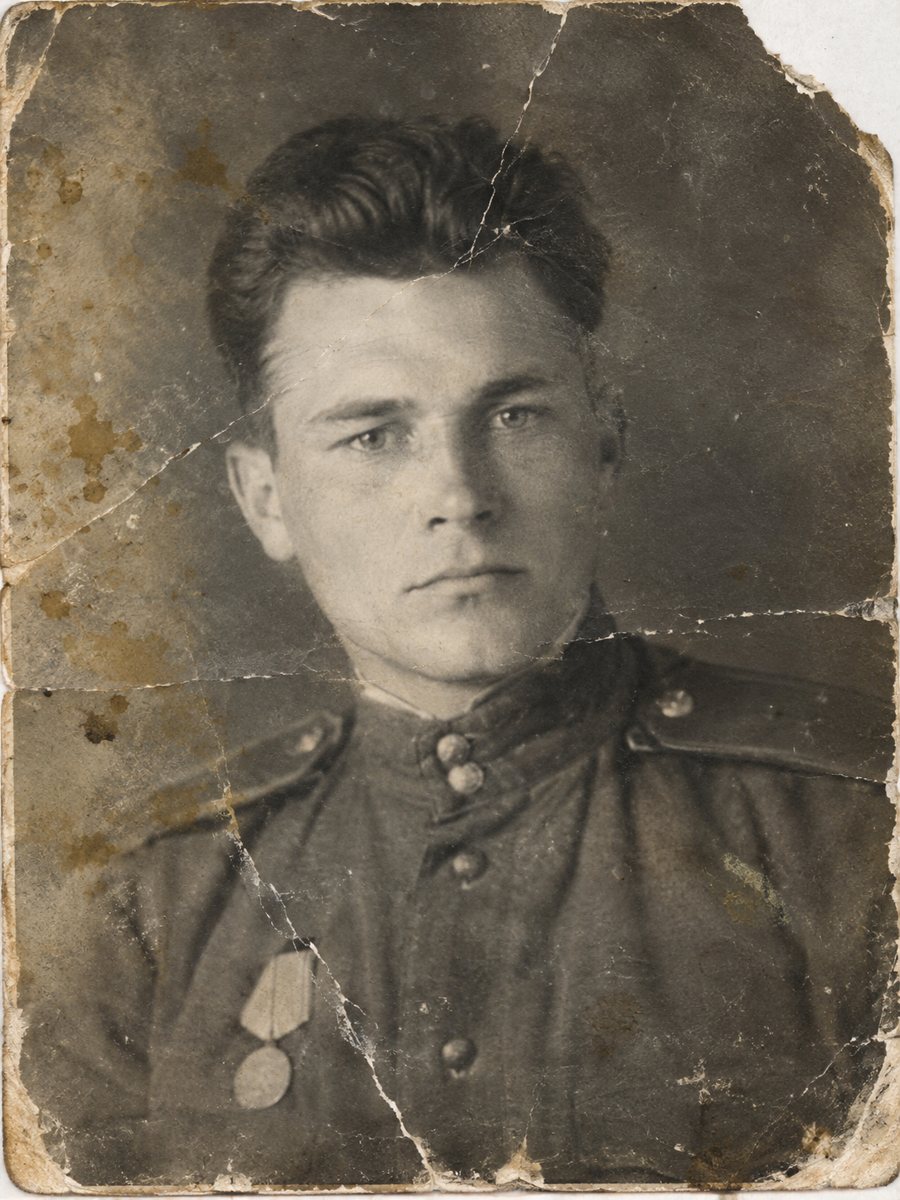
 BeforeAfter
In short: A plain guide to restoring family photos: scanning, choosing a mode, checking faces and storing the originals. Free to try in a Telegram bot.
- Where: the VisuMate bot in Telegram, no app or sign-up.
- Cost: 2 credits per image, 7 images free, then packs from 49 Telegram Stars.
- Time: 1 to 2 minutes per image, rerun with a new instruction at the same price.
When you need this
- You are not sure where to start.
- Prints are in boxes with no order.
- You worry about damaging the originals.
How to do it
- 1
Open @visumate_ai_bot in Telegram with the button on this page and press Start. No sign-up is needed.
- 2
Send the photo as a file (document) so Telegram does not compress it. In the caption write: restore this family photo, repair damage, keep faces unchanged.
- 3
In 1-2 minutes the result arrives in the chat. Download it or run again, the second run costs the same.
Try it on your own photo: 7 images are free, no sign-up.
Make it in TelegramPrepare the prints
Brush dust off lightly with a soft dry brush. Do not wet the photo and do not peel it from an album page. Scan at 600 dpi or higher, and crop the scan only slightly. If a print is stuck to glass, photograph it instead. Take your time with the result and look at it at full size on a computer, because small details are easy to miss on a phone screen.
Run and review
Send the scan as a file to the bot and choose repair, color or sharpen. Wait 1-2 minutes, then compare with the original. Look at eyes and mouth first. Save the best version, and keep the untouched scan in a separate folder. Save every version in the same folder and add the year and the names to the file name so nothing gets mixed up later.
Tips
- Handle prints by the edges and wash your hands.
- Scan flat, and do not use tape or glue on the originals.
- Name files with who, where and the year.
- Back up both originals and restored files.
Questions and answers
Which mode should I start with?
Repair for damage, color for black and white.
Can I use a phone camera?
Yes, in daylight and flat.
Will it harm the original?
No, it works on a copy.
How many photos can I try free?
7.
More in "Photo restoration"
- Old photo restoration for beginnersNo experience is needed. Learn what restoration means, which problems AI fixes well and how to try the...
- Restore an old photo with a Telegram botSee how a Telegram bot restores old photos: start, send a file, add a caption and receive the result in...
- Restore an old photo onlineSend an old photo to a Telegram bot and get a cleaner version back in 1-2 minutes. 15 free credits, no...
- Restore an old PolaroidInstant prints fade, shift color and pick up scuffs. Scan the Polaroid or photograph it flat and clean the...