Restore an old photo with a Telegram bot
VisuMate works inside Telegram. You open the bot, send the picture as a file with a short caption, and the restored photo arrives in the same chat.
- 2 credits per image
- Result in 1–2 minutes
- No sign-up
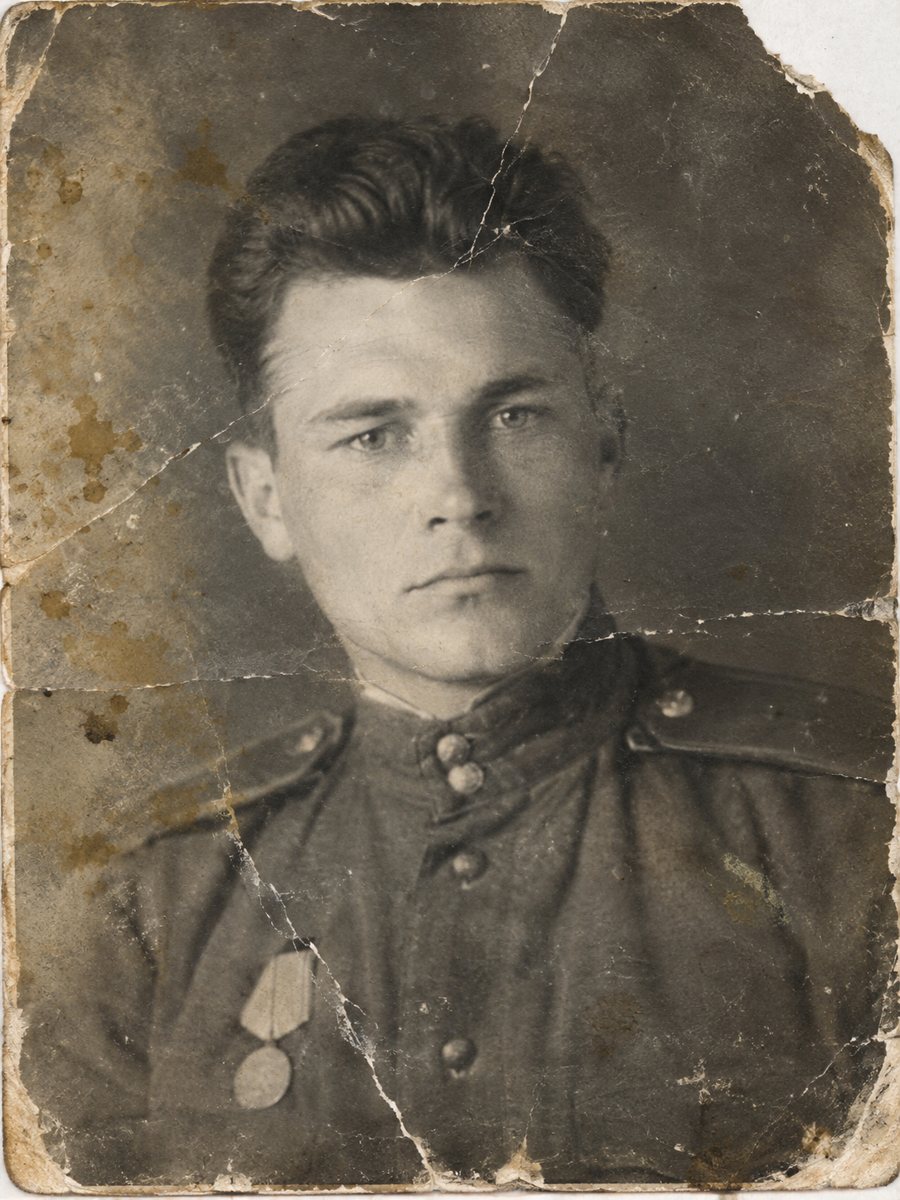
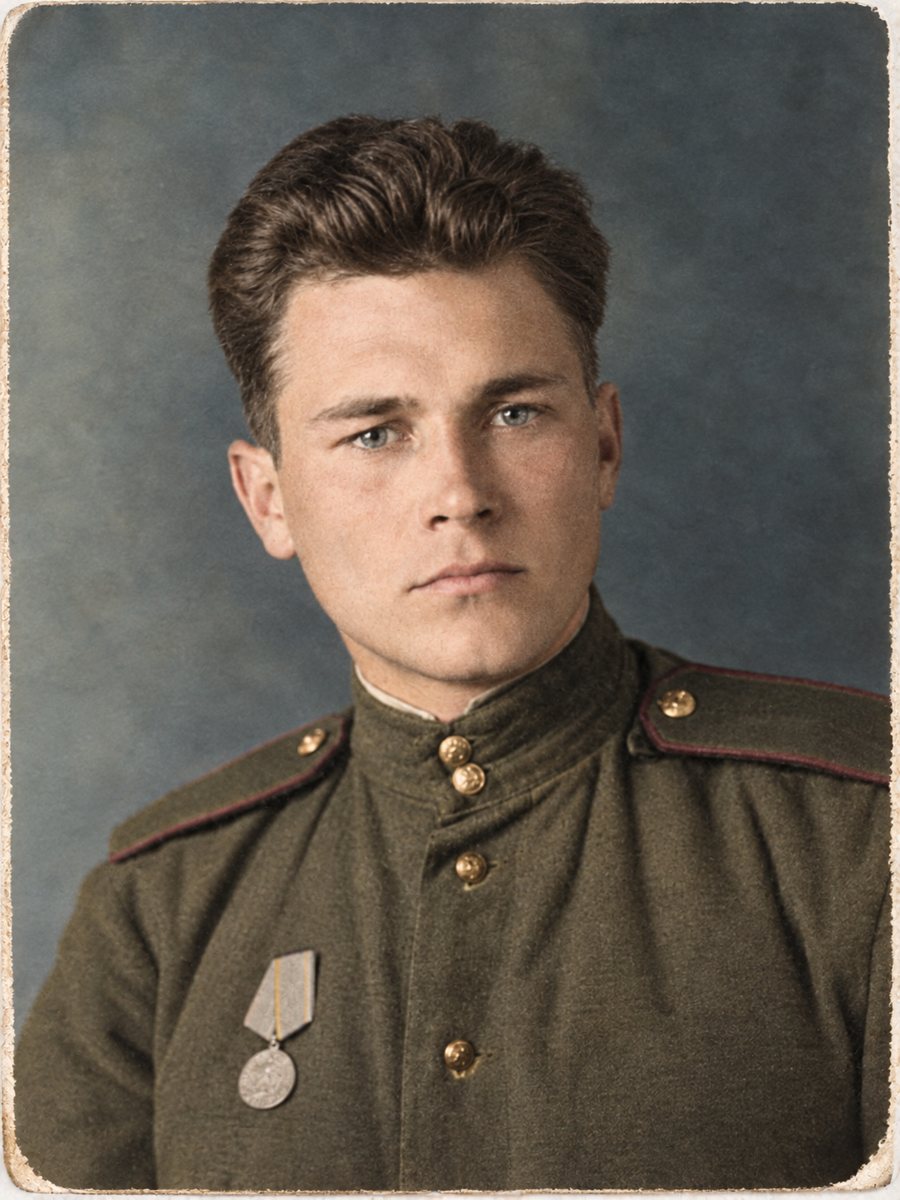 BeforeAfter
In short: See how a Telegram bot restores old photos: start, send a file, add a caption and receive the result in 1-2 minutes. 15 free credits to begin.
- Where: the VisuMate bot in Telegram, no app or sign-up.
- Cost: 2 credits per image, 7 images free, then packs from 49 Telegram Stars.
- Time: 1 to 2 minutes per image, rerun with a new instruction at the same price.
When you need this
- You do not want to install another app.
- You prefer to work from your phone.
- You need a quick result.
How to do it
- 1
Tap the button on this page. Telegram opens the bot, press Start and the right mode is already selected.
- 2
Send the photo as a file (document) so Telegram does not compress it. In the caption write: restore this old photo, repair damage, keep faces unchanged.
- 3
Wait 1-2 minutes for the image, then save it or try again with a different caption.
Try it on your own photo: 7 images are free, no sign-up.
Make it in TelegramInside the chat
The whole process happens in one chat. You send an image, wait 1-2 minutes and get an image back. There is no separate site to log in to and no sign-up. The first launch gives 15 free credits, and each image uses 2 credits. If the first result is close but not right, change the caption a little and send the picture again.
Language and menu
The bot replies in English. You can switch the language any time with /lang. You can follow the steps from this page and write captions in English, which the bot understands. If a menu button is unclear, the order is simple: choose the mode, send the file, wait for the result. Send the scan as a file in Telegram so the picture is not compressed, and keep the untouched original in a separate folder for comparison.
Tips
- Use the button on this page so the right mode is selected.
- Send the photo as a document.
- Keep the chat, the results stay there.
- The bot replies in English. You can switch the language any time with /lang.
Questions and answers
Does it work on a phone?
Yes.
Is the bot in English?
The bot replies in English. You can switch the language any time with /lang.
Do I pay per image?
2 credits per image.
How do I pay?
In Stars, from 49.
More in "Photo restoration"
- Restore an old photo for freeTry the bot with 15 free credits, enough for 7 images. See what the free start covers, what costs extra...
- Scan and restore old photosGood scans make good restorations. Learn the right dpi, how to avoid glare and why to send files as...
- Old photo restoration for beginnersNo experience is needed. Learn what restoration means, which problems AI fixes well and how to try the...
- Remove stains from an old photoBrown rings, coffee marks, ink spots and discoloration can be cleaned from a clear scan or phone picture...