Colorize an old wedding photo
Send a black-and-white wedding portrait and the bot colorizes it with natural skin tones and clothing. Tell it what you remember about the dress, the flowers and the suit.
- 2 credits per image
- Result in 1–2 minutes
- No sign-up
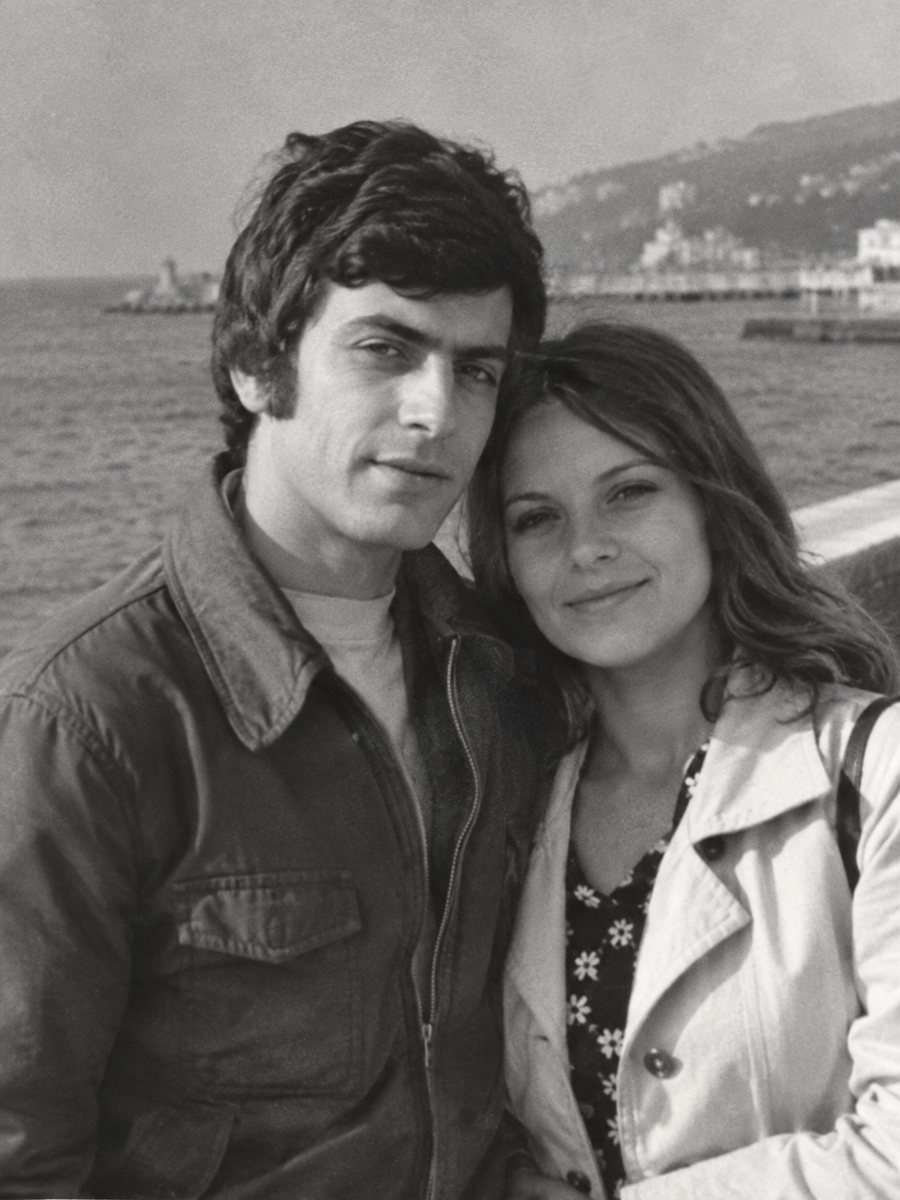
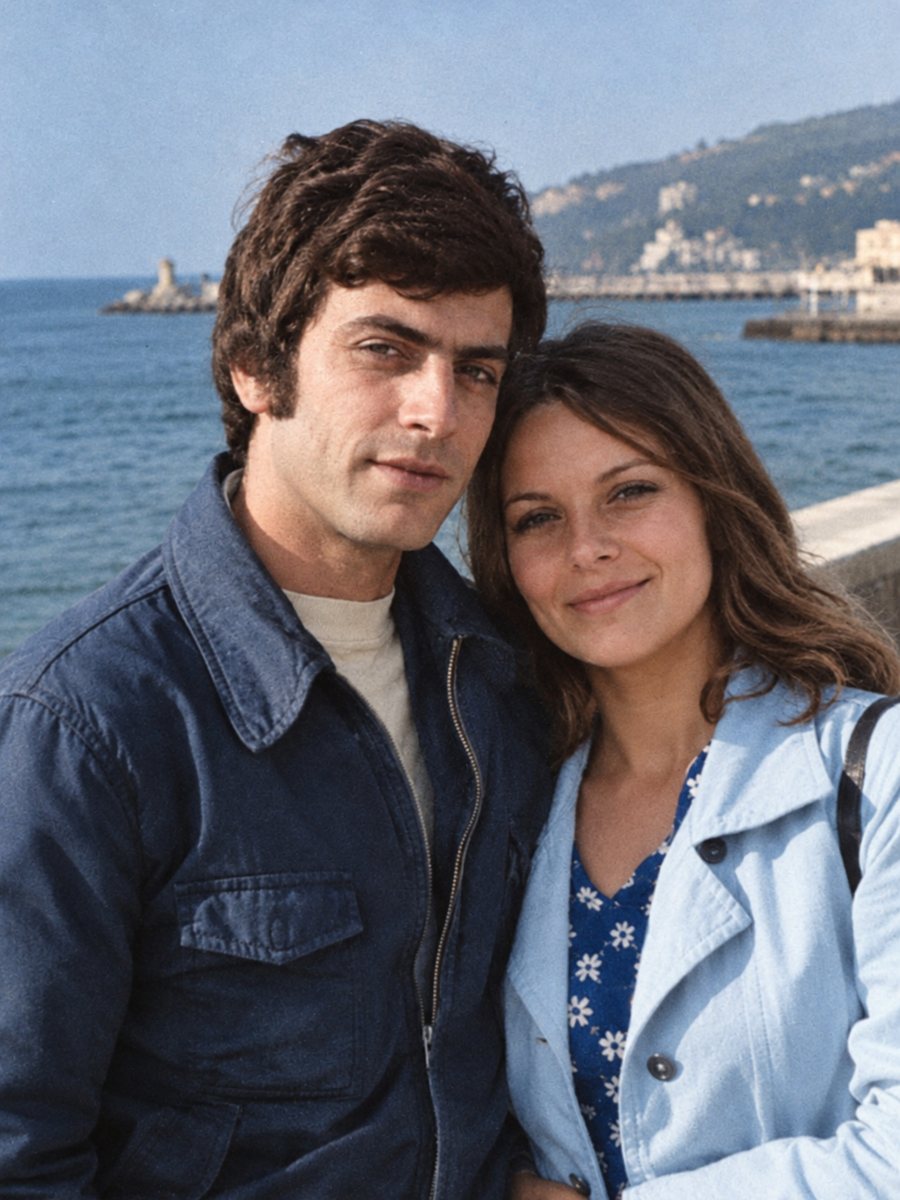 BeforeAfter
In short: Add natural color to a black-and-white wedding photograph. Hint the dress, suit and bouquet colors in the caption for a closer match.
- Where: the VisuMate bot in Telegram, no app or sign-up.
- Cost: 2 credits per image, 7 images free, then packs from 49 Telegram Stars.
- Time: 1 to 2 minutes per image, rerun with a new instruction at the same price.
When you need this
- The family remembers the dress was not white but cream or pale blue.
- The bouquet and the flowers in the room are black and white in the picture.
- You want a colorful print for an anniversary.
How to do it
- 1
Use the button on this page to open the bot in Telegram, then press Start. Your 15 free credits appear on first launch.
- 2
Send the black-and-white photo as a file (document) so Telegram does not compress it. In the caption write what you remember, for example: cream dress, dark blue suit, red roses.
- 3
Wait 1-2 minutes for the colorized version. Check skin, clothes and sky, then rerun with a corrected caption if needed.
Try it on your own photo: 7 images are free, no sign-up.
Make it in TelegramColor hints for weddings
Wedding photos often have strong clothing contrasts and flowers. The AI chooses common colors, which may not match the real ones. A short caption with the main colors steers it. Mention the dress, the suit, the bouquet and any bright decorations. Details smaller than a hand are guessed. Paid credits start from 199 Stars if you want to continue after the free start.
Skin and background
Skin tones are the easiest part, because the AI knows what people look like. Backgrounds such as church walls or a studio backdrop are guesses. If the result looks too saturated, add soft natural colors to the caption. Keep an eye on faces: the likeness should remain the same as in the black-and-white original. Send the scan as a file in Telegram so the picture is not compressed, and keep the untouched original in a separate folder for comparison.
Tips
- Ask the couple or a relative about the dress and flowers before you run it.
- If the photo is creased or faded, use the repair and colorize mode instead.
- Keep skin tones moderate. Rerun if cheeks look too red.
- Compare the colored veil and lace to the original at full size.
Questions and answers
Can I specify the bouquet color?
Yes, write it in the caption.
Will the dress turn white by default?
Often, but you can say cream, ivory or another shade.
What if the print is damaged?
Use the repair and colorize mode.
Does it keep the photographer's border?
Mention it in the caption.
More in "Photo restoration"
- Colorize a military photographColorize an old soldier portrait while keeping the face and uniform shape. Add known uniform colors in the...
- Colorize 1950s photographsAdd color to 1950s family pictures: cars, kitchens, dresses and holidays. Hints in the caption keep the...
- Turn a black-and-white photo into colorSend a black-and-white photo and get a colorized version in natural tones, with film grain kept. About 1-2...
- Restore a photo from a newspaper clippingClippings carry halftone dots, ink bleed and yellow paper. Scan the clipping flat and the bot cleans the...