Colorize 1950s photographs
Photos from the 1950s often show family cars, new appliances, dresses and suits. The bot colorizes them in natural tones and you can steer details with a short caption.
- 2 credits per image
- Result in 1–2 minutes
- No sign-up
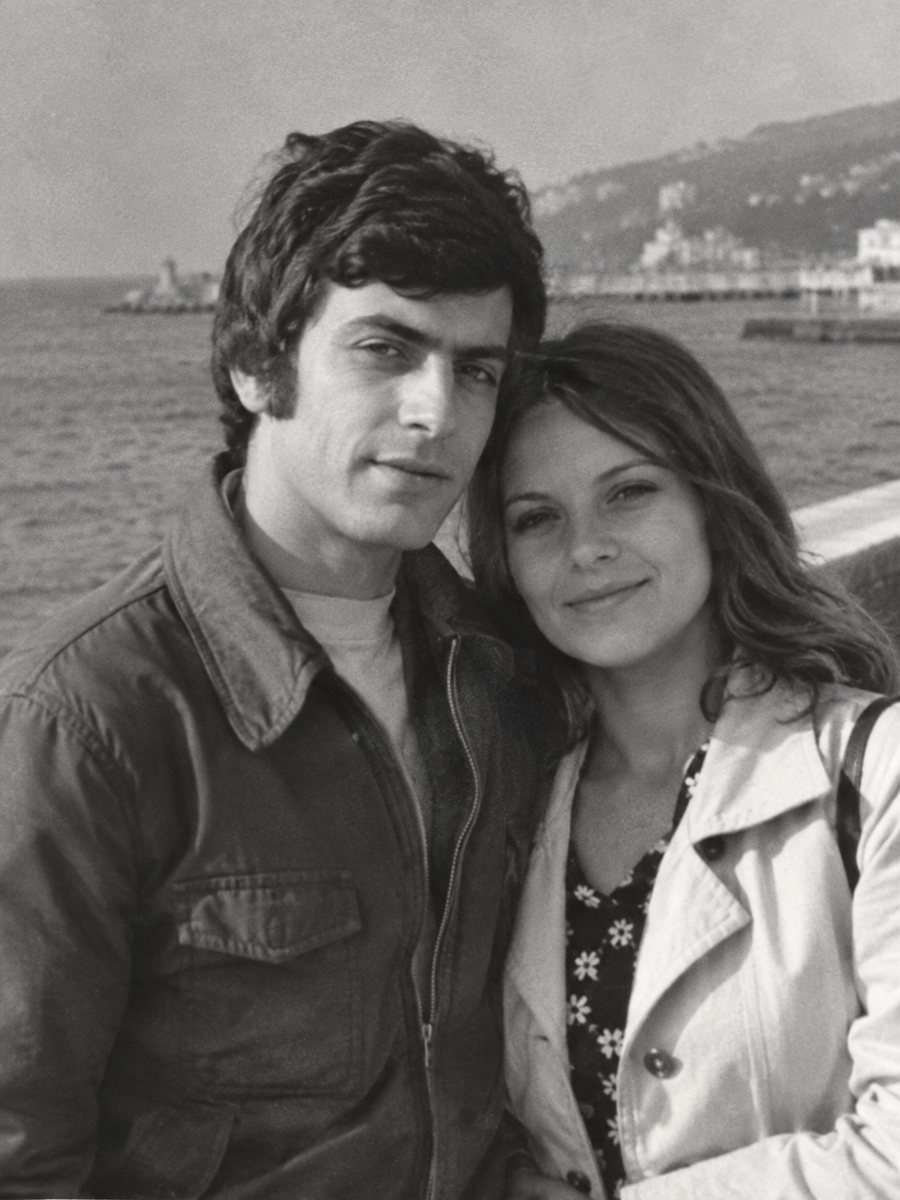
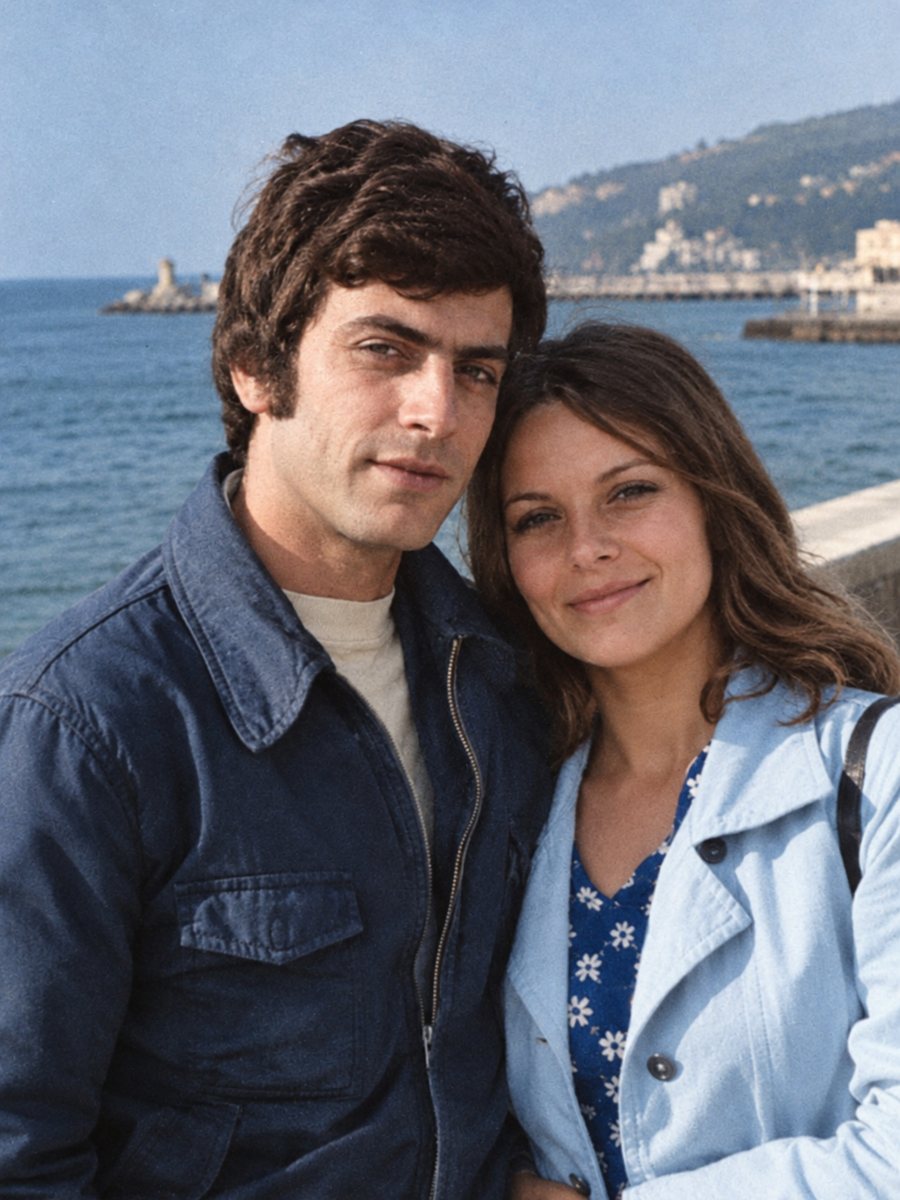 BeforeAfter
In short: Add color to 1950s family pictures: cars, kitchens, dresses and holidays. Hints in the caption keep the palette closer to what you remember.
- Where: the VisuMate bot in Telegram, no app or sign-up.
- Cost: 2 credits per image, 7 images free, then packs from 49 Telegram Stars.
- Time: 1 to 2 minutes per image, rerun with a new instruction at the same price.
When you need this
- A family snapshot from a 1950s holiday looks distant in gray.
- You remember the car or the kitchen color and want to see it.
- A school photo from the decade needs a fresh look.
How to do it
- 1
Tap the button on this page. Telegram opens the bot, press Start and the right mode is already selected.
- 2
Send the black-and-white photo as a file (document) so Telegram does not compress it. In the caption write what you remember, for example: turquoise car, red dress, yellow kitchen curtains.
- 3
In 1-2 minutes the colorized picture arrives in the chat. Download it, and if a color is off, run again with a hint in the caption.
Try it on your own photo: 7 images are free, no sign-up.
Make it in TelegramDecade styles
Cars, kitchens and clothes from the 1950s had a certain palette, often pastel greens, blues and pinks along with deep reds. The AI knows some of these associations, but it can still pick the wrong shade. A caption listing the main colors helps. Where you do not remember, leave the choice to the AI and check the results for plausibility.
Small prints and snapshots
Many 1950s pictures are small snapshots with soft focus. Colorizing works better on a sharp scan. If the picture is soft, run the sharpen mode first and then colorize the sharpened file. Keep the first result as a reference. Take your time with the result and look at it at full size on a computer, because small details are easy to miss on a phone screen.
Tips
- Colors of that decade were often pastel or deep. Hints help the AI keep to what you recall.
- Check chrome and metal, they should stay neutral.
- Faces from smaller prints can need the sharpen mode first.
- Compare skin tones across people in the same frame.
Questions and answers
Will the colors match the real ones?
They are believable guesses, hints improve them.
Can I colorize a snapshot?
Yes, scan it at a high resolution.
Does it work for color-faded prints?
Use the repair mode to bring detail back.
How long does each run take?
1-2 minutes.
More in "Photo restoration"
- Colorize 1960s photographsColorize black-and-white pictures from the 1960s while keeping grain and faces. Mention clothing and car...
- Colorize 1970s photographsSome 1970s family pictures are black-and-white and some are faded color. Send a scan and colorize it with...
- Colorize a military photographColorize an old soldier portrait while keeping the face and uniform shape. Add known uniform colors in the...
- Restore and colorize a military photographOld soldier portraits often have creases and fading. Repair the print and colorize the uniform in one run,...