Colorize a military photograph
Send a black-and-white soldier portrait or a group photo and the bot colorizes skin, sky and uniform. The uniform color is a guess unless you tell it what it was.
- 2 credits per image
- Result in 1–2 minutes
- No sign-up
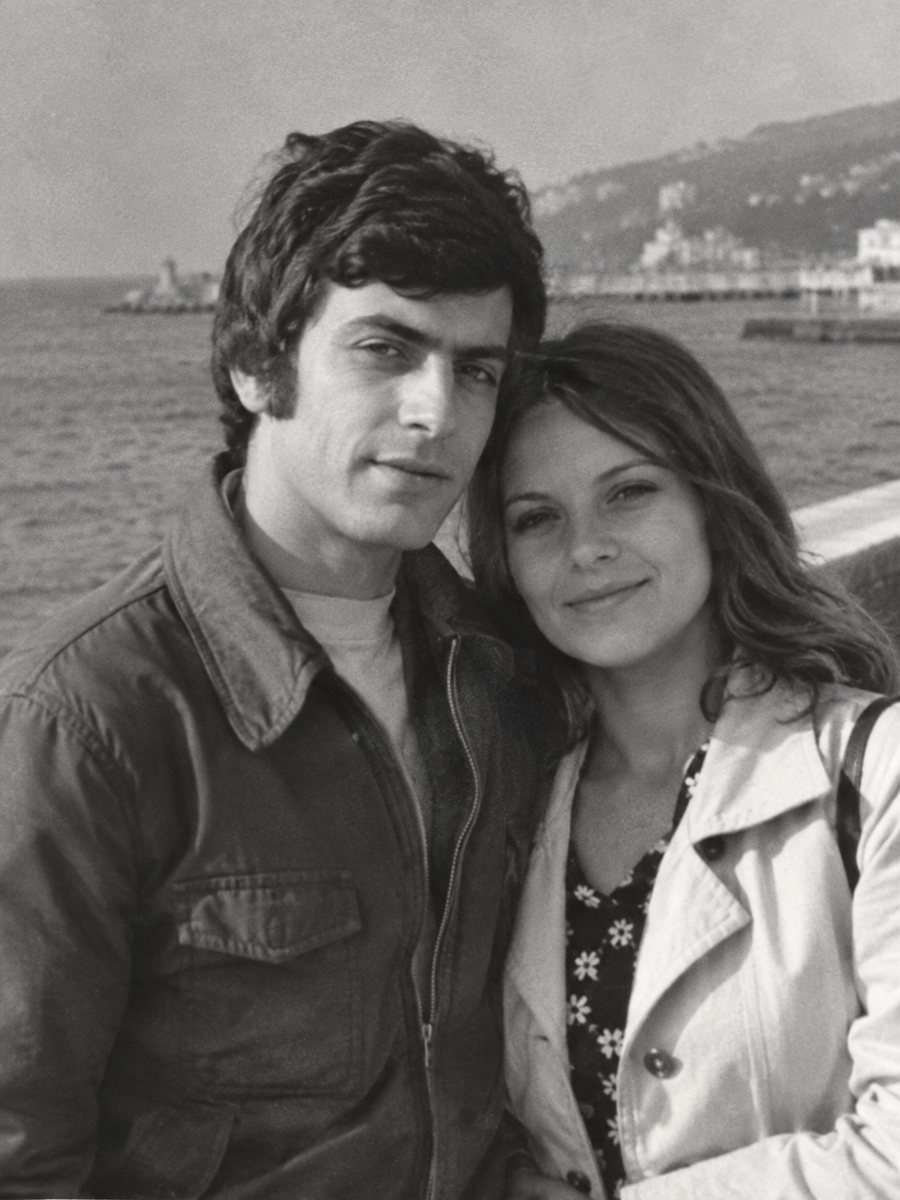
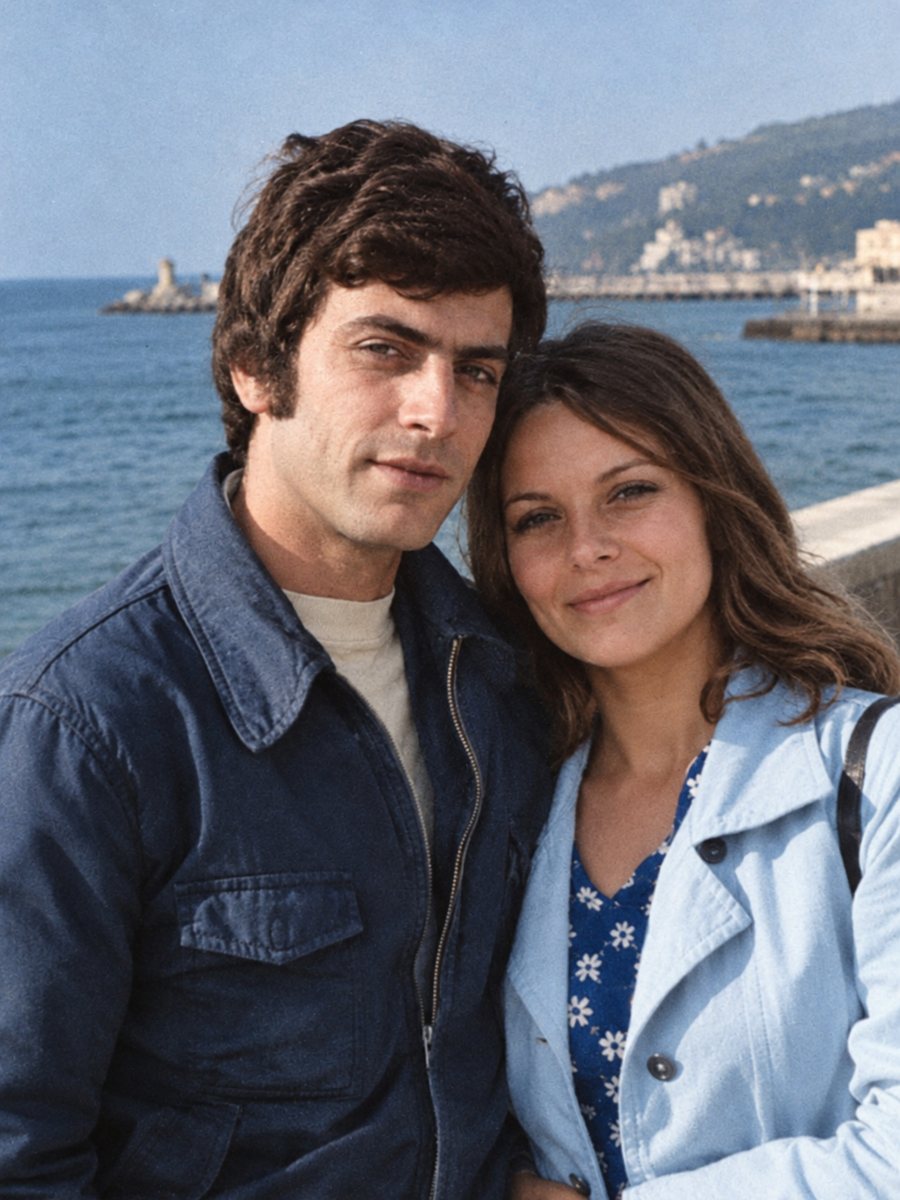 BeforeAfter
In short: Colorize an old soldier portrait while keeping the face and uniform shape. Add known uniform colors in the caption to guide the result.
- Where: the VisuMate bot in Telegram, no app or sign-up.
- Cost: 2 credits per image, 7 images free, then packs from 49 Telegram Stars.
- Time: 1 to 2 minutes per image, rerun with a new instruction at the same price.
When you need this
- A relative's service portrait is only available in black and white.
- You are making a memorial display and want color for the uniform.
- A group photo from the barracks looks lifeless.
How to do it
- 1
Open @visumate_ai_bot in Telegram with the button on this page and press Start. No sign-up is needed.
- 2
Send the black-and-white photo as a file (document) so Telegram does not compress it. In the caption write what you know, for example: dark green wool uniform, brass buttons, brown boots.
- 3
Wait 1-2 minutes for the colorized version. Check skin, clothes and sky, then rerun with a corrected caption if needed.
Try it on your own photo: 7 images are free, no sign-up.
Make it in TelegramUniform colors are guesses
Military uniforms changed color by country, branch and year. The AI has a general sense of what uniforms look like, but it cannot know the exact one in your picture. If you know the shade, name it. For ribbons and insignia, expect plausible colors only. Do not use the result as evidence of a unit or a rank. Compare faces with other photos of the same person, since the AI works from patterns and a rebuilt face may not match exactly.
Respect and accuracy
For service photos in a memorial display, it is wise to label the colorized image as colorized and show the original next to it. If a uniform detail is wrong, rerun with a clearer caption. Faces and body shapes stay as in the original, but compare the face if the print was damaged. A better scan helps more than any setting, so rescan the print at 600 dpi or higher if you still have it.
Tips
- Check the uniform color from museum references or family records before you hint it.
- Medals, ribbons and badges are small, so their colors are approximate.
- A national uniform may differ by year, do not rely on the AI to know.
- Keep the black-and-white image alongside the colorized one in displays.
Questions and answers
Will it know the exact uniform color?
No. Give it a hint if you know.
Can it colorize a group photo?
Yes. Small faces may be less accurate.
Does it repair the photo too?
Use the combined mode for damaged prints.
Is it ok for museum use?
Label it as colorized.
More in "Photo restoration"
- Colorize 1950s photographsAdd color to 1950s family pictures: cars, kitchens, dresses and holidays. Hints in the caption keep the...
- Colorize 1960s photographsColorize black-and-white pictures from the 1960s while keeping grain and faces. Mention clothing and car...
- Colorize an old wedding photoAdd natural color to a black-and-white wedding photograph. Hint the dress, suit and bouquet colors in the...
- Sharpen an old school portraitAnnual school portraits often came out soft from low-grade printing. Sharpen yours and compare it with...