Colorize a great-grandparents photograph
Portraits from around 1900 are often on card mounts with studio marks. Send a scan and the bot adds natural, muted color to faces and clothing.
- 2 credits per image
- Result in 1–2 minutes
- No sign-up
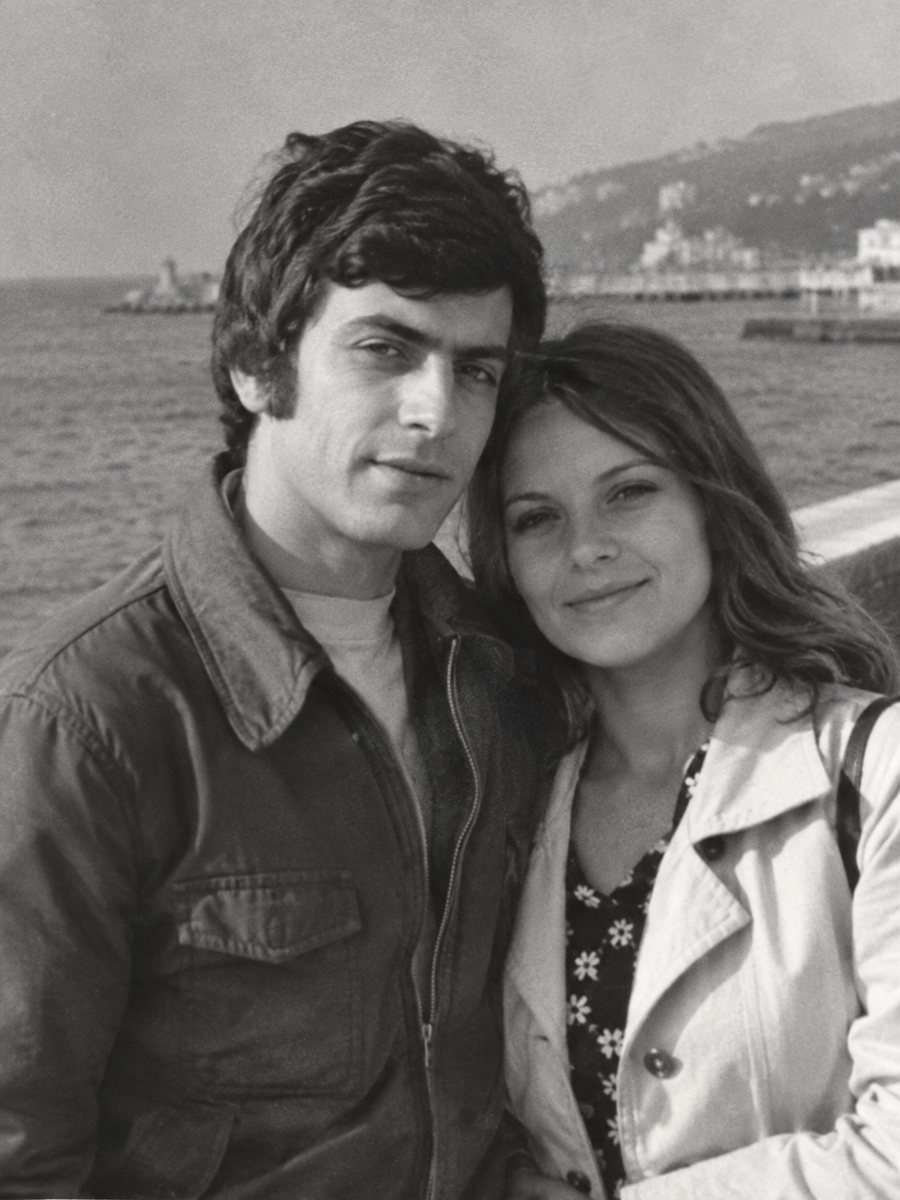
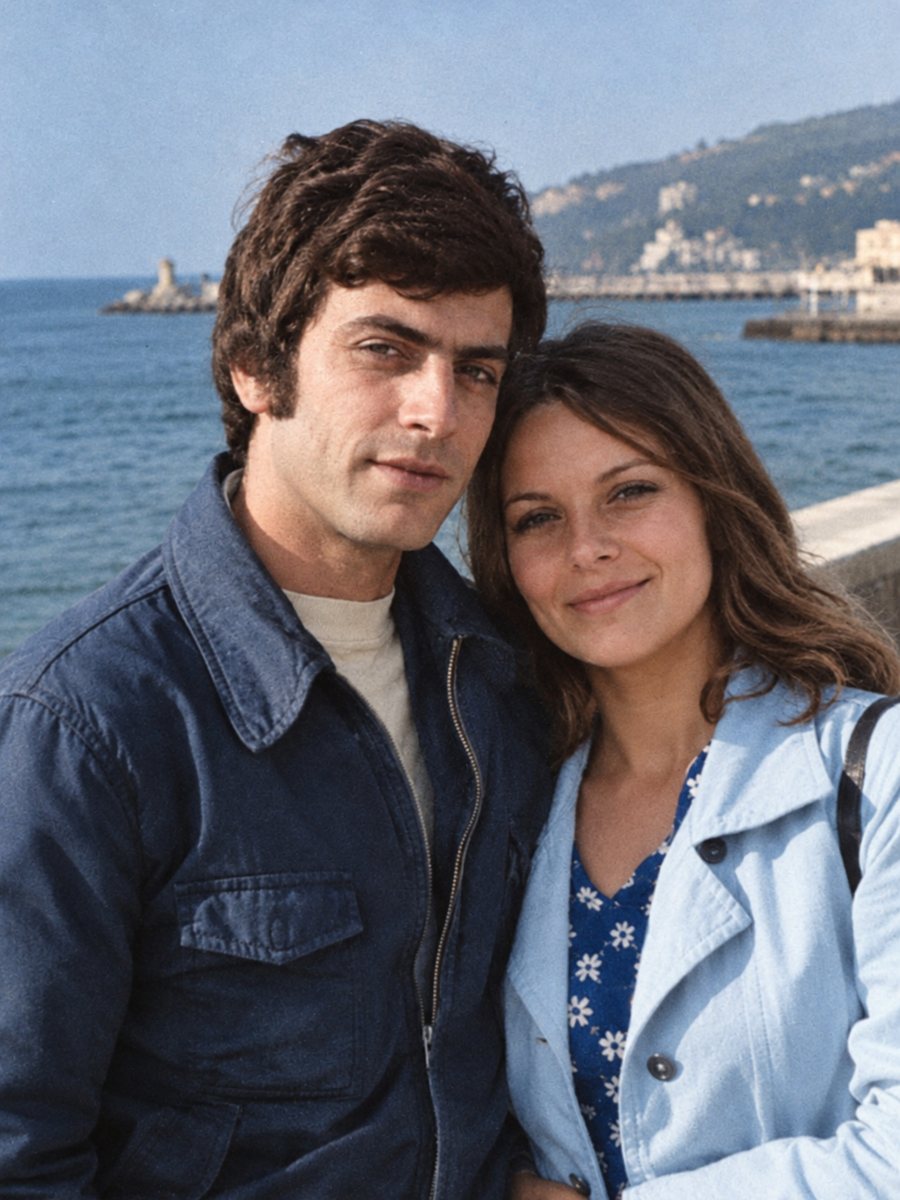 BeforeAfter
In short: Early studio portraits can be colorized in muted, period-appropriate tones. Scan the card, clean the damage first and add hints if you have them.
- Where: the VisuMate bot in Telegram, no app or sign-up.
- Cost: 2 credits per image, 7 images free, then packs from 49 Telegram Stars.
- Time: 1 to 2 minutes per image, rerun with a new instruction at the same price.
When you need this
- You only have a stiff studio portrait of your ancestors.
- The card is cracked and stained and you want a cleaner look.
- The clothing color is a family mystery.
How to do it
- 1
Use the button on this page to open the bot in Telegram, then press Start. Your 15 free credits appear on first launch.
- 2
Send the black-and-white photo as a file (document) so Telegram does not compress it. In the caption write: studio portrait from about 1900, muted colors, dark wool clothing, keep faces.
- 3
Wait 1-2 minutes for the colorized version. Check skin, clothes and sky, then rerun with a corrected caption if needed.
Try it on your own photo: 7 images are free, no sign-up.
Make it in TelegramWhat the AI can know
Clothing of the period was often dark and plain, with lighter collars and brooches. The AI colors in that spirit. It cannot know the exact shades, only plausible ones. Hints from family stories help for items such as a green dress or a red shawl. A run takes 1-2 minutes and uses 2 credits, so trying a second version with a clearer caption is an easy step.
Card mounts and borders
Studio cards often have decorative borders and embossing. Mention in the caption whether to keep them. If you want only the portrait, crop before sending. Keep the original card scan in your family archive, since the studio name and city can help with dating. Save every version in the same folder and add the year and the names to the file name so nothing gets mixed up later.
Tips
- Use the combined repair and colorize mode if the card is damaged.
- Dark clothing of that period is usually black, brown or navy, the AI will often choose similar.
- Keep painted backdrops simple, ask for neutral background.
- Do not colorize faces beyond natural skin tones.
Questions and answers
Is the color accurate for the period?
It is plausible, not documented.
Can I colorize a cracked card?
Use the combined mode.
Will it change the hairstyle?
No, it should stay the same.
Does it work on tintypes?
See the tintype page.
More in "Photo restoration"
- Colorize an old family portraitGroup portraits with parents, children and grandparents get natural color for each person. Add hints for...
- Colorize a childhood photoBring a black-and-white childhood picture to color. Add toy, clothing and room colors you remember in the...
- Colorize a photo of your grandparentsSee grandparents' black-and-white portraits in natural color. Add hair, eye and clothing colors from...
- What AI photo restoration can and cannot doA plain list of strengths and limits: scratches, stains and fading are fixable, while lost faces and fine...