Colorize a childhood photo
A childhood photo is often the picture people most want to see in color. Send the scan and the bot adds natural tones, with hints from you for the things you remember.
- 2 credits per image
- Result in 1–2 minutes
- No sign-up
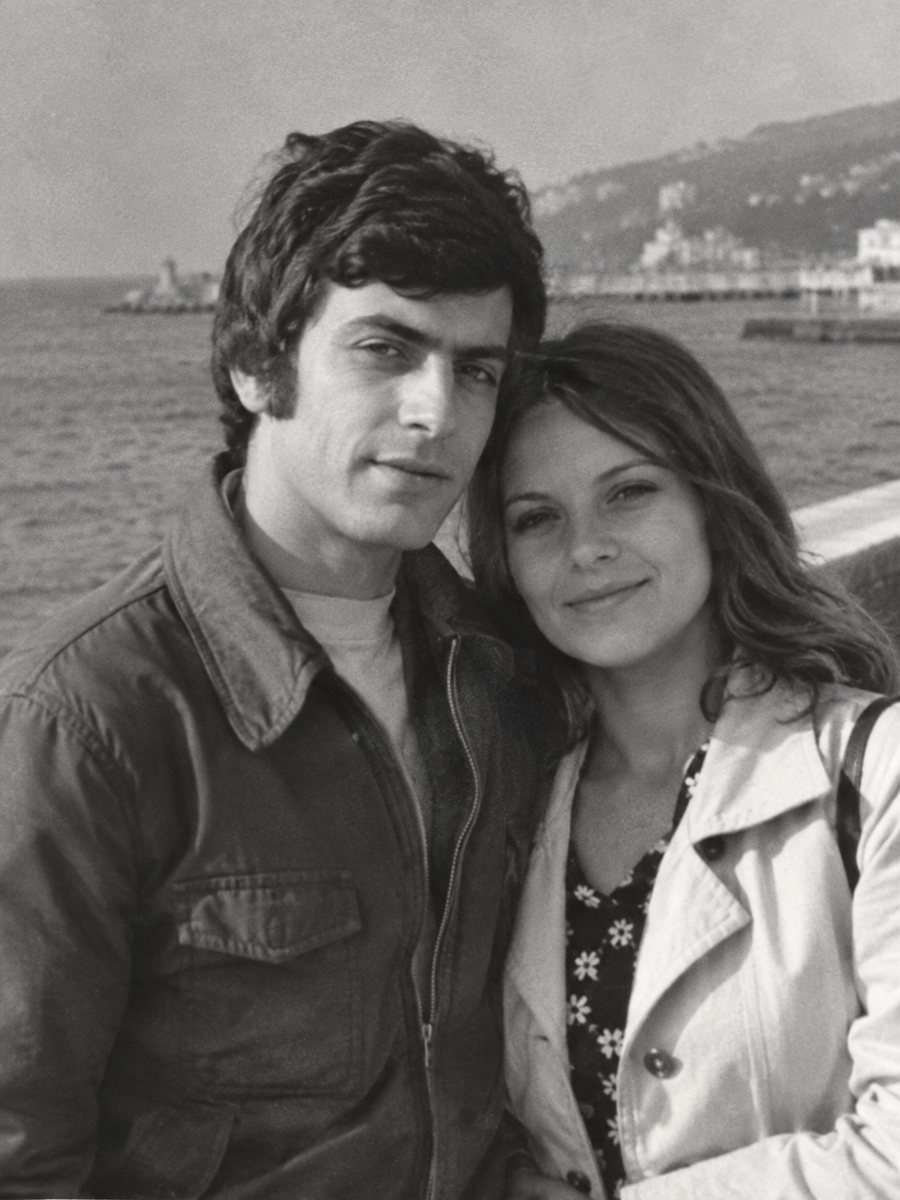
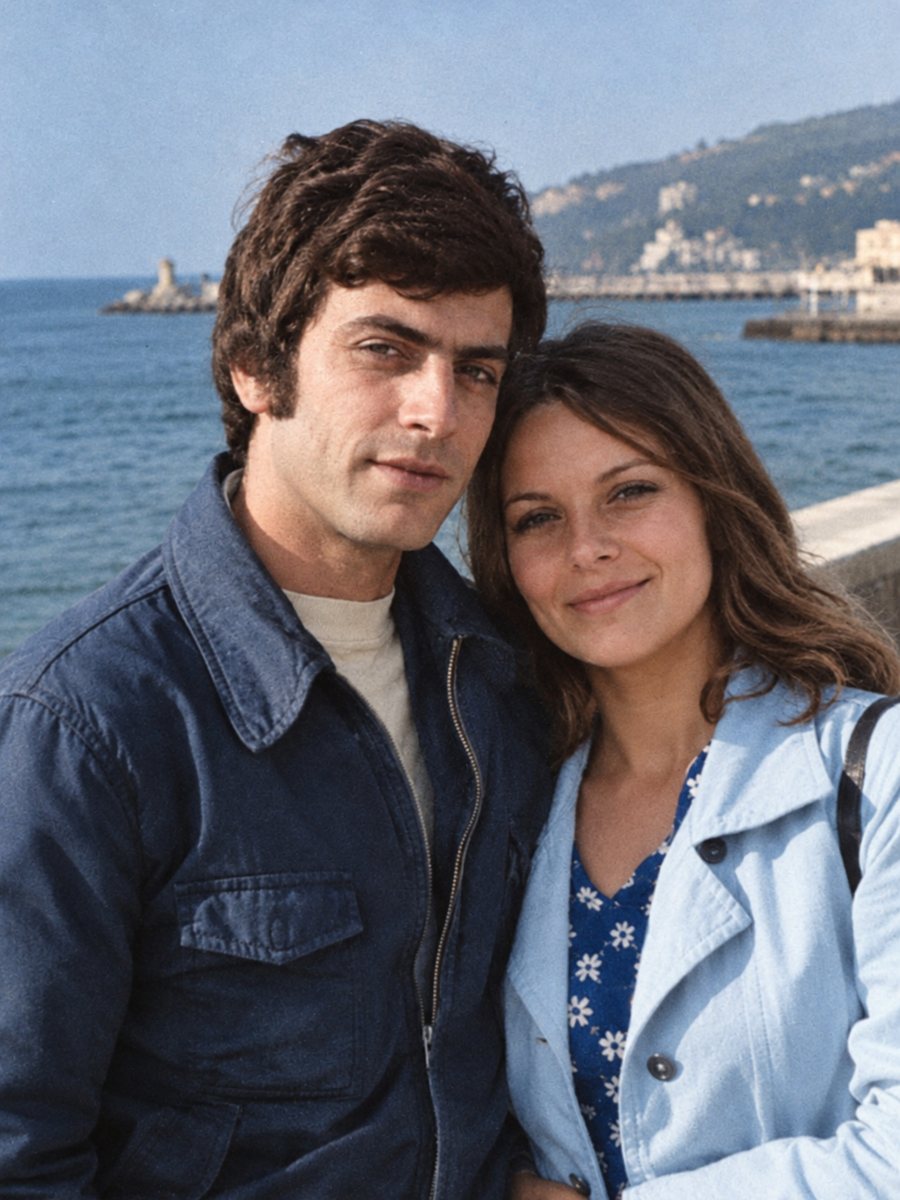 BeforeAfter
In short: Bring a black-and-white childhood picture to color. Add toy, clothing and room colors you remember in the caption and compare the result.
- Where: the VisuMate bot in Telegram, no app or sign-up.
- Cost: 2 credits per image, 7 images free, then packs from 49 Telegram Stars.
- Time: 1 to 2 minutes per image, rerun with a new instruction at the same price.
When you need this
- You want to see your own childhood picture in color for a birthday.
- A parent's school-age photo feels distant in gray.
- You remember the color of a favorite toy or coat.
How to do it
- 1
Tap the button on this page. Telegram opens the bot, press Start and the right mode is already selected.
- 2
Send the black-and-white photo as a file (document) so Telegram does not compress it. In the caption write what you remember, for example: red coat, yellow rain boots, blue wooden toy.
- 3
Wait 1-2 minutes for the colorized version. Check skin, clothes and sky, then rerun with a corrected caption if needed.
Try it on your own photo: 7 images are free, no sign-up.
Make it in TelegramSmall items, big memory
Children carry objects that matter in memory: a coat, a ball, a bicycle. These are small, and the AI guesses their color. If you remember it, say so. A couple of words in the caption is often enough, and the bot will apply them to the right objects. Send the scan as a file in Telegram so the picture is not compressed, and keep the untouched original in a separate folder for comparison.
Faces and age
Faces of children have soft shapes, so colorizing is gentle there. Check that the skin tone stays natural and that cheeks are not overly pink. If the child looks different from the black-and-white original, rerun and compare. Keep the original in your archive. Paid credits start from 199 Stars if you want to continue after the free start. A run takes 1-2 minutes and uses 2 credits, so trying a second version with a clearer caption is an easy step.
Tips
- Children's clothes were often bright, mention at least the main item.
- Hair color often changes with age, so ask a parent what it was.
- Check the eyes of small faces after the run.
- Use the combined mode if the print is scratched.
Questions and answers
Can I add a toy color?
Yes, write it in the caption.
Will the AI change the face?
It aims to keep it.
Is it OK for a birthday gift?
Yes. Download the result and print it.
How many credits per photo?
2 credits.
More in "Photo restoration"
- Colorize a vintage car photographColorize a black-and-white photo of a family car or a classic model. Name the paint color in the caption...
- Colorize an old house photographColorize a photo of a family home, a village street or a farm. Tell the bot about roof, wall and door...
- Colorize an old family portraitGroup portraits with parents, children and grandparents get natural color for each person. Add hints for...
- Restore and colorize a photo for ChristmasGive a repaired and colorized family photo for the holidays. Start in November, check the faces and order...