Colorize an old family portrait
Family portraits often include several generations in one frame. Send a scan and the bot colorizes everyone with natural skin and clothing tones.
- 2 credits per image
- Result in 1–2 minutes
- No sign-up
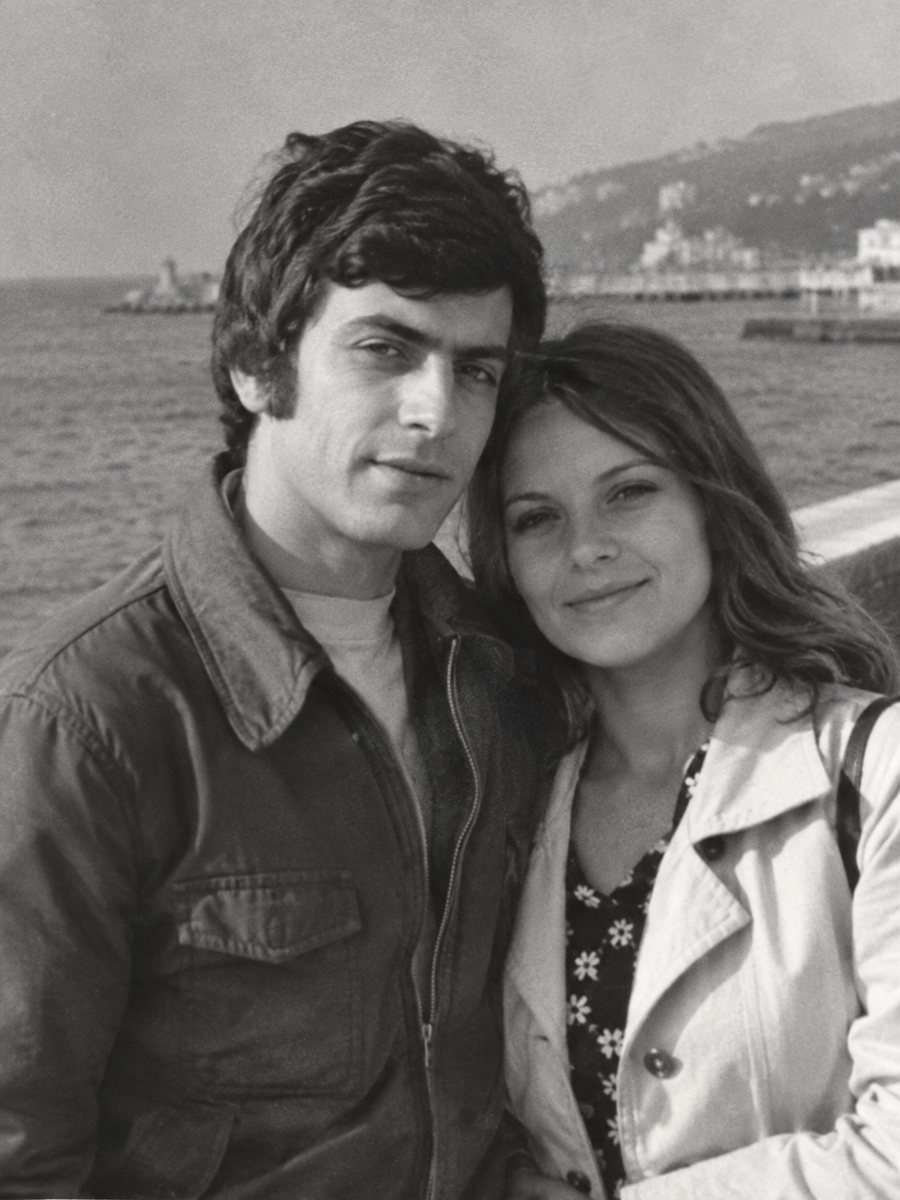
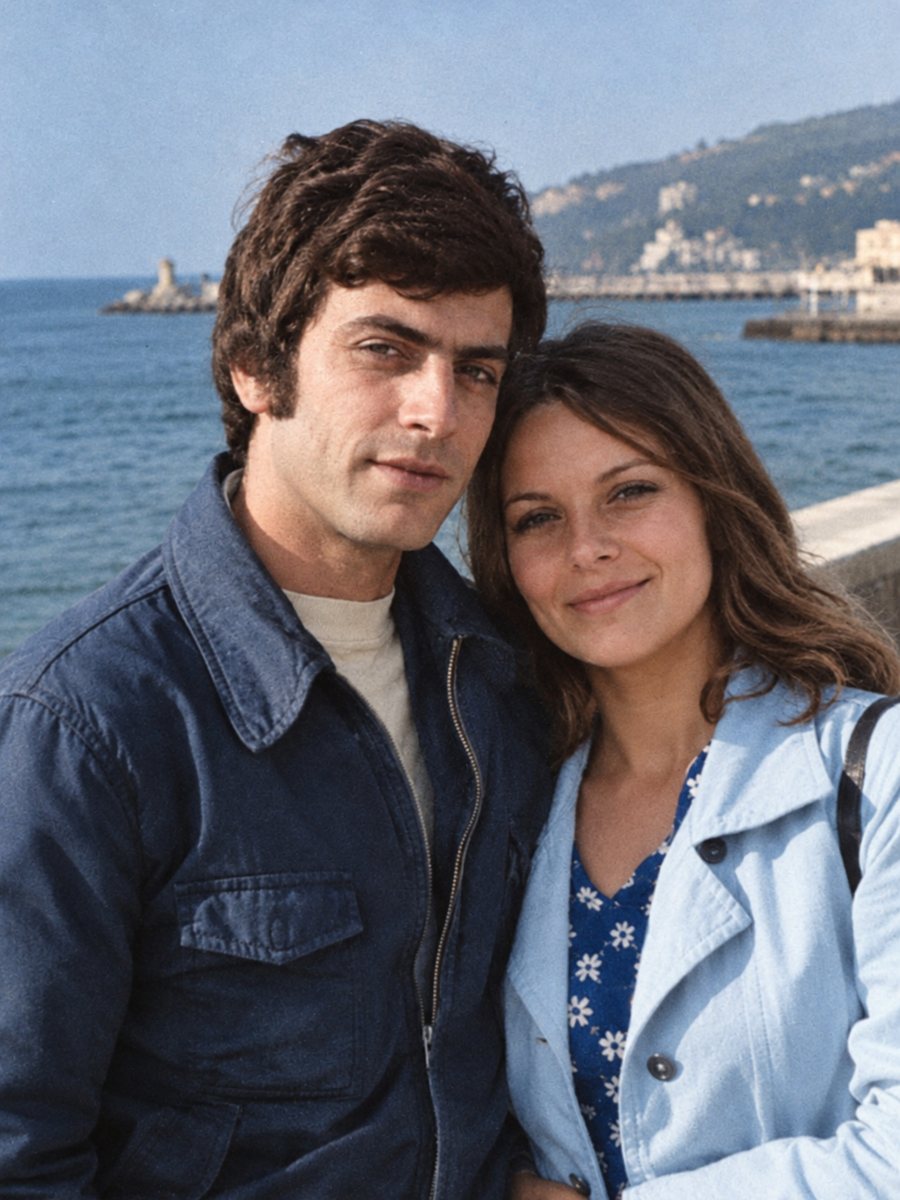 BeforeAfter
In short: Group portraits with parents, children and grandparents get natural color for each person. Add hints for the most noticeable clothes.
- Where: the VisuMate bot in Telegram, no app or sign-up.
- Cost: 2 credits per image, 7 images free, then packs from 49 Telegram Stars.
- Time: 1 to 2 minutes per image, rerun with a new instruction at the same price.
When you need this
- A large family portrait has many faces and little color information.
- Everyone wore different clothes and you remember a few.
- The portrait is for a reunion wall.
How to do it
- 1
Use the button on this page to open the bot in Telegram, then press Start. Your 15 free credits appear on first launch.
- 2
Send the black-and-white photo as a file (document) so Telegram does not compress it. In the caption write: family group portrait, natural skin tones, man in center wears a navy suit, girl in white dress.
- 3
In 1-2 minutes the colorized picture arrives in the chat. Download it, and if a color is off, run again with a hint in the caption.
Try it on your own photo: 7 images are free, no sign-up.
Make it in TelegramMore people, more guesses
Each person in the frame has clothes, hair and skin, and the AI makes choices for all of them. Tell it the most visible clothes and let it fill in the rest. Differences in lighting can lead to uneven skin tones, so look across the whole group. Compare faces with other photos of the same person, since the AI works from patterns and a rebuilt face may not match exactly.
Faces in the back
Faces in the back row or far from the camera are smaller and less defined. Colorizing them is rough. If the portrait is for a wall, check these faces closely and consider using the sharpen mode before you colorize. Send the scan as a file in Telegram so the picture is not compressed, and keep the untouched original in a separate folder for comparison.
Tips
- Describe two or three people only, the rest can be left to the AI.
- Check each face at full size to confirm skin tone consistency.
- If someone looks too pale or too dark, rerun with a hint.
- Scan large prints in high resolution to protect small faces.
Questions and answers
Can I describe every person?
You can, but short captions work best.
Will faces stay the same?
The AI aims to keep them.
How big can the portrait be?
Send a high-resolution scan as a file.
Is damage repaired too?
Use the combined mode for damaged prints.
More in "Photo restoration"
- Colorize a childhood photoBring a black-and-white childhood picture to color. Add toy, clothing and room colors you remember in the...
- Colorize a vintage car photographColorize a black-and-white photo of a family car or a classic model. Name the paint color in the caption...
- Colorize a great-grandparents photographEarly studio portraits can be colorized in muted, period-appropriate tones. Scan the card, clean the...
- Restore an old photo as an anniversary giftTurn a worn wedding picture into a clean print for a golden or silver anniversary. Plan the scan, check...