Colorize 1960s photographs
Black-and-white prints from the 1960s are still common in family boxes. Send a scan and the bot adds natural color with grain kept.
- 2 credits per image
- Result in 1–2 minutes
- No sign-up
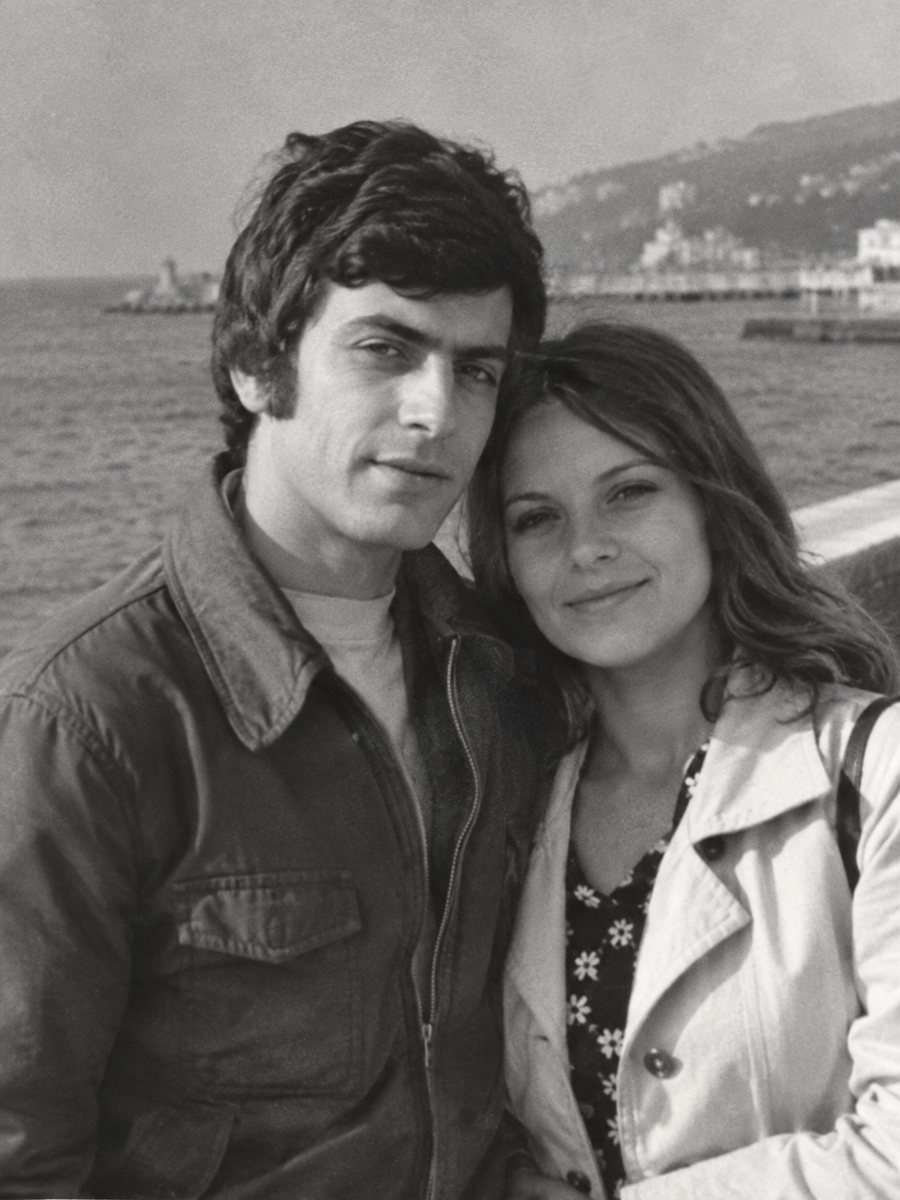
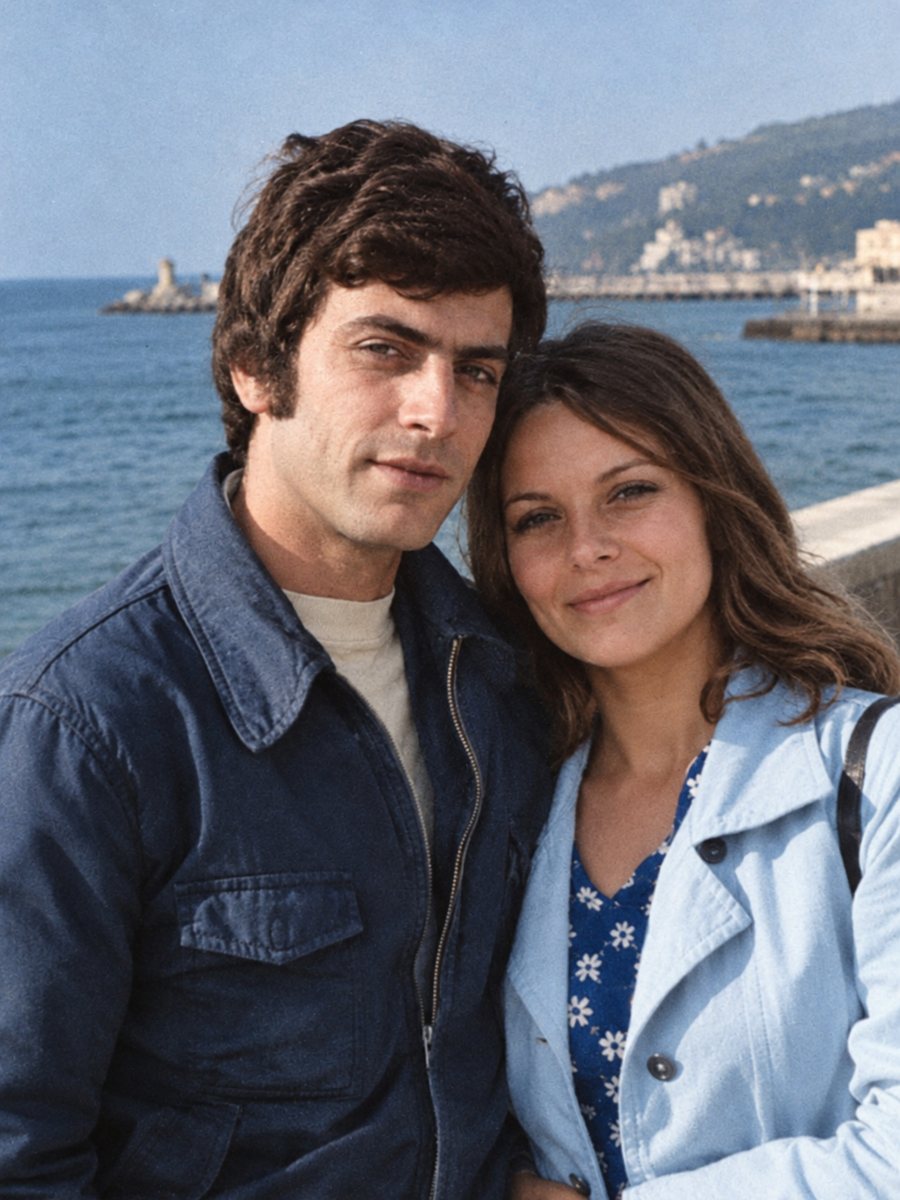 BeforeAfter
In short: Colorize black-and-white pictures from the 1960s while keeping grain and faces. Mention clothing and car colors in the caption for a closer match.
- Where: the VisuMate bot in Telegram, no app or sign-up.
- Cost: 2 credits per image, 7 images free, then packs from 49 Telegram Stars.
- Time: 1 to 2 minutes per image, rerun with a new instruction at the same price.
When you need this
- A parent's teenage photo from the 1960s is only in gray.
- The fashion and hair are interesting but you want to see the colors.
- A street scene shows signs and cars with unknown colors.
How to do it
- 1
Tap the button on this page. Telegram opens the bot, press Start and the right mode is already selected.
- 2
Send the black-and-white photo as a file (document) so Telegram does not compress it. In the caption write the colors you remember, for example: orange shift dress, light blue car, brick house.
- 3
In 1-2 minutes the colorized picture arrives in the chat. Download it, and if a color is off, run again with a hint in the caption.
Try it on your own photo: 7 images are free, no sign-up.
Make it in TelegramFashion colors in the 1960s
The decade had both pastels and strong colors. Without a hint, the AI leans toward natural, moderate tones. If a dress was orange or a coat was yellow, say so. The more specific you are about large areas, the closer the result will be. Small patterns such as plaid or flowers are interpreted loosely. A run takes 1-2 minutes and uses 2 credits, so trying a second version with a clearer caption is an easy step.
Backgrounds and signs
Background signs, shop fronts and cars give the picture its period, but their colors are a guess. If you want an accurate scene, check reference photos of the place. The bot will not read or add text. Tell it the colors you know and let it handle the rest. A better scan helps more than any setting, so rescan the print at 600 dpi or higher if you still have it.
Tips
- Mention bold clothing colors, the AI tends to pick calmer ones.
- Street scenes with signs get guessed colors, treat them as illustration.
- Check the skin tone against other color photos from the same family.
- Keep hair color realistic by naming it in the caption.
Questions and answers
Can it colorize a group at a party?
Yes. Give hints for the main clothes.
Will it add period colors automatically?
It uses general knowledge, which is not exact.
Does grain stay?
Yes.
Can I repair first?
Use the combined mode.
More in "Photo restoration"
- Colorize 1970s photographsSome 1970s family pictures are black-and-white and some are faded color. Send a scan and colorize it with...
- Colorize a sepia photoReplace the brown tone of a sepia print with natural colors. Send a scan and add hints for clothing, sky...
- Colorize 1950s photographsAdd color to 1950s family pictures: cars, kitchens, dresses and holidays. Hints in the caption keep the...
- Remove fingerprints from an old photoOily smudges and fingerprint marks that show up in scans of old prints can be cleaned from a clear scan or...