YouTube thumbnail from a text prompt
Describe the video topic, the three or four words for the thumbnail and the look, and the bot draws a 16:9 image. It suits channels that publish often and want a consistent style without an editing app.
- 2 credits per image
- Result in 1–2 minutes
- No sign-up
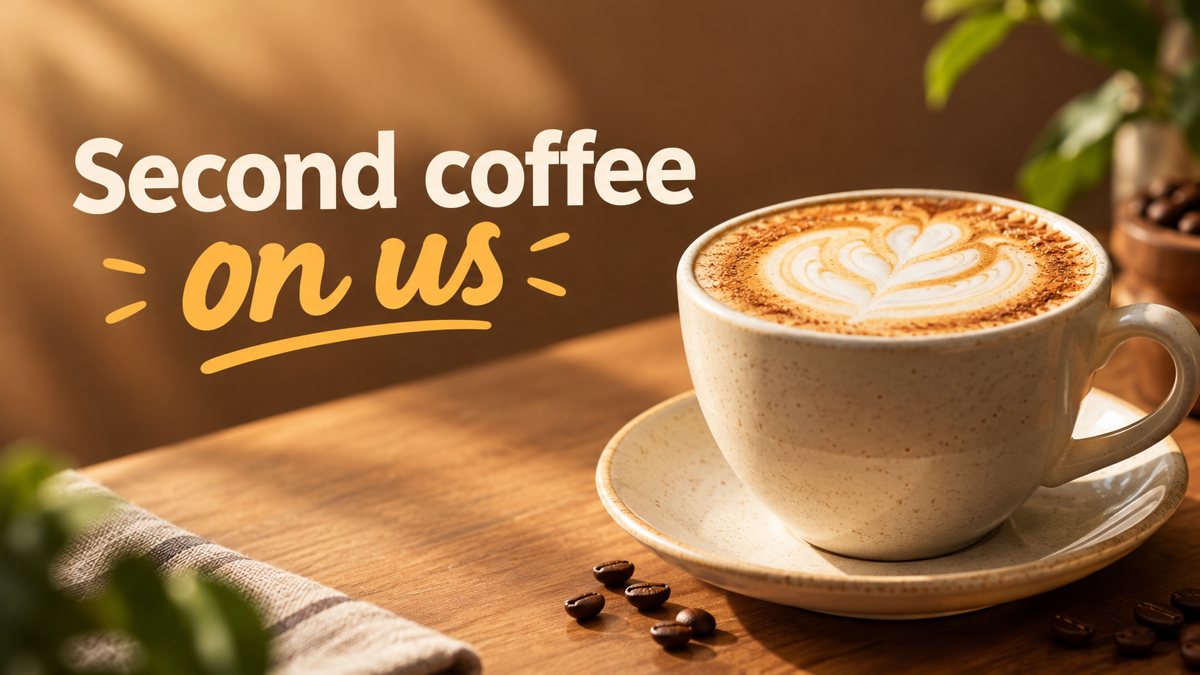 Made by the bot
In short: Make a YouTube thumbnail from a description in Telegram. 16:9 image with a short bold title, 3 credits per run, 15 free credits for new users.
- Where: the VisuMate bot in Telegram, no app or sign-up.
- Cost: 2 credits per image, 7 images free, then packs from 49 Telegram Stars.
- Time: 1 to 2 minutes per image, rerun with a new instruction at the same price.
When you need this
- Your thumbnails are screenshots with default fonts and nobody clicks them.
- You publish weekly and building a thumbnail in an editor eats an evening.
- You want to try a few ideas for the same video before choosing one.
How to do it
- 1
Tap the link on this page to open @visumate_ai_bot in Telegram, then press Start.
- 2
Write the topic and the words: a home espresso video, close-up of a portafilter with steam, dark background, text 'Fix Sour Shots'. Add the mood, like bold, clean or playful.
- 3
The banner comes back in the chat in 1–2 minutes (3 credits). Read the text letter by letter, then download it or rerun with a shorter line.
Try it on your own photo: 7 images are free, no sign-up.
Make it in TelegramWhy short text matters
On a phone feed a thumbnail is about the size of a postage stamp. Three words survive that, a sentence does not. AI also spells short words more reliably than long ones. Choose the most specific word from your title, such as a number, a tool name or a problem, and leave the rest to the video title. If the text comes out wrong, rerun with the same prompt and write the word in capital letters.
Keeping a channel look
Pick a style phrase and reuse it in every prompt, for example flat illustration with yellow background or dark studio photo with red accents. The AI will not copy it perfectly each time, but the family resemblance helps viewers recognize your videos. If you want the same face on every thumbnail, the bot is a weak fit, because it does not guarantee the same person across separate runs.
Tips
- YouTube thumbnails are shown at 1280×720, which is 16:9, the ratio the bot returns.
- Use two to four big words. At small sizes in the feed, long text is unreadable.
- Ask for a clear subject on one side and empty space on the other for the text.
- Look at the thumbnail at phone size before you upload it.
Questions and answers
Can the thumbnail include my face?
You can attach a photo as a reference, but the result is approximate and the likeness can vary between runs.
What is the thumbnail size?
The bot returns 16:9. YouTube shows 1280×720 thumbnails, so the ratio matches. Check the file size limit in YouTube Studio.
How much does one thumbnail cost?
3 credits per 16:9 banner. A Starter pack of 30 credits is from 199 Stars.
Does it add a play button or channel logo?
No. Add those yourself if you need them.
More in "Banners and stories"
- LinkedIn banner image generatorCreate a LinkedIn profile or company banner from a text description in Telegram. Wide image, clean style,...
- Etsy shop banner makerCreate an Etsy shop banner from a text prompt in Telegram. Wide image with your shop name or tagline, 3...
- Facebook ad image without a designerCreate a Facebook ad image from a plain-English brief in Telegram. Wide 16:9 banner with your headline, 3...
- Twitter/X header image makerCreate a Twitter/X profile header from a description in Telegram. Wide 16:9 image you can crop, 3 credits...
- Grand opening bannerGenerate a grand opening banner from a text description in Telegram. 16:9 image with a short headline, 3...