Etsy shop banner maker
Tell the bot what you make, the mood of your shop and the short text, and it draws a wide banner for the top of your Etsy shop page. Rerun to try other looks.
- 2 credits per image
- Result in 1–2 minutes
- No sign-up
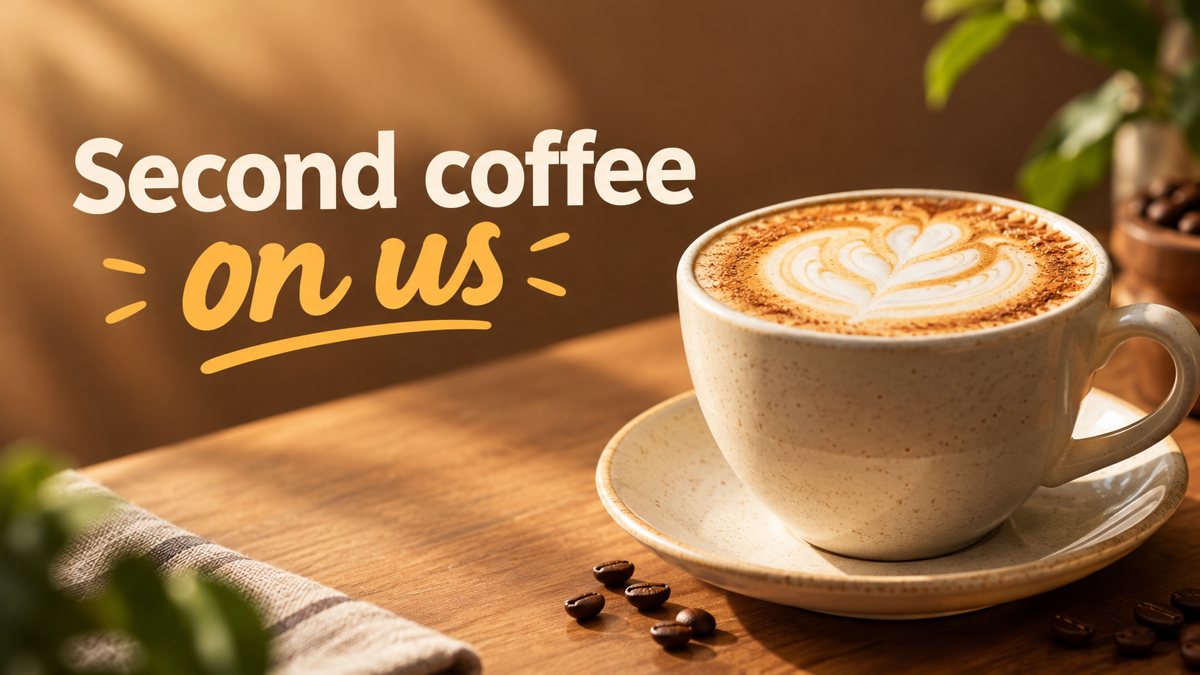 Made by the bot
In short: Create an Etsy shop banner from a text prompt in Telegram. Wide image with your shop name or tagline, 3 credits per run, 15 free credits for new users.
- Where: the VisuMate bot in Telegram, no app or sign-up.
- Cost: 2 credits per image, 7 images free, then packs from 49 Telegram Stars.
- Time: 1 to 2 minutes per image, rerun with a new instruction at the same price.
When you need this
- Your shop top is empty and buyers see no sign of your style.
- You make handmade items and stock templates look too corporate.
- You rebrand each season and need a quick new banner.
How to do it
- 1
Open the bot through the button on this page and press Start. Choose the banner scenario if it is not already open.
- 2
Describe what you sell and the look: hand-poured soy candles, warm kraft paper, dried lavender on a table, soft window light, text 'Small Batch Candles'.
- 3
The banner comes back in the chat in 1–2 minutes (3 credits). Read the text letter by letter, then download it or rerun with a shorter line.
Try it on your own photo: 7 images are free, no sign-up.
Make it in TelegramBanner versus listing photos
The banner sets the mood and your listings sell the item. So the banner image can be a scene, a texture or a flat lay with hints of your materials. Mention the materials and colors that appear in your product photos so the shop feels consistent. For the listing photos themselves, the product photo section of this site is the better fit, since the banner scene is generated and will not show your real product.
Fitting a very wide strip
The bot returns a 16:9 image and Etsy displays a much flatter strip. Crop in the Etsy uploader and place the subject in the central band before you save. If your tagline gets cut, rerun with the words centered and the scene arranged horizontally. Treat sizes here as guidelines and verify them in the Etsy shop manager, since the platform changes its layout from time to time.
Tips
- Etsy shows shop banners around 1200×300 on desktop, a very wide strip, so keep the scene simple and horizontal.
- Ask for a band layout with the subject across the middle and the text in a clear area.
- Use your shop name or a four-word tagline, not a paragraph.
- Check the Etsy upload preview on desktop and on the app.
Questions and answers
Can the banner show my real products?
The bot generates a scene from your description. You can attach a photo as a reference, but the result is approximate.
What size should I upload?
Etsy displays shop banners at about 1200×300 on desktop. Crop the 16:9 result in the uploader.
Will it spell my shop name right?
Short names usually come out right. Check every letter.
How many credits per banner?
3 credits per run, with 15 free credits for new users.
More in "Banners and stories"
- Shopify hero banner generatorMake a Shopify home page hero banner from a text brief in Telegram. 16:9 image with your headline, 3...
- Email newsletter header image generatorGenerate an email newsletter header from a description in Telegram. Wide 16:9 image for your issue or...
- LinkedIn banner image generatorCreate a LinkedIn profile or company banner from a text description in Telegram. Wide image, clean style,...
- Restaurant menu promo bannerCreate a restaurant promo banner for a menu special from a short brief in Telegram. 16:9 image with your...
- Free banner maker alternativeA different way to make a banner: describe it in Telegram instead of editing templates. 3 credits per...