LinkedIn banner image generator
Describe your field, the one-line text and the mood, and the bot returns a wide banner for your LinkedIn profile or company page. You crop it in LinkedIn to the exact frame.
- 2 credits per image
- Result in 1–2 minutes
- No sign-up
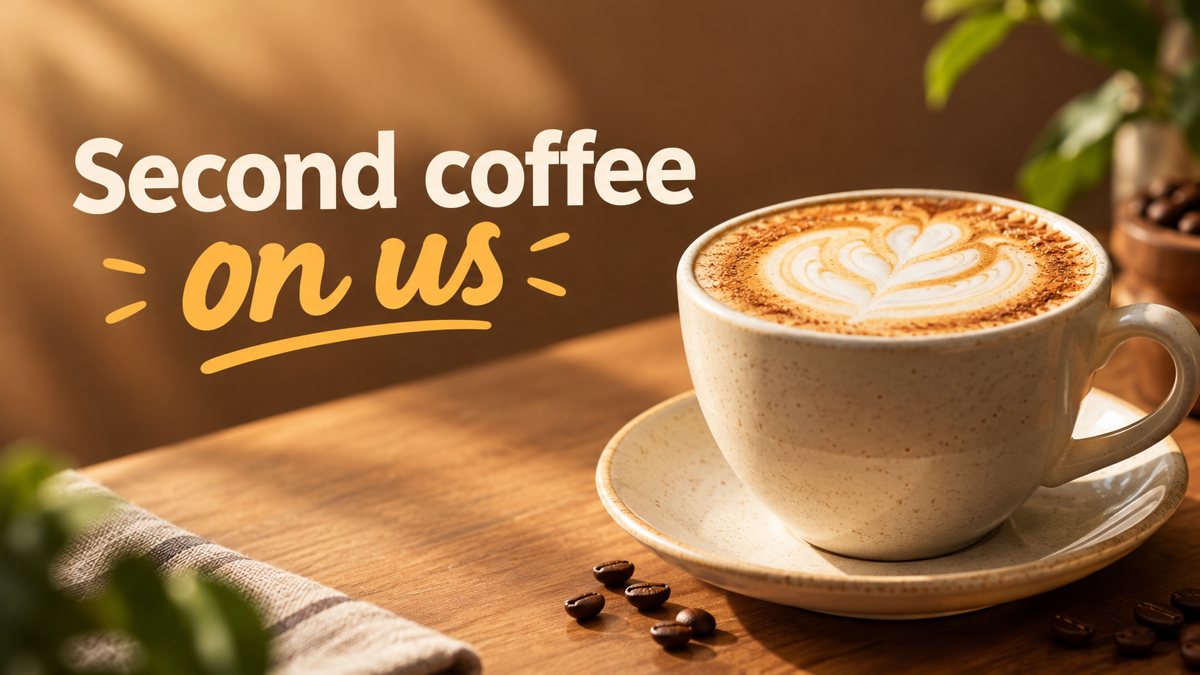 Made by the bot
In short: Create a LinkedIn profile or company banner from a text description in Telegram. Wide image, clean style, 3 credits per run, 15 free credits to start.
- Where: the VisuMate bot in Telegram, no app or sign-up.
- Cost: 2 credits per image, 7 images free, then packs from 49 Telegram Stars.
- Time: 1 to 2 minutes per image, rerun with a new instruction at the same price.
When you need this
- Your LinkedIn profile still has the default blue background.
- You freelance and want a banner that shows what you do in one glance.
- A company page needs a banner for a webinar or a hiring push.
How to do it
- 1
Open the bot with the link on this page, press Start and pick the banner mode.
- 2
Describe the field and the line: a B2B copywriter, minimal desk with notebook and coffee, calm blue palette, text 'Clear Copy for SaaS'.
- 3
Wait 1–2 minutes for the 16:9 result. Check the spelling of each word, then save the file or run again with a tweak.
Try it on your own photo: 7 images are free, no sign-up.
Make it in TelegramProfile banner or company banner
A personal banner works best as a quiet backdrop with one line about what you do. A company page banner can carry a campaign, such as an event or a hiring message. In both cases LinkedIn crops the image to a much wider frame than 16:9, so ask the bot for a simple scene with the subject in the middle and extra space left and right. Then crop in LinkedIn and keep the text inside the safe middle band.
Words that fit
Pick a role plus a topic: 'Product Design for Fintech', 'Tax Help for Freelancers'. Avoid superlatives and promises you cannot prove, and avoid certifications or logos of other companies. The bot does not place a logo exactly, so add a real one afterward if your brand needs it. Read each letter of the banner text before you publish, because a typo in a professional header is more visible than anywhere else.
Tips
- LinkedIn profile banners are very wide, so crop the 16:9 result in the upload dialog and check the preview.
- Keep text on the right or left third. Your profile photo covers the lower left on desktop.
- Use a calm palette. Busy scenes fight with the headline and the photo.
- One short line is enough. Put contact details in the About section.
Questions and answers
Does the bot match LinkedIn's exact banner size?
It returns 16:9. LinkedIn banners are wider, so you crop in the upload dialog.
Can it use my company colors?
Name the colors in the prompt. The match is approximate, so check them against your brand.
Is the output free of typos?
Short lines usually come out well. Always proofread the text on the image.
How many credits does it take?
3 credits for a banner. New users start with 15 free credits.
More in "Banners and stories"
- Etsy shop banner makerCreate an Etsy shop banner from a text prompt in Telegram. Wide image with your shop name or tagline, 3...
- Shopify hero banner generatorMake a Shopify home page hero banner from a text brief in Telegram. 16:9 image with your headline, 3...
- YouTube thumbnail from a text promptMake a YouTube thumbnail from a description in Telegram. 16:9 image with a short bold title, 3 credits per...
- Coffee shop promo bannerMake a coffee shop promo banner from a short brief in Telegram. Wide 16:9 image for your window screen,...
- Banner with text from a promptHow to get a banner with readable text from a plain prompt in Telegram. Short words, clear layout,...