SMM freelancer image workflow
Freelancers juggle several brands. Keep one style sentence per client, generate images in Telegram and finish them in your usual tools. The bot saves the time you spend searching stock sites.
- 2 credits per image
- Result in 1–2 minutes
- No sign-up
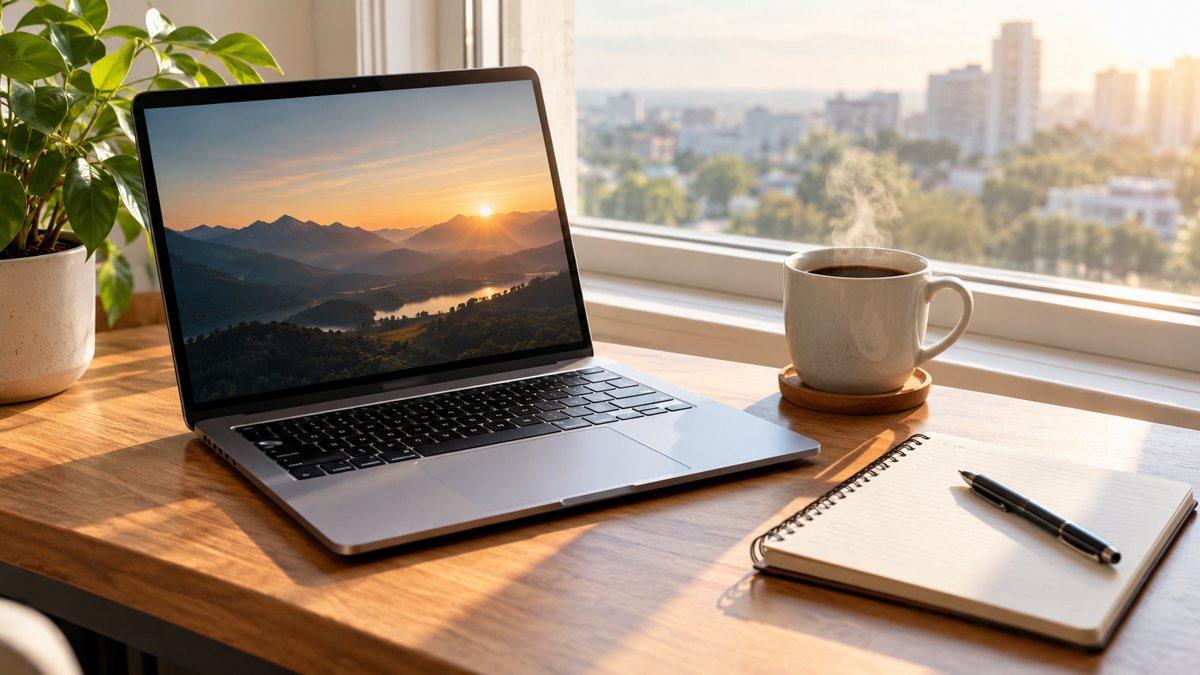 Made by the bot
In short: A workflow for social media freelancers: one style sentence per client, prompts in Telegram, images in minutes. 2 credits each, 15 free credits to try.
- Where: the VisuMate bot in Telegram, no app or sign-up.
- Cost: 2 credits per image, 7 images free, then packs from 49 Telegram Stars.
- Time: 1 to 2 minutes per image, rerun with a new instruction at the same price.
When you need this
- Each client wants a different look.
- Content calendars need many images.
- Stock searches eat billable hours.
How to do it
- 1
Tap the link on this page to open @visumate_ai_bot in Telegram, then press Start.
- 2
Write a style sentence per client with palette, mood and subject rules, then add the post topic each time.
- 3
The image comes back in 1–2 minutes (2 credits). Look at hands, text and small objects first, then save it or rerun with a changed prompt.
Try it on your own photo: 7 images are free, no sign-up.
Make it in TelegramA prompt sheet per client
Write each client's palette, mood, banned subjects and font preferences into a short style sentence. Paste it at the start of every prompt. Keep the sheet in a note with examples of approved images. When you onboard a new client, test three prompts and agree on the look before you build the calendar. Charge for the planning and curation, not only for the images, since your judgment about what to publish is the real service.
Batch and approve
Prepare a week or a month of prompts at once. Generate, review and discard weak results. Send clients a contact sheet for approval. Check every image for odd details and for text errors. Tell clients when images are AI generated, if your contract or the platform requires it. Track credits per client so costs are clear. Send clients a short summary of what was generated and what was edited, which keeps the process transparent.
Tips
- Create a one-line style sentence for every client.
- Batch the prompts for a week.
- Get client approval on the first set.
- Keep prompts in a shared note.
Questions and answers
Can I share one account for clients?
Check the bot terms.
How do I keep a look?
Use a style sentence.
Do I need to disclose AI?
Follow your contract and platform rules.
Cost?
2 credits.
More in "Banners and stories"
- Background images for presentationsMake background images for presentations from a text prompt in Telegram. Calm, wide images with room for...
- Newsletter illustration generatorMake illustrations for email newsletters from a text prompt in Telegram. Clean images for headers and...
- Image for an ad without a designerMake an ad image without a designer. Describe the scene in Telegram, get an image in 1–2 minutes, 2...
- Facebook ad image without a designerCreate a Facebook ad image from a plain-English brief in Telegram. Wide 16:9 banner with your headline, 3...
- Open house banner for realtorsCreate an open house banner for a listing from a text brief in Telegram. 16:9 image with a short headline,...