Background images for presentations
Describe a calm wide scene with room for text, and the bot draws a slide background. Use one style across a deck for a consistent look.
- 2 credits per image
- Result in 1–2 minutes
- No sign-up
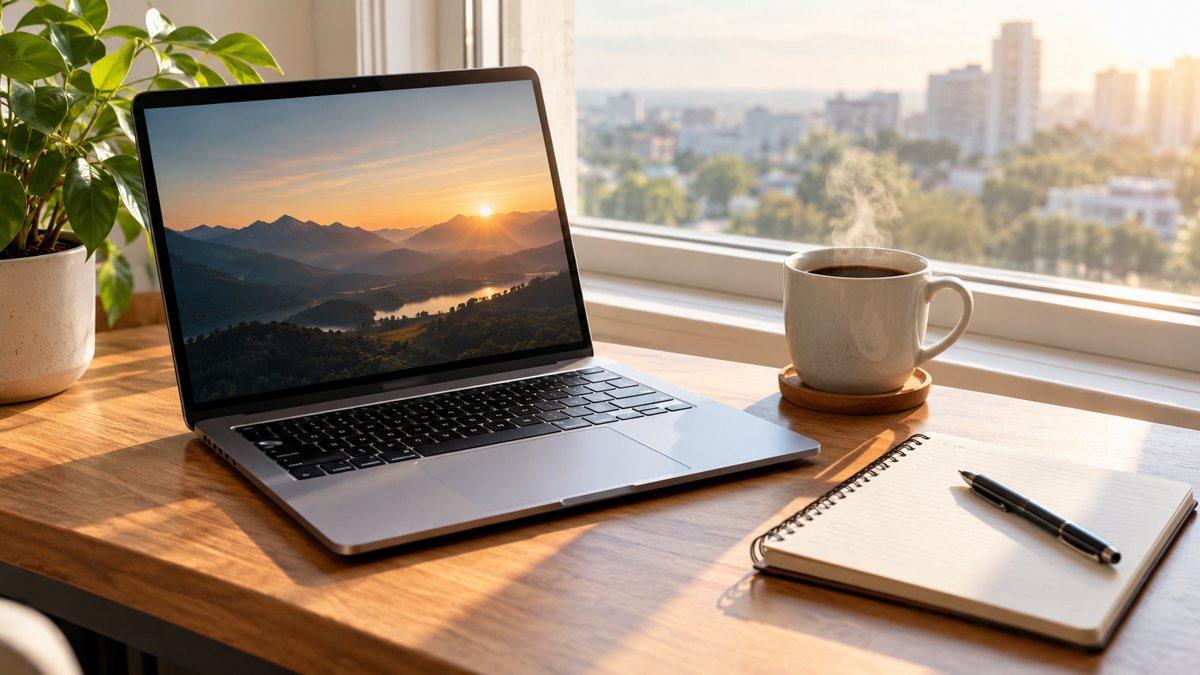 Made by the bot
In short: Make background images for presentations from a text prompt in Telegram. Calm, wide images with room for text, 2 credits each, 15 free credits to start.
- Where: the VisuMate bot in Telegram, no app or sign-up.
- Cost: 2 credits per image, 7 images free, then packs from 49 Telegram Stars.
- Time: 1 to 2 minutes per image, rerun with a new instruction at the same price.
When you need this
- Default templates look dated.
- Stock photos clash with your content.
- You need a cover and section images.
How to do it
- 1
Open the bot with the link on this page and press Start. You land in the image from a prompt mode.
- 2
Describe it: a presentation background, soft blue gradient waves on the left and an empty clean area on the right, subtle texture, wide 16:9.
- 3
In 1–2 minutes the image arrives in the chat for 2 credits. Check the details, then download it or run again.
Try it on your own photo: 7 images are free, no sign-up.
Make it in TelegramSupport, not compete
A slide background must not fight the text. Choose soft gradients, subtle textures or blurred scenes. Ask for a clean area where the text will sit. Keep the colors close to your brand. For a cover slide, a stronger scene works. For content slides, quieter backgrounds are better. Test the slide on a projector or a shared screen before the meeting, because colors and contrast change on different displays.
Consistency
One style across all slides looks professional. Use a style sentence and generate the cover, a section divider and a content background together. Check contrast between your text color and the background on a projector or a shared screen. Avoid images with tiny details or faces, which distract. Export the images and set them as slide backgrounds in your tool. Keep one backup deck with plain backgrounds in case a venue's equipment shows the images poorly.
Tips
- Ask for wide 16:9 framing.
- Leave a large empty area for text.
- Use low contrast backgrounds behind text.
- Use one style across the deck.
Questions and answers
Does it create full slides?
It makes images. Add text in your slide tool.
Which ratio?
Request 16:9.
Can I match brand colors?
Name them.
Cost?
2 credits.
More in "Banners and stories"
- Newsletter illustration generatorMake illustrations for email newsletters from a text prompt in Telegram. Clean images for headers and...
- TikTok video background imageMake vertical background images for TikTok videos from a text prompt in Telegram. 9:16 scenes with room...
- SMM freelancer image workflowA workflow for social media freelancers: one style sentence per client, prompts in Telegram, images in...
- YouTube thumbnail from a text promptMake a YouTube thumbnail from a description in Telegram. 16:9 image with a short bold title, 3 credits per...
- Online course launch bannerMake a banner for an online course launch from a text brief in Telegram. 16:9 image with a short title, 3...