Newsletter illustration generator
Describe the topic of the issue, and the bot draws an illustration for the header or a section. Keep a recurring style so subscribers recognize your emails.
- 2 credits per image
- Result in 1–2 minutes
- No sign-up
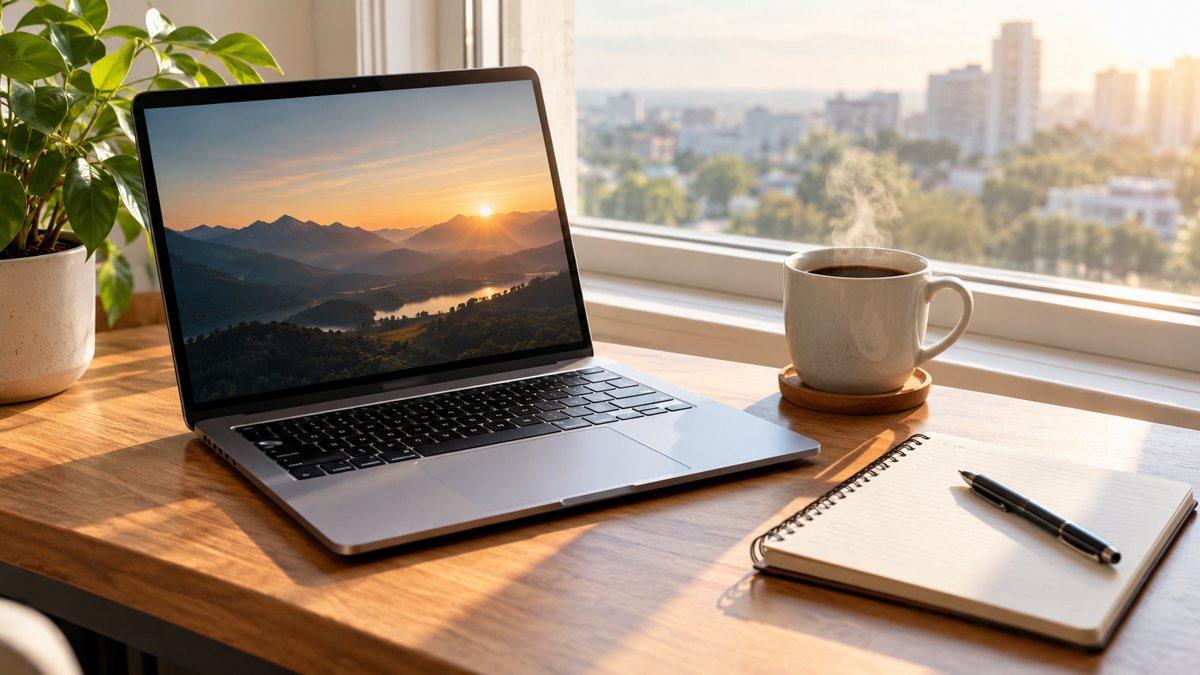 Made by the bot
In short: Make illustrations for email newsletters from a text prompt in Telegram. Clean images for headers and sections, 2 credits each, 15 free credits to start.
- Where: the VisuMate bot in Telegram, no app or sign-up.
- Cost: 2 credits per image, 7 images free, then packs from 49 Telegram Stars.
- Time: 1 to 2 minutes per image, rerun with a new instruction at the same price.
When you need this
- Every issue needs a header image.
- Stock photos feel generic in an email.
- You want a recognizable look.
How to do it
- 1
Tap the link on this page to open @visumate_ai_bot in Telegram, then press Start.
- 2
Describe it: a newsletter header illustration, a cozy desk with a notebook and a coffee cup, flat style, warm yellow and brown, wide.
- 3
Wait 1–2 minutes for the result. Check the details, then download the file or run again with a tweak.
Try it on your own photo: 7 images are free, no sign-up.
Make it in TelegramA recognizable header
Subscribers open many emails. A header with the same style each issue helps yours stand out. Choose an illustration style, flat, watercolor or simple line, and a small palette. Change the scene each week to match the topic. Keep the main subject centered so that mobile crops do not cut it. Pair each illustration with a short caption in real text, so readers who block images still get the point of the section.
Email realities
Large images slow down email and can land in spam filters, so compress them before sending. Add alt text since some clients block images by default. Do not put important text only in the image. Test the issue on a phone and on a desktop client. Keep the headline in real text below the header. Keep a folder of past headers by issue date, which makes it easy to repeat a style that readers liked.
Tips
- Pick a recurring style, such as flat illustration.
- Use a wide ratio for headers.
- Keep file sizes small for email.
- Add alt text for accessibility.
Questions and answers
What width?
Request a wide image and resize in your email tool.
Can I keep the same style?
Reuse a style sentence.
Does it make GIFs?
No. Static images.
Cost?
2 credits.
More in "Banners and stories"
- TikTok video background imageMake vertical background images for TikTok videos from a text prompt in Telegram. 9:16 scenes with room...
- Prompt writing for business imagesLearn a simple formula for writing prompts for business images: subject, place, light, colors, space for...
- Background images for presentationsMake background images for presentations from a text prompt in Telegram. Calm, wide images with room for...
- LinkedIn banner image generatorCreate a LinkedIn profile or company banner from a text description in Telegram. Wide image, clean style,...
- Webinar banner imageGenerate a webinar banner from a short brief in Telegram. Wide 16:9 image with the topic as a headline, 3...