TikTok video background image
Describe a vertical scene, and the bot draws a background for talking videos, text slides and green-screen style clips. Keep the center calm for your face or captions.
- 2 credits per image
- Result in 1–2 minutes
- No sign-up
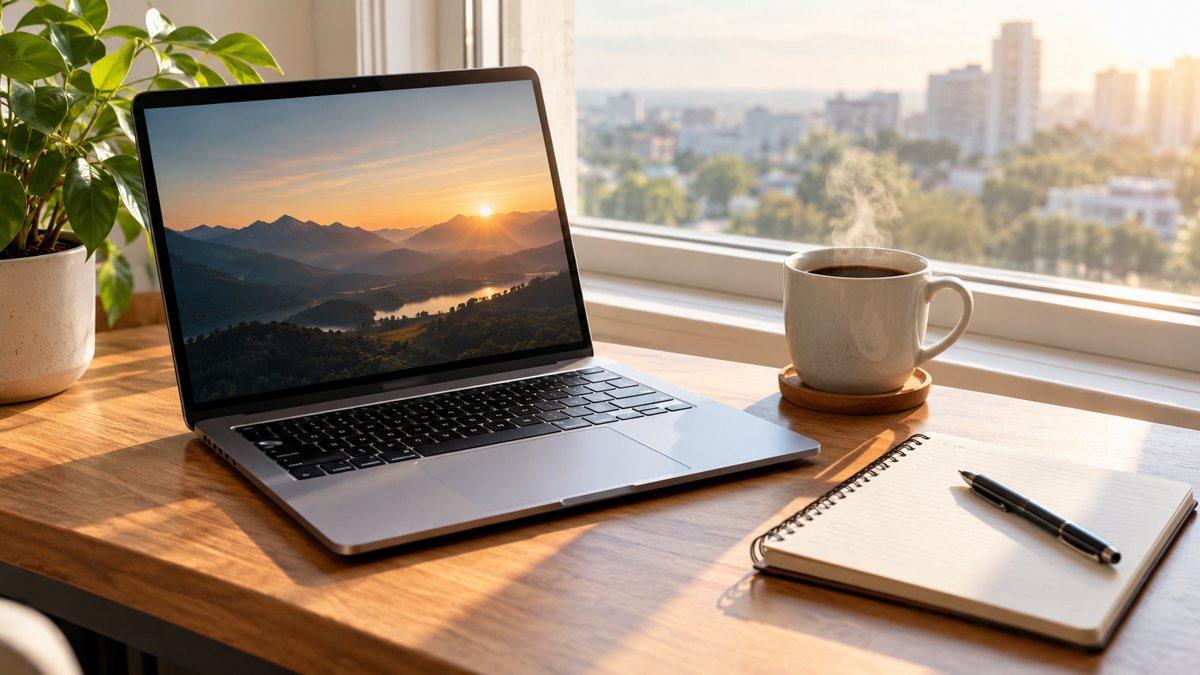 Made by the bot
In short: Make vertical background images for TikTok videos from a text prompt in Telegram. 9:16 scenes with room for captions, 2 credits each, 15 free credits.
- Where: the VisuMate bot in Telegram, no app or sign-up.
- Cost: 2 credits per image, 7 images free, then packs from 49 Telegram Stars.
- Time: 1 to 2 minutes per image, rerun with a new instruction at the same price.
When you need this
- Your room is not camera ready.
- Text videos need a clean backdrop.
- You want a recognizable look across clips.
How to do it
- 1
Tap the link on this page to open @visumate_ai_bot in Telegram, then press Start.
- 2
Describe it: a vertical 9:16 background, a softly blurred bookshelf in warm light, calm center area, no text.
- 3
Wait 1–2 minutes for the result. Check the details, then download the file or run again with a tweak.
Try it on your own photo: 7 images are free, no sign-up.
Make it in TelegramSafe zones
TikTok places buttons and captions on the sides and the bottom. Keep important parts of the background away from the edges, and keep the center calm. Soft blurred rooms, gradients and simple textures work well behind a speaker or on-screen text. Avoid sharp, busy patterns that make captions hard to read. Record a short test clip with the background and your captions to check readability before filming the full video.
Using it
Set the image as a background in your video editor, or use a green-screen effect. Keep the same background style across a series to build a look. Do not use images that imply you are in a place you are not, if that would mislead. Check that the image contains no logos or readable text that you did not ask for. Make two or three backgrounds in one style, so a series of videos feels connected without repeating one image.
Tips
- Ask for 9:16 vertical framing.
- Keep the middle clean for your face or captions.
- Avoid busy patterns that compete with text.
- Check the safe zones on the platform.
Questions and answers
Does it create video?
No. Static images.
Which ratio?
Ask for vertical 9:16.
Can I use it in Reels?
Yes, the format is the same.
Cost?
2 credits.
More in "Banners and stories"
- Prompt writing for business imagesLearn a simple formula for writing prompts for business images: subject, place, light, colors, space for...
- Pinterest idea board imagesMake Pinterest idea board images from a text prompt in Telegram. Vertical scenes for inspiration boards, 2...
- Newsletter illustration generatorMake illustrations for email newsletters from a text prompt in Telegram. Clean images for headers and...
- Etsy shop banner makerCreate an Etsy shop banner from a text prompt in Telegram. Wide image with your shop name or tagline, 3...
- Nonprofit fundraiser bannerCreate a fundraiser banner for a nonprofit from a text brief in Telegram. 16:9 image with a short campaign...