LinkedIn banner size and how to make one
LinkedIn Help recommends a personal profile background photo of 1584×396 pixels. That is a very wide strip, much wider than the 16:9 image the bot makes. The workable approach is to generate the picture with the subject in the center and empty edges, then crop.
- 2 credits per image
- Result in 1–2 minutes
- No sign-up
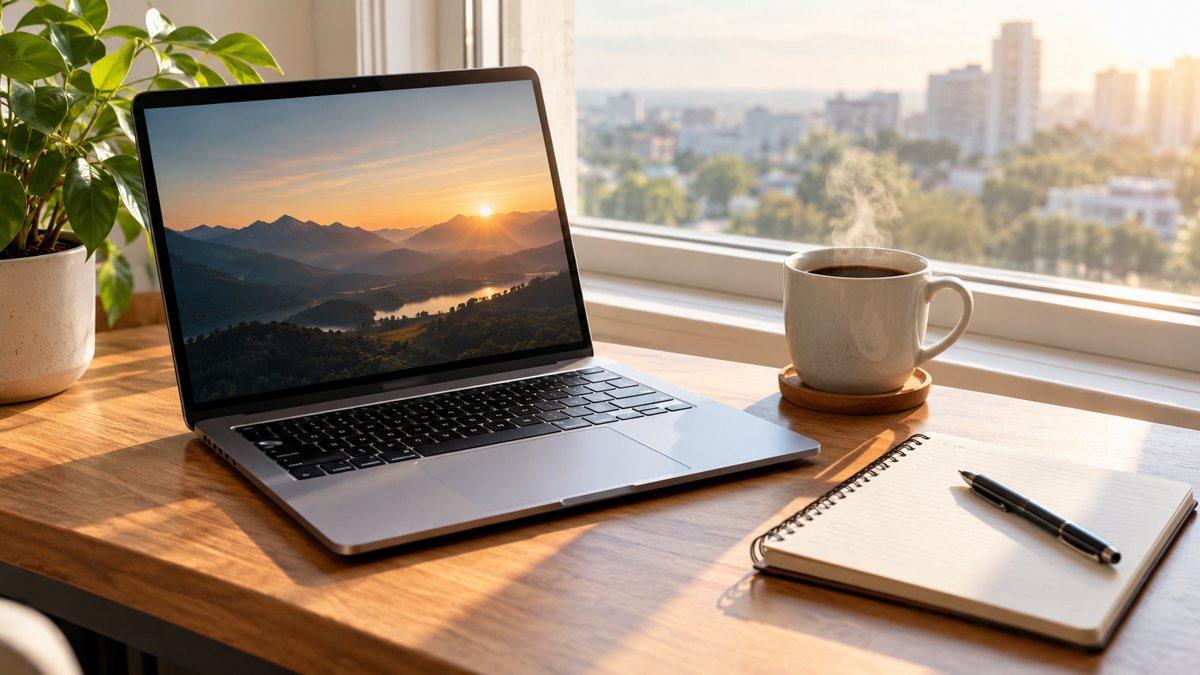 Made by the bot
In short: LinkedIn banner size for a personal profile: 1584x396, JPG or PNG, under 8 MB. How to make a wide banner from a 16:9 AI image by cropping.
- Where: the VisuMate bot in Telegram, no app or sign-up.
- Cost: 2 credits per image, 7 images free, then packs from 49 Telegram Stars.
- Time: 1 to 2 minutes per image, rerun with a new instruction at the same price.
When you need this
- Your banner is cropped, blurry or has the wrong part cut off.
- You do not know whether the personal and company sizes are the same.
- You want a custom banner but have no designer.
How to do it
- 1
Open the bot with the link on this page and press Start. Choose the image mode and 16:9.
- 2
Describe a calm scene: the subject in the center, plain or soft areas on the left and right, no text near the edges.
- 3
Download the 16:9 image, then crop it in any editor to a wide strip close to 1584×396 and upload it to LinkedIn.
Try it on your own photo: 7 images are free, no sign-up.
Make it in TelegramPersonal profile banner
On the LinkedIn Help page for the background photo (checked 2026-10-13), LinkedIn recommends 1584 (w) × 396 (h) pixels, a JPG or PNG file, and a size under 8 MB. The ratio is 4:1. After uploading you can crop, reposition and rotate the photo inside LinkedIn, which helps when your crop is a little off.
Company page cover
A LinkedIn help page stating the company page cover size was not available when this page was checked, and third-party guides disagree on the number. Look up the current figure in your Page admin view on LinkedIn before you design. The same approach works there: generate a calm scene, crop to the wide shape, and test.
From 16:9 to a wide strip
The bot returns 16:9 images, not 4:1. So you ask for a composition that survives a crop. Example: a quiet city skyline at dusk, soft blue gradient sky, subject placed in the center, wide empty areas to the left and right, no text. After cropping to the middle band you keep the skyline and lose some sky. If you want a close match to your brand, name your colors in the description.
Tips
- The profile photo covers the lower-left part of the banner, so keep the main elements away from that corner.
- Ask for a wide landscape or an abstract pattern. These survive heavy cropping.
- Skip text, or keep a short line in the middle after cropping.
- Crop first, then check the result on both phone and desktop.
- Use JPG or PNG, the formats LinkedIn lists.
Questions and answers
What is the LinkedIn banner size?
For a personal profile, LinkedIn Help recommends 1584×396 pixels, JPG or PNG, under 8 MB.
Can the bot make exactly 1584×396?
No. It makes 16:9. You crop the result to the wide shape in an editor.
Can I put my name on the banner?
You can ask for short text, but AI may misspell it. Adding the text in an editor is safer.
Does the bot place my logo?
Not exactly. You can send it as a reference, and the result is approximate. Add the real logo yourself.
How many tries do I get for free?
The image mode costs 2 credits, so the 15 free credits give you 7 tries.
More in "Banners and stories"
- LinkedIn banner image generatorCreate a LinkedIn profile or company banner from a text description in Telegram. Wide image, clean style,...
- LinkedIn post image generatorMake a LinkedIn post image from a description in Telegram. Clean square 1:1 graphics with a short...
- Twitter/X header image makerCreate a Twitter/X profile header from a description in Telegram. Wide 16:9 image you can crop, 3 credits...
- Facebook cover photo maker from a text promptMake a Facebook cover photo from a text description in Telegram. Wide 16:9 image with your short text, 3...
- YouTube channel art bannerCreate a YouTube channel art banner from a description in Telegram. 16:9 image with a short tagline, 3...